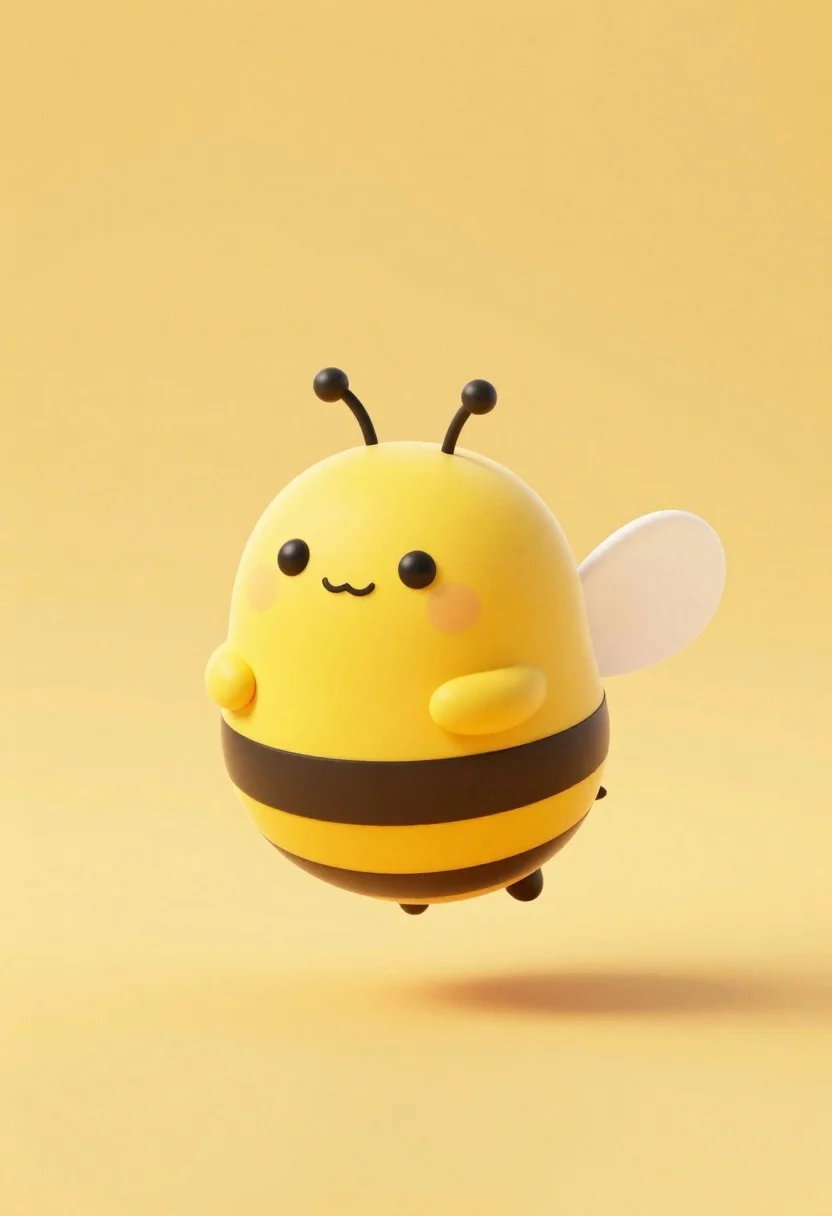
Cute round 3d animated bee character floating in midair against solid yellow
Prompt
A cute, round 3D animated bee character floating in mid-air against a solid yellow background.

Subject: A chubby, cartoon-style bee with a large yellow head and body featuring thick black stripes around the abdomen.

Clothing: No clothing is present on the subject.

Action: The bee is hovering or floating gently, facing forward with a happy expression.

Environment: A minimalist setting with a seamless, solid bright yellow background that fills the entire frame.

Camera: Centered composition with a soft depth of field that blurs the shadow beneath the character slightly to indicate height.

Lighting: Soft, even studio lighting coming from the front and top, creating gentle highlights on the rounded body and smooth shadows underneath.
Second

Subject: None.

Objects: None.

Interaction: None.

Text/Graphics: None.

Style Details: 3D render with a soft toy aesthetic, pastel color palette, clean lines, and a cute, kawaii design style.
Description
This prompt is useful for creating children's book illustrations, mascot designs for educational apps, and whimsical character concept art. The combination of 'soft toy aesthetic,' 'pastel color palette,' and 'cute, kawaii design style' ensures the bee avoids looking like a realistic insect, instead presenting it as a tangible, huggable object suitable for young audiences.
Suggestions
- Change 'solid yellow background' to 'pale lemon yellow background' for a softer overall tone.
- Add 'bokeh effect' to the camera settings for more dreamlike depth.
- Swap 'chubby' for 'plump' to slightly alter the perceived roundness of the body.
Category
Tags
3dAnimalFull BodyOutdoorsStudio
Date added
June 26, 2026
Added by
PromptDexter Team
Related Prompts
More prompts with similar categories and tags.
Young boy in yellow sweater hugged by blue robotic cat on blue
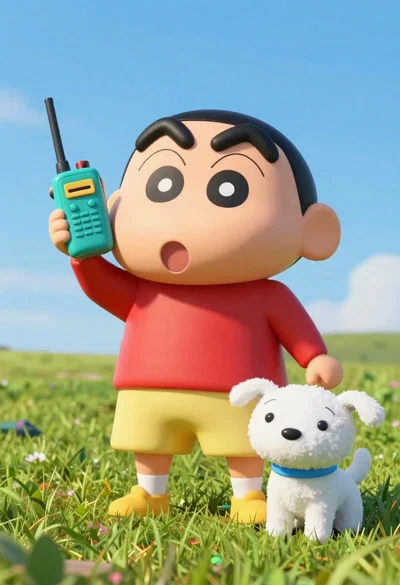
Cheerful plush toy boy holding a teal walkie talkie on a grassy

Three animated characters standing together against a solid blue background
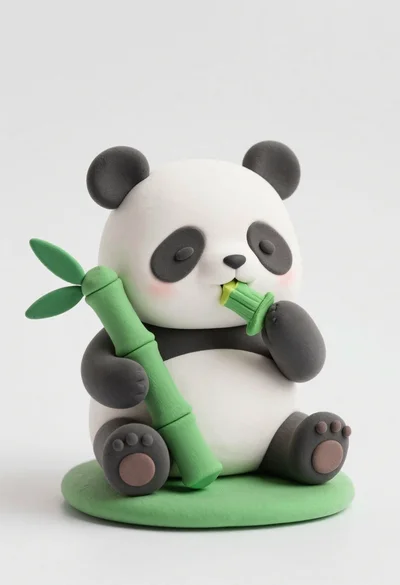
Cute clay panda figurine eating bamboo on a green base

Cute orange and white plush fox dressed as a pirate holding treasure

Full body studio shot of woman and anthropomorphic fox character
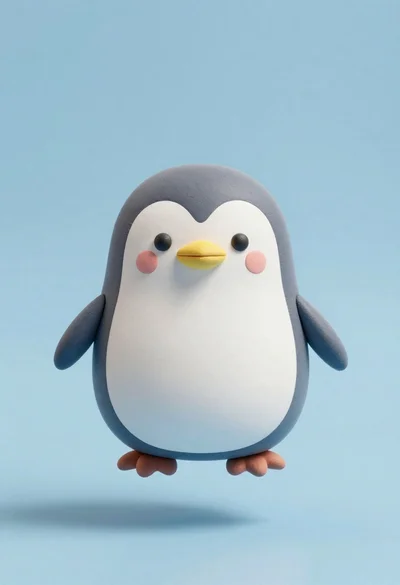
Cute chubby penguin floating in mid air against solid pastel blue background
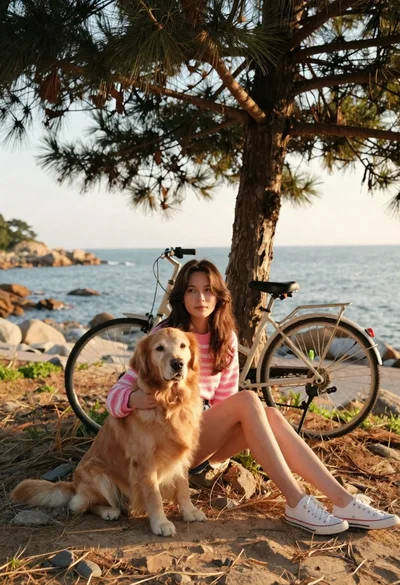
Young woman with brown hair and golden retriever under pine tree