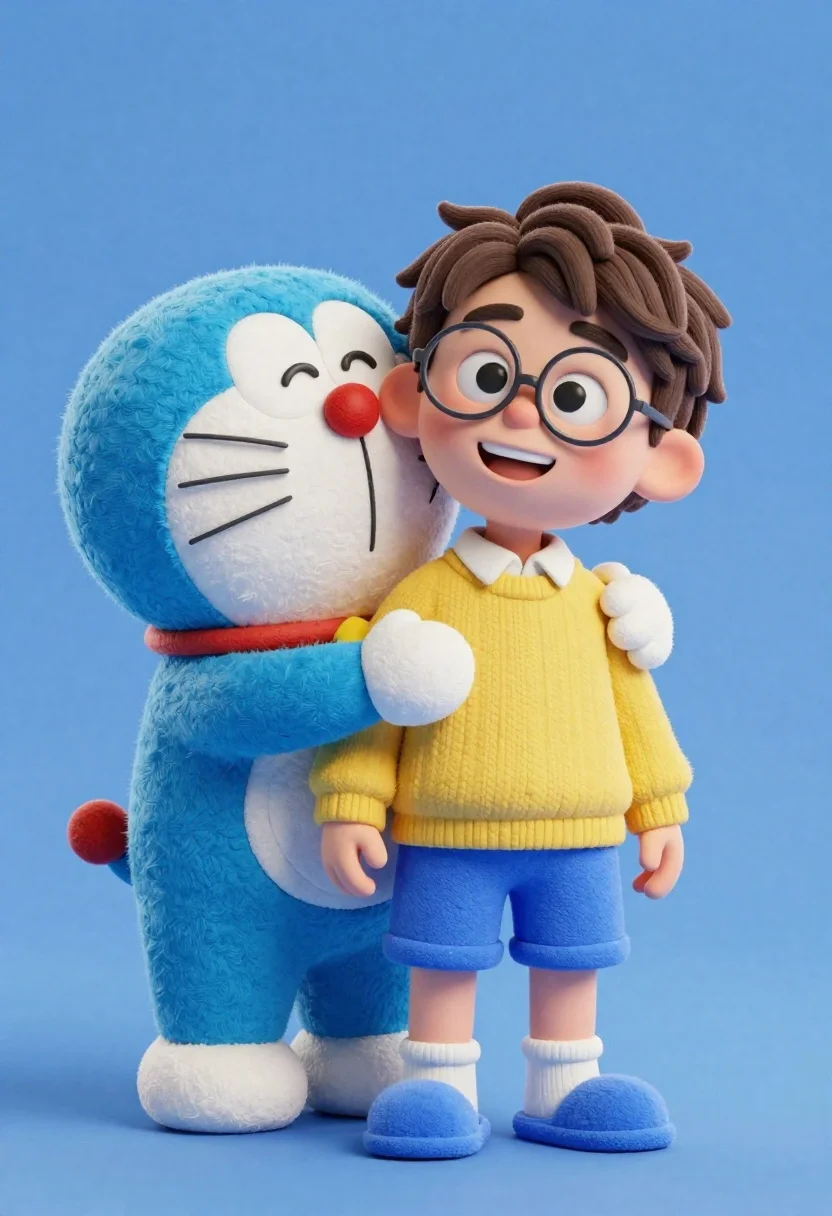
Young boy in yellow sweater hugged by blue robotic cat on blue
Prompt
A boy with round glasses and a yellow sweater stands smiling while being hugged from behind by a large blue robotic cat with a red nose.

Subject: A young boy with brown hair and round wire-rimmed glasses, wearing a yellow sweater over a white collared shirt, paired with blue shorts and blue slippers. Beside him is a large, fluffy blue robotic cat with a white muzzle, whiskers, and a prominent red nose.

Clothing: The boy wears a bright yellow knit sweater, a white collared undershirt, blue shorts, white socks, and fuzzy blue slippers. The cat wears a red collar.

Action: The boy stands facing forward with a wide, happy smile. The robotic cat hugs the boy from behind, resting its chin on his shoulder with a tired or sleepy expression.

Environment: A solid, smooth blue background that fills the entire frame.

Camera: Eye-level medium shot capturing both characters from the knees up against the plain backdrop.

Lighting: Soft, even studio lighting illuminating the subjects from the front, creating gentle shadows and highlighting the fuzzy textures of their fur and clothing.

Style Details: High-quality 3D animation with a soft, plush texture resembling clay or felt, featuring vibrant colors and a clean, modern aesthetic.
Description
This prompt is useful for creating character concept art for animated shorts, playful product visualizations, and stylized children's book illustrations. The combination of 'soft, plush texture resembling clay or felt' with 'soft, even studio lighting' ensures that the vibrant colors pop without harsh reflections, which is ideal for maintaining a consistent, tactile look across all featured elements like the 'yellow sweater' and blue background.
Suggestions
- Change 'blue shorts' to 'khaki shorts' for contrast.
- Swap 'red nose' for 'gold nose' to match the yellow sweater.
- Adjust 'soft, even studio lighting' to 'rim lighting' for more separation.
Category
Tags
3dAnimalBrown HairFictional CharacterFull BodyMaleMedium ShotOutdoorsRobot
Date added
June 23, 2026
Added by
PromptDexter Team
Related Prompts
More prompts with similar categories and tags.

Three animated characters standing together against a solid blue background

Woman in police uniform stands with fox wearing shirt against white studio

Full body studio shot of woman and anthropomorphic fox character

Full body studio portrait of woman with two animated animal friends

Smiling woman next to pink panther mascot in a seamless pastel studio

Smiling young woman posing with large blue robot cat mascot on solid
Stylized bobblehead soccer player in yellow jersey standing confidently against red background
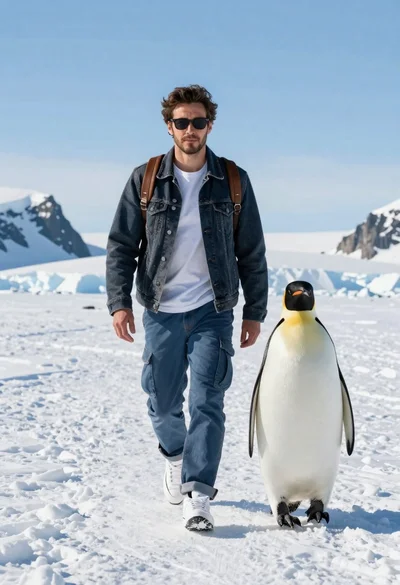
Man and emperor penguin walking together through snowy arctic landscape