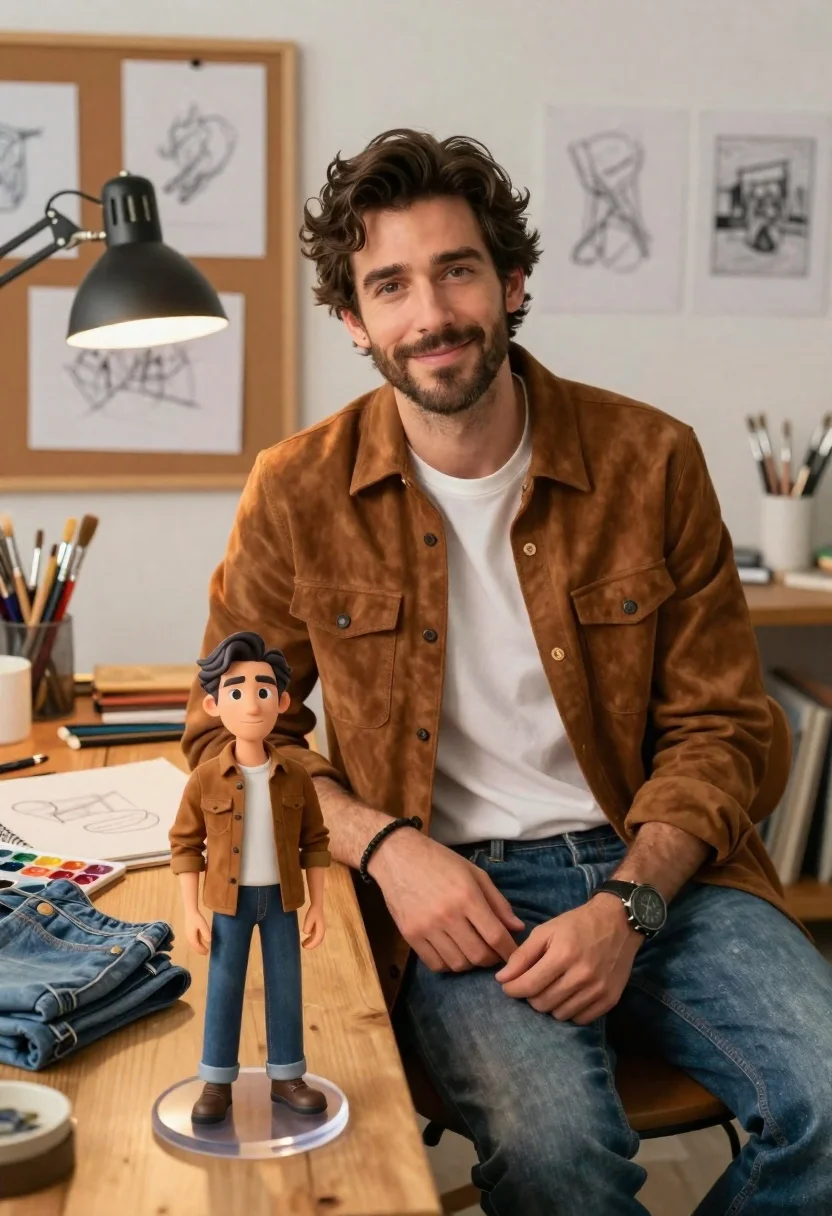
Handsome man in suede shirt sitting at desk in art studio
Prompt
A handsome man with dark wavy hair sits at a wooden desk in an art studio, smiling warmly at the camera while wearing a brown suede shirt over a white t-shirt and blue jeans.

Subject: A handsome man with dark wavy hair, light eyes, and a short beard sitting at a wooden desk.

Clothing: Brown suede button-up shirt with chest pockets, white crew-neck t-shirt underneath, blue denim jeans, black wristwatch on the left wrist, and a black bracelet on the right wrist.

Action: The man is seated in a relaxed pose, leaning slightly forward with his hands resting near his lap, looking directly at the viewer with a gentle smile.
Second

Subject: A miniature 3D animated version of the same man stands on a clear acrylic base on the desk, wearing an identical outfit.

Environment: A cozy art studio setting featuring a corkboard with sketches in the background, a large black adjustable desk lamp illuminating the workspace, and jars filled with paintbrushes.

Objects: A wooden desk surface holding a folded pair of blue jeans, a watercolor palette with mixed paints, a sketchbook with pencil drawings, and a white cup holding brushes.

Lighting: Warm ambient light from the overhead desk lamp creates soft highlights on the man's face and hands, contrasting with the softer background illumination.

Camera: Medium shot capturing the man from the waist up with the miniature figure in the foreground, utilizing a shallow depth of field to keep the subject sharp while softly blurring the background sketches.

Style Details: Photorealistic rendering with high fidelity textures on the suede and denim, clean lighting, and a cinematic composition that blends realistic photography with 3D character design elements.
Description
This prompt is useful for creating product visualizations featuring miniature collectibles, editorial lifestyle shots blending physical objects with digital characters, and concept art for animated advertising campaigns. The combination of 'photorealistic rendering' textures on the suede and denim alongside the inclusion of a 'miniature 3D animated version' allows the model to convincingly merge disparate media types while the 'shallow depth of field' directs focus precisely where the narrative needs it.
Suggestions
- Change 'brown suede shirt' to 'dark forest green corduroy shirt' for seasonal variation.
- Replace 'blue denim jeans' with 'khaki chinos' to alter the overall color palette.
- Adjust 'Warm ambient light from the overhead desk lamp' to 'bright, cool daylight streaming through a window' for a different mood.
Category
Tags
3dBrown HairFair SkinFull BodyMaleMedium ShotRealisticStudio
Date added
June 21, 2026
Added by
PromptDexter Team
Related Prompts
More prompts with similar categories and tags.
Young woman in blue traditional outfit standing next to her animated 3d

Smiling young woman posing with large blue robot cat mascot on solid
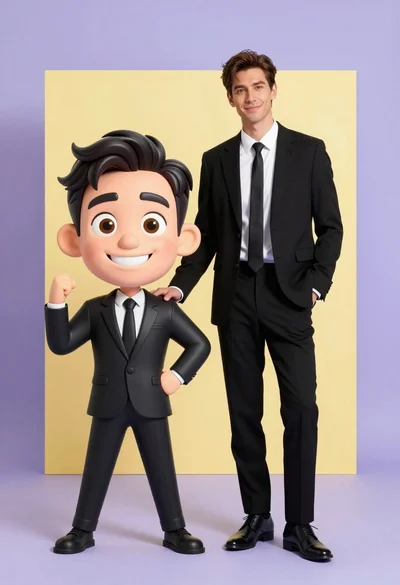
Photorealistic man next to large caricature in black suits studio setting
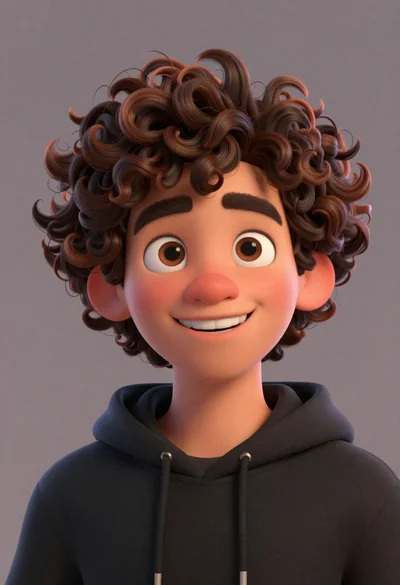
Close up portrait of cheerful young man with curly brown hair
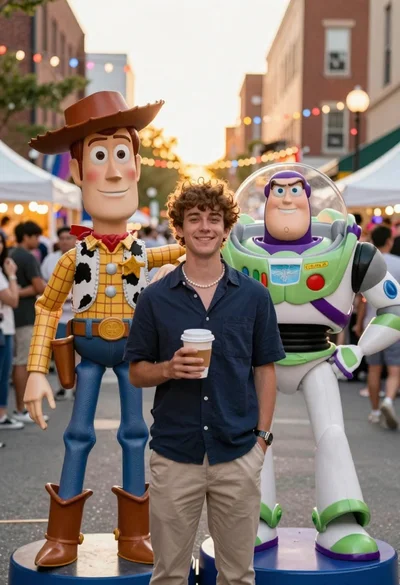
Young man smiling between toy figures on a crowded street fair

Woman in police uniform stands with fox wearing shirt against white studio
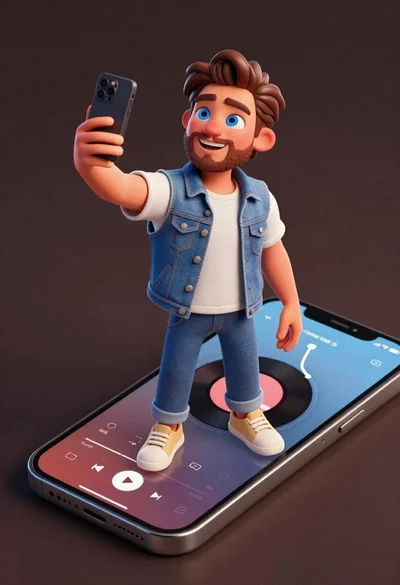
Cheerful young man taking selfie while standing on giant smartphone screen

Muscular man in blue blazer on solid deep blue background