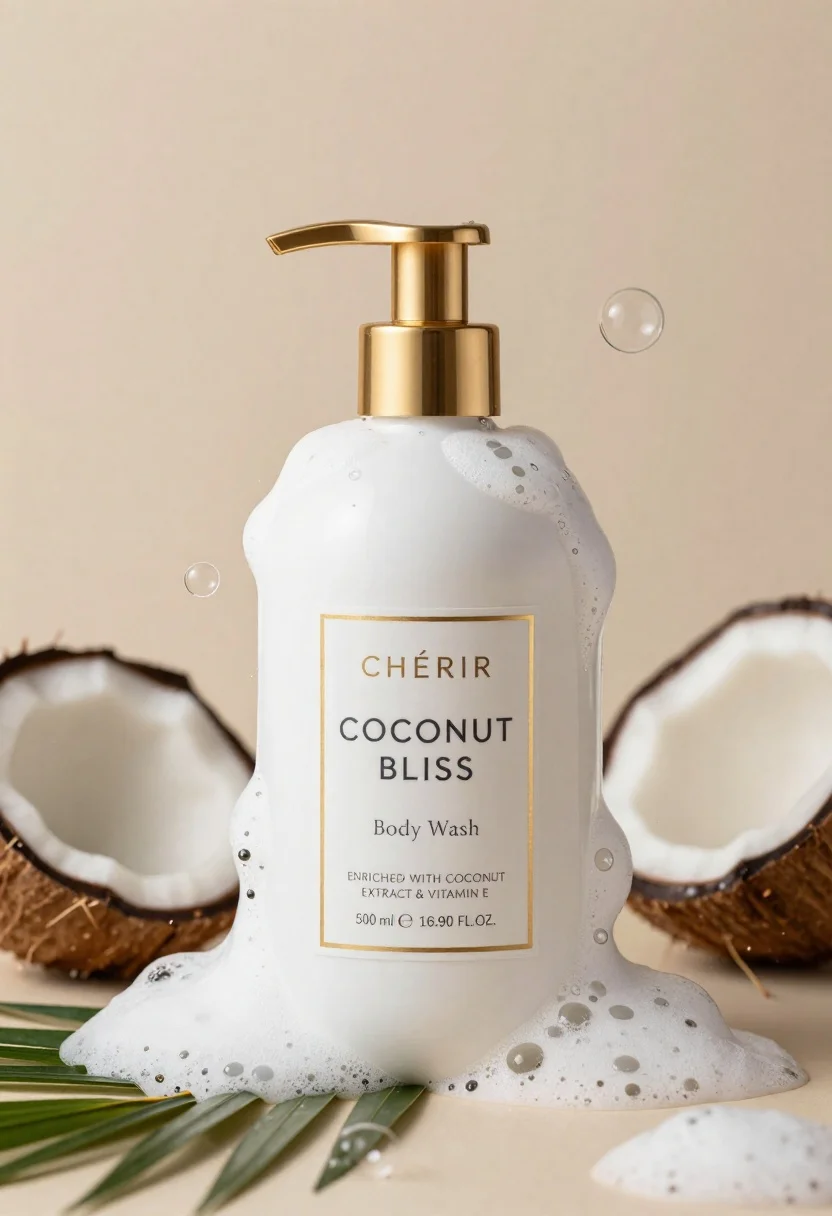
Luxurious white body wash bottle with gold pump amidst splashing foam bubbles
Prompt
A luxurious white bottle of body wash with a gold pump dispenser stands centrally amidst splashing milk-white foam and floating bubbles.

Subject: A sleek white plastic bottle featuring a prominent gold pump mechanism and a minimalist label design.

Clothing: The bottle features a rectangular white label bordered in thin gold, displaying the brand name "CHÉRIR" in elegant serif typography above the product description "COCONUT BLISS Body Wash".

Action: Thick, creamy foam cascades down the front of the bottle while dynamic splashes of liquid and translucent bubbles float in the air around it.

Environment: The scene is set against a soft, warm beige background that suggests a spa-like atmosphere with scattered coconut shells and green palm leaves at the base.

Camera: A close-up product shot with a shallow depth of field that keeps the bottle sharp while softly blurring the surrounding bubbles and background elements.

Lighting: Soft, diffused lighting creates gentle highlights on the gold pump and wet surfaces, casting subtle shadows to emphasize the texture of the foam and liquid.

Objects: Several broken coconut halves are arranged around the base of the bottle, along with floating clear soap bubbles and sprays of liquid.

Text/Graphics: The label reads "CHÉRIR", "COCONUT BLISS", "Body Wash", "ENRICHED WITH COCONUT EXTRACT & VITAMIN E", and volume details "500 ml e 16.90 FL.OZ.".

Style Details: High-end commercial photography style with hyper-realistic textures, clean composition, and a warm color palette emphasizing luxury and freshness.
Description
This prompt is useful for creating high-end cosmetic advertisements, spa retail displays, and lifestyle product catalog imagery. The combination of 'soft, diffused lighting' with the 'gold pump dispenser' ensures that metallic elements catch light beautifully without harsh reflections, while the shallow depth of field isolates the bottle against the soft background to maintain focus on the luxury branding.
Suggestions
- Change 'warm beige background' to 'marble countertop' for a cooler feel.
- Swap 'coconut shells' for 'smooth river stones' to alter the texture at the base.
- Adjust 'soft, diffused lighting' to 'rim lighting' to make the foam appear more ethereal.
Category
Tags
BeachClose UpOutdoorsRealistic
Date added
June 26, 2026
Added by
PromptDexter Team
Related Prompts
More prompts with similar categories and tags.
Grey and white hiking boot on wet rocky ground
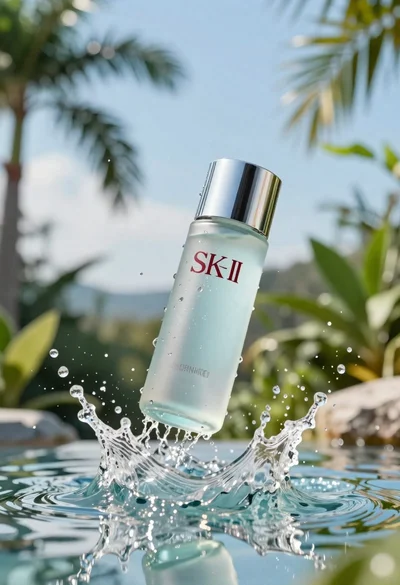
Clear glass skincare bottle suspended in water splash outdoors
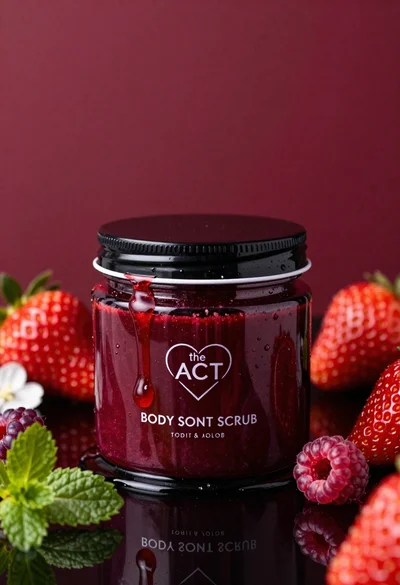
Glossy black jar of deep red body salt scrub surrounded by fresh

Closeup product shot of hand holding frosted glass spray bottle with colorful

Clear glass serum bottle with lemons and water splashes in studio
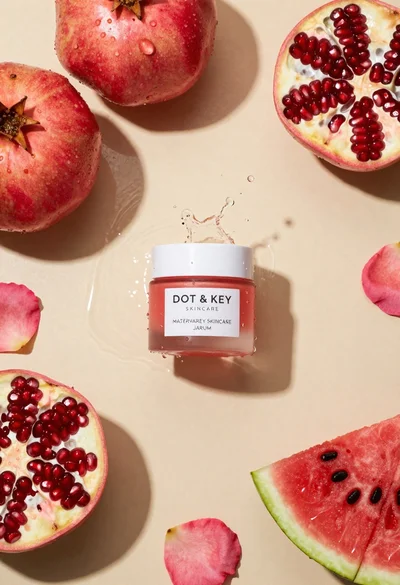
Top down flat lay of skincare jar with fruit and water splashes
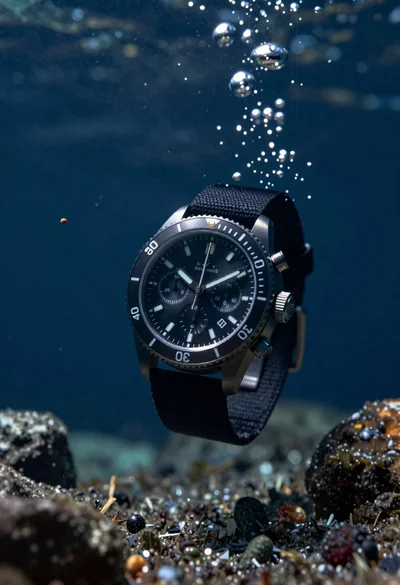
Black chronograph watch with fabric strap floating in deep blue underwater scene
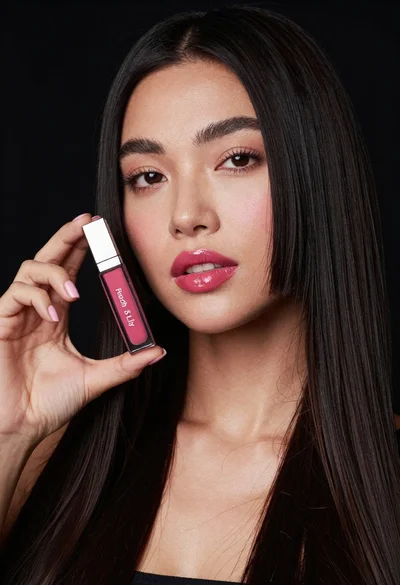
Woman holding lip gloss tube against black background in closeup