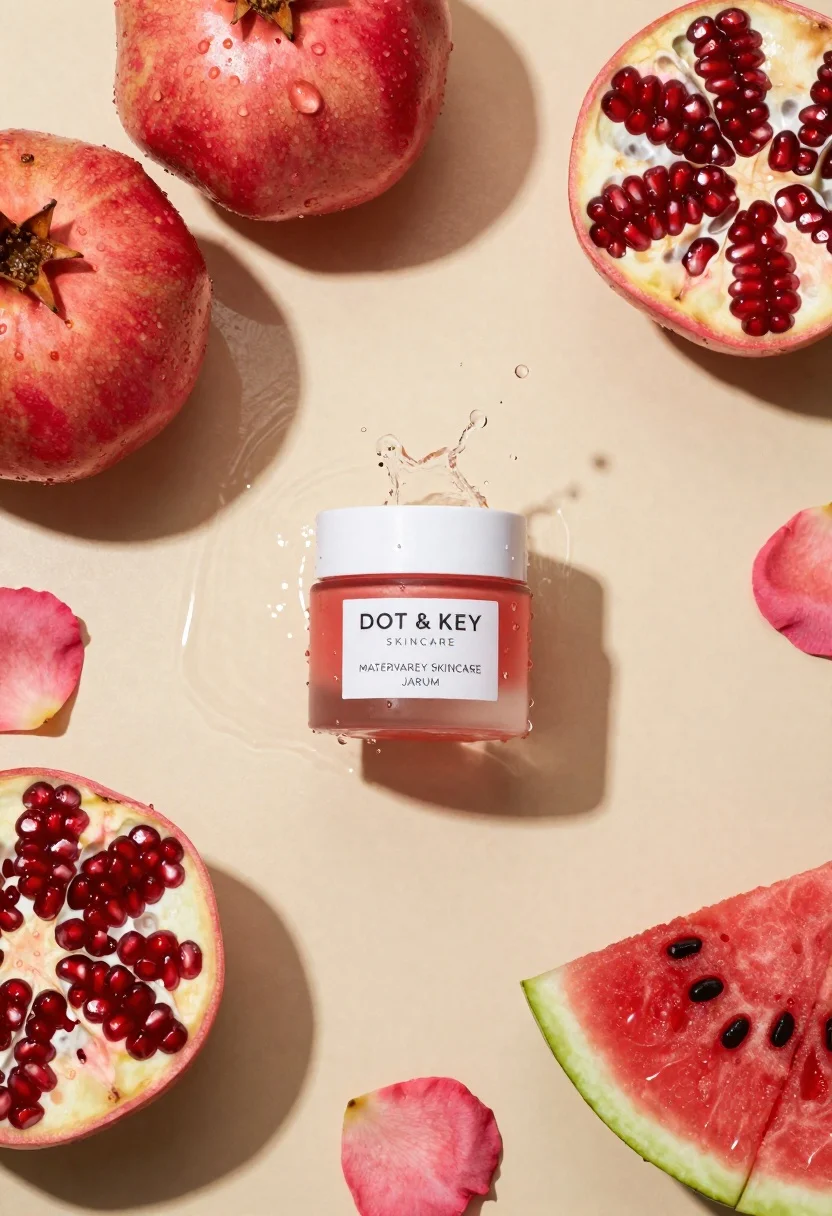
Top down flat lay of skincare jar with fruit and water splashes
Prompt
A top-down flat lay of a skincare jar surrounded by fresh fruit and water splashes on a beige background.

Subject: A small glass jar with a white lid containing a pinkish serum, featuring a prominent white label.

Clothing: Not visible.

Action: Water is captured mid-splash around the jar, creating dynamic droplets and ripples.

Environment: A smooth, matte beige surface that serves as a neutral backdrop for the composition.

Camera: Top-down flat lay angle with high-key lighting emphasizing texture and clarity.

Lighting: Bright, soft studio lighting that creates gentle shadows and highlights the moisture on the jar and fruit.
Second

Subject: Not visible.

Objects: Whole pomegranates, halved pomegranates revealing red seeds, slices of watermelon, and scattered pink rose petals.

Interaction: The water splash connects the central product with the surrounding fruit elements.

Text/Graphics: A white label on the jar reads "DOT & KEY SKINCARE" and "MATERVAREY SKINCARE JARUM".

Style Details: High-resolution commercial photography with vibrant colors, sharp focus, and a fresh aesthetic.
Description
This prompt is useful for creating e-commerce product listings, beauty editorial spreads, and lifestyle blog visuals needing immediate visual appeal. The combination of 'high-key lighting' and the inclusion of 'water splashes' ensures that every surface—the matte beige background, the fruit, and the jar itself—will exhibit visible moisture and sharp detail, preventing a flat or dull appearance.
Suggestions
- Change 'beige background' to 'marble countertop' for more luxury texture.
- Add 'macro lens perspective' to emphasize droplet detail.
- Swap 'pinkish serum' for 'golden yellow serum' to change the product focus.
Category
Tags
BeachOutdoorsRealisticStudioTop Down
Date added
June 23, 2026
Added by
PromptDexter Team
Related Prompts
More prompts with similar categories and tags.
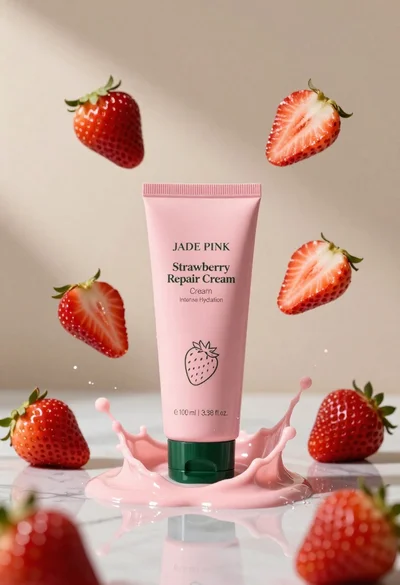
Pink cosmetic tube with strawberry repair cream splashes in studio
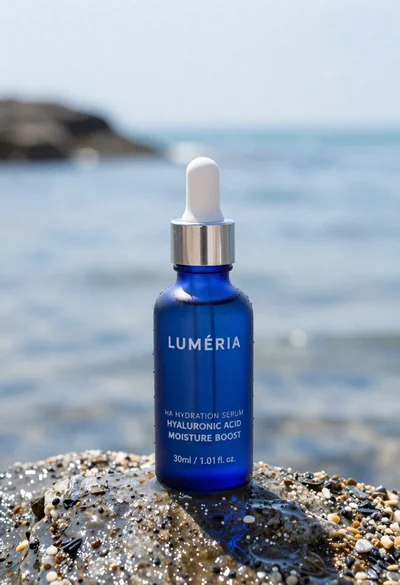
Blue glass dropper bottle of serum standing on wet rock at water
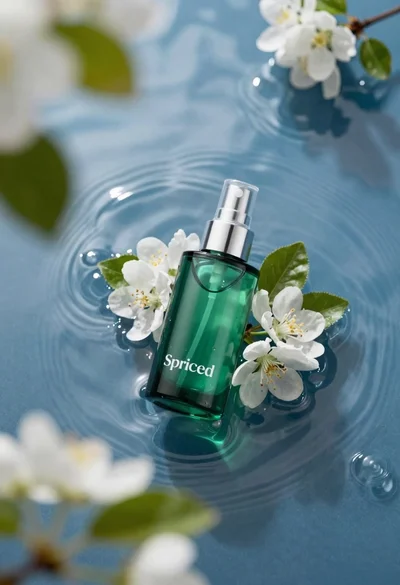
Green skincare bottle floating on rippling blue water
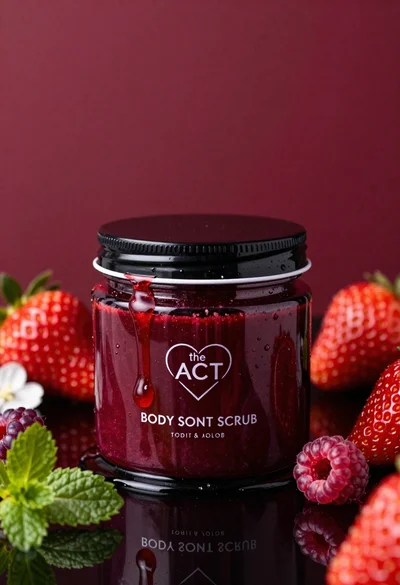
Glossy black jar of deep red body salt scrub surrounded by fresh
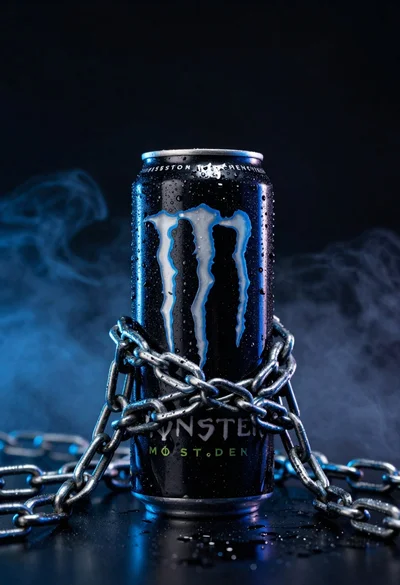
Black monster energy can wrapped in metal chains on reflective floor

Closeup product shot of hand holding frosted glass spray bottle with colorful
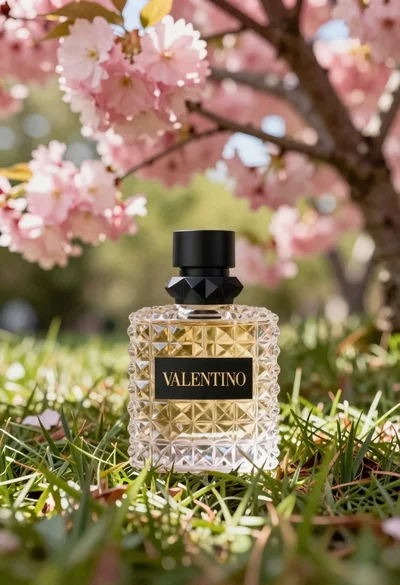
Transparent glass perfume bottle with black cap on green grass under pink
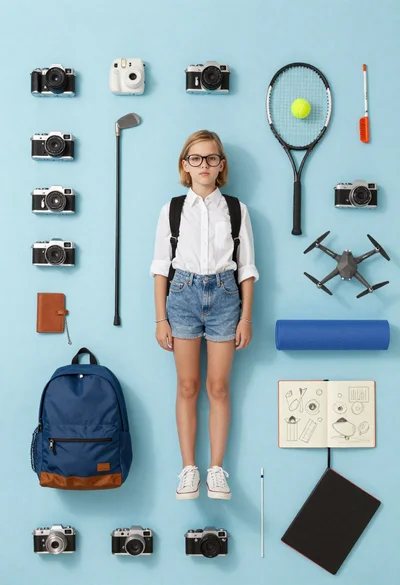
Girl surrounded by hobbies on a light blue background