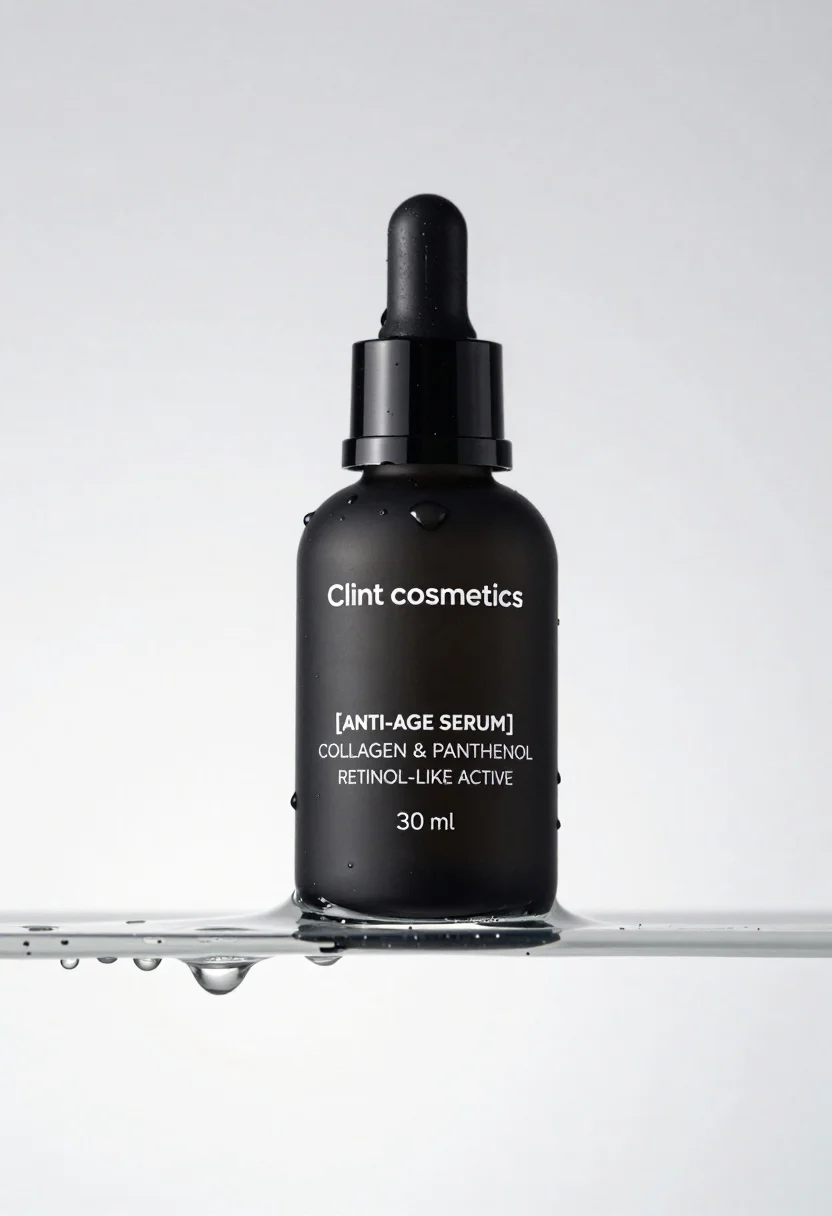
Macro shot of black serum bottle on floating water slab studio product
Prompt
A sleek black cosmetic bottle with a dropper cap rests on a floating slab of clear water.

Subject: A matte black cylindrical serum bottle featuring a glossy black dropper top and pump mechanism.

Clothing: Not applicable.

Action: The bottle is stationary, resting partially submerged in the water block.

Environment: A minimalist studio setting with a seamless white background that fades to light grey.

Camera: High-angle shot looking down at the product, utilizing a macro lens feel to capture fine details like droplets and reflections.

Lighting: Soft, diffused studio lighting creates gentle highlights on the glass and water surface while maintaining deep shadows within the bottle's contours.
Second

Subject: Not applicable.

Objects: A rectangular block of clear water with visible air bubbles and dripping liquid edges.

Interaction: The water block supports the bottle, with droplets falling from the submerged edge to emphasize fluidity.

Text/Graphics: White sans-serif typography on the bottle reads "Clint cosmetics" at the top, followed by "[ANTI-AGE SERUM]", "COLLAGEN & PANTHENOL", "RETINOL-LIKE ACTIVE", and "30 ml".

Style Details: High-end commercial product photography with hyper-realistic rendering, sharp focus, and a clean, clinical aesthetic.
Description
This prompt is useful for creating high-end cosmetic advertising campaigns, e-commerce detail pages, and luxury brand mood boards. The combination of 'matte black' surfaces against the 'clear water' block, emphasized by 'soft, diffused studio lighting,' ensures that reflections and droplets are visible without harsh glare, which is crucial for conveying product purity and scientific efficacy.
Suggestions
- Change 'seamless white background' to 'polished concrete backdrop' for an industrial feel.
- Swap 'dropper cap' for 'airless pump dispenser' if the serum is thicker.
- Adjust 'macro lens feel' to 'tilt-shift perspective' for a more miniature look.
Category
Tags
High AngleMacro ShotRealisticStudio
Date added
June 19, 2026
Added by
PromptDexter Team
Related Prompts
More prompts with similar categories and tags.
Glossy pink cosmetic jar with cream surrounded by strawberries and ice cream
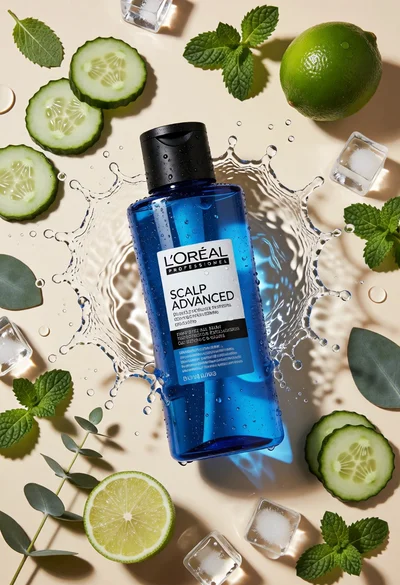
Topdown studio shot of blue shampoo bottle with fresh ingredients
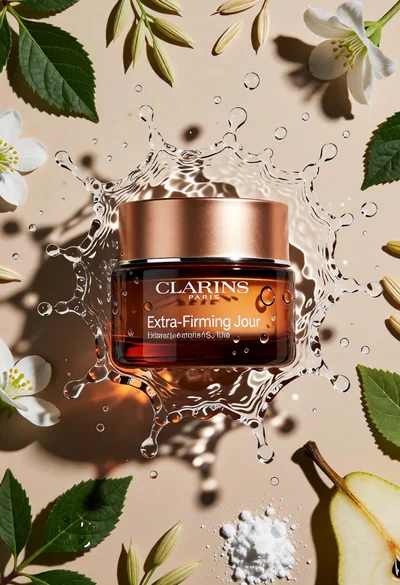
Topdown studio shot of cosmetic jar in frozen water splash on beige
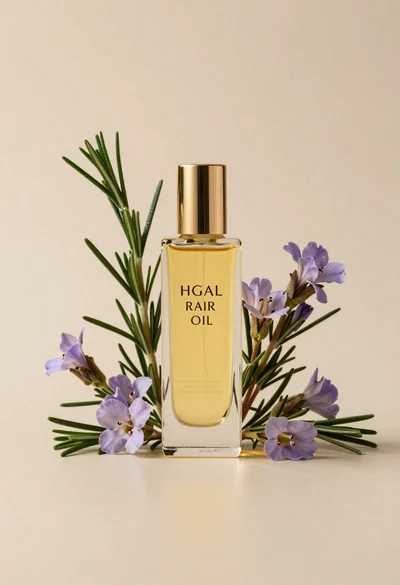
Glass bottle of oil with rosemary and purple flowers
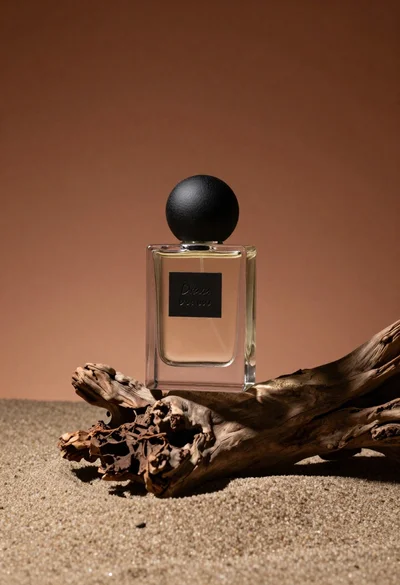
Minimalist perfume bottle on driftwood and sand
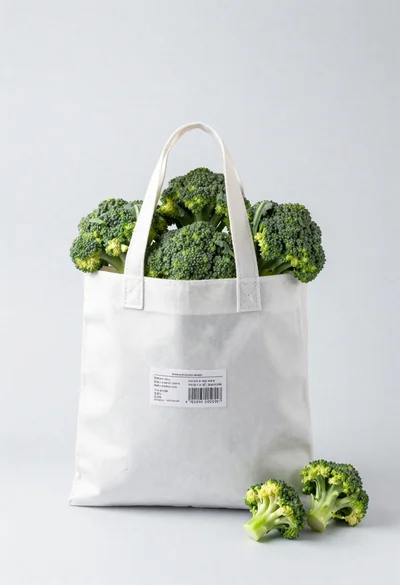
White shopping bag overflowing with fresh broccoli florets

Black makeup tube next to open red pomegranate on beige background
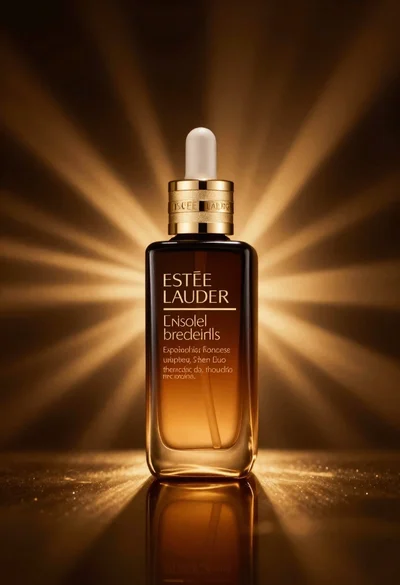
Amber glass bottle with gold pump under dramatic golden light
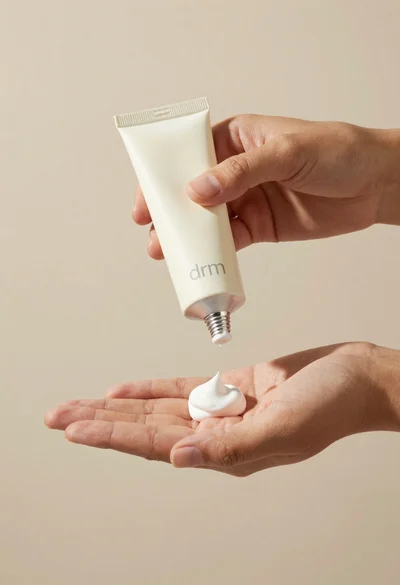
Hands dispensing white cream from a tube into a palm
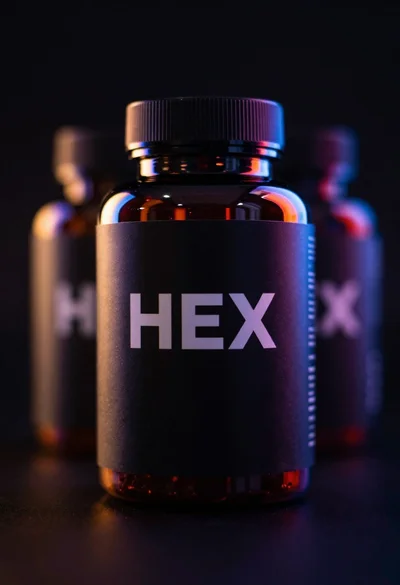
Black supplement bottle with chromatic aberration in void