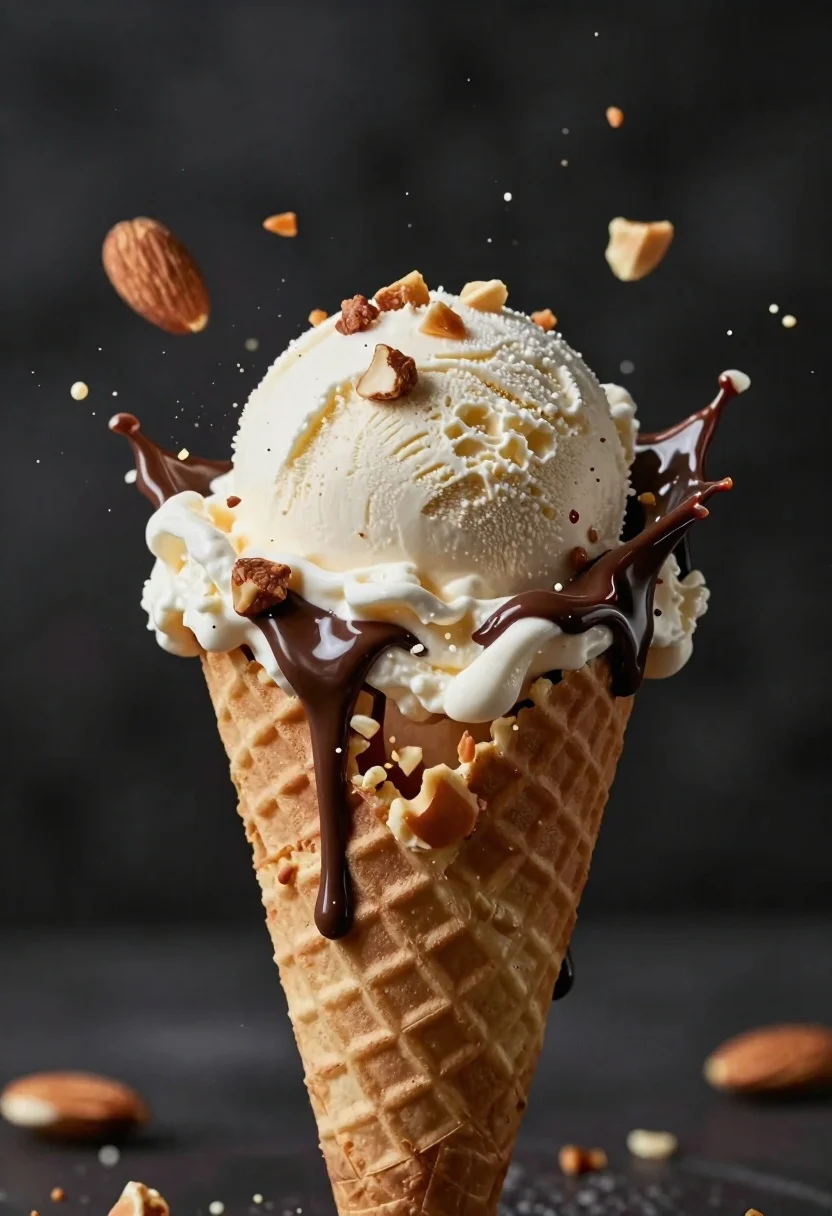
Macro shot of vanilla ice cream exploding in waffle cone with flying
Prompt
A frozen moment of a waffle cone ice cream exploding outward with flying nuts and chocolate sauce against a dark background.

Subject: A large scoop of vanilla ice cream in a textured waffle cone.

Clothing: None.

Action: The ice cream is captured mid-explosion, with chunks of the scoop shattering and melting chocolate sauce dripping down the sides.

Environment: A dark, moody, indistinct background that emphasizes the frozen action.

Camera: Close-up macro shot with a shallow depth of field blurring the background to focus on the texture of the ice cream.

Lighting: Dramatic high-contrast lighting highlighting the wet sheen of the melting chocolate and the crisp edges of the flying nuts.
Second

Subject: None.

Objects: Chopped almonds scattered in mid-air around the scoop.

Interaction: The dynamic interaction between the solid ice cream, liquid chocolate, and airborne nuts creates a sense of suspended motion.

Text/Graphics: None.

Style Details: High-definition food photography with hyper-realistic textures and cinematic color grading.
Description
This prompt is useful for creating high-end culinary advertisements, editorial dessert spreads, and visually dramatic menu mockups. The combination of 'dramatic high-contrast lighting' accentuating the 'wet sheen of the melting chocolate' ensures that every droplet and shattered piece of ice cream maintains visual separation from the dark background, which is crucial for making the frozen action feel tangible rather than flat.
Suggestions
- Change 'flying nuts' to 'edible gold flakes' for a luxury touch.
- Adjust 'dark background' to 'slate grey concrete' for more industrial texture.
- Swap 'vanilla ice cream' for 'pistachio gelato' to change the color palette.
Category
Tags
Close UpFoodHigh AngleMacro ShotRealistic
Date added
June 26, 2026
Added by
PromptDexter Team
Related Prompts
More prompts with similar categories and tags.
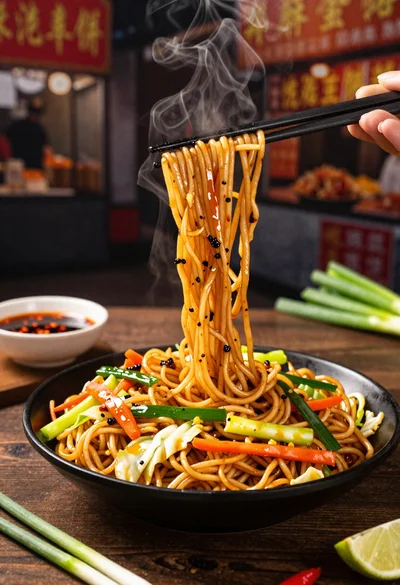
Close up shot of sizzling hakka noodles being lifted with chopsticks
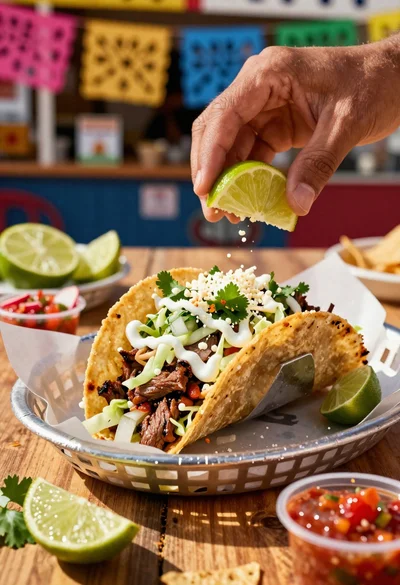
Close up of loaded street tacos with fresh mexican flavors
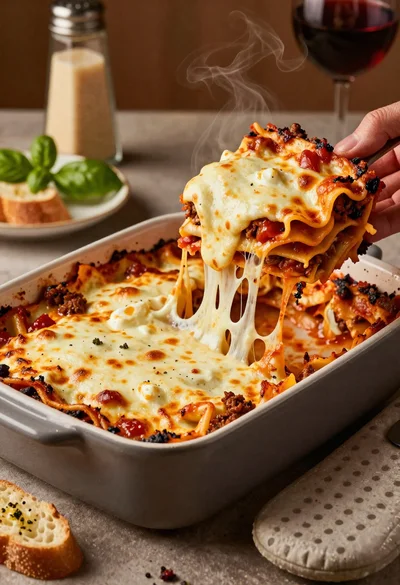
Close up of cheesy lasagna pull on rustic italian kitchen table

Close up of sizzling fajitas on a rustic wooden restaurant table

Close up of crispy chicken nuggets dipped in honey mustard sauce
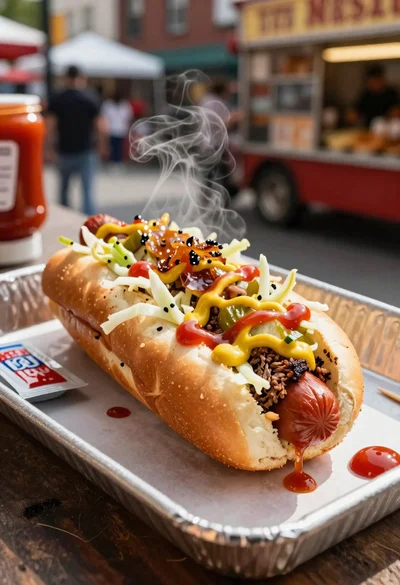
Close up of loaded hotdog with slaw mustard ketchup and onions

Close up overhead view of bread sushi rolls with colorful fillings

Ginger cat dressed as fast food worker holding cheeseburger