
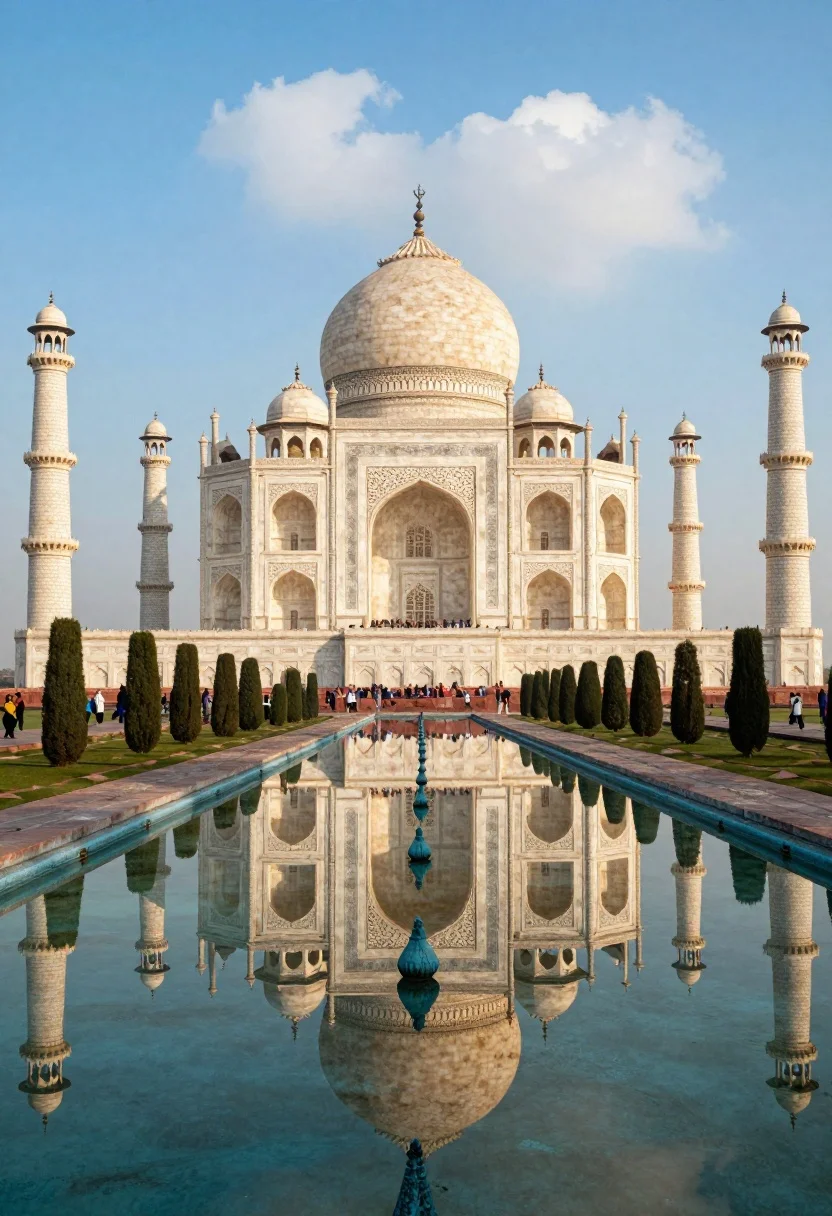
Majestic view of taj mahal reflecting perfectly in long calm pool water
Prompt
A majestic view of the Taj Mahal with its central dome and minarets perfectly reflected in a long rectangular pool of water.

Subject: The iconic white marble mausoleum featuring a large central onion dome, four smaller domes, and tall slender minarets at each corner.

Action: Stillness is maintained by the calm water surface which creates a flawless mirror reflection of the architecture and sky.

Environment: A long reflecting pool stretches from the foreground to the building, flanked by rows of dark cypress trees and stone walkways with small groups of visitors in the distance.

Camera: Low angle perspective looking up at the structure to emphasize its height, centered composition focusing on the symmetry between the real building and its reflection.

Lighting: Soft warm sunlight bathes the marble in a golden glow, creating gentle shadows and highlighting the texture of the stone against a bright sky with scattered clouds.

Style Details: Vibrant color grading with saturated blues in the sky and water contrasted by warm peach tones on the architecture, rendered with high clarity and smooth textures.
Description
This prompt is useful for creating architectural concept art, luxury travel brochures, and symmetrical landscape visualizations. The combination of 'low angle perspective' emphasizing height and the 'perfectly reflected' water surface ensures that the composition maximizes symmetry, while the 'soft warm sunlight' bathes the marble in a glow ideal for high-end promotional materials.
Suggestions
- Change 'dark cypress trees' to 'vibrant green foliage' for more contrast.
- Adjust 'golden glow' to 'harsh midday sun' for dramatic shadows.
- Modify 'saturated blues' to 'pale pastel blue' for a softer, ethereal feel.
Category
Tags
Low AngleOutdoorsRealisticRooftopWide Shot
Date added
August 5, 2026
Added by
PromptDexter Team
Related Prompts
More prompts with similar categories and tags.

Solitary white house by reflective water under vibrant sunset sky
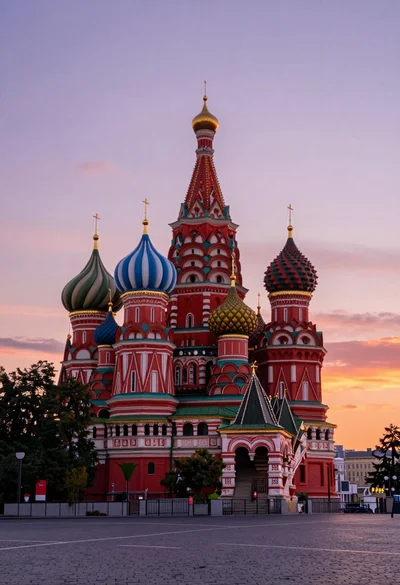
Wide view of st basils cathedral under soft twilight sky with colorful
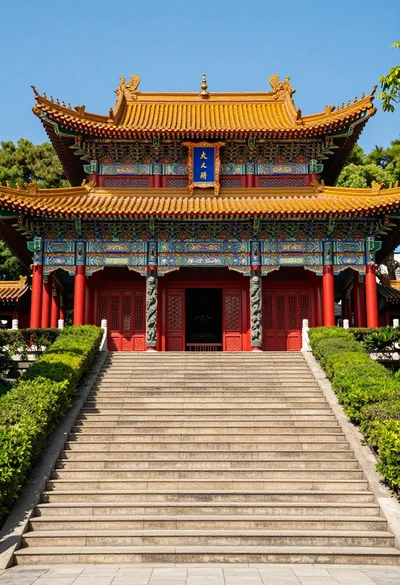
Majestic traditional chinese temple atop grand stone staircase under blue sky

Exhilarated tourist man at christ the redeemer statue in rio
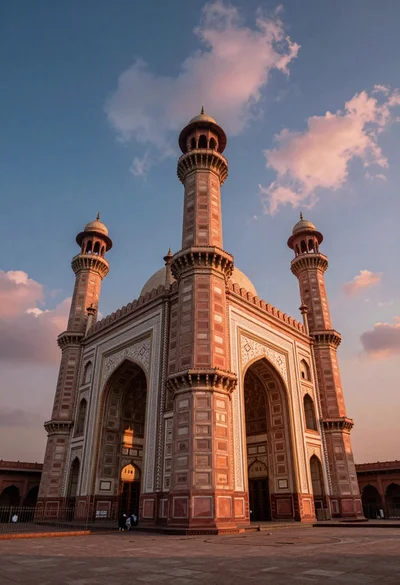
Low angle view of massive historic gateway with towering minarets and arches

Eiffel tower silhouette reflected in water at twilight against blue orange sky

Neoclassical building with dome scaffolding reflecting on calm river water at twilight
Majestic palace complex with red domes and golden spires under soft sky

Traditional wooden windmill reflected in calm lake under vibrant sunset sky

Wide view of tower bridge spanning river at sunset under dramatic colorful
