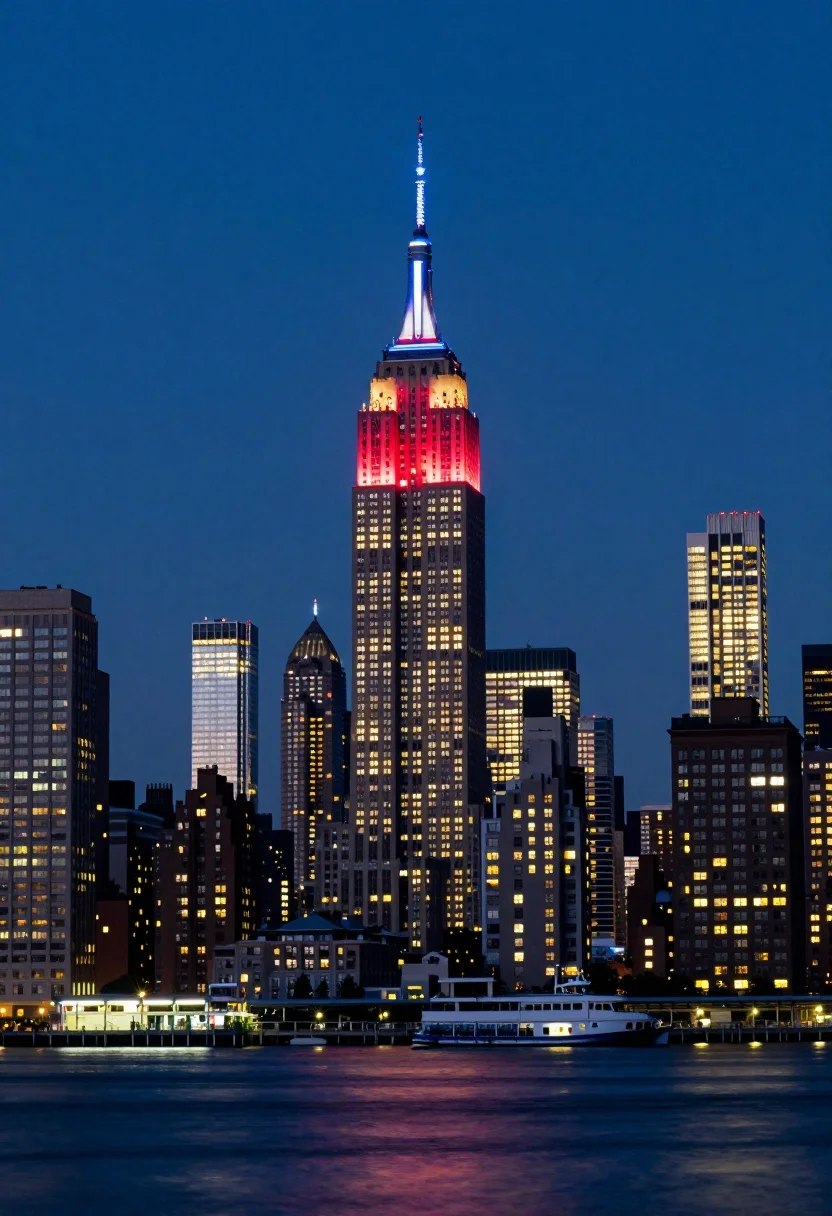
Low angle wide shot of manhattan skyline at night with illuminated empire
Prompt
A majestic nighttime view of the Manhattan skyline featuring the Empire State Building illuminated with red and blue lights at its peak.

Subject: The towering Empire State Building stands as the central focal point, flanked by a dense cluster of skyscrapers with glowing windows and varied architectural heights.

Action: The scene is static, capturing the stillness of the city at night with reflections shimmering on the water below.

Environment: A deep blue twilight sky forms the backdrop above a waterfront promenade where boats are docked near a brightly lit pier structure.

Camera: Shot from a low angle across the water to emphasize the verticality of the skyscrapers, utilizing a wide field of view that captures the entire skyline composition.

Lighting: Artificial city lights create a vibrant contrast against the dark sky, with warm yellow glows from windows and distinct colored accents like red and blue on the buildings.

Style Details: High-contrast urban photography with vivid color saturation and sharp focus on the illuminated structures.
Description
This prompt is useful for creating dramatic architectural concept art, cinematic travel posters, and high-impact background visuals for film trailers. The combination of 'low angle' perspective and a 'wide field of view' exaggerates the verticality of the skyscrapers, while specifying 'red and blue lights' ensures the artificial illumination provides distinct color accents against the deep blue twilight sky rather than allowing them to blend into a uniform glow.
Suggestions
- Change 'deep blue twilight sky' to 'inky black night sky' for more dramatic contrast.
- Add 'long exposure photography' to smooth out any visible boat movement.
- Swap 'warm yellow glows' for 'cool white glows' to unify the artificial lighting palette.
Category
Tags
Low AngleRealisticRooftopUrbanWide Shot
Date added
July 12, 2026
Added by
PromptDexter Team
Related Prompts
More prompts with similar categories and tags.

Eiffel tower silhouette reflected in water at twilight against blue orange sky

Neoclassical building with dome scaffolding reflecting on calm river water at twilight

Wide view of tower bridge spanning river at sunset under dramatic colorful
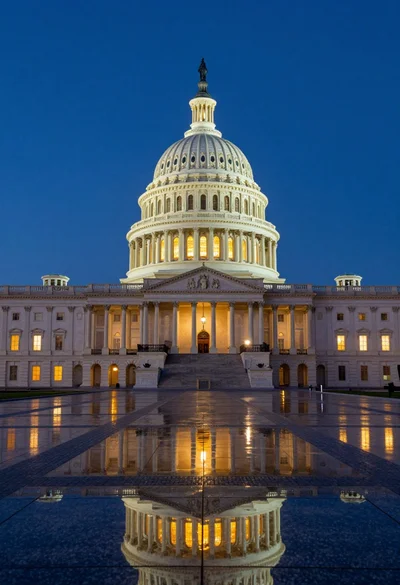
Low angle view of united states capitol dome reflecting in plaza at

Majestic cityscape at twilight featuring ornate historic building with blue dome

Low angle wide shot of massive illuminated ferris wheel over modern city
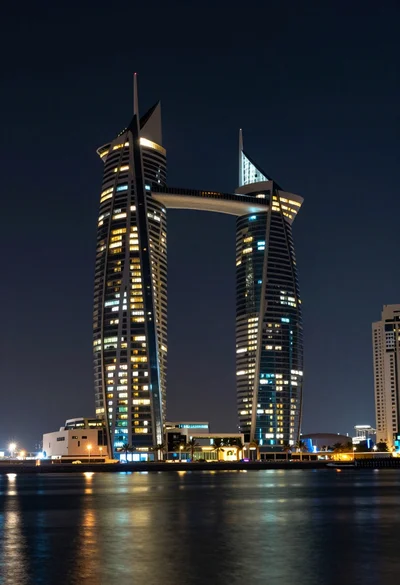
Wide angle view of towering sail skyscrapers reflecting in dark waterfront at

Majestic illuminated historic building facade under deep blue night sky
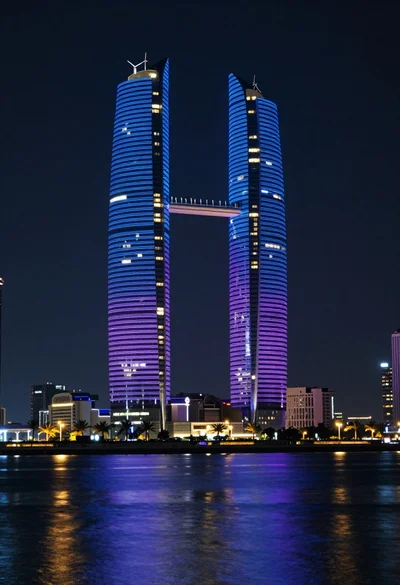
Illuminated twin skyscrapers at night reflecting blue and purple lights on waterfront
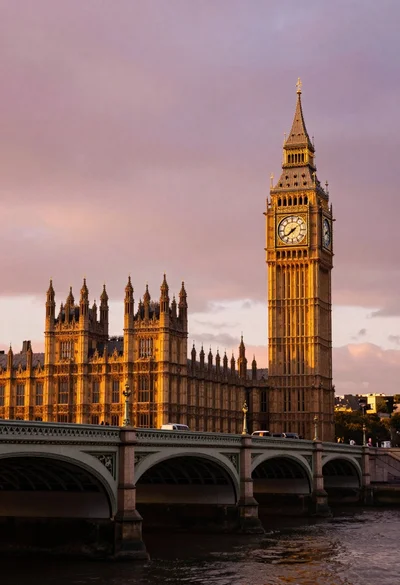
Wide view of palace westminster big ben tower at sunset with stone