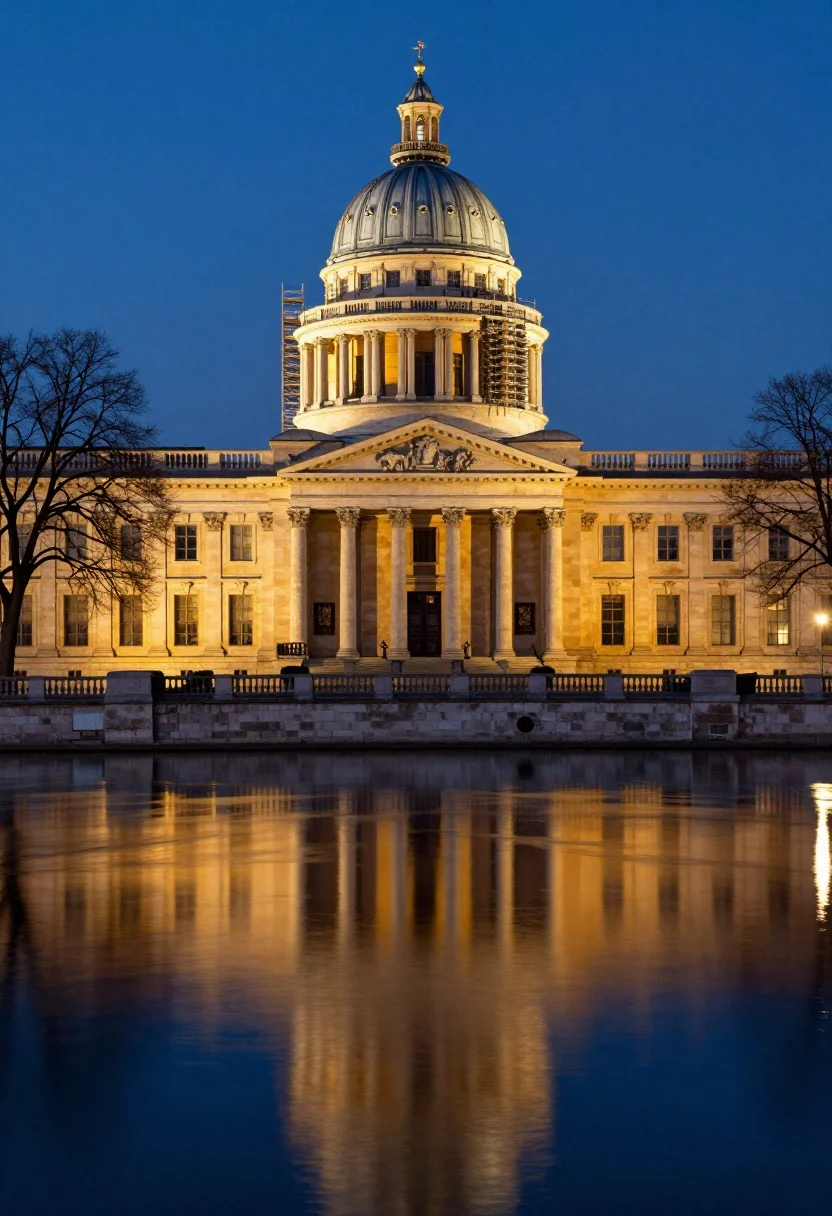
Neoclassical building with dome scaffolding reflecting on calm river water at twilight
Prompt
A majestic neoclassical building illuminated at twilight with a prominent octagonal dome under scaffolding and a grand colonnade reflecting in the calm water below.

Subject: A large historic stone building featuring a classical portico with tall columns, a triangular pediment, and an upper octagonal dome structure that is partially covered in metal scaffolding.

Action: The scene is static with no visible movement, capturing a serene moment of stillness.

Environment: The structure stands on the bank of a wide river or canal, separated from the water by a stone embankment and a low balustrade; bare trees frame the building against a deep blue evening sky.

Camera: A wide-angle perspective captures the full width of the facade and its reflection, utilizing a long exposure to smooth the water's surface into a mirror-like finish.

Lighting: Warm artificial floodlights bathe the stone facade in golden light, creating a strong contrast with the cool blue ambient light of the twilight sky.

Style Details: High-contrast architectural photography with vivid color separation between the warm building tones and the cool atmospheric background.
Description
This prompt is useful for creating historical documentary visualizations, concept art for urban renewal projects, and dramatic landscape architecture spreads. The combination of 'warm artificial floodlights' against the 'deep blue evening sky' establishes a high-contrast palette that emphasizes the texture of the stone facade while the 'long exposure to smooth the water' guarantees a perfect, uninterrupted reflection necessary for architectural symmetry.
Suggestions
- Change 'octagonal dome' to 'domed cupola' for a more specific historical feel.
- Add 'mist rising from the river' to enhance the atmosphere.
- Swap 'golden light' for 'amber glow' to adjust the warmth of the illumination.
Category
Tags
Low AngleRealisticRooftopUrbanWide Shot
Date added
July 12, 2026
Added by
PromptDexter Team
Related Prompts
More prompts with similar categories and tags.

Eiffel tower silhouette reflected in water at twilight against blue orange sky

Wide view of tower bridge spanning river at sunset under dramatic colorful

Low angle wide shot of manhattan skyline at night with illuminated empire
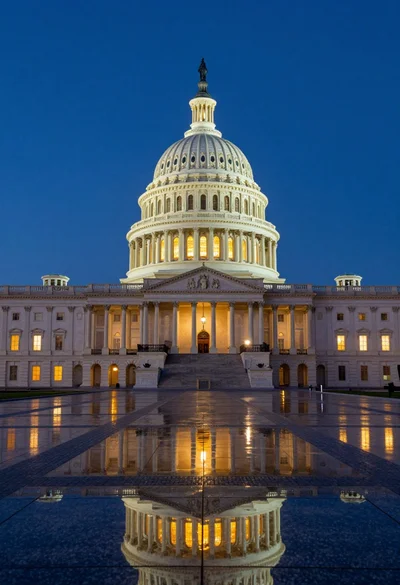
Low angle view of united states capitol dome reflecting in plaza at

Majestic cityscape at twilight featuring ornate historic building with blue dome

Low angle wide shot of massive illuminated ferris wheel over modern city
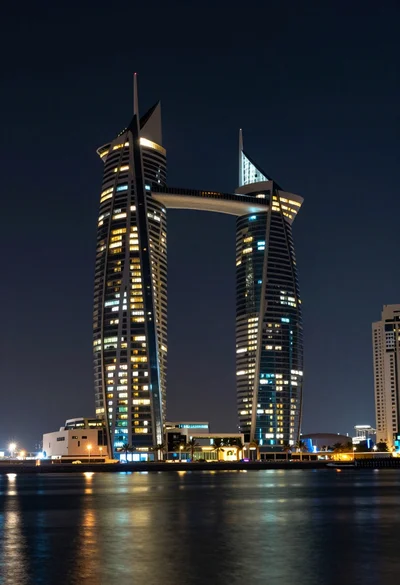
Wide angle view of towering sail skyscrapers reflecting in dark waterfront at

Majestic illuminated historic building facade under deep blue night sky
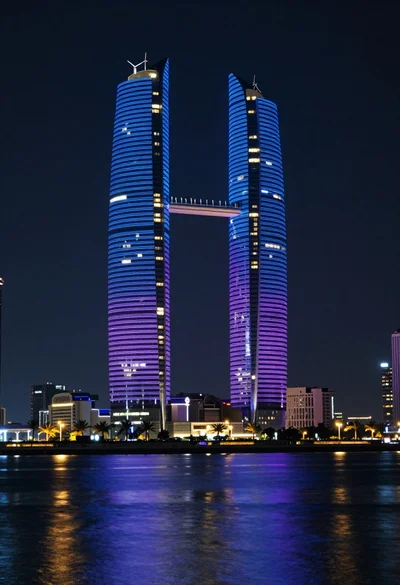
Illuminated twin skyscrapers at night reflecting blue and purple lights on waterfront
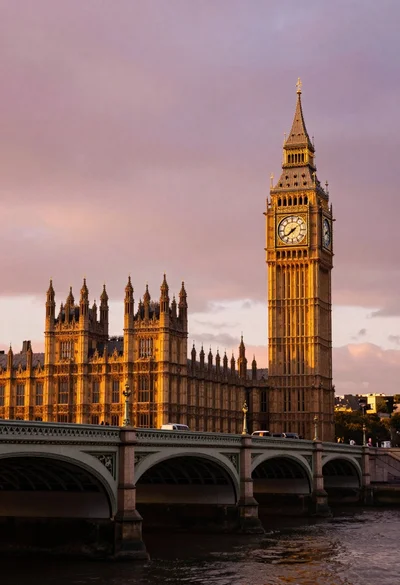
Wide view of palace westminster big ben tower at sunset with stone