
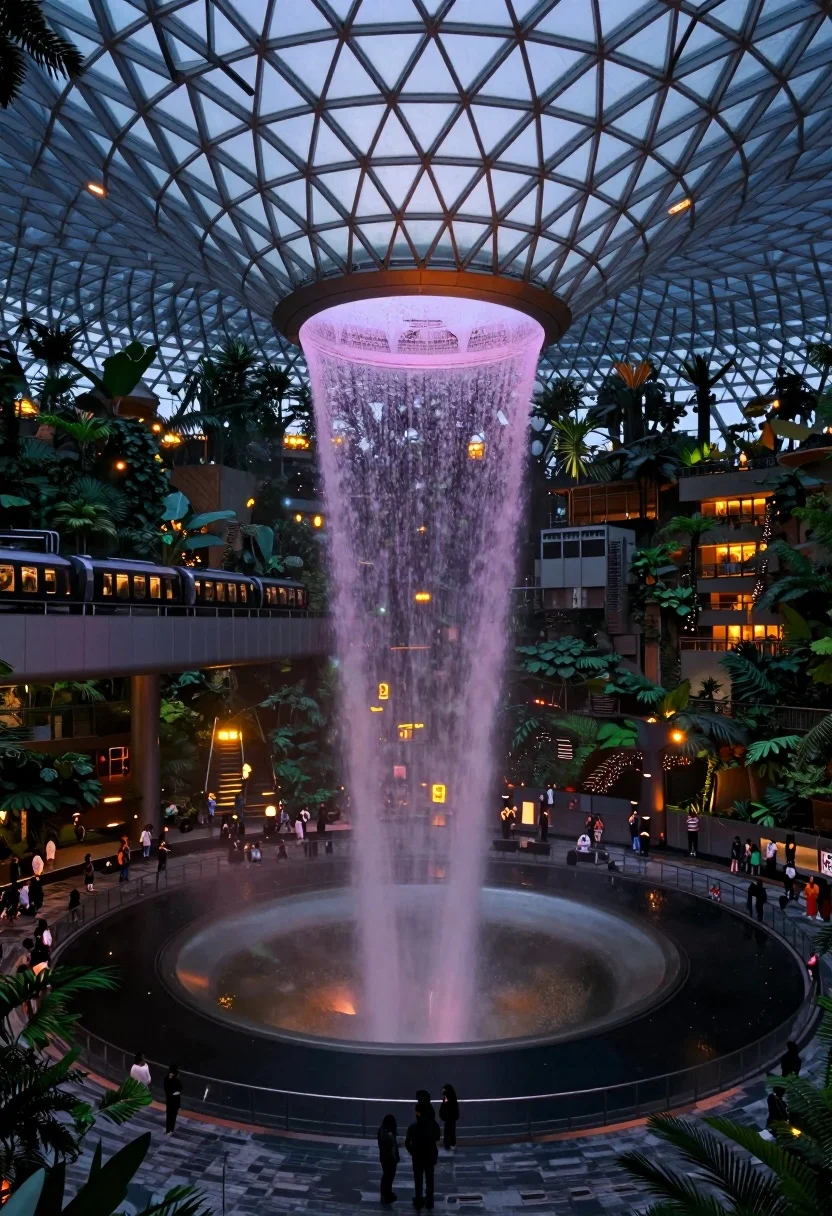
Massive indoor waterfall cascading into pool surrounded by tropical greenery and people
Prompt
A massive indoor waterfall cascades from a high ceiling into a circular pool surrounded by lush greenery and people.

Subject: A towering, wide waterfall flows down from a large circular opening in the ceiling, illuminated with soft purple and pink hues at the top and warm orange light at the base where it hits the water.

Action: The water falls in a continuous, smooth sheet into the pool below, while small groups of people stand around the perimeter and on walkways observing the scene.

Environment: The setting is a vast indoor space featuring a massive glass dome ceiling with a geometric triangular lattice structure, surrounded by dense tropical trees and plants, an elevated train track with a moving train on the left, and multi-level observation decks with warm interior lighting.

Camera: A wide-angle perspective captures the full height of the waterfall and the expansive scale of the dome, utilizing a slightly low angle to emphasize the vertical drop and depth of the space.

Lighting: The scene is lit by artificial illumination that highlights the falling water with cool purple tones at the top and warm golden light at the bottom, contrasting against the deep blue shadows of the glass ceiling and dark foliage.

Style Details: High dynamic range photography with a cinematic color palette emphasizing cool blues and purples against warm interior lights, creating a futuristic and serene atmosphere.
Description
This prompt is useful for creating architectural visualization concepts, immersive resort marketing materials, and conceptual sci-fi environment art. The combination of 'massive glass dome ceiling with a geometric triangular lattice structure' and the specified lighting contrast—'cool purple tones at the top and warm golden light at the bottom'—is crucial because it establishes both an overwhelming sense of scale and a deliberate, controlled mood that prevents the scene from feeling like a simple nature shot.
Suggestions
- Change 'geometric triangular lattice structure' to 'exposed steel trusswork' for a more industrial feel.
- Swap 'tropical trees and plants' for 'giant ferns and bromeliads' to refine the foliage type.
- Adjust 'wide-angle perspective' to 'ultra-wide lens, 16mm' to exaggerate the scale further.
Category
Tags
Low AngleNatureRealisticWide Shot
Date added
August 5, 2026
Added by
PromptDexter Team
Related Prompts
More prompts with similar categories and tags.
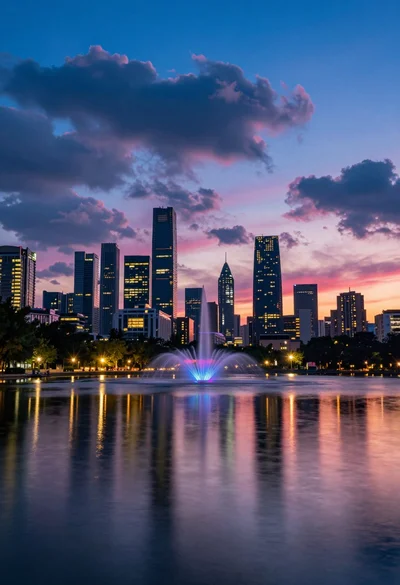
Vibrant city skyline reflection in calm water under dramatic twilight sky
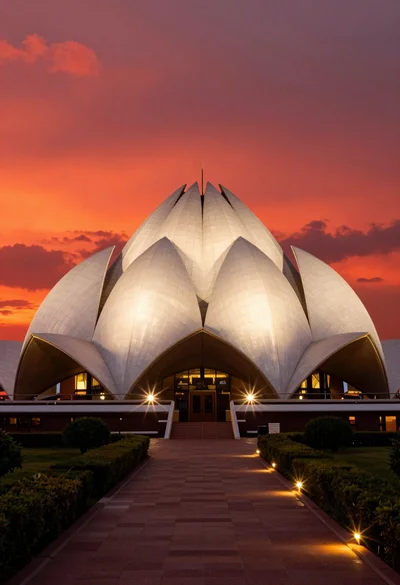
Majestic white lotus temple illuminated against dramatic red orange twilight sky
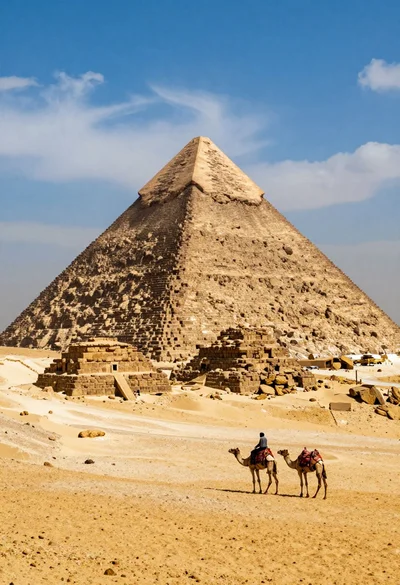
Lone figure riding camel before massive ancient pyramid in vast desert
Rustic wooden cabin glowing beside calm lake under snowy winter night sky
Eiffel tower reflected in still water under a twilight sky at dusk
Majestic traditional chinese temple atop grand stone staircase under blue sky
Solitary figure on elevated platform in minimalist architecture
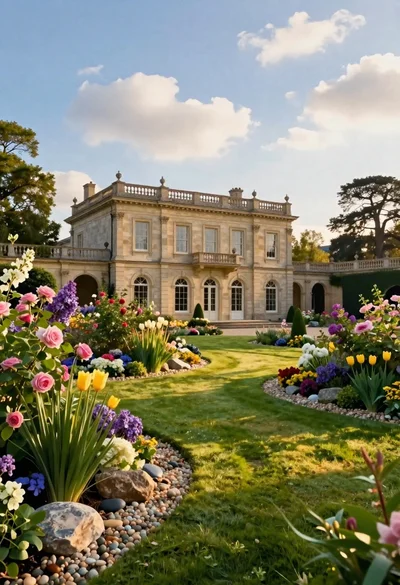
Classical villa in lush garden under golden hour sunlight
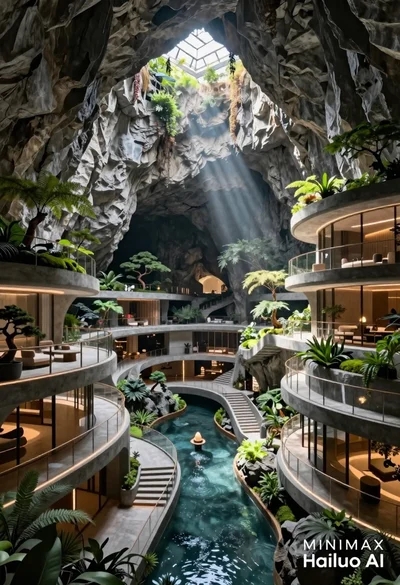
Futuristic luxury resort carved into a massive limestone cave with skylight
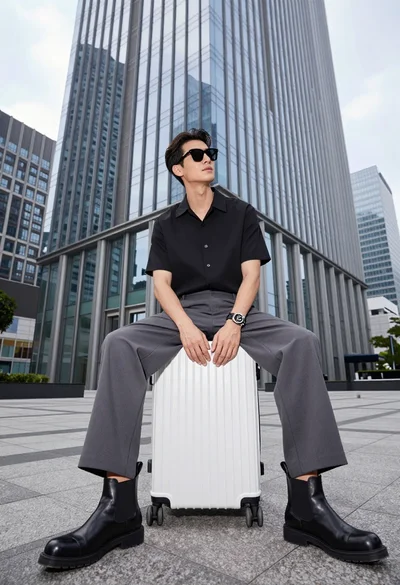
Handsome man sitting on suitcase before modern glass skyscraper in urban plaza
