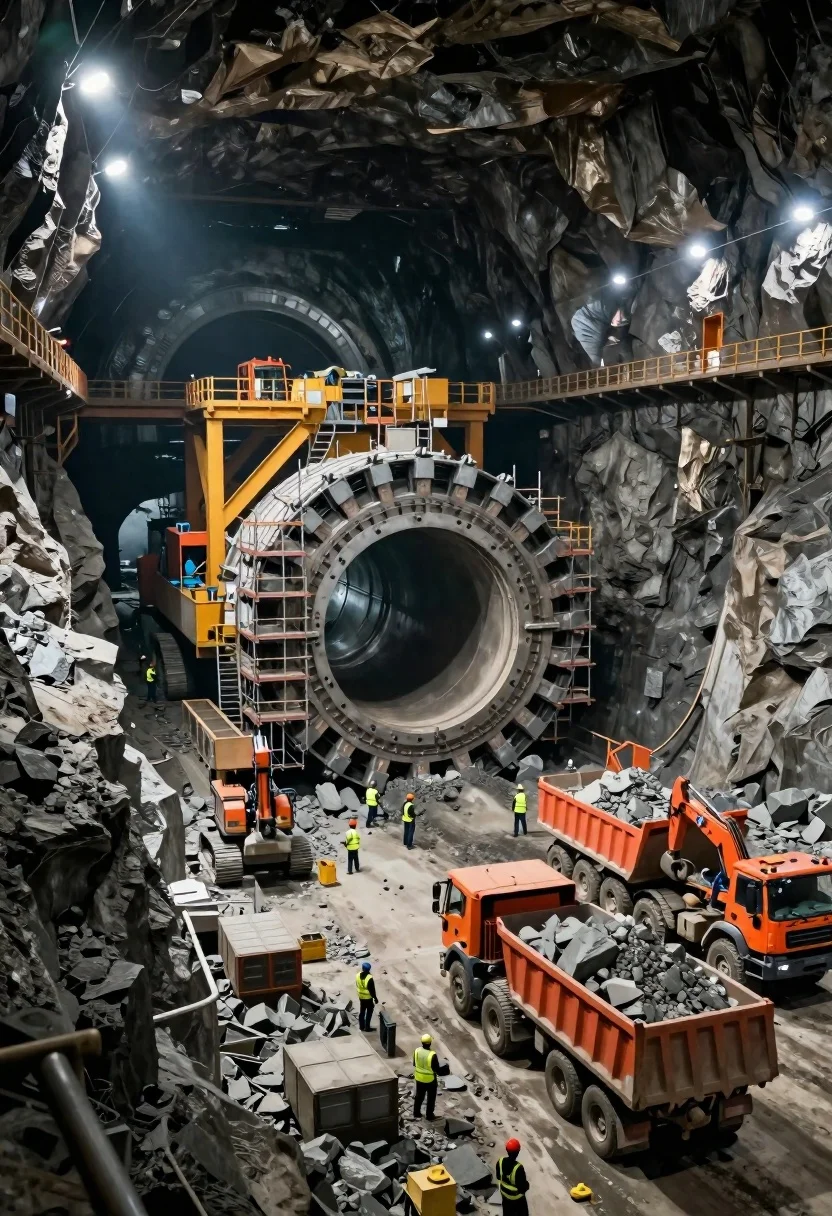
Massive tunnel boring machine in vast underground mining excavation site
Prompt
A massive underground tunnel boring machine dominates the center of a vast, cavernous mining excavation site.

Subject: A colossal Tunnel Boring Machine (TBM) with its circular cutting head exposed and surrounded by scaffolding, standing as the central focal point of the industrial operation.

Clothing: Construction workers are scattered throughout the scene wearing high-visibility yellow safety vests and hard hats.

Action: Heavy machinery is actively positioned for excavation; large orange dump trucks are loaded with grey rock debris, while excavators operate near the tunnel face and along the floor.

Environment: The setting is a deep underground mine with rough, dark rock walls forming a cavernous space, featuring multiple arched tunnel portals in the background and elevated metal walkways running along the upper perimeter.

Camera: A wide-angle perspective captures the immense scale of the excavation site, utilizing a high vantage point to show the depth of the pit and the arrangement of machinery.

Lighting: The scene is illuminated by rows of bright industrial floodlights hanging from the ceiling and mounted on walkways, casting stark highlights on the rock faces and creating deep shadows in the corners.

Style Details: High-definition realism with a cinematic color palette emphasizing the contrast between the dark grey stone and the vibrant orange machinery.
Description
This prompt is useful for creating industrial concept art, large-scale engineering visualizations, and dramatic documentary photography of infrastructure projects. The combination of 'high vantage point' and 'bright industrial floodlights' ensures that the immense scale of the excavation site is communicated effectively by casting stark highlights on the rock faces while allowing deep shadows to emphasize the cavernous depth.
Suggestions
- Change 'yellow safety vests' to 'orange reflective gear' for better color contrast.
- Add 'dust motes visible in light beams' to enhance atmosphere.
- Swap 'grey rock debris' for 'wet, dark shale' to alter surface reflectivity.
Category
Tags
High AngleOutdoorsVehicleWide Shot
Date added
June 26, 2026
Added by
PromptDexter Team
Related Prompts
More prompts with similar categories and tags.
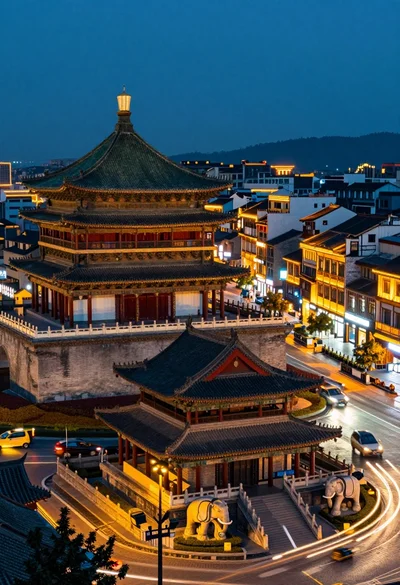
High angle view of historic city square pagoda temples at twilight
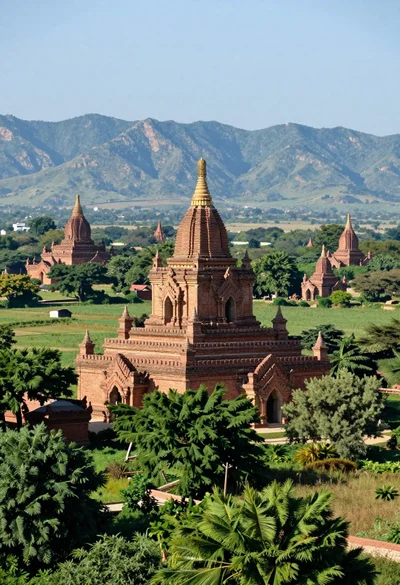
Panoramic view of ancient brick pagodas in a lush green valley with
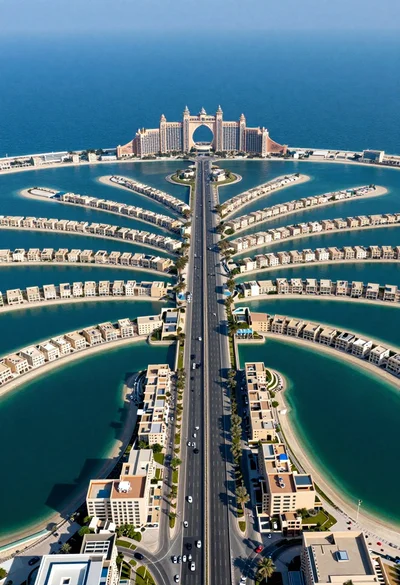
Aerial view of palm jumeirah artificial island dubai highway and resort
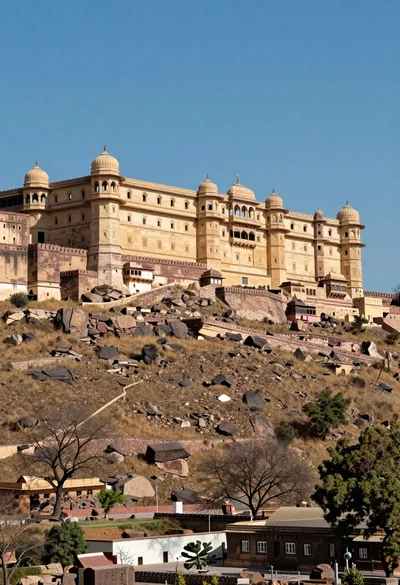
Majestic sandstone fortress complex atop a rugged arid hill under blue sky
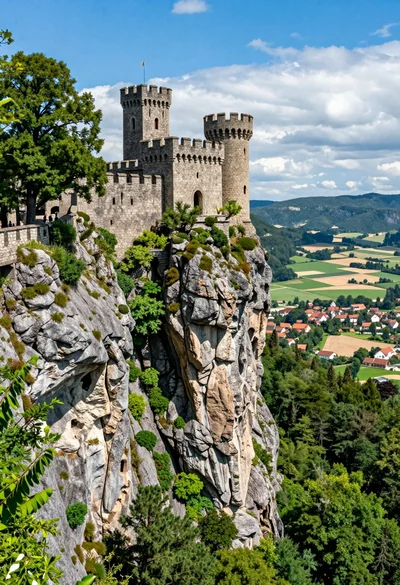
Majestic medieval castle on rocky cliff overlooking vast valley landscape
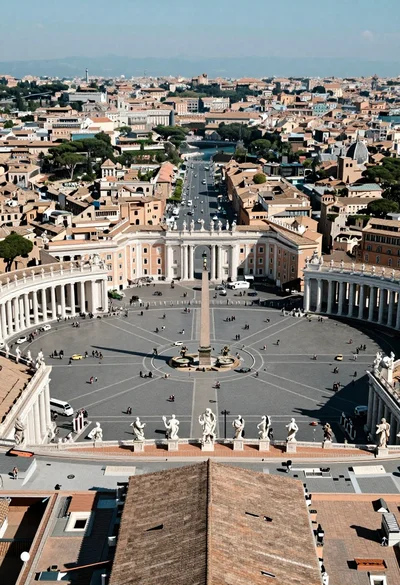
High angle aerial view of st peters square in vatican city rome
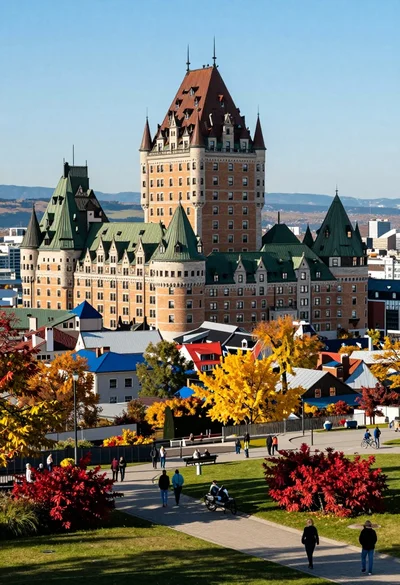
High angle view of european cityscape castle hotel amidst colorful autumn foliage
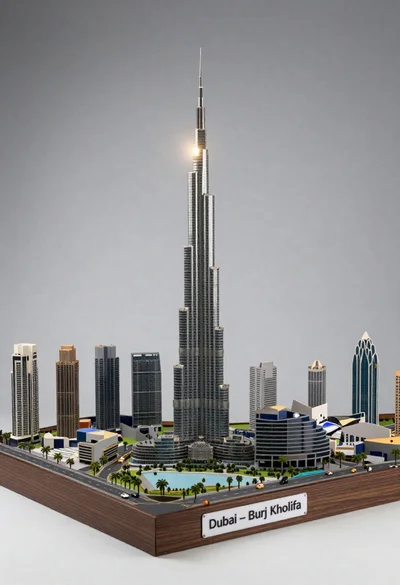
Detailed architectural model of dubai skyline with skyscraper and tiny cars