
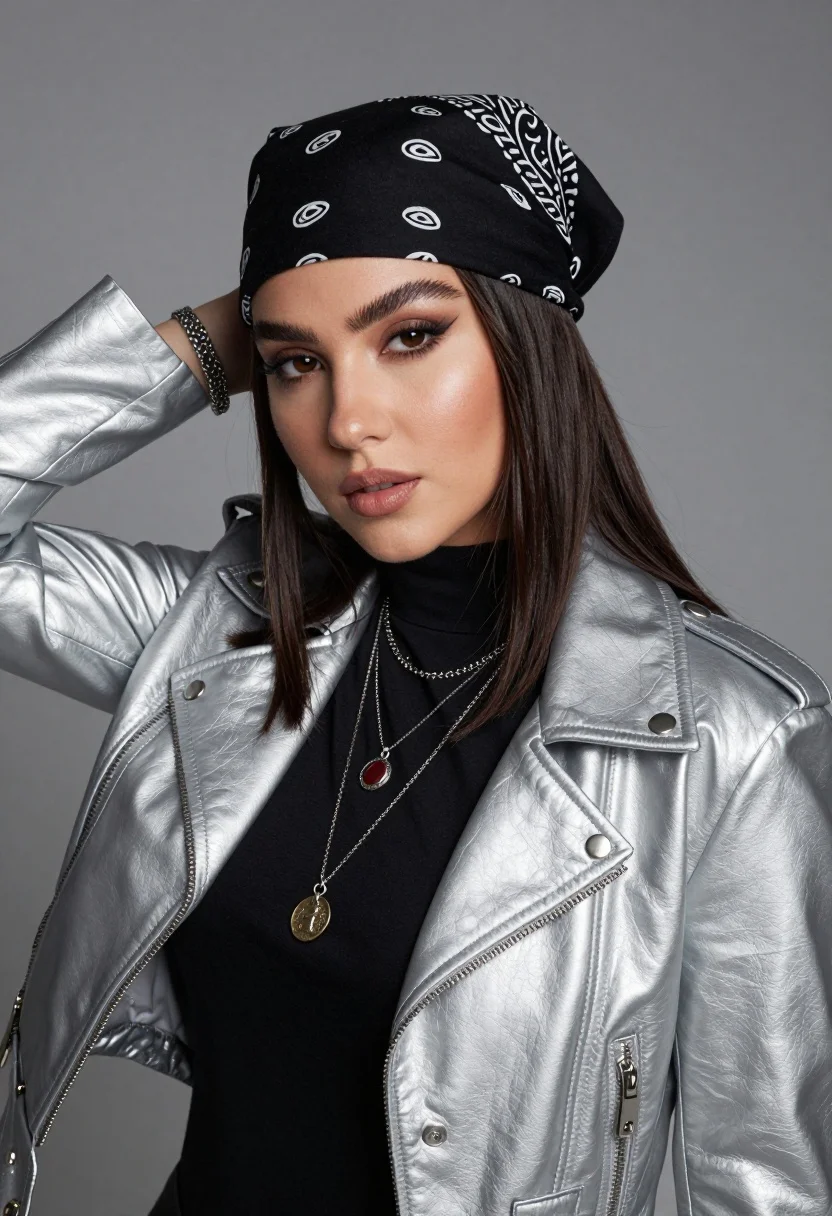
Medium close up portrait of woman in silver jacket against grey backdrop
Prompt
A confident young woman with dark hair wearing a black bandana and a silver leather jacket poses against a plain grey background.

Subject: A young woman with long dark brown hair, defined eyebrows, and a calm, direct gaze looking at the camera.

Clothing: She wears a black turtleneck shirt underneath a shiny silver faux-leather jacket with silver snap buttons and zippers. A black bandana with white paisley patterns is tied around her head.

Action: Her right hand is raised behind her head, resting near her neck, while she leans slightly forward.

Objects: She wears multiple silver necklaces, including one with a cross pendant, one with a red stone, and a longer one with a round coin-like medallion. A silver bracelet is visible on her wrist.

Lighting: The lighting is soft and directional, highlighting the texture of her skin and the sheen of her jacket, creating subtle shadows that define her facial features.

Camera: A medium close-up shot framed to focus on her upper body and face, with a shallow depth of field keeping the background smooth and out of focus.

Style Details: The image has a polished, high-definition portrait quality with cool color tones and a modern aesthetic.
Description
This prompt is useful for creating editorial fashion lookbooks, character concept art for film stills, and sophisticated beauty advertisements. The combination of 'shiny silver faux-leather jacket' and 'soft and directional' lighting ensures the metallic elements catch highlights without appearing overly harsh, while the 'plain grey background' eliminates visual competition, keeping focus squarely on her direct gaze.
Suggestions
- Change 'silver faux-leather jacket' to 'distressed silver leather jacket' for a more worn look.
- Swap 'black bandana with white paisley patterns' for 'solid black silk scarf' for less pattern distraction.
- Adjust the lighting by adding 'rim light from the left' to emphasize hair separation.
Category
Tags
BrunetteFemaleMedium ShotPortrait ShotRealisticStudio
Date added
August 5, 2026
Added by
PromptDexter Team
Related Prompts
More prompts with similar categories and tags.

Young woman in blue denim jacket posing against pale pink seamless background
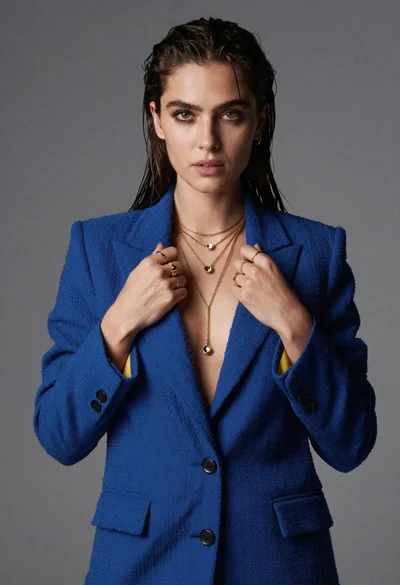
Portrait of woman in blue blazer holding lapels against gray studio background

Blonde woman in striped swimsuit seated on sofa indoors studio shot
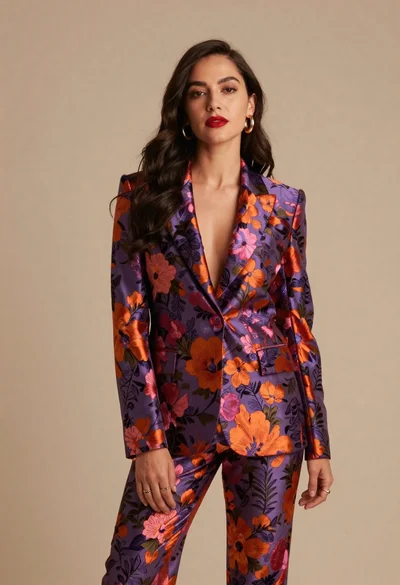
Confident woman in floral patterned suit against beige studio backdrop
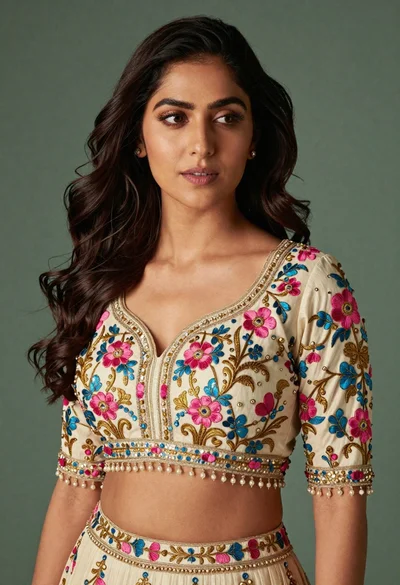
Medium close up portrait of woman in ornate cream lehenga choli
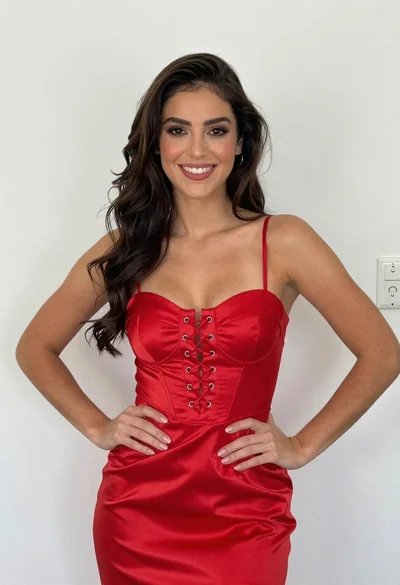
Smiling young woman in red satin dress against a plain white wall

Young woman in black graphic tshirt against white paneled wall
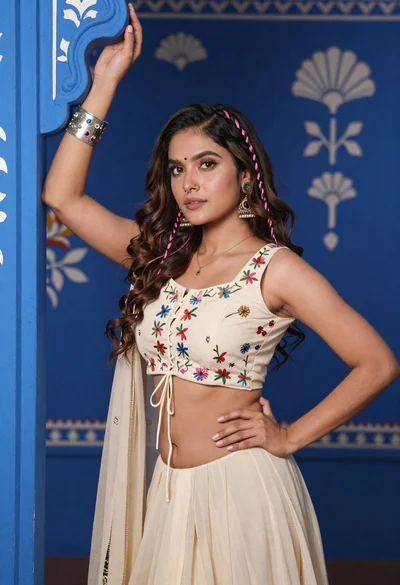
Young woman with brown hair posing by blue floral patterned wall
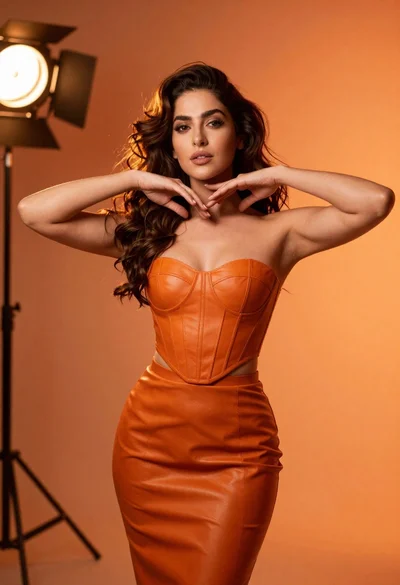
Confident woman in orange leather outfit posing in dramatic studio lighting

Portrait of woman in elaborate red feathered gown against vivid blue background
