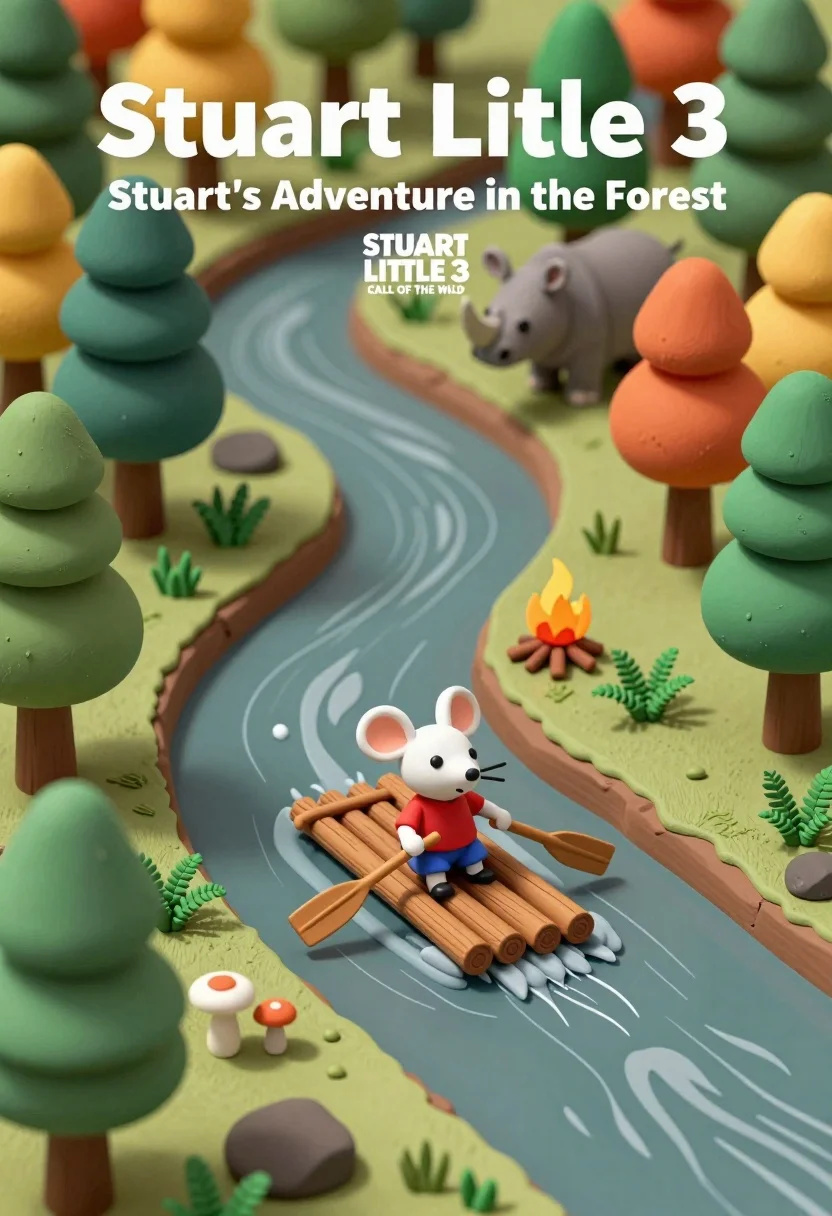
Miniature diorama of forest river scene with mouse on raft and rhino
Prompt
A miniature diorama of a forest landscape featuring a small mouse character paddling a raft down a winding river.

Subject: A small white mouse wearing a red shirt and blue pants sits on a wooden raft in the center of the scene, holding a paddle.

Clothing: The mouse wears a bright red t-shirt and blue shorts with simple footwear.

Action: The mouse is actively paddling a makeshift raft made of logs down a gentle river current.

Environment: A lush forest setting with a variety of stylized trees in shades of green, orange, and yellow, surrounding a winding stream that flows through a brown earthy landscape.

Camera: An isometric view looking down at the miniature scene, capturing the entire diorama within a rectangular frame.

Lighting: Soft, even lighting illuminates the scene from above, casting gentle shadows beneath the trees and the raft to define the depth of the terrain.
Second

Subject: A grey rhinoceros stands on a hill in the background near some trees, observing the river.

Objects: A small campfire burns on the bank of the river, surrounded by ferns and mushrooms, while rocks line the water's edge.

Text/Graphics: Large white text at the top reads "Stuart Little 3" followed by "Stuart's Adventure in the Forest", with a smaller logo below reading "STUART LITTLE 3 CALL OF THE WILD".

Style Details: The image features a low-poly, claymation aesthetic with smooth textures and vibrant colors, resembling a high-quality 3D animated movie poster.
Description
This prompt is useful for creating children's book covers, stop-motion animation concept art, and whimsical storybook illustrations. The combination of 'low-poly, claymation aesthetic' with 'soft, even lighting' ensures that every element, from the mouse to the rhinoceros, possesses a tactile, handcrafted quality suitable for young audiences while the 'isometric view' frames the entire narrative within a contained, poster-like composition.
Suggestions
- Change 'bright red t-shirt' to 'mustard yellow t-shirt' for better contrast.
- Replace 'orange, and yellow' with 'deep emerald and teal' for a richer forest palette.
- Adjust 'low-poly, claymation aesthetic' to 'storybook watercolor style' for a different feel.
Category
Tags
3dAnimalDigital ArtForest
Date added
July 12, 2026
Added by
PromptDexter Team
Related Prompts
More prompts with similar categories and tags.
Low poly crystalline horse galloping across dark background with glowing golden particles
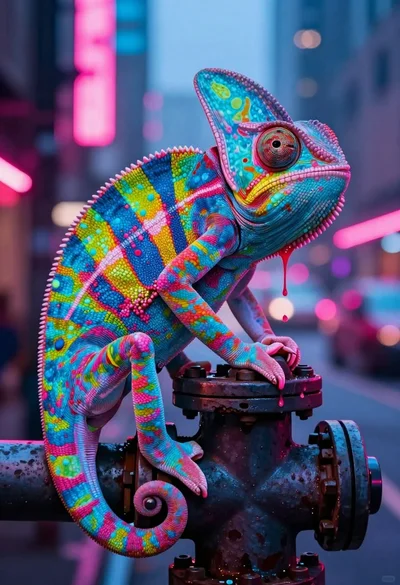
Vivid chameleon on dark pipe in neon lit futuristic city street
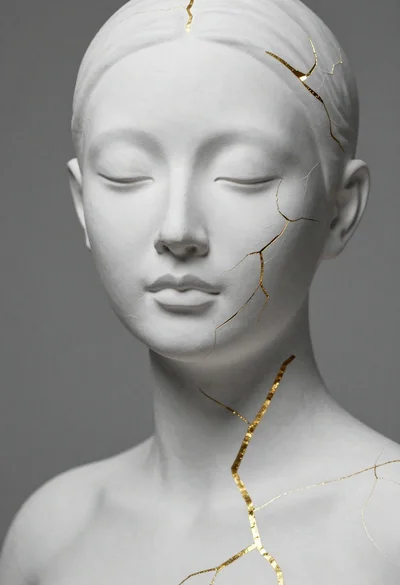
Close up portrait of serene bust with gold kintsugi cracks
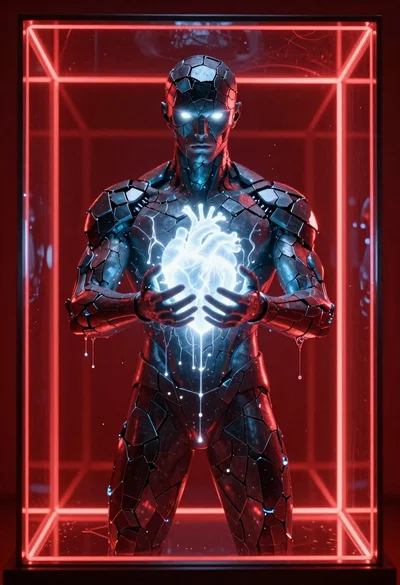
Obsidian humanoid in neon cube holding glowing heart
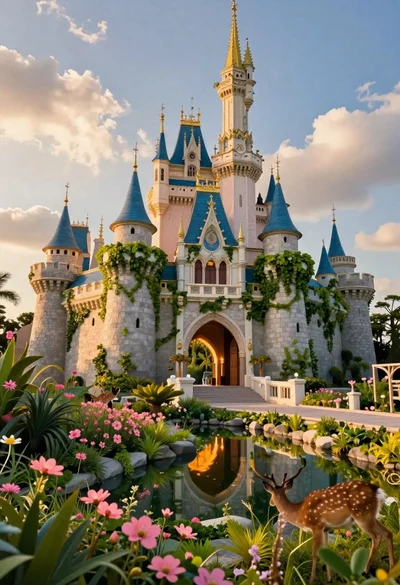
Majestic fairytale castle in a vibrant fantasy garden
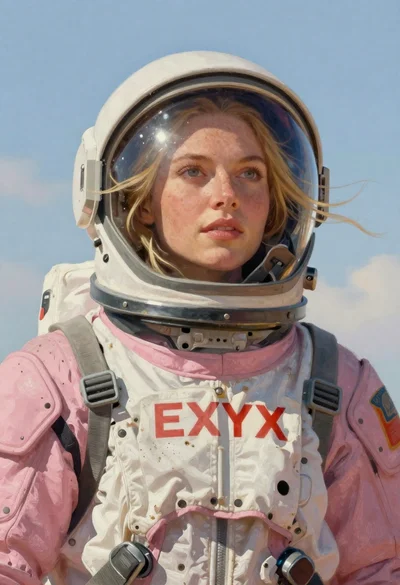
Astronaut portrait against pale blue sky background

Glowing pixel hands touching in a cosmic void
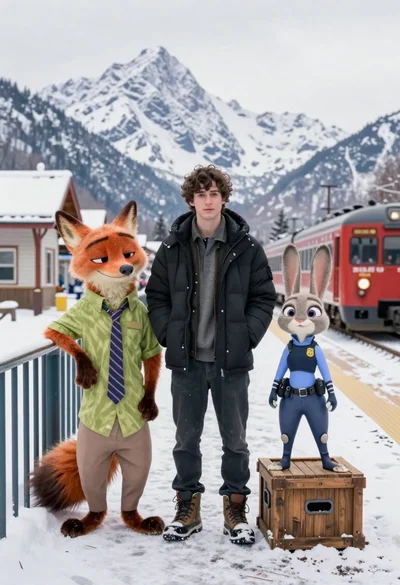
Young man flanked by fox and rabbit at snowy train platform
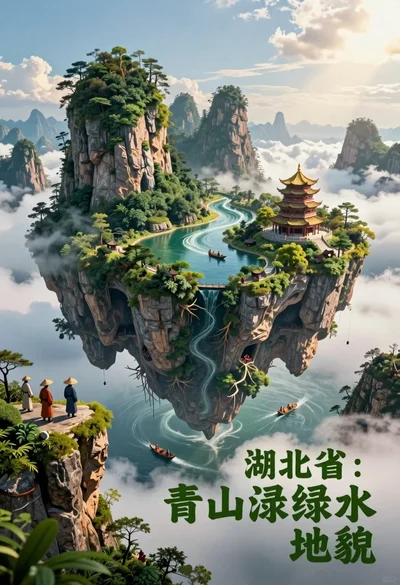
Majestic floating island landscape with pagoda rivers and misty clouds
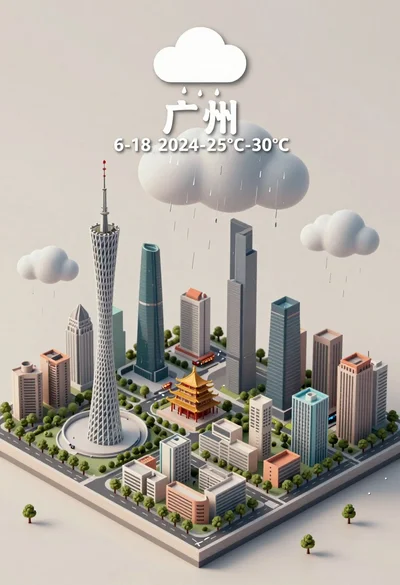
Isometric miniature model of guangzhou city under rainy sky illustration