
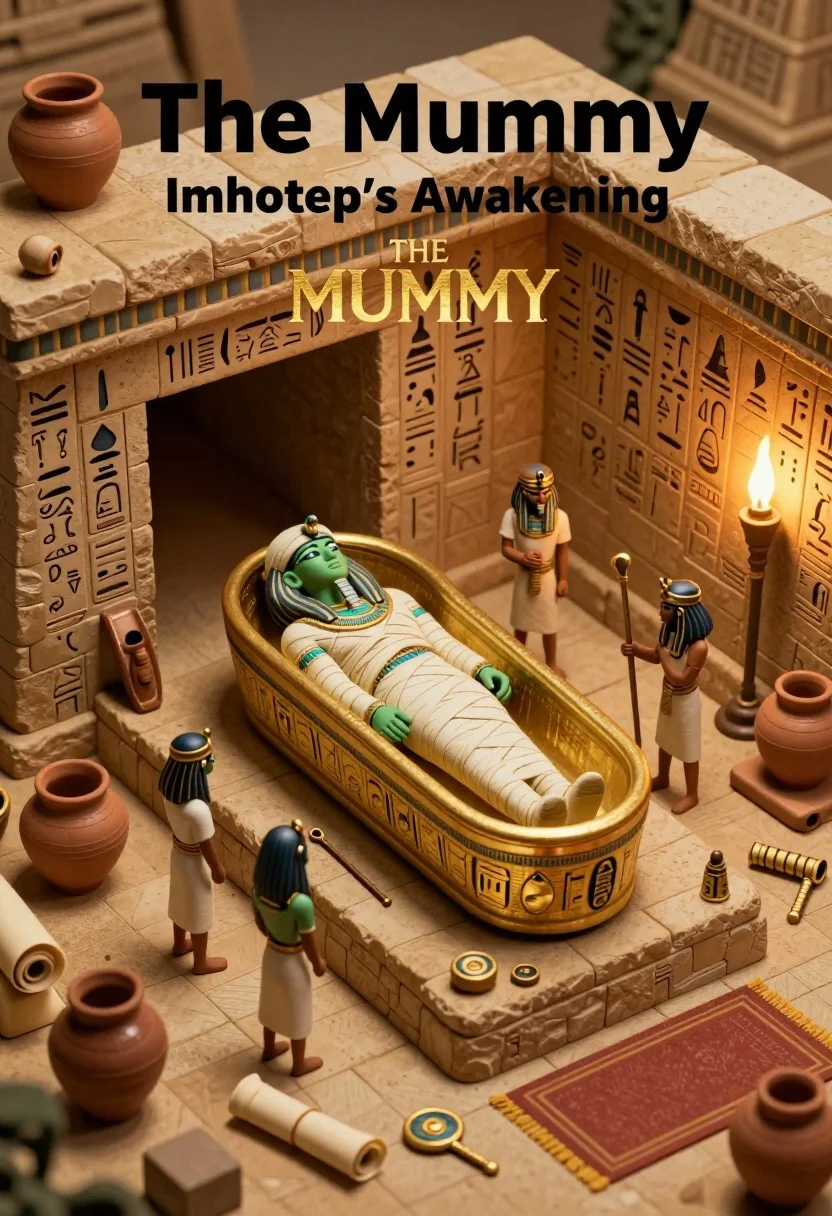
Isometric view of ancient egyptian tomb diorama with mummy sarcophagus
Prompt
A miniature diorama of an ancient Egyptian tomb scene featuring a mummy in a sarcophagus surrounded by small figures and artifacts.

Subject: A large, ornate golden sarcophagus containing a green-skinned mummy figure wrapped in bandages, lying on a raised stone platform.

Clothing: The small human-like figures wear simple tunics and headbands resembling ancient Egyptian attire; the mummy is wrapped in white linen with blue accents.

Action: Three small figures stand around the sarcophagus observing the scene, one holding a staff or tool near the entrance of the tomb chamber.

Environment: An enclosed stone room with hieroglyphic carvings on the walls, scattered pottery jars, scrolls, and ritual objects on the floor.

Camera: High-angle isometric view capturing the entire diorama layout with clear depth and perspective.

Lighting: Warm ambient lighting emanating from a torch on the right wall, casting soft shadows and highlighting the golden sarcophagus.
Second

Subject: No additional main subject present beyond the central mummy and observing figures.

Objects: Clay jars, scrolls, staffs, amulets, and a red rug are scattered across the floor of the tomb chamber.

Interaction: The small figures appear to be examining or guarding the sarcophagus, suggesting ritualistic or exploratory activity.

Text/Graphics: Bold black text at top reads "The Mummy" and "Imhotep's Awakening", with a stylized logo below featuring glowing golden letters spelling "THE MUMMY".

Style Details: 3D rendered miniature diorama style with smooth textures, warm earth tones, and cinematic lighting reminiscent of stop-motion animation.
Description
This prompt is useful for creating museum exhibit mockups, educational historical dioramas, or concept art for adventure video games. The combination of 'high-angle isometric view' with 'warm ambient lighting emanating from a torch' establishes the necessary controlled perspective and localized illumination required to showcase intricate miniature details without losing depth.
Suggestions
- Change 'golden sarcophagus' to 'lapis lazuli sarcophagus' for a different material focus.
- Swap 'red rug' for 'papyrus matting' to better match the environment.
- Adjust 'warm ambient lighting' to 'dramatic chiaroscuro' for more intense shadows.
Category
Tags
3dDigital ArtHigh AngleIndoors
Date added
July 12, 2026
Added by
PromptDexter Team
Related Prompts
More prompts with similar categories and tags.
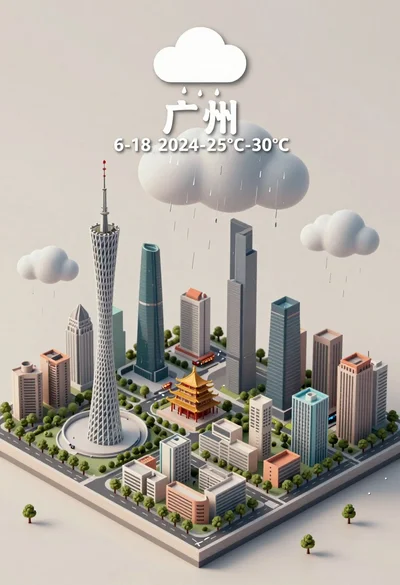
Isometric miniature model of guangzhou city under rainy sky illustration
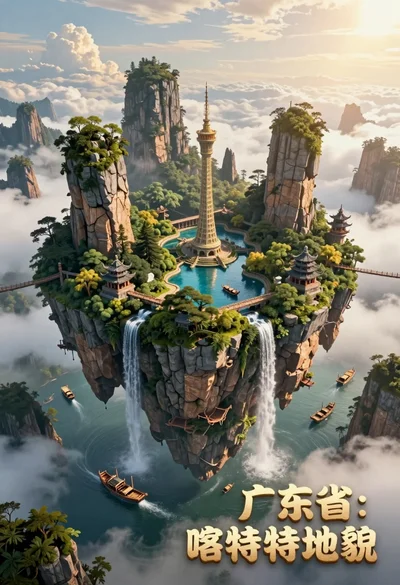
High angle view of floating island with karst formations and ancient architecture
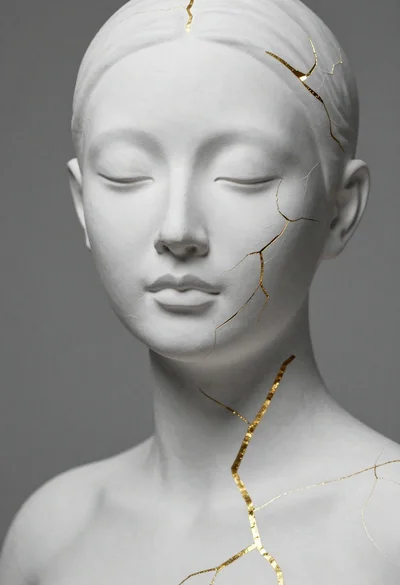
Close up portrait of serene bust with gold kintsugi cracks
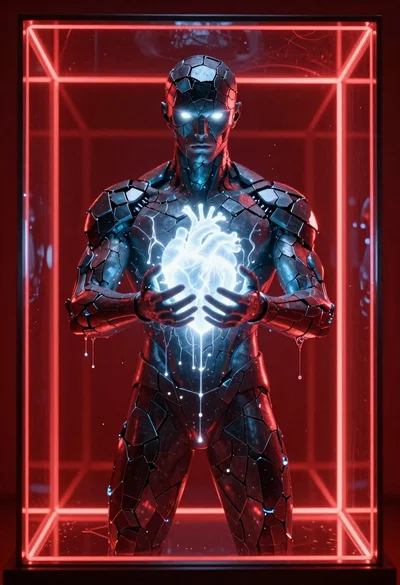
Obsidian humanoid in neon cube holding glowing heart

Astronaut portrait against pale blue sky background

Glowing pixel hands touching in a cosmic void
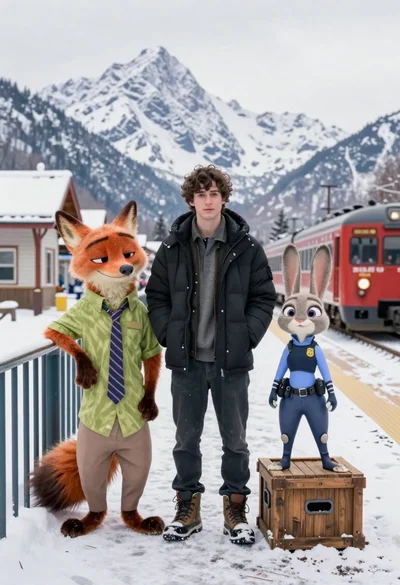
Young man flanked by fox and rabbit at snowy train platform

Low poly crystalline horse galloping across dark background with glowing golden particles
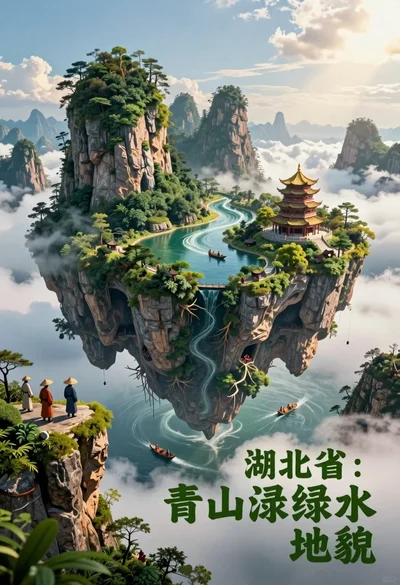
Majestic floating island landscape with pagoda rivers and misty clouds
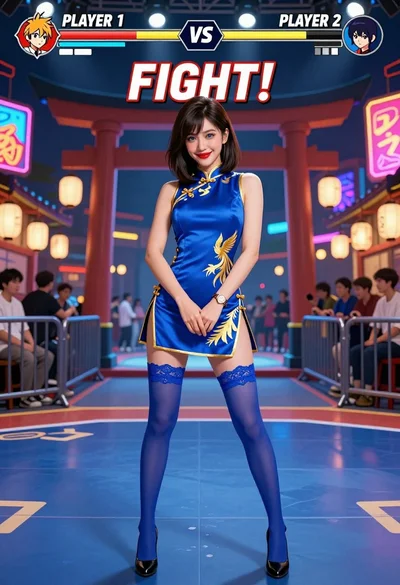
Woman in blue qipao standing in neon lit fighting game arena