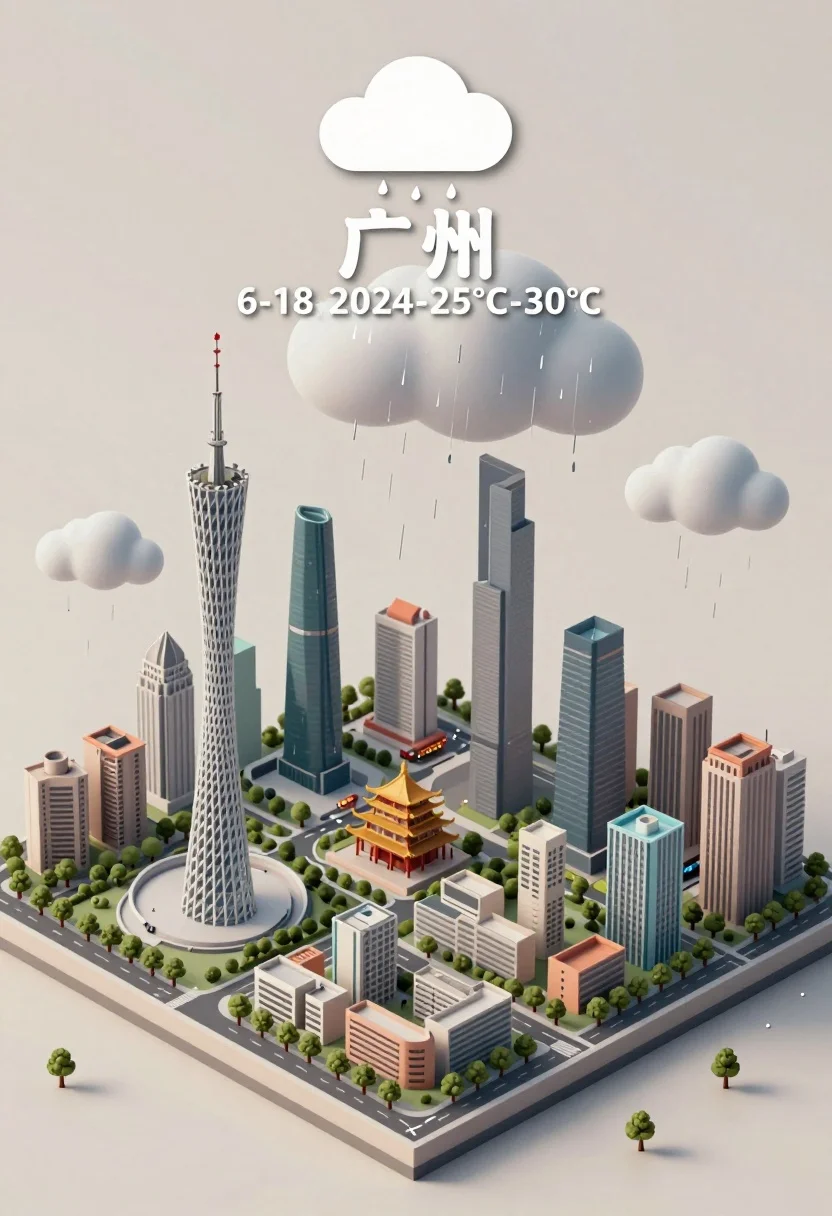
Isometric miniature model of guangzhou city under rainy sky illustration
Prompt
A miniature isometric cityscape model of Guangzhou featuring a mix of modern skyscrapers and traditional architecture under a rainy sky.

Subject: A detailed miniature diorama representing the city of Guangzhou, dominated by the tall Canton Tower on the left and surrounded by various high-rise buildings and lower residential structures.

Action: The scene depicts a weather event with rain falling from clouds above the city model.

Environment: The city sits on a flat, light-colored base plate against a plain, neutral beige background.

Camera: High-angle isometric view looking down at the miniature city, providing a clear overview of the layout and architecture.

Lighting: Soft, diffused lighting simulating an overcast day with gentle shadows and a cool, muted color palette to match the rainy atmosphere.

Objects: Small trees, roads, and street-level details are visible within the city model.

Interaction: Raindrops are falling from the clouds onto the buildings and streets of the miniature city.

Text/Graphics: A large white cloud icon with raindrops at the top, followed by the Chinese characters for Guangzhou, the date June 18, 2024, and a temperature range of 25°C to 30°C.

Style Details: Clean vector-style illustration with soft shading, smooth gradients, and a minimalist aesthetic typical of weather forecast graphics.
Description
This prompt is useful for creating infographic illustrations, architectural concept visualizations, and stylized educational materials about urban environments. The combination of 'isometric view' and 'clean vector-style illustration' ensures that the complex subject matter remains diagrammatic rather than photorealistic, while the 'soft, diffused lighting' prevents harsh shadows that would obscure the detailed miniature elements.
Suggestions
- Change 'neutral beige background' to 'pale slate gray' for a more dramatic sky contrast.
- Swap 'Canton Tower' for 'Pearl River Bridge' to focus on infrastructure.
- Adjust 'rainy sky' to 'misty atmosphere' for a less literal weather depiction.
Category
Tags
3dDigital ArtHigh AngleUrban
Date added
July 3, 2026
Added by
PromptDexter Team
Related Prompts
More prompts with similar categories and tags.
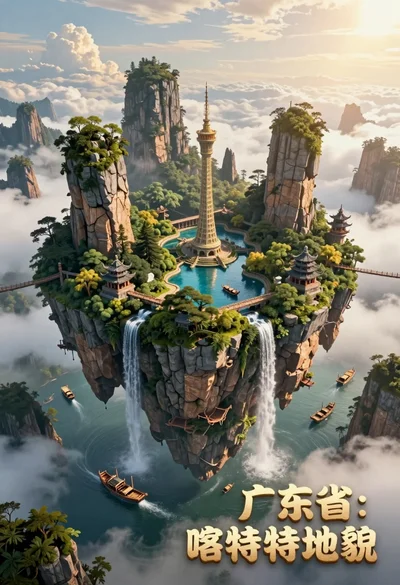
High angle view of floating island with karst formations and ancient architecture
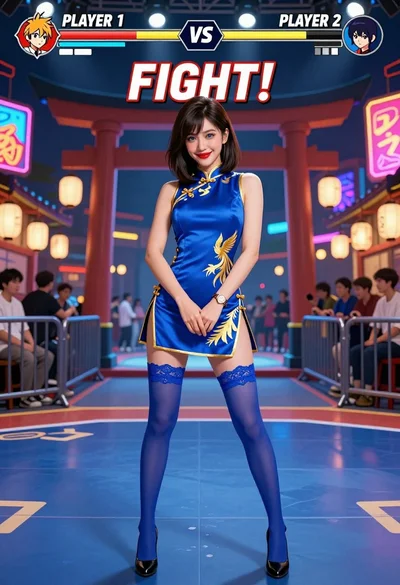
Woman in blue qipao standing in neon lit fighting game arena
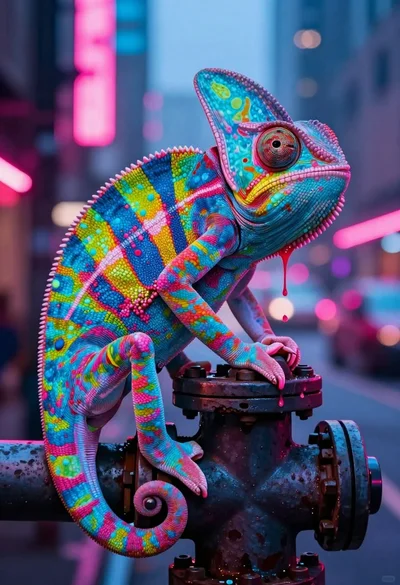
Vivid chameleon on dark pipe in neon lit futuristic city street
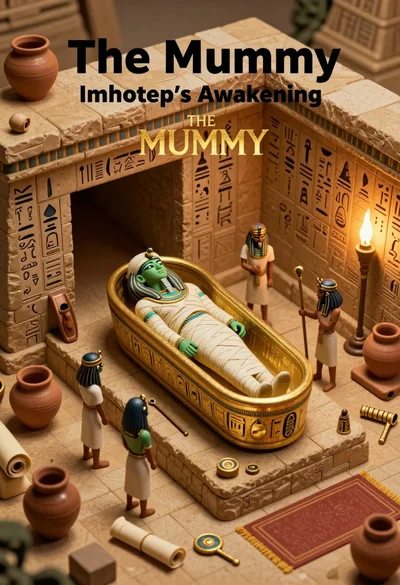
Isometric view of ancient egyptian tomb diorama with mummy sarcophagus

Futuristic soldier in heavy snowfall on an urban street

Close up portrait of serene bust with gold kintsugi cracks

Obsidian humanoid in neon cube holding glowing heart
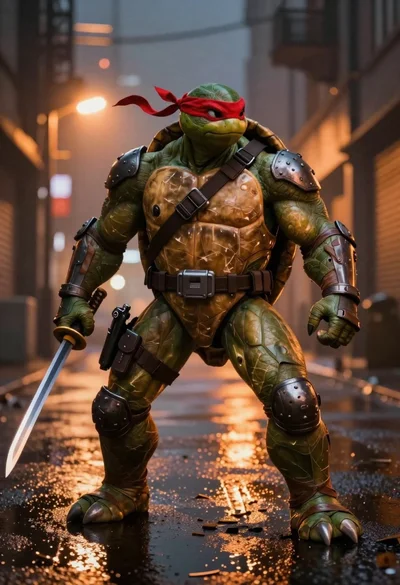
Muscular turtle in combat gear on wet city pavement
Astronaut portrait against pale blue sky background

Glowing pixel hands touching in a cosmic void