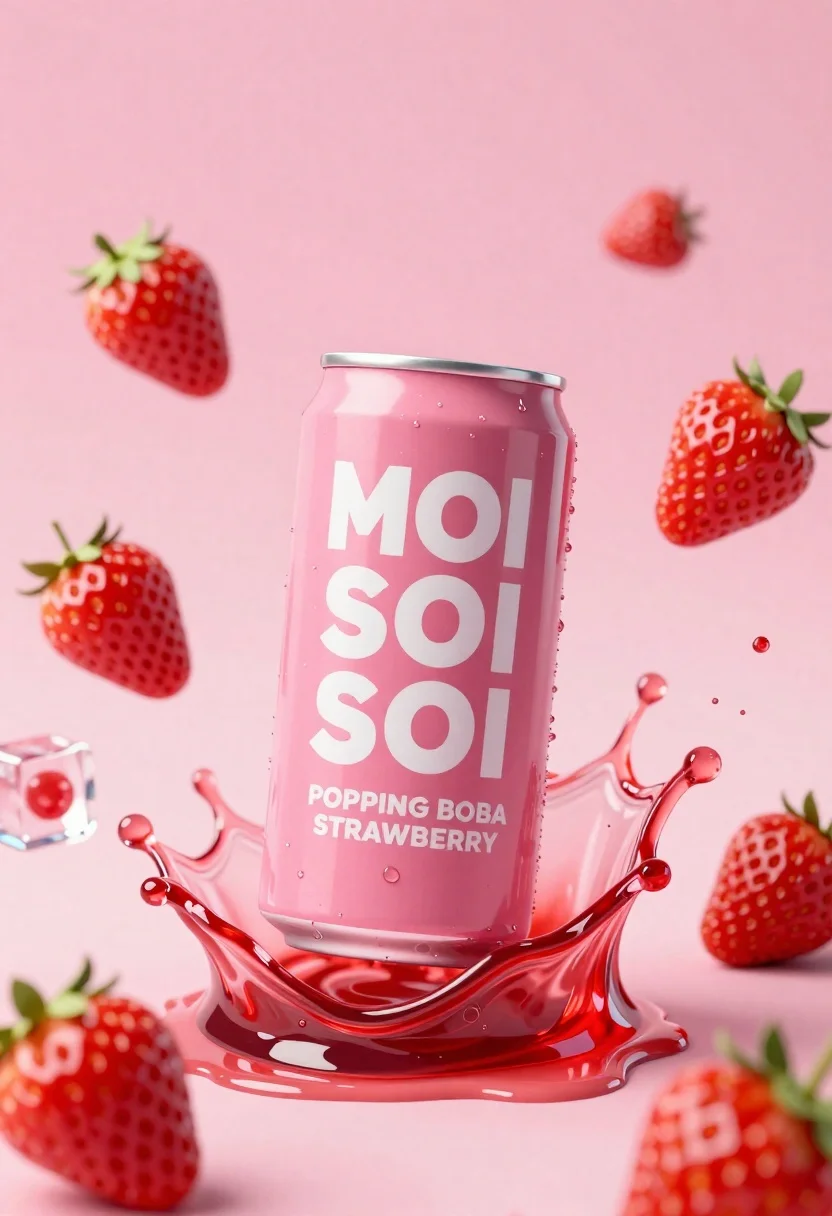
Pink soda can frozen in midair splash with strawberries
Prompt
A vibrant pink soda can suspended in mid-air amidst a dynamic splash of red liquid and floating strawberries.

Subject: A tall aluminum beverage can with a metallic silver rim and top, featuring bold white typography on a pink background.

Clothing: The can displays the brand name "MOI SOI SOI" stacked vertically in large, rounded white letters, with smaller text below reading "POPPING BOBA STRAWBERRY".

Action: The can is captured in a frozen moment of impact, surrounded by an energetic splash of red liquid and floating droplets.

Environment: A soft, gradient pink background that fades from light to slightly darker tones, creating a clean studio atmosphere.

Camera: Centered composition with a shallow depth of field that keeps the can sharp while softly blurring the surrounding splashes and strawberries.

Lighting: Bright, high-key lighting that creates glossy reflections on the wet surface of the can and emphasizes the translucency of the liquid splash.

Objects: Fresh red strawberries with green leafy tops are scattered around the can, including a sliced strawberry revealing its interior texture. A single ice cube floats to the left, containing a small red sphere inside.

Style Details: High-end commercial 3D rendering with hyper-realistic textures, vibrant color saturation, and a polished product photography aesthetic.
Description
This prompt is useful for creating high-end beverage advertising campaigns, e-commerce product showcases, and editorial food styling spreads. The combination of 'bright, high-key lighting' emphasizing glossy reflections on the wet surface, paired with a 'soft, gradient pink background,' ensures the metallic can remains the sharp focal point against a clean backdrop suitable for immediate commercial impact.
Suggestions
- Change "vibrant pink soda can" to "matte pastel pink beverage can" for a softer feel.
- Swap "red liquid" for "boba tea splash" to better match the branding.
- Adjust "hyper-realistic textures" to "glossy enamel texture" for more product focus.
Category
Tags
Full BodyOutdoorsRealisticStudio
Date added
June 26, 2026
Added by
PromptDexter Team
Related Prompts
More prompts with similar categories and tags.
Black pringles can floating in midair with chips and chili peppers against
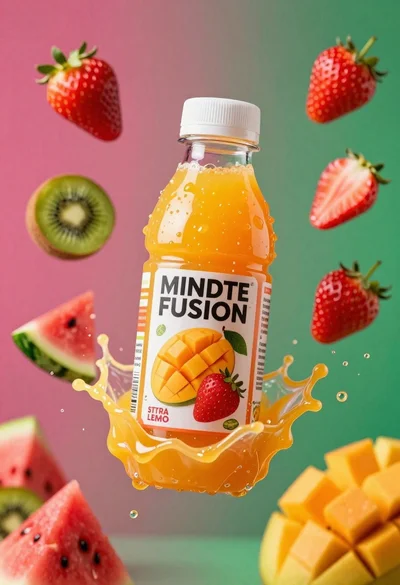
Plastic bottle of orange juice exploding in a vibrant splash against a
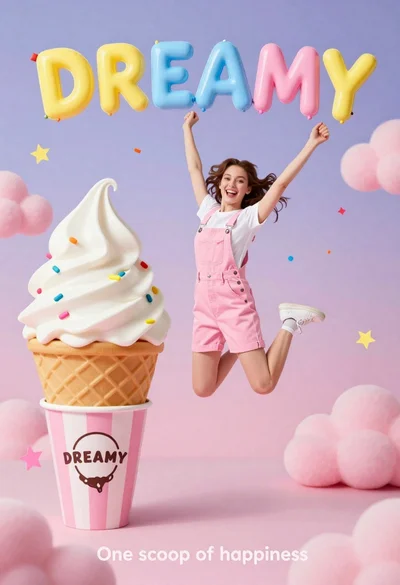
Joyful young woman in pink overalls jumping next to giant ice cream
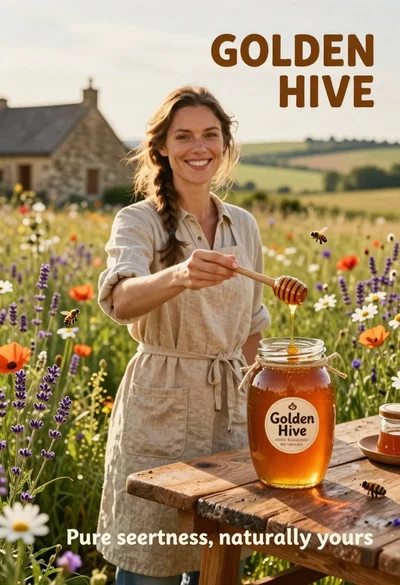
Smiling woman in beige linen dress holding honey jar on rustic wooden
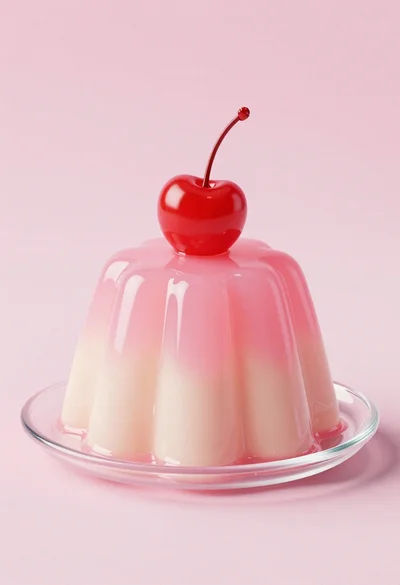
Dessert dome with pink jelly and red cherry

Two smiling children holding red kitkat bars against a blue sky
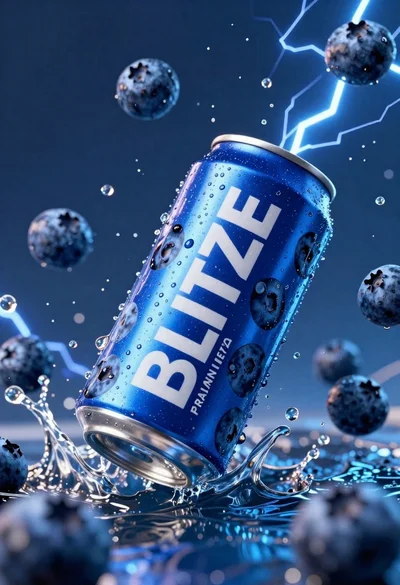
Blue aluminum beverage can suspended in midair with splashing water and blueberries

Ginger cat dressed as fast food worker holding cheeseburger