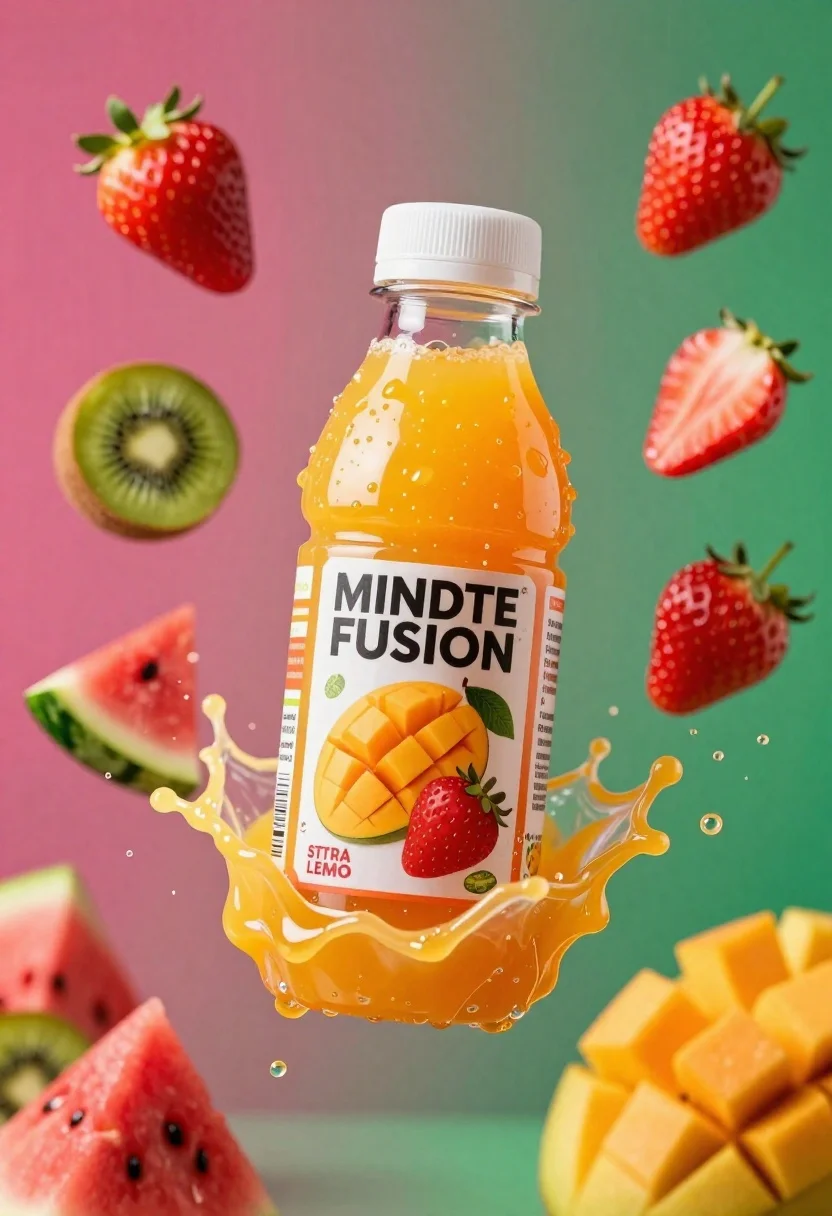
Plastic bottle of orange juice exploding in a vibrant splash against a
Prompt
A plastic bottle of orange juice exploding in a vibrant splash of fruit and liquid against a colorful gradient background.

Subject: A clear plastic bottle filled with bright orange juice, featuring a white screw-top cap and a label that reads "MINDTE FUSION" with images of fruits on the front.

Clothing: The bottle has a printed label displaying illustrations of sliced mangoes, kiwis, and strawberries along with text indicating flavors like "STRA LEMO" and "FROGRA".

Action: The bottle is captured mid-explosion in a dynamic splash of orange liquid, surrounded by flying fruit pieces including whole strawberries, sliced kiwis, chunks of watermelon, and diced mango.

Environment: A vivid gradient background shifting from deep magenta on the left to bright green on the right, with floating droplets and splashes adding depth to the scene.

Camera: Close-up shot with shallow depth of field focusing sharply on the bottle while slightly blurring the surrounding fruit and liquid for dramatic effect.

Lighting: Bright studio lighting highlighting the glossy texture of the juice and wet surfaces, creating sharp reflections and enhancing the saturation of colors.

Style Details: High-energy commercial product photography style with hyper-realistic rendering, vivid color grading, and motion blur effects to emphasize freshness and impact.
Description
This prompt is useful for creating vibrant beverage advertisements, food packaging mockups, and high-impact e-commerce product shots. The combination of 'bright studio lighting' emphasizing glossy textures and the 'vivid gradient background' ensures that the dynamic action of the exploding juice remains the focal point, preventing the splash from looking flat against a simple backdrop.
Suggestions
- Change 'deep magenta' to 'electric blue' for a cooler contrast.
- Add 'macro lens perspective' to intensify the close-up feel.
- Swap 'hyper-realistic rendering' for 'glossy commercial illustration' if you want less photorealism.
Category
Tags
Close UpOutdoorsRealisticStudio
Date added
June 26, 2026
Added by
PromptDexter Team
Related Prompts
More prompts with similar categories and tags.
Closeup shot of hand holding red soda can with condensation droplets outdoors
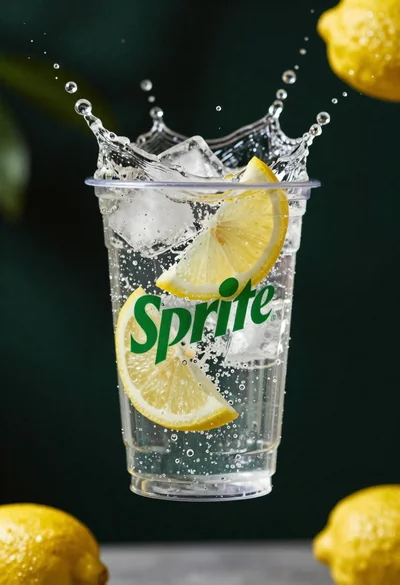
Clear plastic cup with fizzy liquid ice cubes and lemon slices suspended
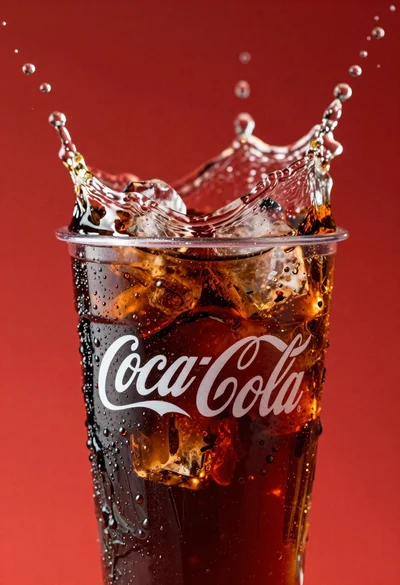
Refreshing coca cola glass with ice cubes splashing against red background
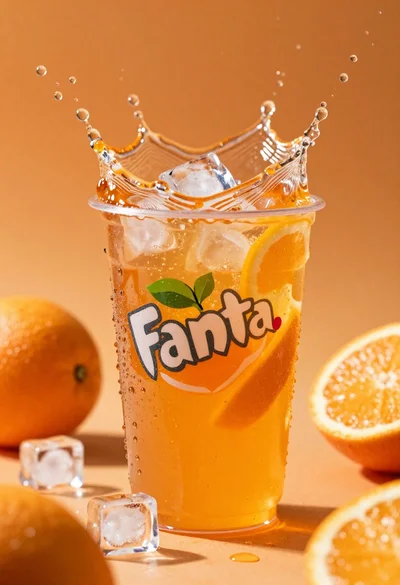
Closeup macro shot of a glass of orange soda splashing with ice
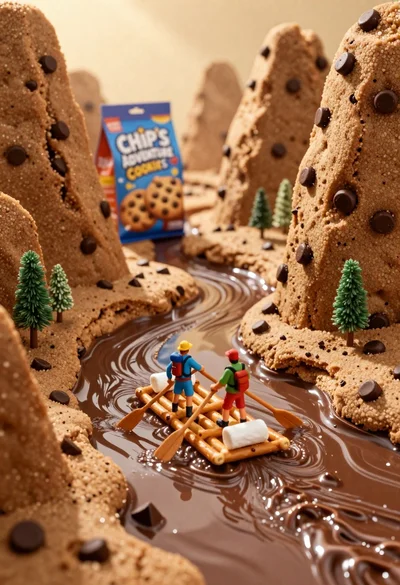
Tiny adventurers rowing a pretzel raft down a chocolate river between cookie
Pink soda can frozen in midair splash with strawberries
Refreshing beverage can with fruit slices on wooden table

Ginger cat dressed as fast food worker holding cheeseburger