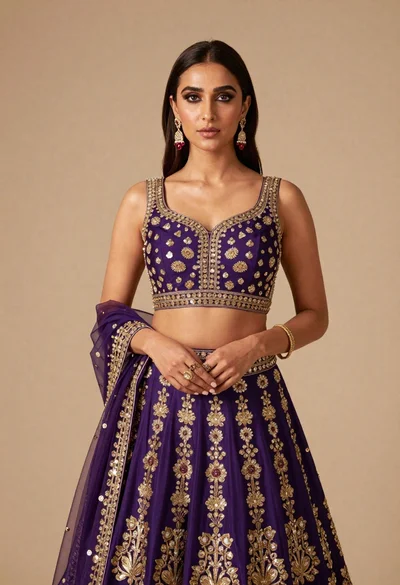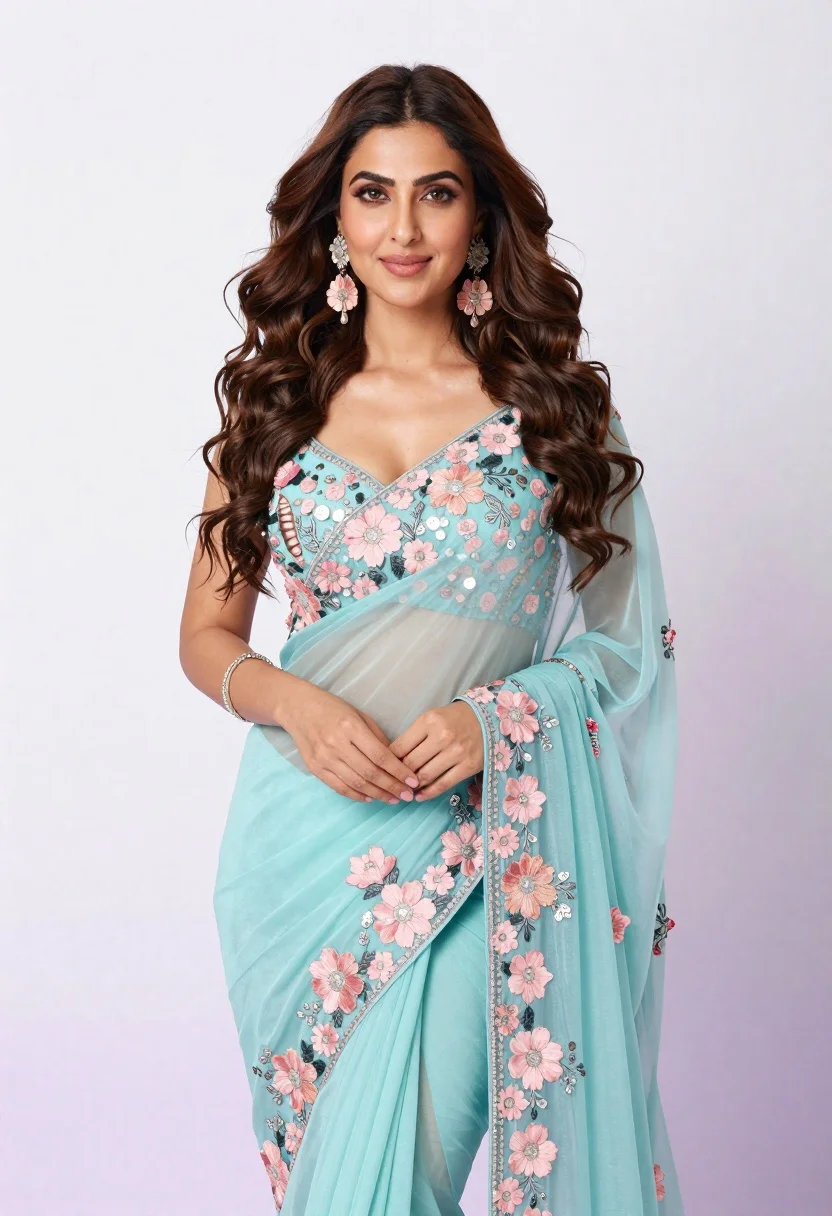
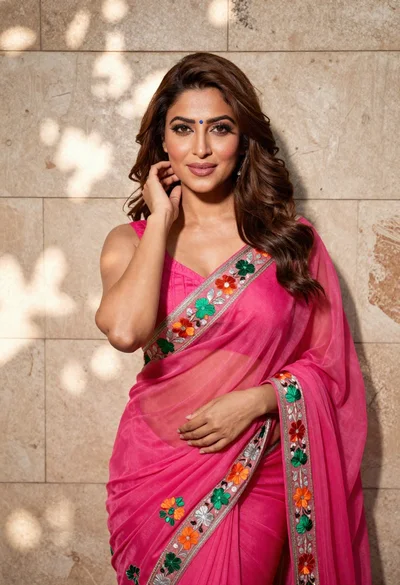
Poised woman in light blue floral embroidered saree studio portrait
Prompt
A confident woman with long wavy brown hair stands in a studio setting wearing an elegant light blue and pink floral embroidered saree.

Subject: A poised woman with voluminous wavy dark brown hair cascading over her shoulders, featuring defined eyebrows, subtle makeup, and a soft smile directed at the camera.

Clothing: She wears a sheer, light teal or aquamarine saree adorned with intricate 3D floral embroidery in pastel pink and silver sequins, paired with matching large dangling earrings and a delicate bracelet on her wrist.

Action: Her body is angled slightly to the side while she looks forward, with one hand gently resting near her waist and the other arm bent at the elbow.

Environment: A seamless plain background that transitions from white at the top to a soft lavender hue at the bottom.

Camera: Medium shot capturing the subject from the thighs up, utilizing a shallow depth of field to keep the focus sharp on her face and attire while softly blurring the background.

Lighting: Bright and even studio lighting illuminates the subject from the front, creating a clean look with soft shadows that highlight the texture of the fabric and facial features.

Style Details: High-resolution commercial photography style with vibrant colors, smooth skin tones, and a polished, high-fashion aesthetic.
Description
This prompt is useful for creating bridal fashion lookbooks, cultural portraiture campaigns, and e-commerce catalog shots for ethnic wear. The combination of 'bright and even studio lighting' with the 'seamless plain background that transitions from white at the top to a soft lavender hue at the bottom' ensures maximum visibility for the intricate '3D floral embroidery,' preventing harsh shadows that would obscure the delicate pastel pink and silver sequins.
Suggestions
- Change 'light teal or aquamarine saree' to 'royal blue silk saree' for a bolder contrast.
- Swap 'soft smile directed at the camera' for 'direct, powerful gaze' to increase intensity.
- Adjust 'shallow depth of field' to 'deep focus' if you want the entire background visible.
Category
Tags
Brown HairBrunetteFemaleMedium ShotRealisticStudioTraditional Wear
Date added
June 19, 2026
Added by
PromptDexter Team
Related Prompts
More prompts with similar categories and tags.
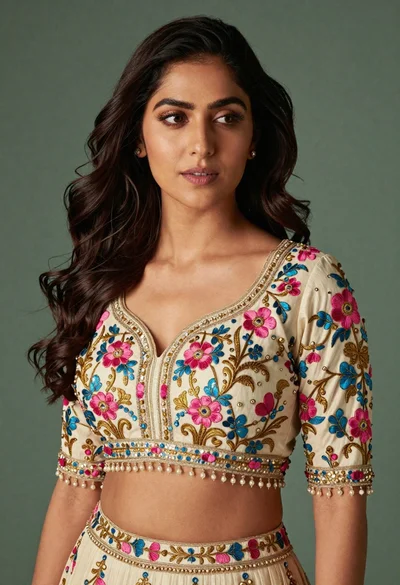
Medium close up portrait of woman in ornate cream lehenga choli
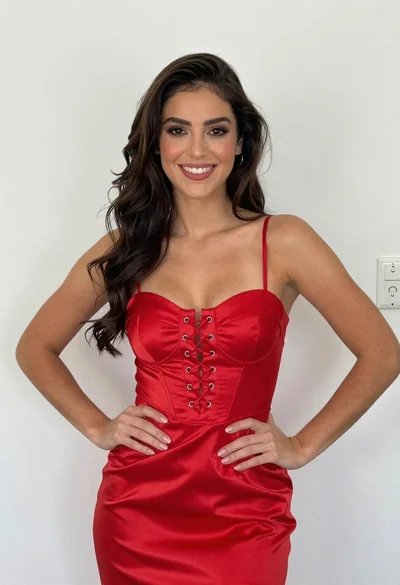
Smiling young woman in red satin dress against a plain white wall

Young woman in black graphic tshirt against white paneled wall
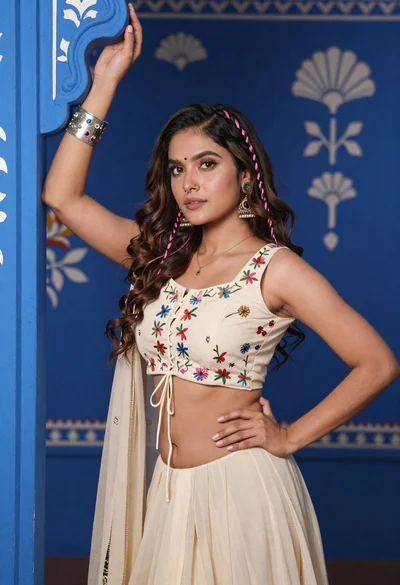
Young woman with brown hair posing by blue floral patterned wall
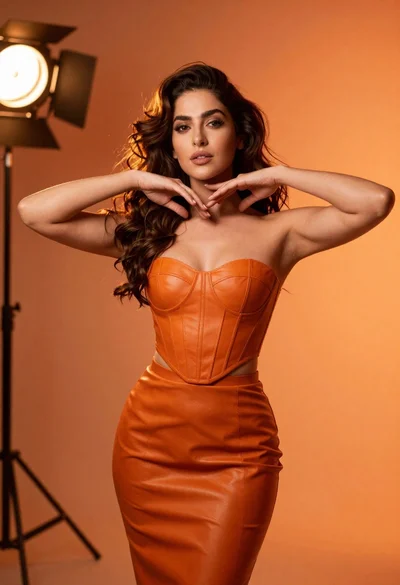
Confident woman in orange leather outfit posing in dramatic studio lighting

Portrait of woman in elaborate red feathered gown against vivid blue background

Glamorous woman posing in shimmering two piece outfit against green backdrop
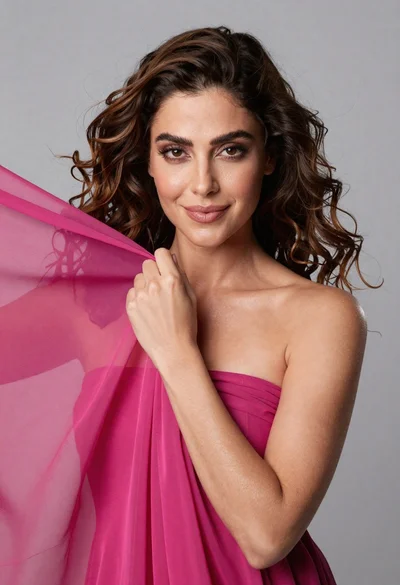
Medium close up portrait of woman with brown wavy hair in magenta
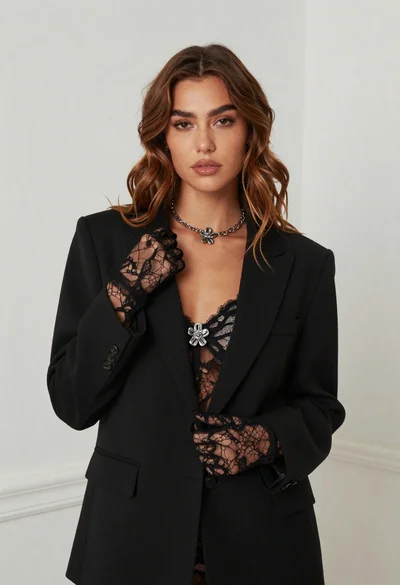
Fair skinned woman in black blazer against white studio wall
Woman in fuchsia saree posing against textured beige stone wall