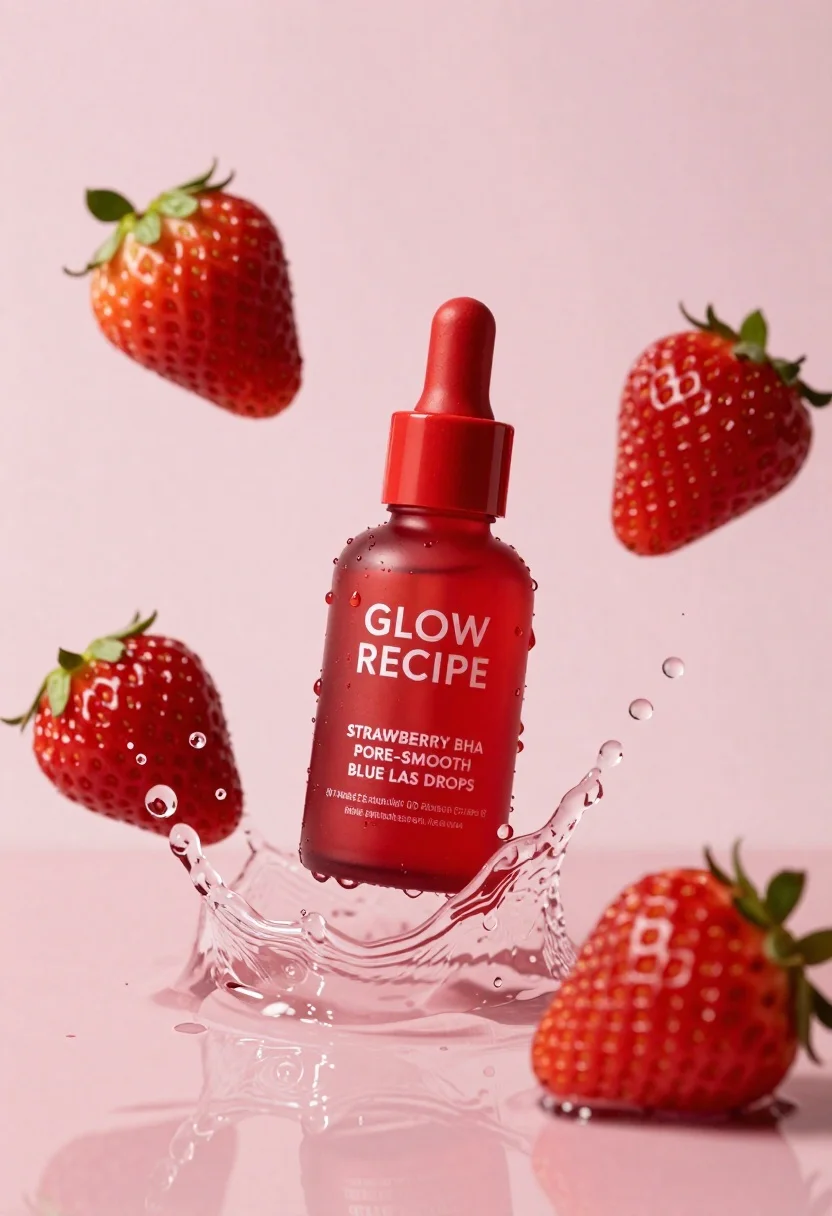
Red cosmetic bottle suspended in water splash with strawberries on pink background
Prompt
A vibrant red cosmetic bottle suspended in a dynamic splash of clear water against a soft pink background.

Subject: A glossy red dropper bottle with a matching cap and pump mechanism.

Clothing: N/A.

Action: The bottle is captured mid-air, surrounded by a frozen spray of water droplets and splashes that curve around it.

Environment: A minimalist studio setting featuring a smooth, reflective pink surface at the bottom and a solid pastel pink backdrop.

Camera: Close-up shot with a shallow depth of field that keeps the bottle sharp while slightly softening the background elements.

Lighting: Bright, high-key lighting that creates crisp highlights on the wet glass and water droplets, emphasizing transparency and texture.
Second

Subject: N/A.

Objects: Three fresh red strawberries with green leafy tops are scattered around the bottle—one floating above to the left, one to the right, and a third partially submerged in the splash behind the bottle.

Interaction: The water splash appears to be interacting with the bottle as if it has just been dropped into the liquid, while the strawberries float freely within the scene.

Text/Graphics: White text on the front of the bottle reads "GLOW RECIPE," followed by "STRAWBERRY BHA PORE-SMOOTH BLUE LAS DROPS" and smaller text indicating volume details.

Style Details: Commercial product photography style with hyper-realistic rendering, high saturation, and a clean aesthetic focused on freshness and skincare benefits.
Description
This prompt is useful for creating beauty advertisement mockups, cosmetic packaging concepts, and editorial skincare spreads emphasizing fresh ingredients. The combination of 'glossy red dropper bottle' against the 'soft pink background,' coupled with 'bright, high-key lighting,' ensures that the wet glass catches sharp highlights, which visually communicates both luxury and product efficacy needed for advertising.
Suggestions
- Change 'vibrant red cosmetic bottle' to 'matte deep crimson bottle' for a more sophisticated feel.
- Add 'macro lens perspective' to intensify the close-up focus on droplets.
- Replace 'soft pink background' with 'blush gradient backdrop' for subtle tonal variation.
Category
Tags
Close UpOutdoorsRealisticRed HairStudio
Date added
June 26, 2026
Added by
PromptDexter Team
Related Prompts
More prompts with similar categories and tags.

Closeup product shot of hand holding frosted glass spray bottle with colorful

Clear glass serum bottle with lemons and water splashes in studio
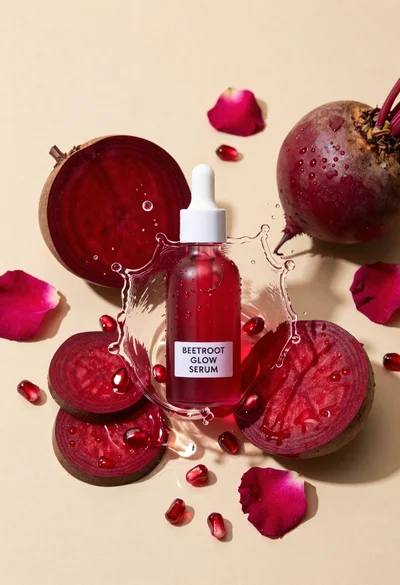
Glass dropper bottle of red serum surrounded by beetroot slices pomegranate seeds
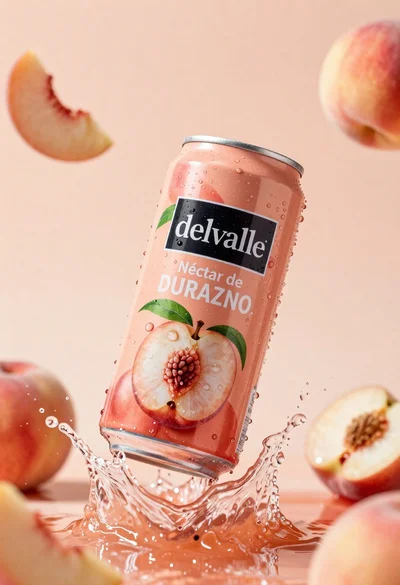
Refreshing peach nectar can suspended in midair with water splash
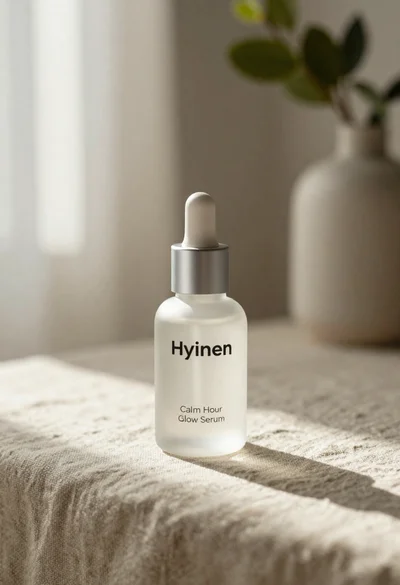
Frosted glass serum bottle with silver pump on beige linen cloth
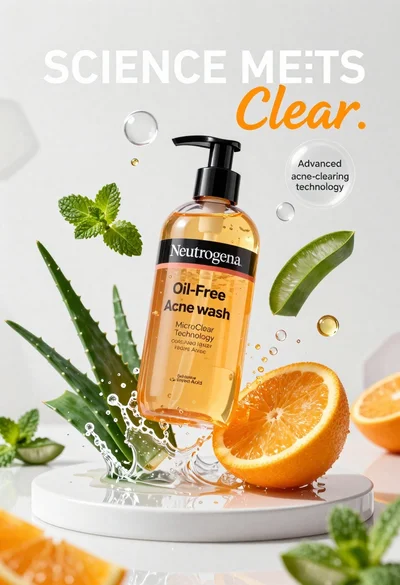
Neutrogena acne wash bottle suspended in midair with splashing liquid
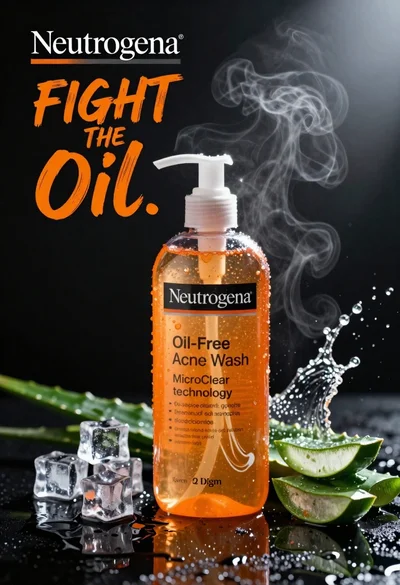
Commercial advertisement for orange facial cleanser bottle on wet black surface
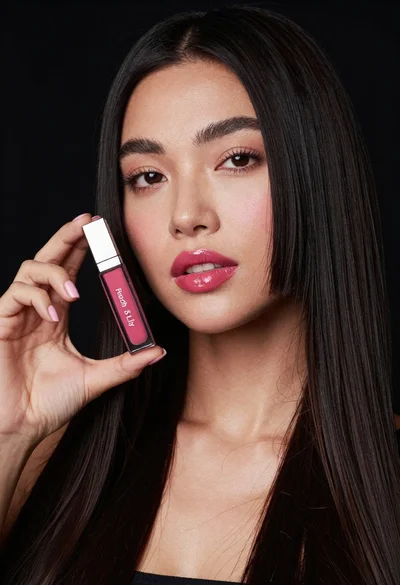
Woman holding lip gloss tube against black background in closeup