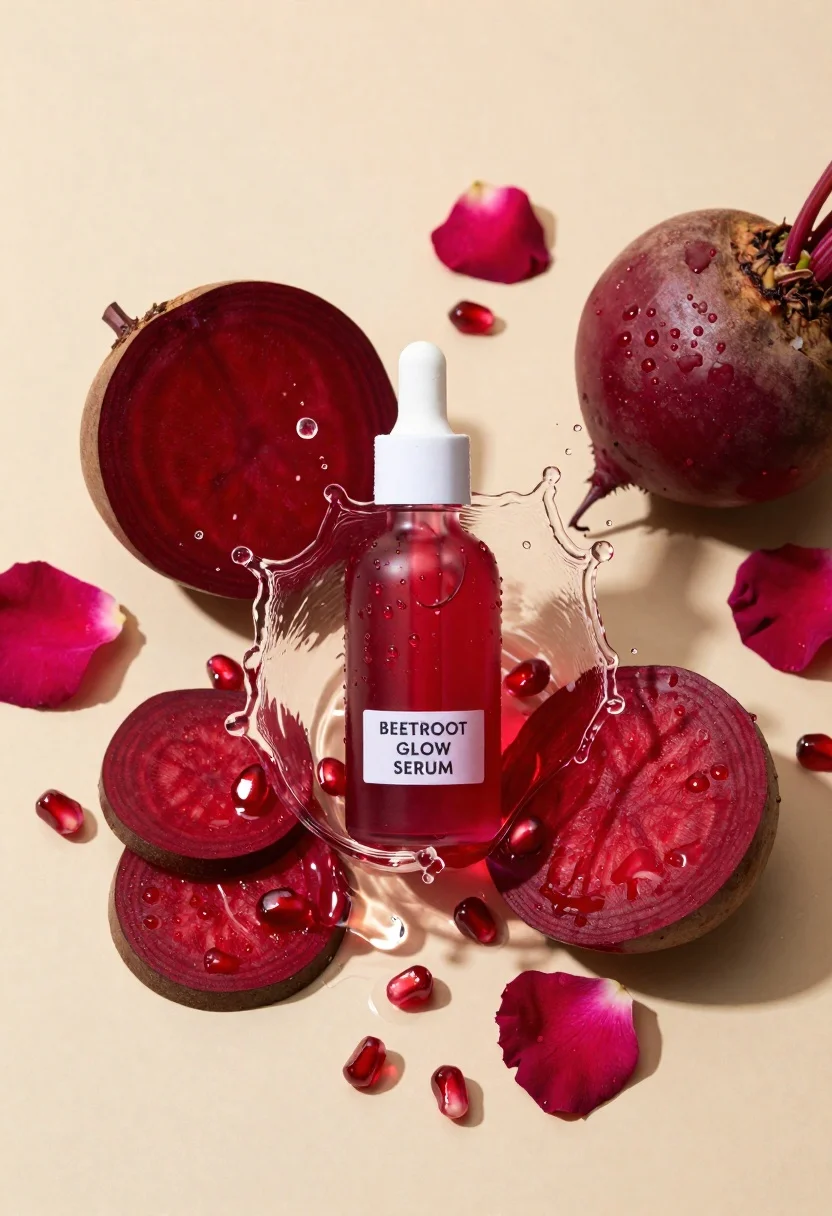
Glass dropper bottle of red serum surrounded by beetroot slices pomegranate seeds
Prompt
A glass dropper bottle of red serum surrounded by fresh beetroot slices, pomegranate seeds, and rose petals in a dynamic water splash.

Subject: A clear glass dropper bottle containing a deep red liquid with condensation droplets on the surface.

Clothing: Not applicable.

Action: The bottle is captured mid-splash within a circular ring of frozen water droplets.

Environment: A smooth, matte beige background providing a neutral canvas for the vibrant ingredients.

Camera: High-angle overhead shot with sharp focus on the central bottle and crisp details on the surrounding fruit.

Lighting: Bright, directional lighting from the upper left casting soft shadows and highlighting the texture of the water droplets and wet surfaces.

Second

Subject: Not applicable.

Objects: Slices of raw beetroot, a whole beetroot, loose pomegranate seeds, and scattered pink rose petals arranged around the bottle.

Interaction: The ingredients are artistically scattered to frame the central product within the splash.

Text/Graphics: A white label on the bottle reads "BEETROOT GLOW SERUM" in black sans-serif text.

Style Details: Commercial product photography with high saturation, vibrant reds against a warm neutral tone, and hyper-realistic rendering of textures.
Description
This prompt is useful for creating cosmetic advertising campaigns, wellness editorial spreads, and e-commerce product listings emphasizing natural ingredients. The combination of 'bright, directional lighting' casting soft shadows and the inclusion of condensation droplets ensures that the serum bottle appears wet and luxurious, while the 'matte beige background' prevents any competing color from distracting from the vibrant reds of the beetroot and pomegranate.
Suggestions
- Change 'deep red liquid' to 'ruby-red viscous oil' for a different viscosity look.
- Swap 'pomegranate seeds' for 'star anise pods' to introduce an aromatic element.
- Adjust 'matte beige background' to 'dark slate gray' for higher contrast.
Category
Tags
Full BodyOutdoorsRealisticRed HairStudioTop Down
Date added
June 23, 2026
Added by
PromptDexter Team
Related Prompts
More prompts with similar categories and tags.
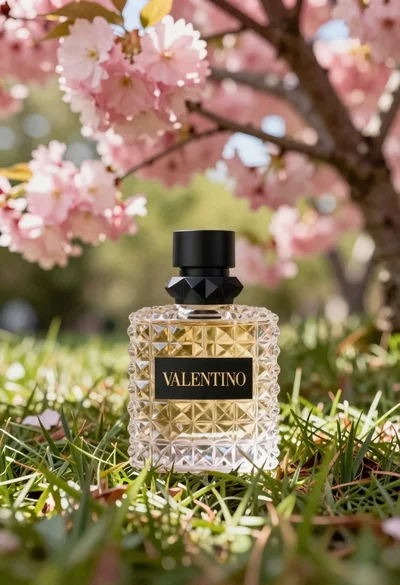
Transparent glass perfume bottle with black cap on green grass under pink
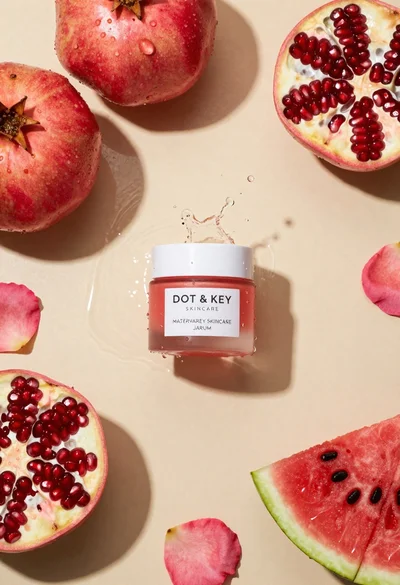
Top down flat lay of skincare jar with fruit and water splashes
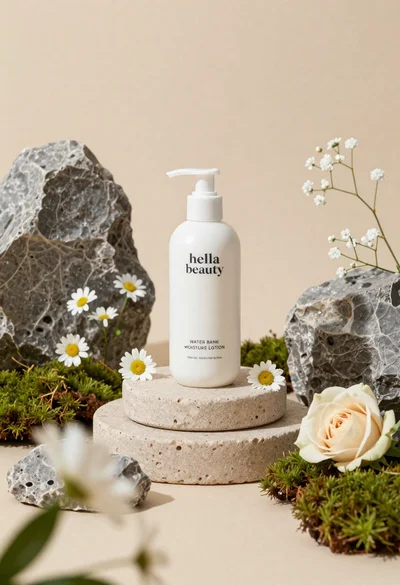
White lotion bottle on tiered stone pedestal with blurred flowers
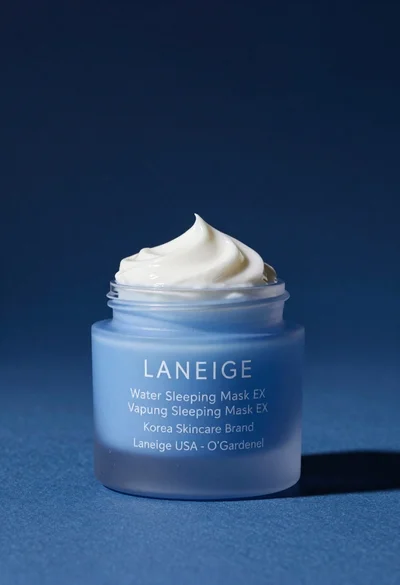
Light blue frosted glass jar of sleeping mask with creamy white swirl
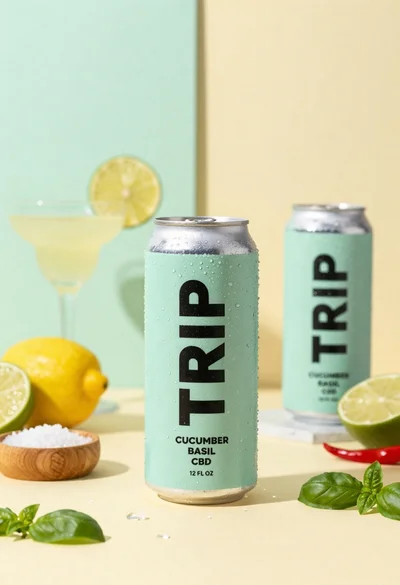
Frosty can of trip cucumber basil cbd in minimalist studio setting
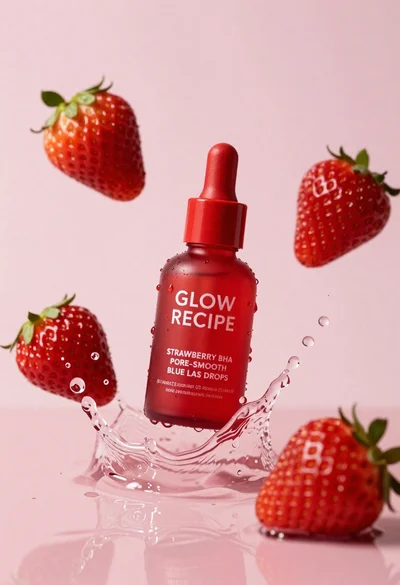
Red cosmetic bottle suspended in water splash with strawberries on pink background
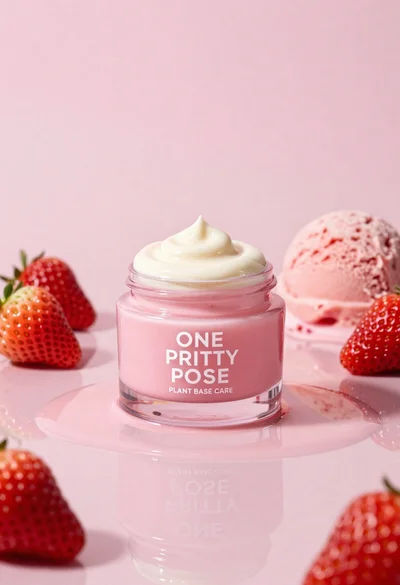
Glossy pink cosmetic jar with cream surrounded by strawberries and ice cream
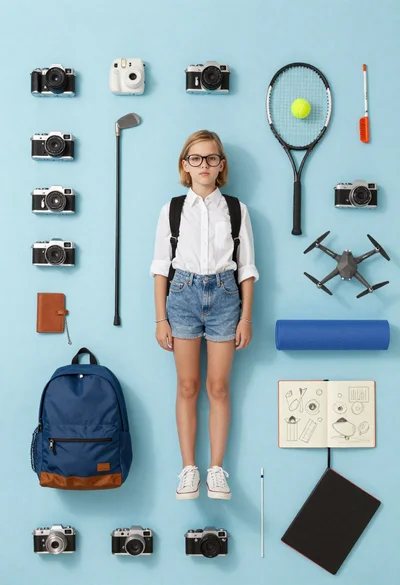
Girl surrounded by hobbies on a light blue background