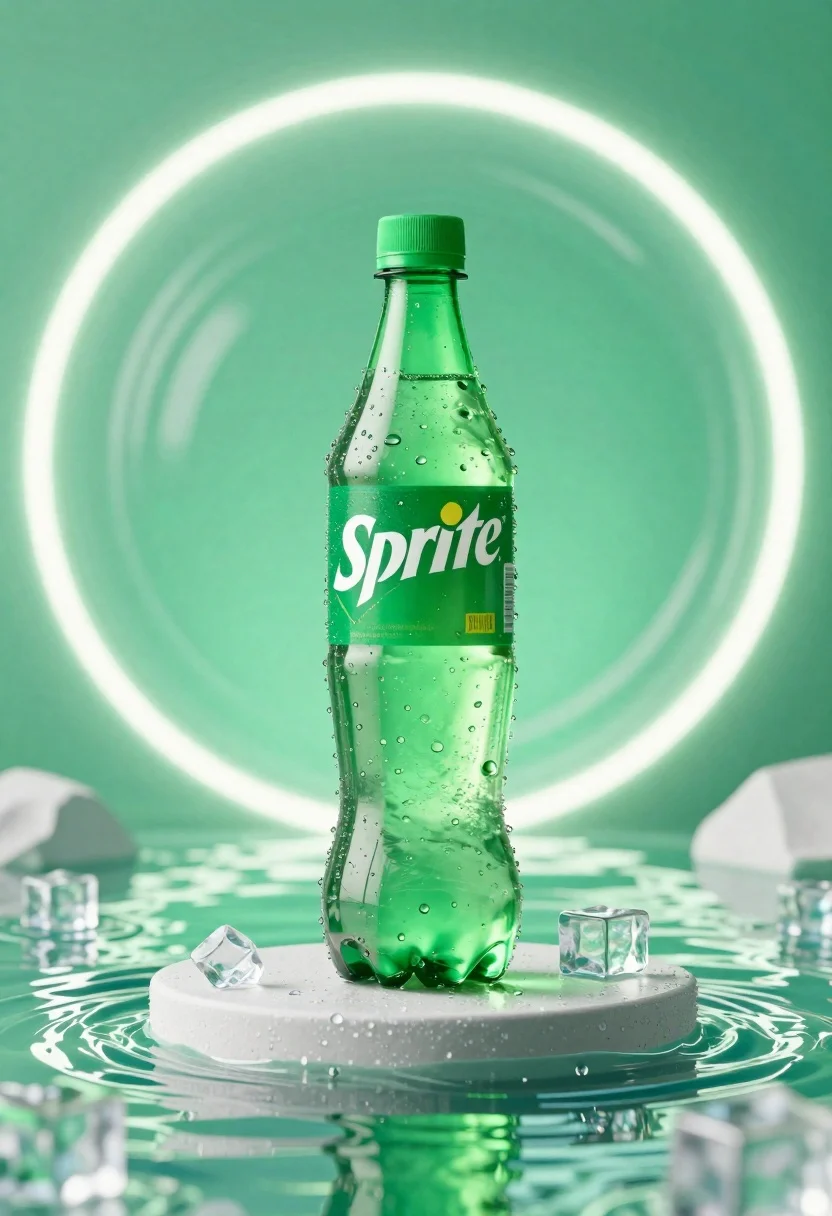
Refreshing green sprite bottle standing upright on pedestal surrounded by water and
Prompt
A refreshing green Sprite bottle stands upright on a circular pedestal surrounded by rippling water and floating ice cubes.

Subject: A clear plastic Sprite bottle with a green cap and the white "Sprite" logo on its label.

Clothing: N/A.

Action: The bottle is stationary, standing vertically on a pedestal.

Environment: A vibrant, aquatic setting featuring a pool of green-tinted water in the foreground and a swirling, glowing green background with concentric light rings.

Camera: Eye-level perspective with a shallow depth of field that keeps the bottle sharp while softly blurring the glowing background elements.

Lighting: Bright, high-key lighting with strong highlights on the wet plastic surface and soft, diffused glow from the background rings creating a fresh and energetic mood.
Second

Subject: N/A.

Objects: Floating ice cubes scattered around the bottle and a circular stone or concrete pedestal supporting it.

Interaction: The bottle is isolated as the central focus, surrounded by water and ice to emphasize refreshment.

Text/Graphics: The word "Sprite" is clearly visible in its signature white font on the green label of the bottle.

Style Details: 3D commercial render with hyper-realistic textures, vibrant color grading, and a clean, polished advertising aesthetic.
Description
This prompt is useful for creating beverage advertisement mockups, seasonal product launches, and high-end catalog imagery emphasizing refreshment. The combination of 'bright, high-key lighting' with 'strong highlights on the wet plastic surface' ensures the bottle appears maximally crisp and appealing, while the 'shallow depth of field' isolates the subject against the 'swirling, glowing green background' to prevent visual competition.
Suggestions
- Change 'green-tinted water' to 'crystal clear water' for a more premium feel.
- Add 'macro lens perspective' to emphasize the ice cubes.
- Swap 'concentric light rings' for 'bokeh effect' for softer background separation.
Category
Tags
3dOutdoorsRealistic
Date added
June 26, 2026
Added by
PromptDexter Team
Related Prompts
More prompts with similar categories and tags.
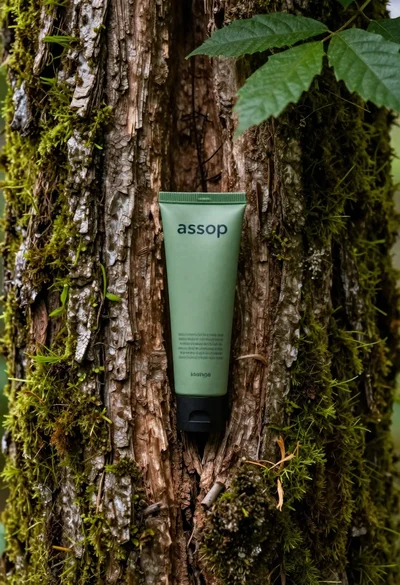
Green cosmetic tube in mossy old tree trunk crevice
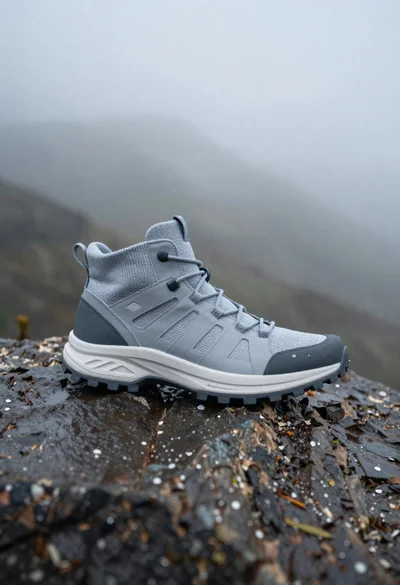
Grey and white hiking boot on wet rocky ground
First person view of snowboarder riding down snowy mountain slope
Clear glass skincare bottle suspended in water splash outdoors
Glossy black jar of deep red body salt scrub surrounded by fresh
Black monster energy can wrapped in metal chains on reflective floor

Closeup product shot of hand holding frosted glass spray bottle with colorful
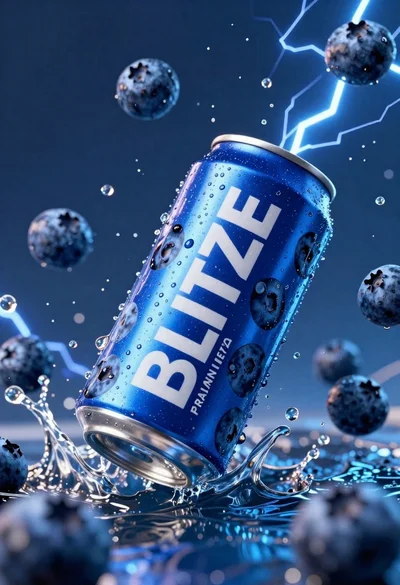
Blue aluminum beverage can suspended in midair with splashing water and blueberries