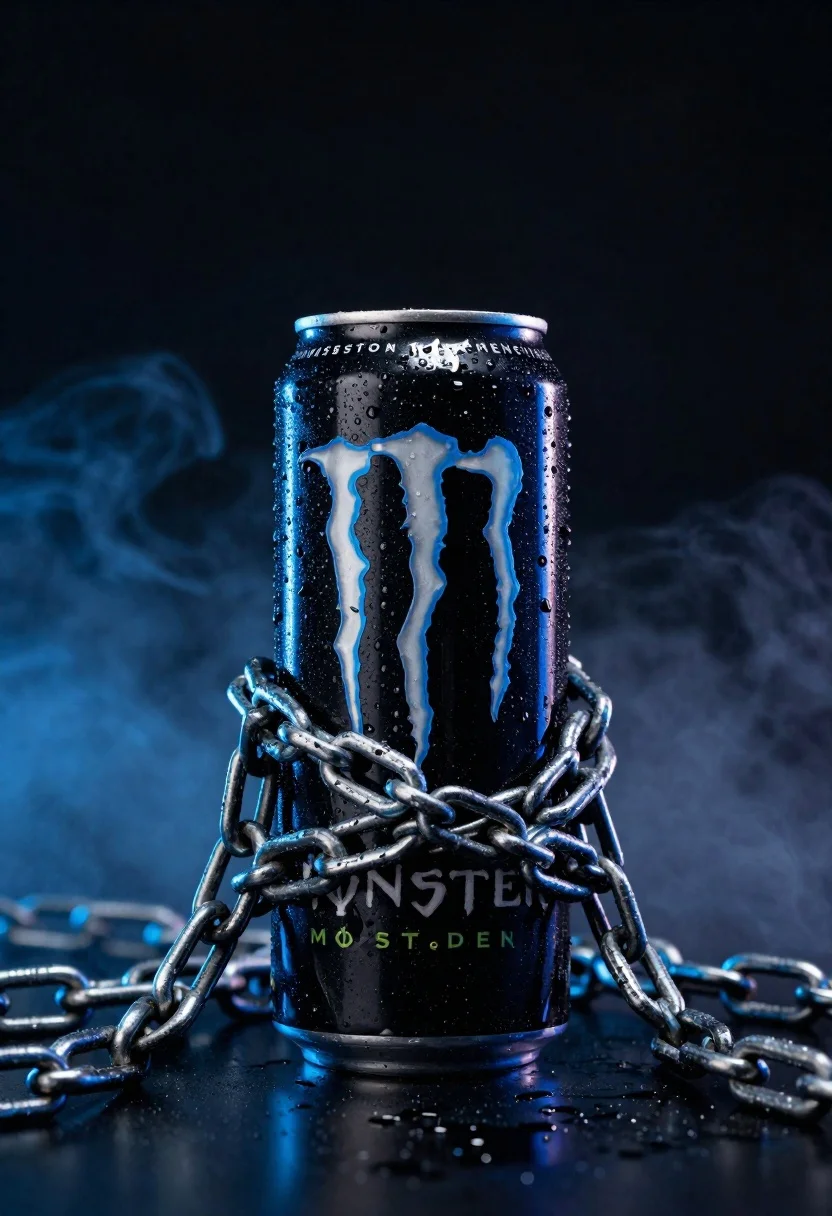
Black monster energy can wrapped in metal chains on reflective floor
Prompt
A black Monster Energy can stands vertically in the center of the frame, wrapped tightly by heavy metal chains that extend outward onto a reflective surface.

Subject: A tall, cylindrical black beverage can featuring a large, glowing blue claw-mark logo on its front face.

Clothing: The can has a metallic finish with visible condensation droplets covering its surface, indicating it is cold.

Action: The can is stationary and upright, encircled by thick, interlocking metal chains that bind around its midsection and drape onto the ground.

Environment: The setting is a dark, moody studio space filled with swirling blue smoke or fog in the background against a deep black void.

Camera: A straight-on eye-level shot with a shallow depth of field that keeps the can sharp while the smoky background remains soft and atmospheric.

Lighting: Dramatic low-key lighting with a strong blue rim light illuminating the edges of the can and chains, creating high contrast and highlighting the condensation droplets.

Objects: Heavy industrial metal chains wrapped around the can and lying on the reflective floor.

Interaction: The chains are physically constricting the can, creating a visual metaphor of power or energy being contained.

Text/Graphics: Partial text reading "MONSTER" is visible near the bottom of the can, with additional branding text along the rim.

Style Details: High-contrast commercial product photography with a cinematic color palette dominated by deep blacks and electric blues, featuring a glossy finish and volumetric fog effects.
Description
This prompt is useful for creating high-impact advertising visuals, album art mockups, and dramatic product reveals for beverage or tech brands. The combination of 'dramatic low-key lighting' with a strong blue rim light sculpts the can and chains by emphasizing the condensation droplets and metallic texture, which prevents the subject from looking flat against the deep black void.
Suggestions
- Change 'swirling blue smoke or fog' to 'wisps of white vapor' for contrast.
- Swap 'heavy industrial metal chains' for 'oxidized iron chains' for a different patina.
- Adjust 'electric blues' to include 'cyan and violet' for a cooler tone.
Category
Tags
Black HairCasual WearDark SkinFull BodyMaleMedium ShotOutdoorsRealisticRooftopStudio
Date added
June 23, 2026
Added by
PromptDexter Team
Related Prompts
More prompts with similar categories and tags.
Pink pump bottle of body wash in foam surrounded by watermelon slices
Pure aloe gel tube on wet reflective surface with water splash
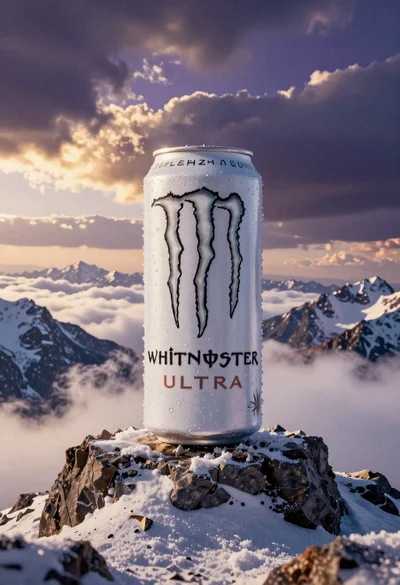
Giant white energy drink can on snowy mountain peak above sea of
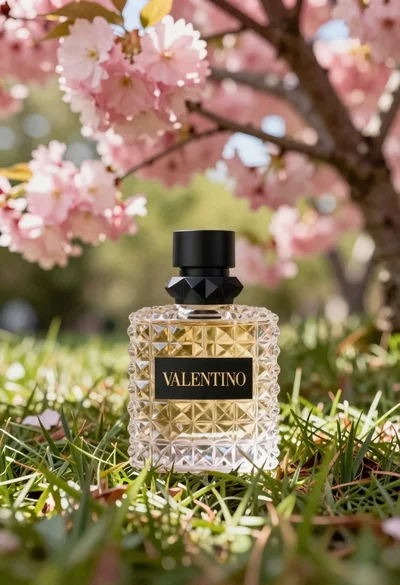
Transparent glass perfume bottle with black cap on green grass under pink
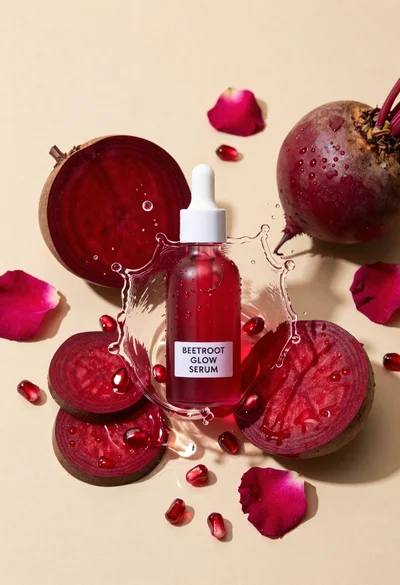
Glass dropper bottle of red serum surrounded by beetroot slices pomegranate seeds
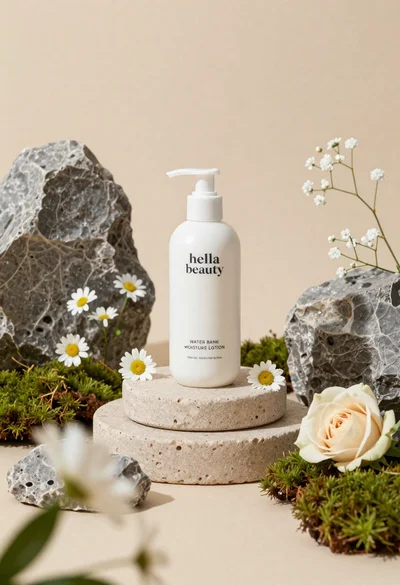
White lotion bottle on tiered stone pedestal with blurred flowers
Light blue frosted glass jar of sleeping mask with creamy white swirl
Young woman in athletic pose midair wearing white sneakers against graphic background
