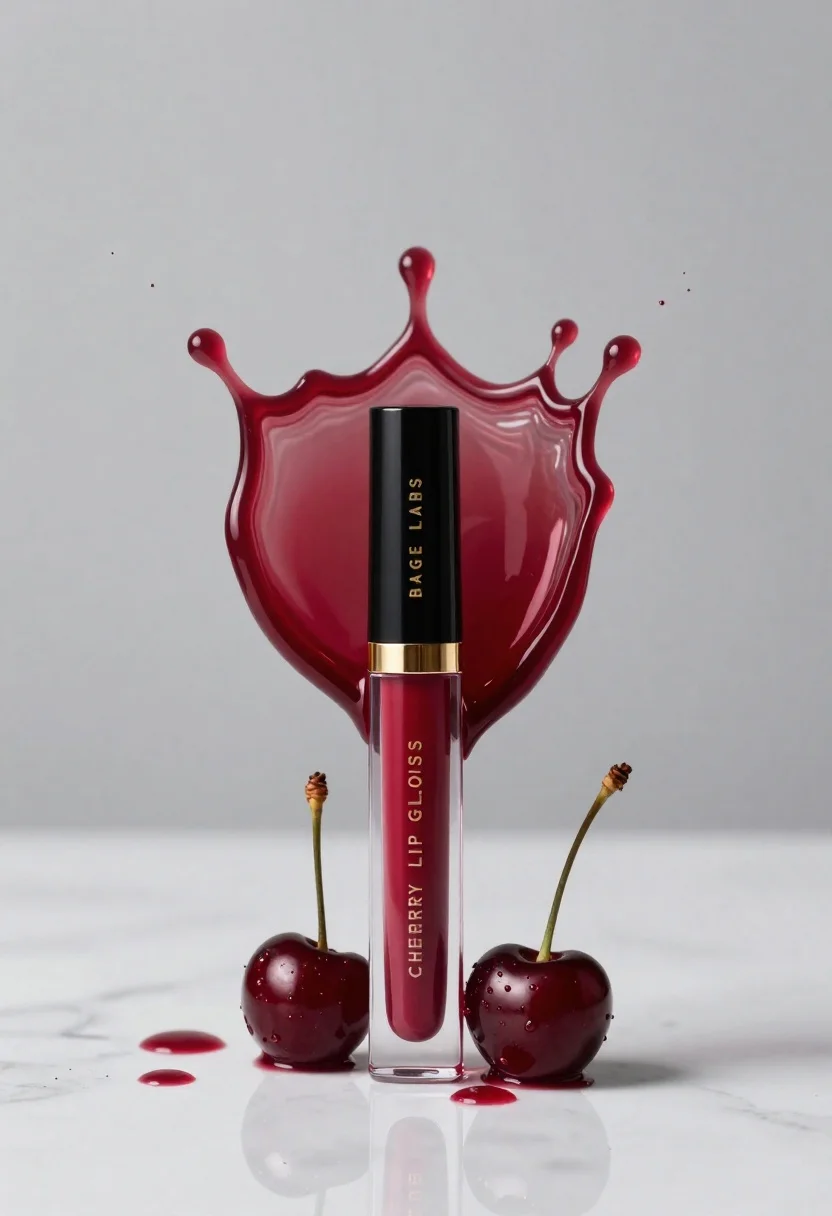
Cherry lip gloss tube on white marble with red liquid splash crown
Prompt
A sleek tube of cherry lip gloss stands upright on a reflective white marble surface, framed by a dramatic splash of deep red liquid forming a crown shape above it.

Subject: A tall, cylindrical tube of glossy cherry-colored lip gloss with a black cap and gold accents.

Clothing: The product features a black top section with the text "BAGEL LABS" in gold lettering, a gold ring, and a clear lower section revealing the deep red liquid inside labeled "CHERRY LIP GLOSS HIGH-SHINE".

Action: The lip gloss stands vertically while a dynamic splash of dark red liquid erupts upward behind it, forming an intricate, crown-like silhouette with droplets suspended in mid-air.

Environment: A minimalist setting featuring a smooth white marble surface and a plain, light grey background that emphasizes the product.

Camera: A straight-on, eye-level shot with a shallow depth of field that keeps the lip gloss sharp while softly blurring the distant background.

Lighting: Soft, diffused studio lighting creates gentle highlights on the glossy liquid and glass surfaces, casting subtle reflections on the marble floor.

Objects: Two dark cherries with stems and leaves rest at the base of the tube, accompanied by scattered droplets of red liquid on the surface.

Text/Graphics: The words "BAGEL LABS", "CHERRY LIP GLOSS", and "HIGH-SHINE" are clearly visible in gold typography on the product packaging.

Style Details: High-end commercial photography with hyper-realistic rendering, emphasizing glossy textures, vibrant color saturation, and dramatic fluid dynamics.
Description
This prompt is useful for creating high-end beauty advertisements, cosmetic catalog spreads, and editorial product features. The combination of 'soft, diffused studio lighting' with the hyper-realistic rendering ensures that the glossy textures are emphasized without harsh specular highlights, while the 'dramatic splash of dark red liquid' provides necessary visual energy against the minimalist white marble surface.
Suggestions
- Change 'cherry-colored lip gloss' to 'ruby red lip gloss' for a deeper tone.
- Swap 'white marble surface' for 'black obsidian surface' to increase contrast.
- Add 'macro lens, 100mm' to enhance the detail of the liquid droplets.
Category
Tags
Close UpMedium ShotOutdoorsRealisticStudio
Date added
June 23, 2026
Added by
PromptDexter Team
Related Prompts
More prompts with similar categories and tags.
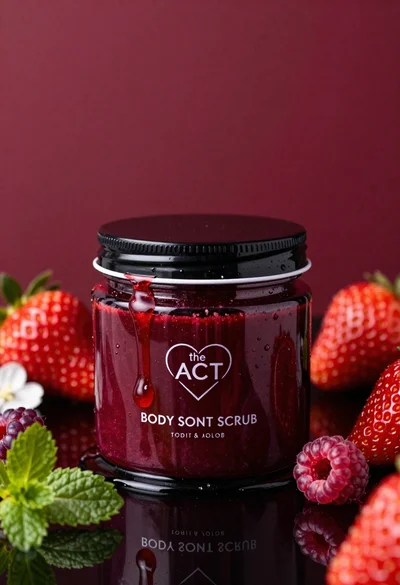
Glossy black jar of deep red body salt scrub surrounded by fresh
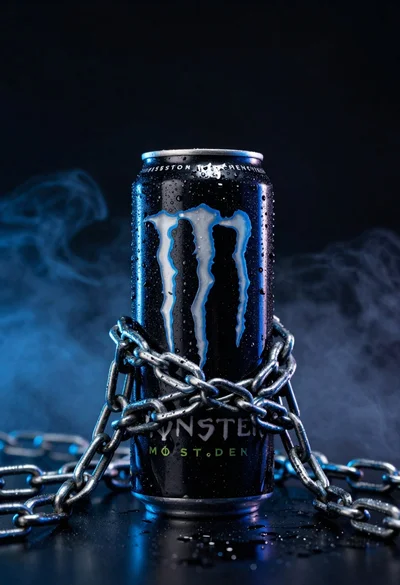
Black monster energy can wrapped in metal chains on reflective floor

Closeup product shot of hand holding frosted glass spray bottle with colorful

Clear glass serum bottle with lemons and water splashes in studio
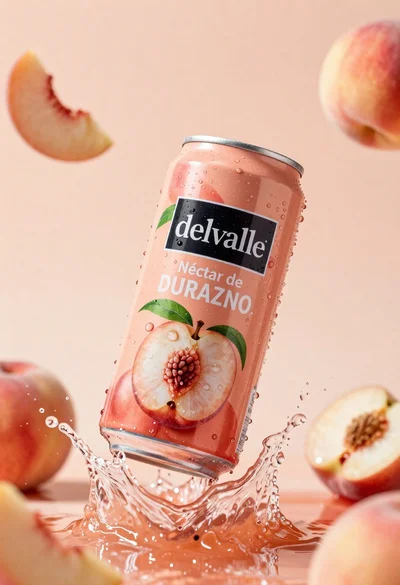
Refreshing peach nectar can suspended in midair with water splash
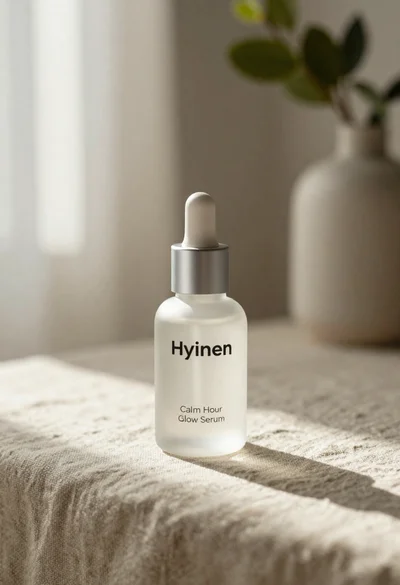
Frosted glass serum bottle with silver pump on beige linen cloth
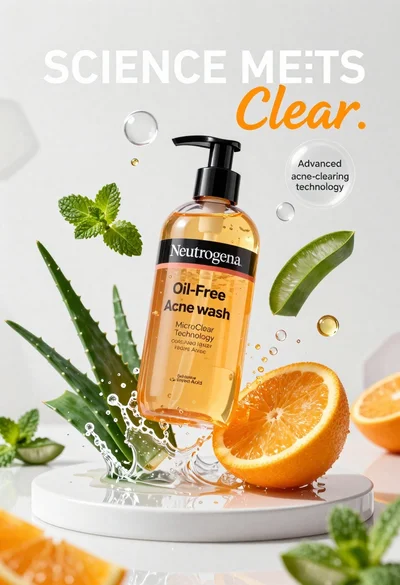
Neutrogena acne wash bottle suspended in midair with splashing liquid
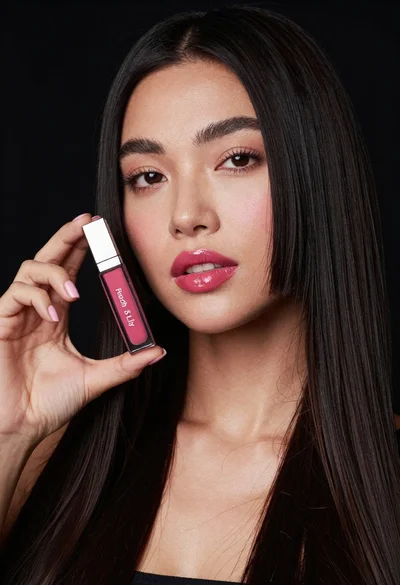
Woman holding lip gloss tube against black background in closeup