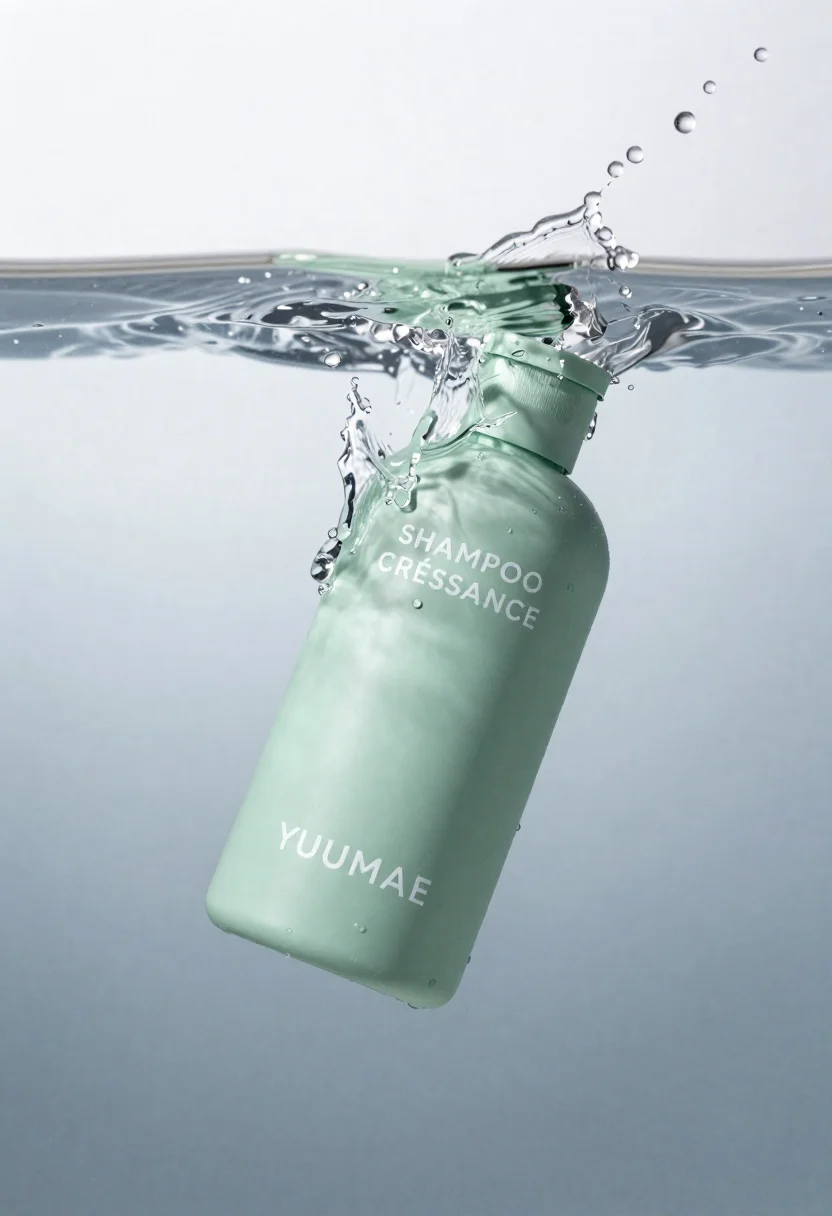
High angle close up of mint green shampoo bottle in water with
Prompt
A mint green shampoo bottle partially submerged in clear water with dynamic splashes and droplets surrounding it.

Subject: A matte-finish cylindrical bottle with a ribbed screw-top cap, floating diagonally within the water.

Clothing: N/A.

Action: The bottle is captured mid-motion as it breaks the surface of the water, creating a sharp splash around its upper half and scattering individual droplets into the air.

Environment: A minimalist studio setting featuring a smooth gradient background that transitions from cool grey-blue at the bottom to bright white at the top.

Camera: High-angle close-up shot with shallow depth of field, focusing sharply on the bottle while blurring the distant water surface slightly.

Lighting: Soft, diffused studio lighting illuminating the scene evenly, creating gentle highlights on the wet glass and plastic surfaces without harsh shadows.
Second

Subject: N/A.

Objects: N/A.

Interaction: The liquid interacts dynamically with the bottle, forming a clean wave line across the middle of the frame and sending water droplets flying outward.

Text/Graphics: White sans-serif typography printed directly on the bottle reading "SHAMPOO CRÉISSANCE" near the top and "YUUMAE" prominently displayed at the bottom.

Style Details: High-end commercial product photography with hyper-realistic rendering, crisp textures, and a clean, refreshing aesthetic.
Description
This prompt is useful for creating high-end cosmetic advertisements, e-commerce product listings, and beauty editorial spreads requiring a sense of freshness. The combination of 'matte-finish' on the bottle and 'soft, diffused studio lighting' prevents harsh specular reflections that would distract from the product's form, while the 'dynamic splashes and droplets' provide necessary visual energy for digital advertising.
Suggestions
- Change 'mint green' to 'seafoam green' for a more muted tone.
- Replace 'smooth gradient background' with 'polished marble surface' for added texture.
- Adjust 'shallow depth of field' to 'deep focus' if you want the entire splash pattern sharp.
Category
Tags
Close UpOutdoorsRealisticStudio
Date added
June 26, 2026
Added by
PromptDexter Team
Related Prompts
More prompts with similar categories and tags.

Closeup product shot of hand holding frosted glass spray bottle with colorful

Clear glass serum bottle with lemons and water splashes in studio
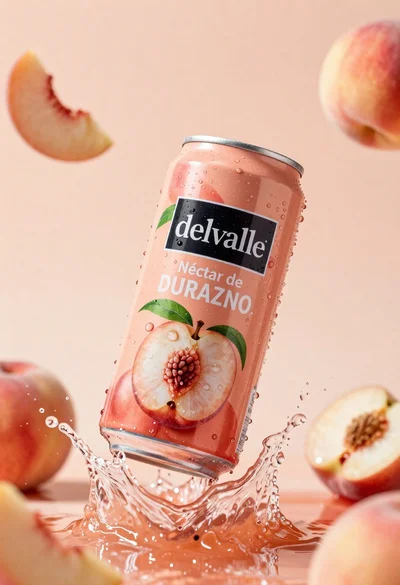
Refreshing peach nectar can suspended in midair with water splash
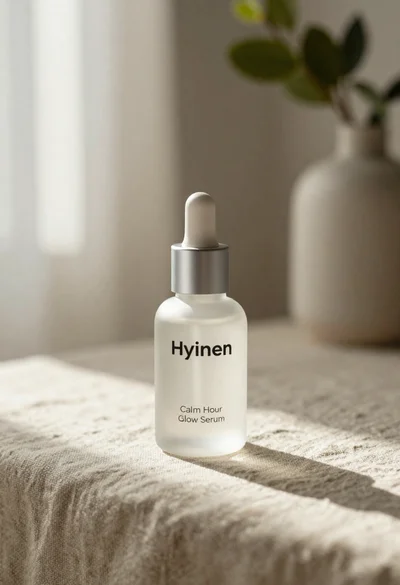
Frosted glass serum bottle with silver pump on beige linen cloth
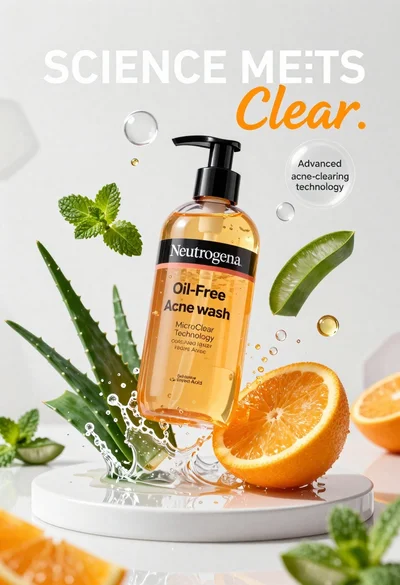
Neutrogena acne wash bottle suspended in midair with splashing liquid
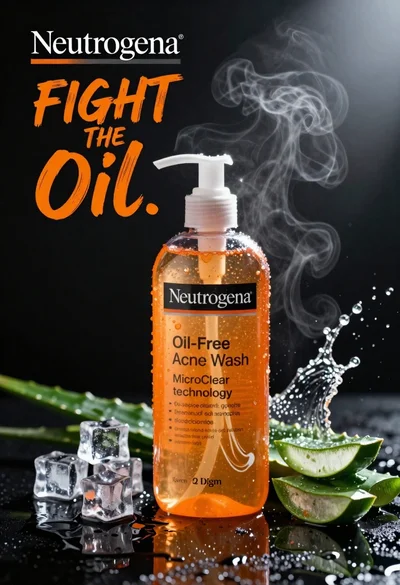
Commercial advertisement for orange facial cleanser bottle on wet black surface
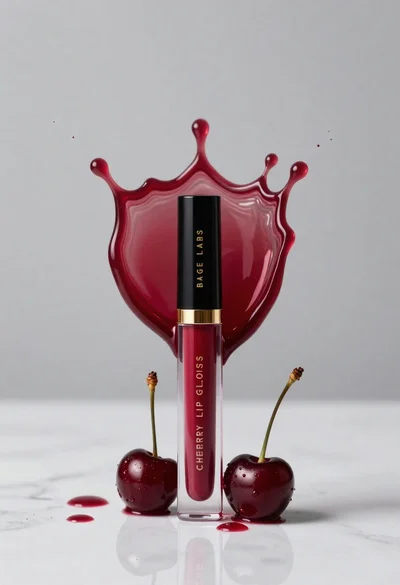
Cherry lip gloss tube on white marble with red liquid splash crown
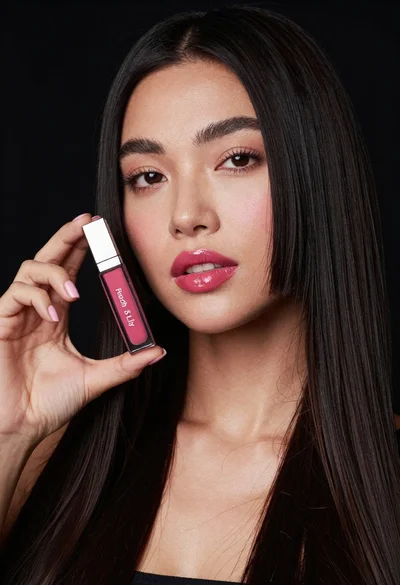
Woman holding lip gloss tube against black background in closeup