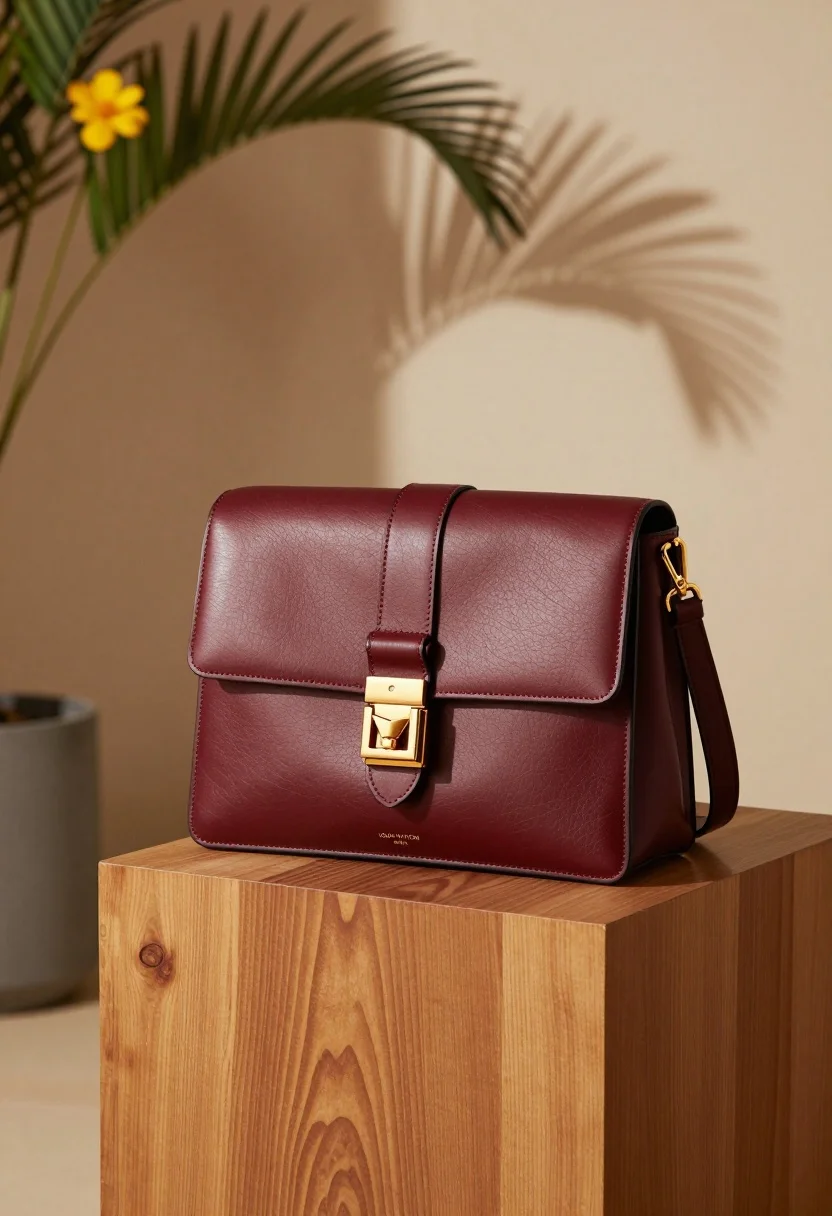
Rich burgundy leather handbag displayed on wooden pedestal in sunlit interior
Prompt
A rich burgundy leather handbag rests elegantly on a polished wooden pedestal in a sunlit interior space.

Subject: A structured, rectangular handbag made of smooth, deep red-brown leather with visible grain texture and precise stitching along the edges.

Clothing: The bag features a flap closure secured by a prominent gold-tone metal buckle and strap, with a matching leather shoulder strap attached via gold hardware.

Action: The bag sits stationary in a three-quarter view, angled slightly to the right, showcasing its front face and side profile.

Environment: The setting is a minimalist interior with warm beige walls; a tall plant with green leaves and a single yellow flower stands to the left, while a large palm leaf shadow is cast on the wall behind the bag.

Objects: A polished wooden pedestal with swirling grain patterns supports the handbag, sitting atop a light-colored surface that catches soft sunlight.

Text/Graphics: The words "LOUIS VUITTON PARIS" are embossed in small gold lettering on the lower front panel of the bag.

Lighting: Warm natural light streams from the left, casting soft shadows and highlighting the texture of the leather and wood grain.

Camera: Shot with a shallow depth of field that keeps the handbag sharp while softly blurring the background elements.

Style Details: High-end commercial product photography with rich color grading, smooth textures, and a sophisticated, elegant aesthetic.
Description
This prompt is useful for creating luxury e-commerce listings, high-end magazine advertisements, and brand catalog imagery. The combination of 'rich burgundy leather' against the 'polished wooden pedestal' grounds the product while the 'warm natural light' specifically highlights the visible grain texture and stitching detail, preventing the material from appearing flat or artificial.
Suggestions
- Change 'deep red-brown leather' to 'oxblood calfskin' for a more specific luxury feel.
- Replace 'gold-tone metal buckle' with 'brushed brass hardware' for a muted alternative look.
- Adjust 'yellow flower' to 'white orchid' to maintain elegance while changing the color pop.
Category
Tags
Realistic
Date added
July 12, 2026
Added by
PromptDexter Team
Related Prompts
More prompts with similar categories and tags.
Minimalist perfume bottle on driftwood and sand
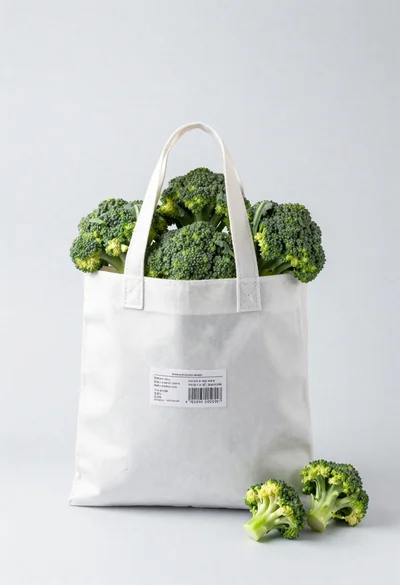
White shopping bag overflowing with fresh broccoli florets
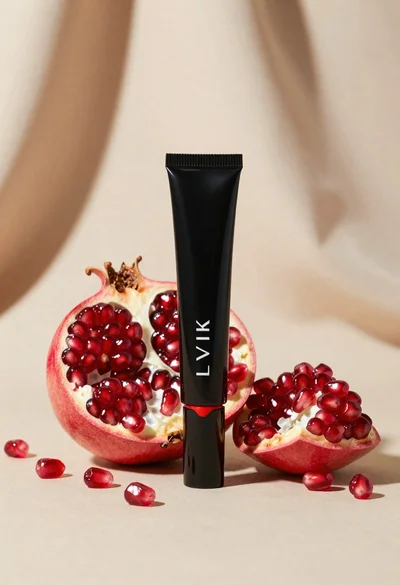
Black makeup tube next to open red pomegranate on beige background
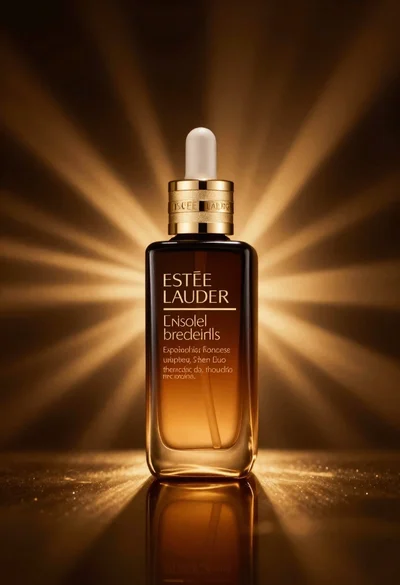
Amber glass bottle with gold pump under dramatic golden light

Laptop displaying video thumbnails against blue lit monitors
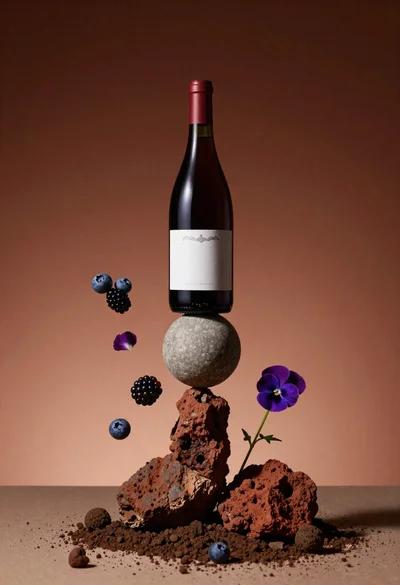
Wine bottle balanced on earth and stone still life
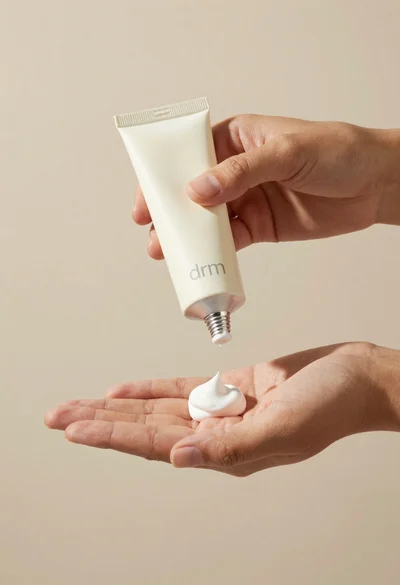
Hands dispensing white cream from a tube into a palm
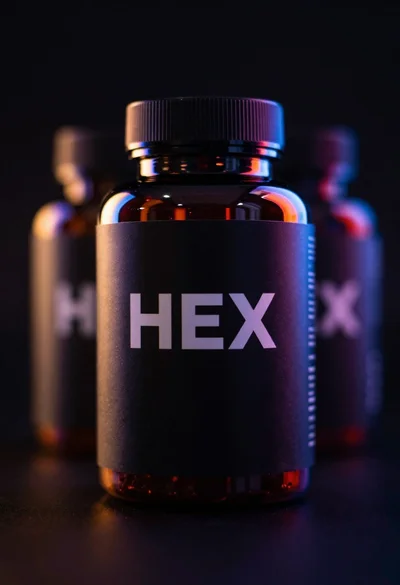
Black supplement bottle with chromatic aberration in void
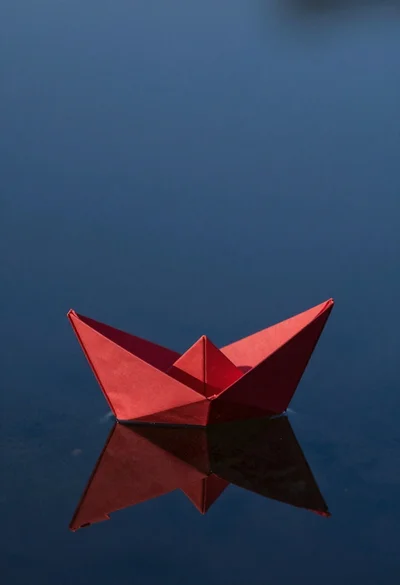
Red origami boat on calm dark blue water
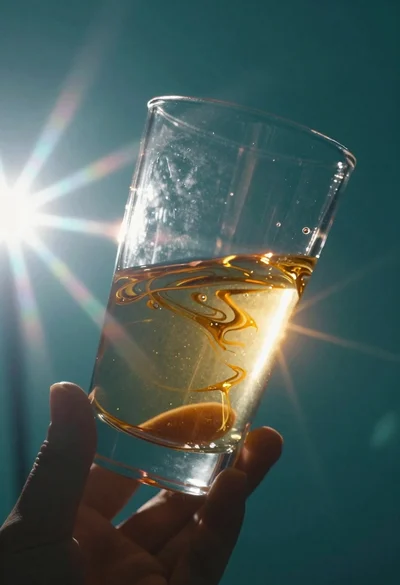
Abstract close up of glass vessel against teal background