
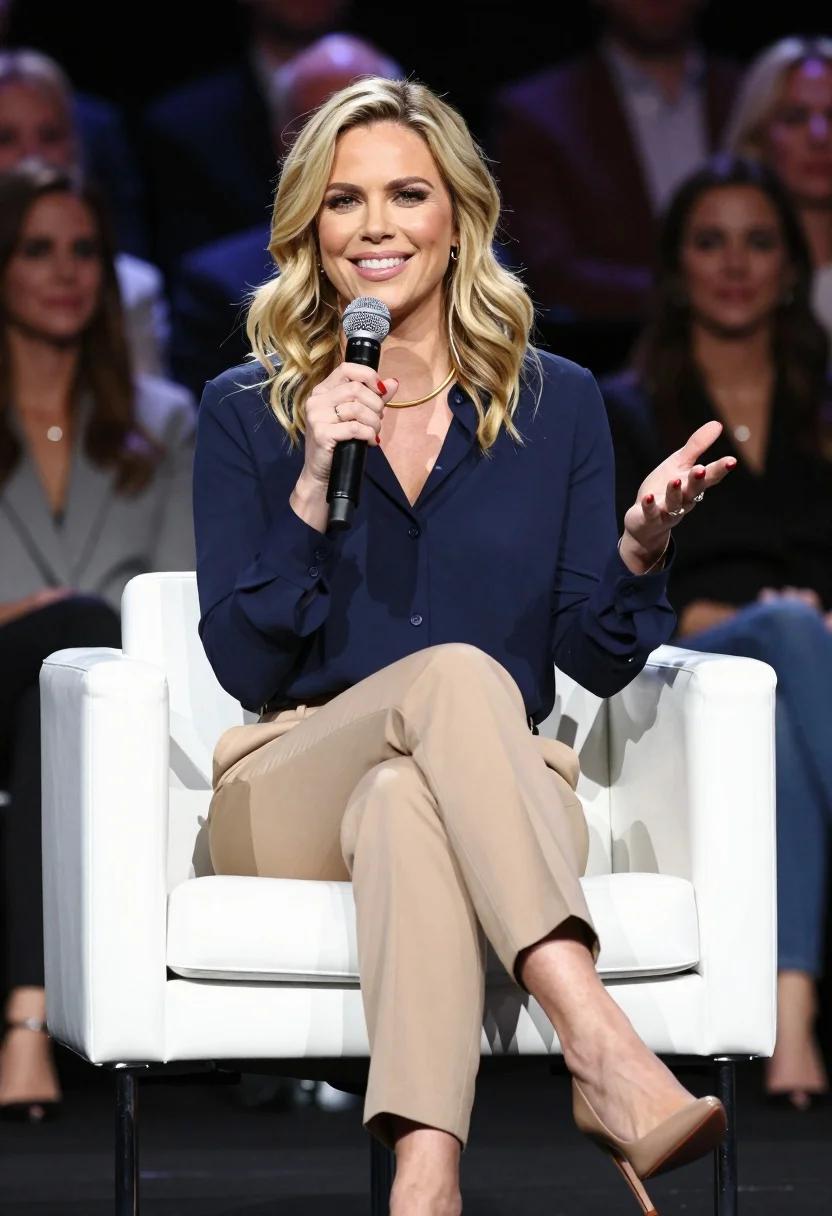
Smiling blonde woman seated on chair holding microphone during presentation
Prompt
A woman with wavy blonde hair sits in a white leather swivel chair while holding a black microphone and gesturing with her left hand.

Subject: A smiling woman with shoulder-length wavy blonde hair and red nail polish, wearing a gold necklace and small earrings.

Clothing: She wears a navy blue long-sleeved button-down shirt with a V-neck, beige trousers, and nude high-heeled pumps.

Action: She is seated with her legs crossed at the knee, holding a microphone in her right hand near her mouth and gesturing expressively with her left hand open.

Environment: The setting is a stage with a blurred audience of people sitting in rows behind her against a dark background.

Camera: A medium shot capturing the subject from the knees up, utilizing a shallow depth of field to keep the foreground sharp while blurring the background crowd.

Lighting: Bright and even studio lighting illuminates the subject clearly, creating soft shadows and highlighting the texture of her clothing and hair.

Objects: A black handheld microphone with a foam windscreen is held in her right hand.

Style Details: High-resolution photography with professional color grading, sharp focus on the subject, and a clean, polished aesthetic typical of corporate or conference event coverage.
Description
This prompt is useful for creating corporate speaking headshots, keynote speaker promotional materials, and internal company communications featuring presenters. The combination of 'bright and even studio lighting' and the 'shallow depth of field' ensures the subject remains perfectly visible against a deliberately indistinct background crowd, which focuses all viewer attention on her expressive gesture and polished appearance.
Suggestions
- Change 'navy blue long-sleeved button-down shirt' to 'blazer jacket' for more authority.
- Swap 'beige trousers' for 'pencil skirt' to change the silhouette.
- Adjust 'bright and even studio lighting' to 'rim light from above' for more drama.
Category
Tags
BlondeBrown SkinCasual WearFemaleIndoorsMedium ShotRealisticStudio
Date added
July 12, 2026
Added by
PromptDexter Team
Related Prompts
More prompts with similar categories and tags.

Smiling blonde woman in boutique wearing navy blouse and black skirt

Smiling blonde woman in black leather outfit at an indoor evening event
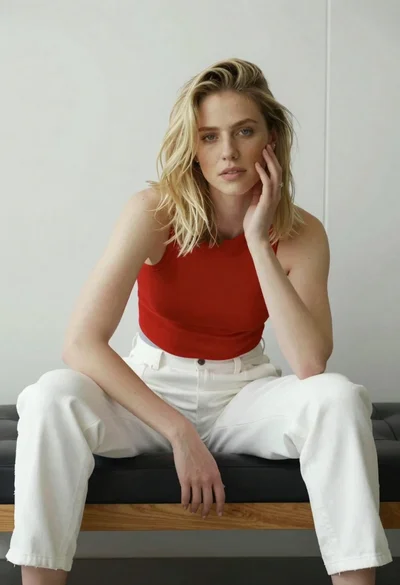
Young blonde woman sitting casually on black leather bench indoors
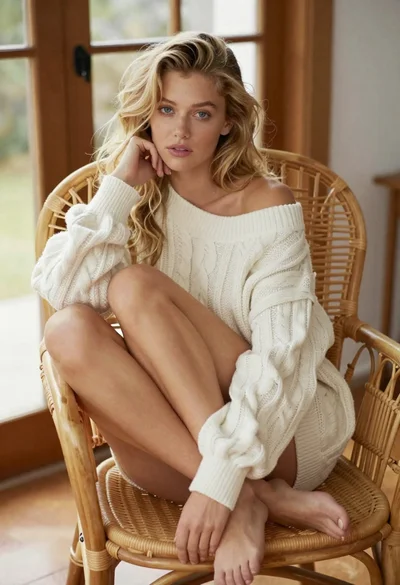
Blonde woman in cable knit dress sitting in rattan chair
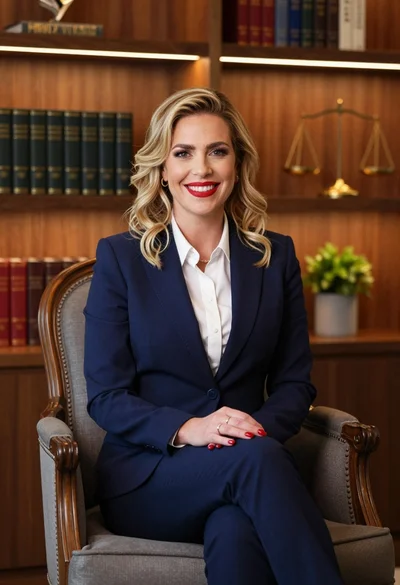
Professional portrait of smiling blonde woman in navy suit sitting in armchair
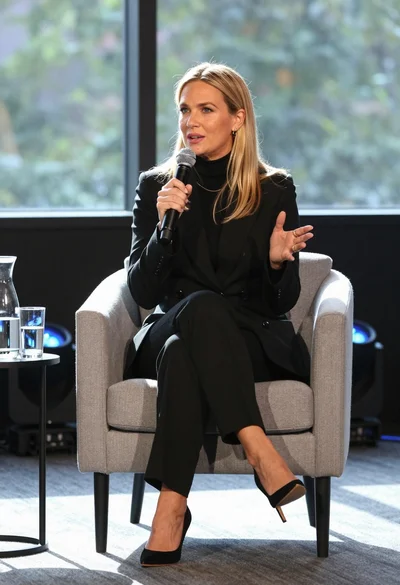
Fair blonde woman in black suit speaking into microphone on stage
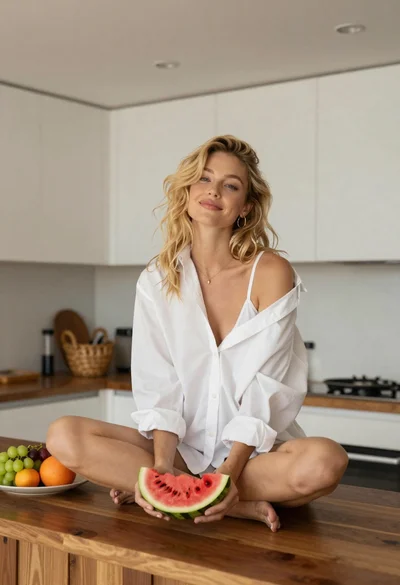
Blonde woman sitting on kitchen counter with watermelon slice

Woman seated in armchair near large windows with greenery

Blonde woman in burgundy velvet gown holding flower in white studio
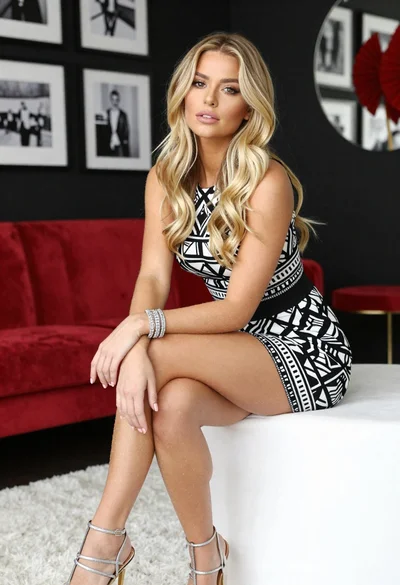
Blonde woman in geometric dress seated in modern stylish interior setting
