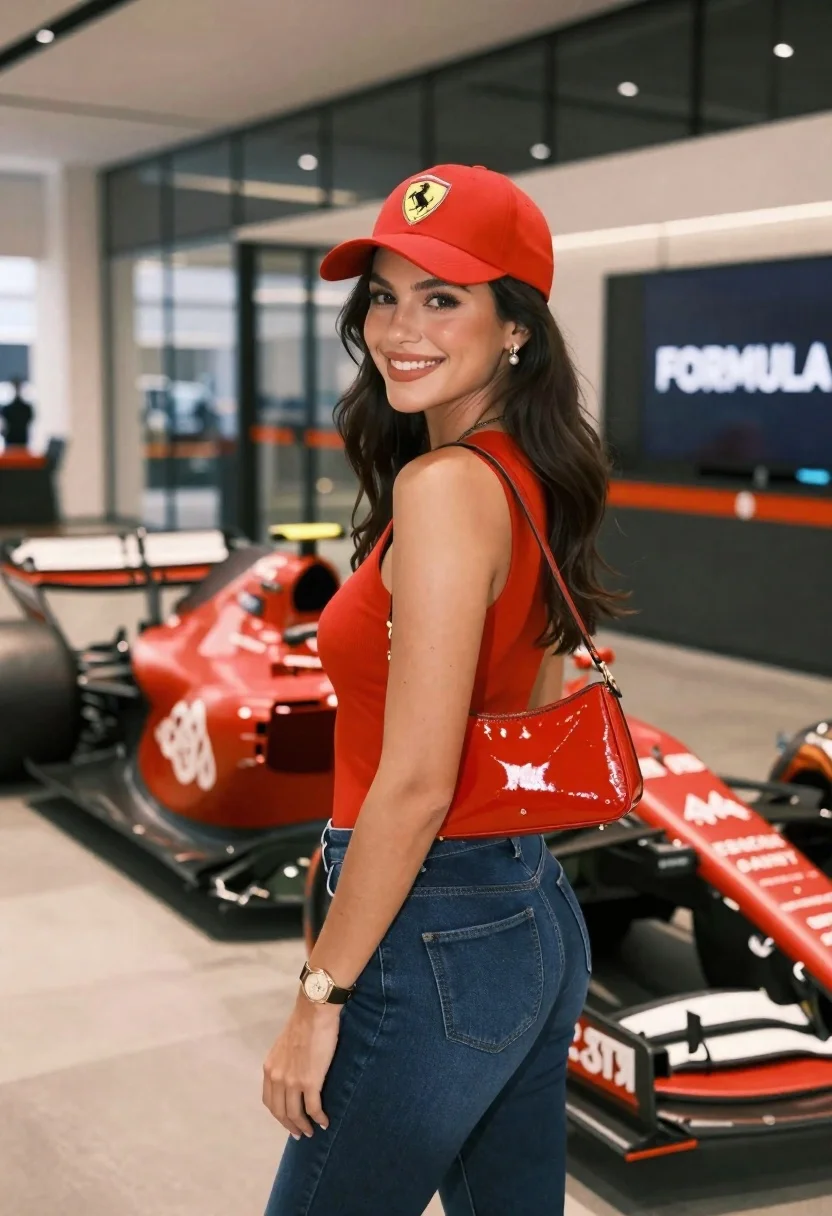
Smiling woman in red top standing next to a red formula one
Prompt
A smiling woman with long dark hair stands in a modern indoor space next to a red Formula 1 race car.

Subject: A woman with long, dark wavy hair, fair skin, and a bright smile looking back over her shoulder at the camera. She wears a red baseball cap with a yellow prancing horse logo on the front.

Clothing: She is dressed in a sleeveless red top, dark blue denim jeans, and carries a shiny red patent leather handbag on her shoulder. A gold watch is visible on her wrist, and she wears pearl drop earrings.

Action: The woman stands with her body angled slightly away from the camera while turning her head to smile directly at the viewer. Her left hand rests near her hip.

Environment: The setting is a sleek indoor area with polished concrete floors and large glass windows in the background reflecting the interior. A large screen displaying "FORMULA 1" branding is visible behind the car.

Camera: The shot is taken from a medium distance, capturing the subject from the thighs up, with a shallow depth of field that keeps the woman sharp while softly blurring the race car and background elements.

Lighting: The scene is illuminated by soft, diffused artificial light coming from above, creating gentle highlights on her face and hair without harsh shadows.

Style Details: The image has a high-quality, polished aesthetic with vibrant red tones matching the racing theme and a clean, modern composition.
Description
This prompt is useful for creating automotive lifestyle advertisements, themed promotional materials, or editorial features blending fashion and motorsports. The combination of 'vibrant red tones' in her top and the car, contrasted with the 'polished concrete floors,' establishes a high-energy yet controlled aesthetic that keeps the focus on both the subject and the vehicle without letting either element feel disconnected.
Suggestions
- Change 'red baseball cap' to 'black baseball cap' for contrast.
- Swap 'dark blue denim jeans' for 'black leather pants' to match the car's sleekness.
- Adjust 'soft, diffused artificial light' to 'rim lighting from the side' to separate her more dramatically from the background.
Category
Tags
Fair SkinFemaleMedium ShotRealistic
Date added
June 23, 2026
Added by
PromptDexter Team
Related Prompts
More prompts with similar categories and tags.
Candid medium close up of young woman laughing in luxury car seat
Fair skinned blonde woman in denim dress inside luxury car
Fair skinned woman with blonde hair in luxury car interior at night
Young east asian woman winking on red motorcycle arcade game in neon
Young woman standing in crowded subway car holding handrail looking down
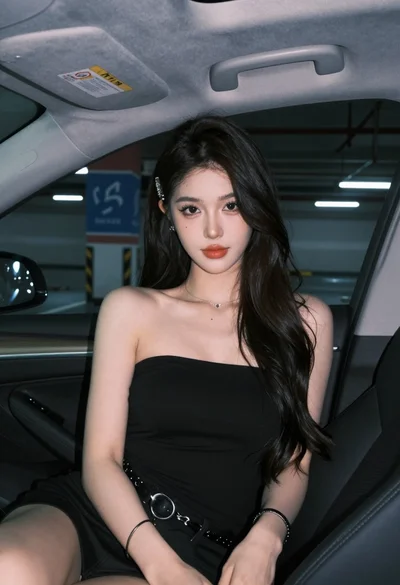
Young woman in black top sitting inside modern car looking at camera
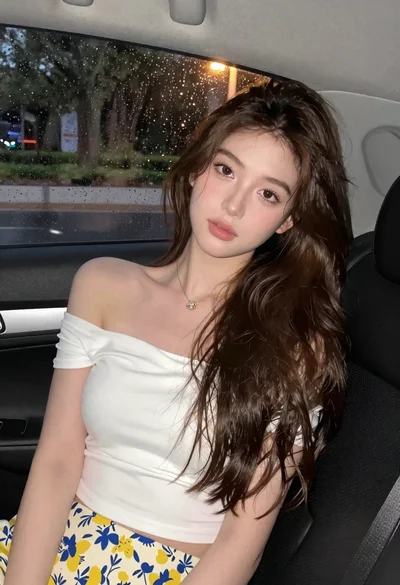
Young woman in white top and floral skirt inside car window

Young blonde woman in grey dress seated inside modern car interior