
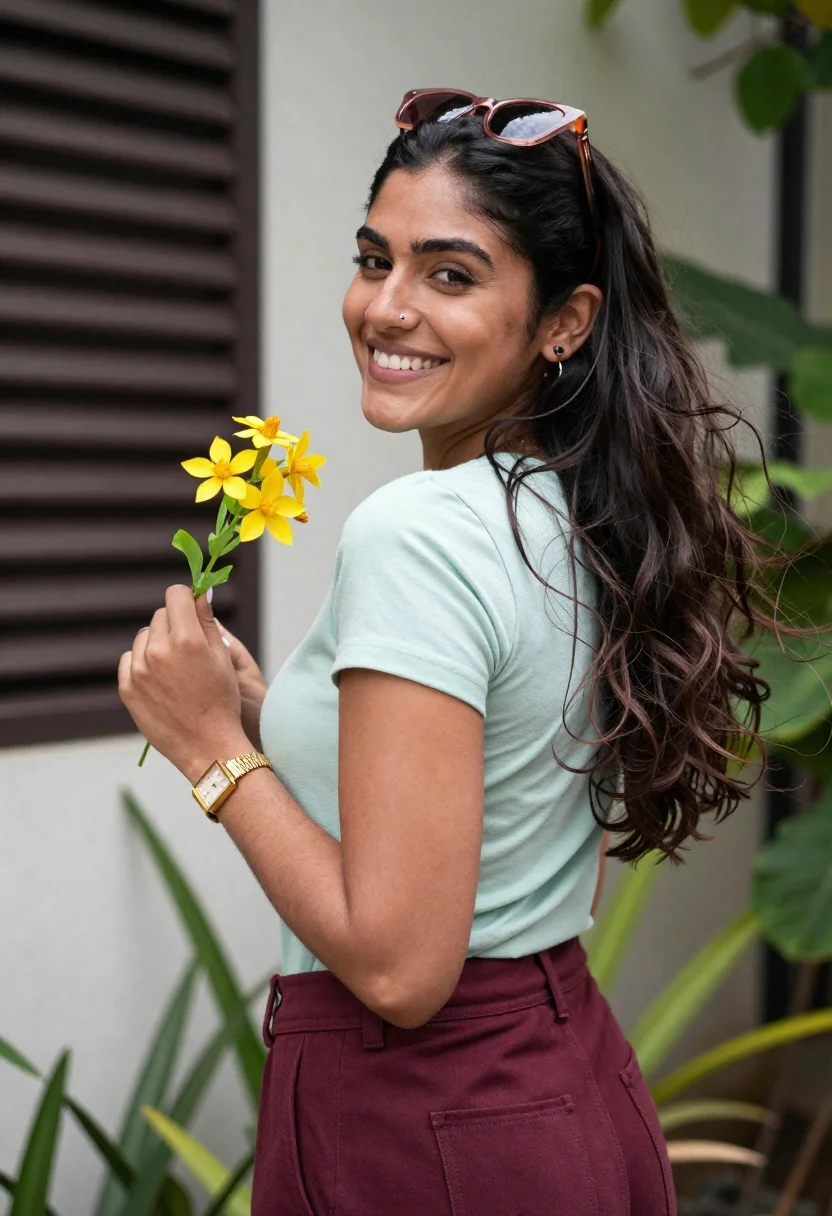
Smiling woman looking back over shoulder holding yellow flowers outdoors
Prompt
A smiling woman with long dark wavy hair looks back over her shoulder while holding a sprig of yellow flowers.

Subject: A woman with long, voluminous dark brown wavy hair and a bright smile showing teeth. She has a small stud nose piercing on her left nostril. Her skin is warm-toned and she appears to be in her twenties or thirties.

Clothing: She wears a fitted light mint green short-sleeved t-shirt tucked into high-waisted deep maroon trousers. A pair of sunglasses with pinkish frames rests on top of her head. On her left wrist, she wears a gold-tone rectangular watch and a matching bracelet.

Action: The woman is turned away from the camera but looking back over her left shoulder with a joyful expression. Her right hand holds a small bunch of yellow flowers with green leaves near her chest. Her hair is blowing slightly to the right, suggesting a breeze.

Environment: She stands outdoors in front of a building wall with dark horizontal slats on the left and a light-colored textured surface behind her. Green leafy plants are visible in the foreground and background, framing the shot.

Lighting: Natural daylight illuminates the scene from the side, casting soft shadows and highlighting the texture of her hair and clothing. The lighting is bright and airy with a slightly overcast or diffused quality.

Camera: Medium close-up shot capturing the subject from the waist up. The angle is slightly low looking up at the subject. The background is softly blurred to emphasize the woman in focus.

Style Details: Candid photography style with a natural color palette. High resolution with sharp focus on the face and hands.
Description
This prompt is useful for creating lifestyle portraits, casual fashion editorials, and joyful memory captures. The combination of 'natural daylight' casting soft shadows against the 'dark horizontal slats' provides enough contrast to define her features without harshness, while the 'softly blurred background' ensures the viewer's focus remains entirely on her expression and the yellow flowers.
Suggestions
- Change 'light mint green t-shirt' to 'cream knit top' for a warmer color harmony.
- Swap 'yellow flowers' for 'wild daisies' to change the floral feel.
- Adjust 'slightly low looking up' to 'eye level' for a more direct connection with the viewer.
Category
Tags
Brown HairCasual WearDark SkinFemaleMedium ShotOutdoorsRealisticSide Profile
Date added
June 19, 2026
Added by
PromptDexter Team
Related Prompts
More prompts with similar categories and tags.
Young woman in brown crop top on rooftop terrace with red scarf

Blonde woman in black top on balcony overlooking beige stone street

Woman in black velvet cheongsam holding katana against red background
Split screen profile close up of young woman with dark hair and
Young woman with brown hair looking over shoulder on stone steps outdoors
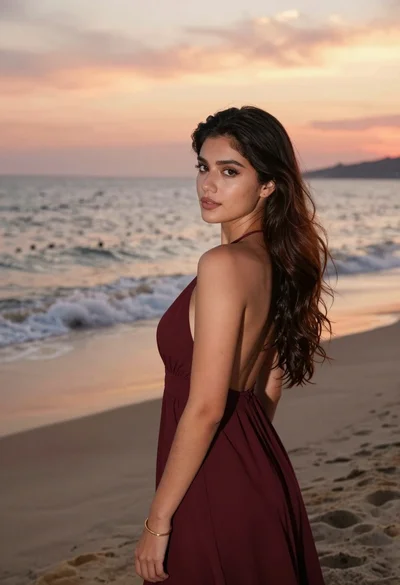
Young woman in maroon gown on beach looking back at sunset golden
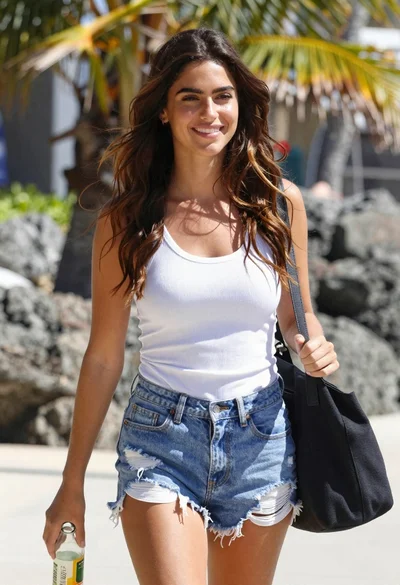
Smiling young woman walking on tropical beach path with palm trees

Smiling young woman in white ruffled dress between green topiary bushes
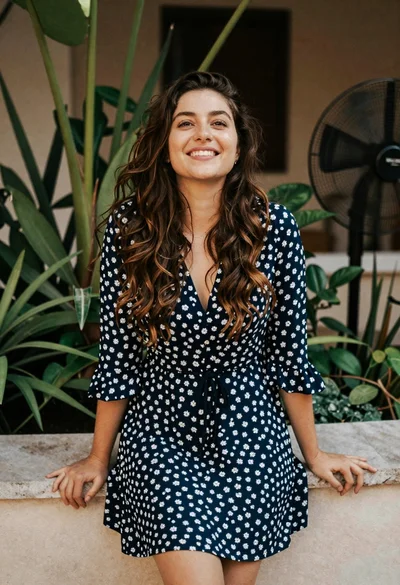
Smiling young woman in blue floral dress leaning against stone ledge

Smiling woman in red dress sitting in white macrame hanging chair
