
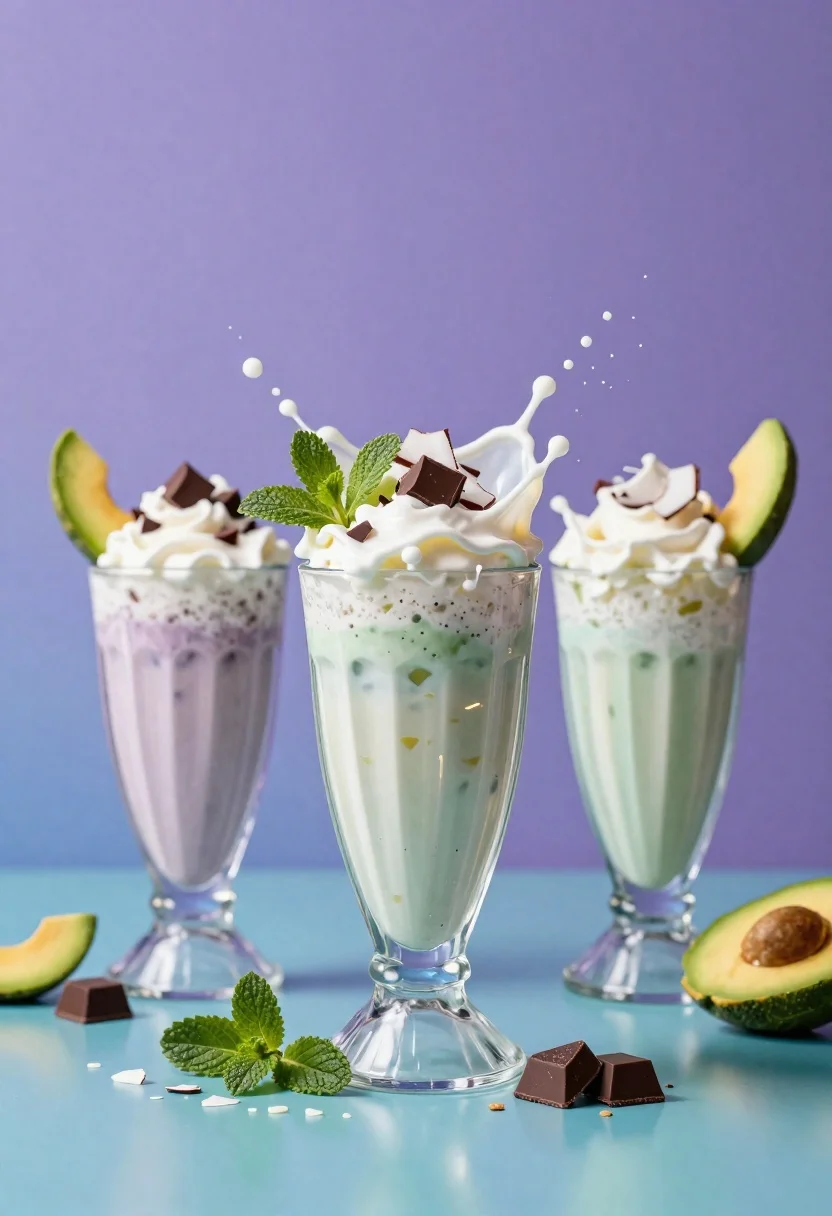
Three colorful milkshakes exploding with toppings on a teal surface
Prompt
Three vibrant milkshakes in tall glasses explode with splashing liquid and toppings against a purple gradient background.

Subject: Three tall glasses filled with colorful milkshakes featuring visible ice cubes and layered textures.

Clothing: N/A

Action: Dynamic splashes of milk and whipped cream erupt from the tops, sending chunks of chocolate, coconut flakes, mint leaves, and avocado slices into the air.

Environment: A smooth teal surface reflects the glasses and scattered toppings, set against a soft purple to blue gradient backdrop.

Camera: Low angle shot with shallow depth of field emphasizing the central glass while keeping all three in focus.

Lighting: Bright studio lighting creates glossy highlights on the liquid surfaces and casts soft shadows beneath the glasses.
Second

Subject: N/A

Objects: Scattered chocolate cubes, coconut flakes, mint leaves, and avocado slices surround the base of the glasses.

Interaction: Liquid droplets freeze mid-air around the splashes, creating a sense of motion and freshness.

Text/Graphics: None visible.

Style Details: High-resolution commercial food photography with hyper-realistic textures, vibrant color grading, and cinematic composition.
Description
This prompt is useful for creating high-impact advertising campaigns, menu board visuals, and editorial dessert spreads that require immediate visual appeal. The combination of 'dynamic splashes' and 'glossy highlights on the liquid surfaces' ensures the milkshakes look freshly made and energetic, while the 'low angle shot with shallow depth of field' directs the viewer's eye to the most appealing elements against the vibrant backdrop.
Suggestions
- Change 'purple gradient background' to 'pastel pink gradient background' for a sweeter feel.
- Add 'macro lens perspective' to emphasize the texture of the toppings.
- Swap 'bright studio lighting' for 'soft diffused natural light' for a less artificial look.
Category
Tags
FoodLow AngleOutdoorsRealisticStudio
Date added
June 26, 2026
Added by
PromptDexter Team
Related Prompts
More prompts with similar categories and tags.
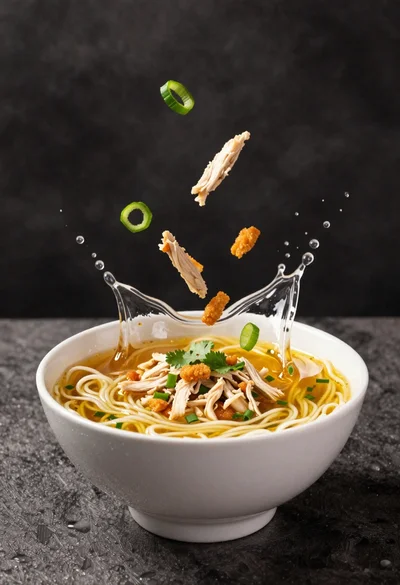
Dynamic splash of noodle soup broth and ingredients from white bowl
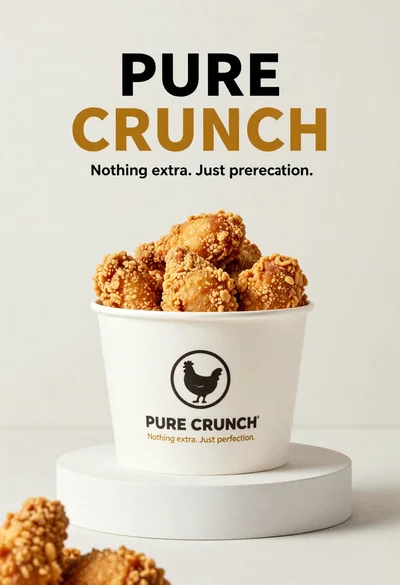
White paper bucket overflowing with fried chicken pieces in studio
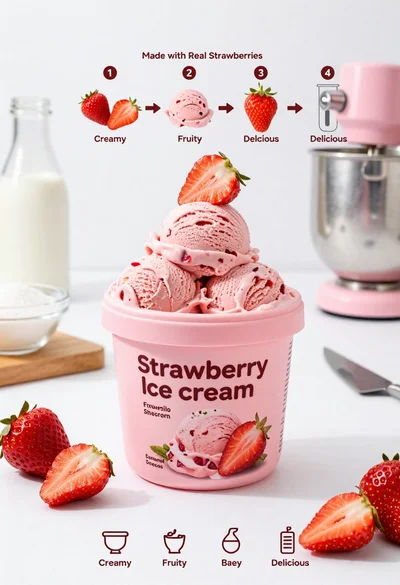
Pink strawberry ice cream tub with fresh fruit ingredients on white background

Dynamic potato chips exploding from a rustic bowl on orange backdrop

Close up of sizzling fajitas on a rustic wooden restaurant table

Close up of crispy chicken nuggets dipped in honey mustard sauce

Close up overhead view of bread sushi rolls with colorful fillings
Woman lying on pizza slices in dark teal setting
