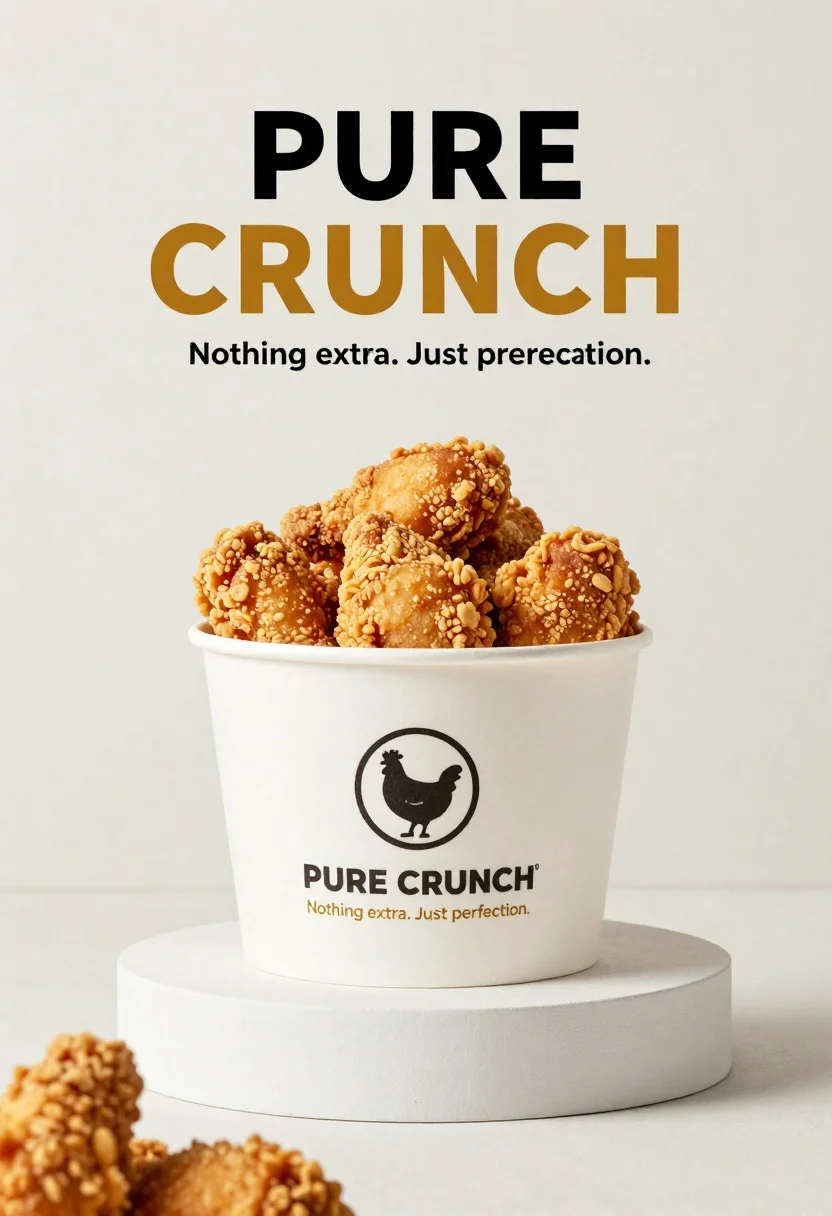
White paper bucket overflowing with fried chicken pieces in studio
Prompt
A minimalist commercial advertisement featuring a white paper bucket overflowing with golden-brown fried chicken pieces.

Subject: A white paper bucket filled to the brim with crispy, golden-brown fried chicken pieces that have a textured, crunchy coating.

Clothing: The bucket features a printed logo of a stylized chicken inside a circle and the text "PURE CRUNCH" in black capital letters, followed by the tagline "Nothing extra. Just perfection." in smaller gold font.

Action: The fried chicken is piled high and overflowing from the top of the white paper container.

Environment: A clean, bright studio setting with a seamless off-white background and a matching white circular pedestal base supporting the bucket.

Camera: Eye-level perspective with a shallow depth of field that keeps the chicken in sharp focus while softly blurring the immediate foreground and background elements.

Lighting: Soft, diffused studio lighting coming from the front-left to highlight the texture of the fried coating without creating harsh shadows.
Second

Subject: None.

Objects: A white circular pedestal base supporting the bucket.

Interaction: The fried chicken is overflowing from the container.

Text/Graphics: Large bold typography at the top reading "PURE" in black and "CRUNCH" in gold, with the tagline "Nothing extra. Just perfection." below it.

Style Details: High-end commercial photography style with a clean, modern aesthetic, neutral color palette dominated by white and warm golden tones, and sharp focus on food texture.
Description
This prompt is useful for creating high-end restaurant menu mockups, print advertising campaigns for fast-casual dining, and commercial product photography showcasing fried goods. The combination of 'soft, diffused studio lighting' and the 'seamless off-white background' ensures that the focus remains entirely on the 'crispy, golden-brown fried chicken pieces,' preventing distracting environmental elements from competing with the food's texture.
Suggestions
- Change 'golden-brown' to 'deep amber' for a richer color tone.
- Swap 'white paper bucket' for 'kraft cardboard bucket' for an industrial feel.
- Adjust 'shallow depth of field' to 'medium depth of field' to show more context around the base.
Category
Tags
Close UpFoodOutdoorsRealisticStudio
Date added
June 26, 2026
Added by
PromptDexter Team
Related Prompts
More prompts with similar categories and tags.

Close up of crispy chicken nuggets dipped in honey mustard sauce

Close up overhead view of bread sushi rolls with colorful fillings
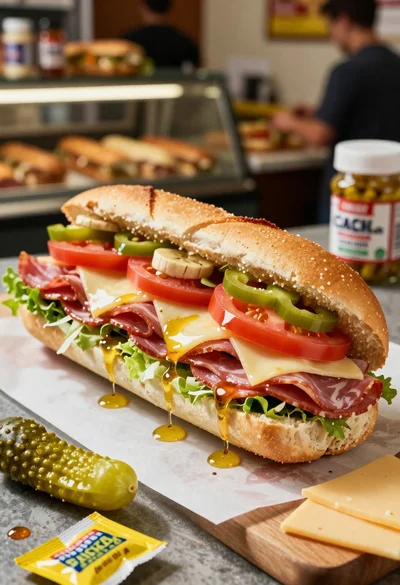
Close up of layered italian hoagie sandwich on butcher paper
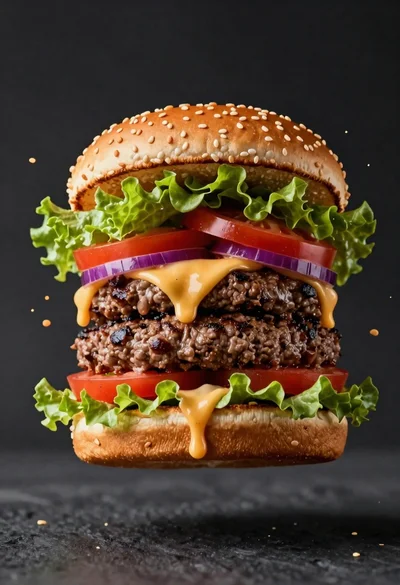
Hyperrealistic close up of a double patty burger mid air
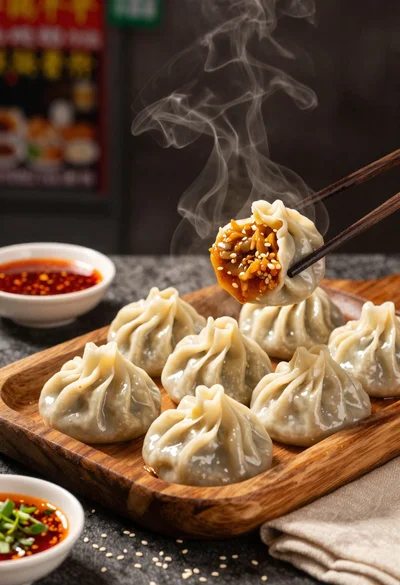
Close up view of steamed momos on rustic wooden tray with dipping
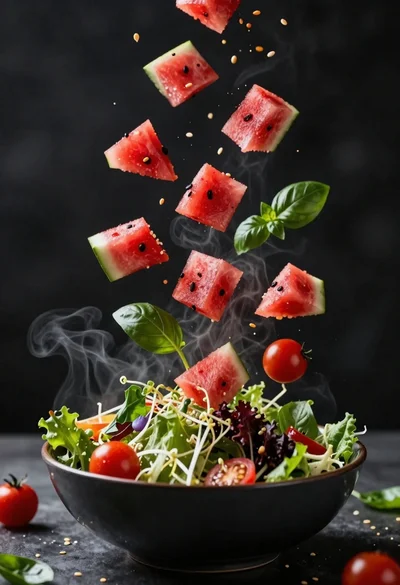
Fresh salad ingredients exploding upward from dark bowl in steam
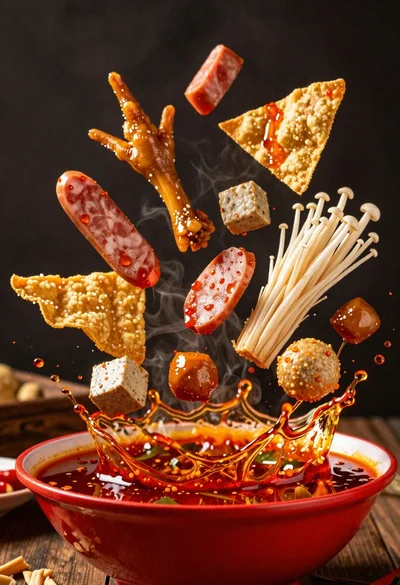
Spicy hot pot ingredients exploding from a red bowl in midair

Ginger cat dressed as fast food worker holding cheeseburger