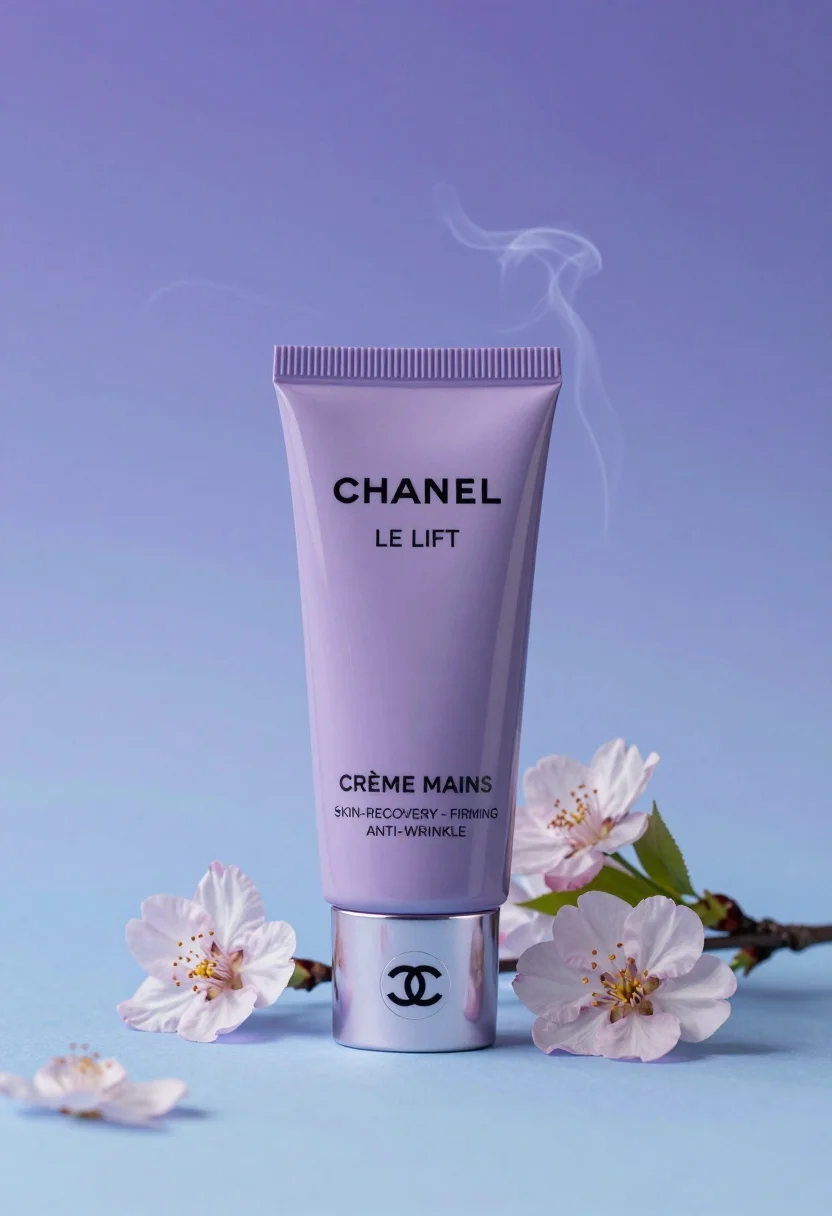
Sleek lavender hand cream tube displayed with cherry blossoms in studio
Prompt
A sleek lavender tube of Chanel hand cream stands upright against a soft blue and purple gradient background.

Subject: A tall, cylindrical tube of Chanel Le Lift Crème Mains with a metallic silver cap featuring the interlocking CC logo.

Clothing: The packaging features a matte lavender finish with black sans-serif typography for the brand name and product description.

Action: The tube stands vertically on its base, surrounded by delicate cherry blossom branches.

Environment: A dreamy studio setting with a smooth, light blue surface and a soft-focus background blending into misty purple hues.

Camera: Centered composition with a shallow depth of field that blurs the background smoke and flowers slightly to emphasize the product.

Lighting: Soft, diffused lighting creates gentle highlights on the metallic cap and lavender body, casting subtle shadows to enhance the three-dimensional form.

Objects: Clusters of pale pink cherry blossoms with green leaves are arranged at the base and to the right of the tube, while wisps of ethereal purple smoke swirl around the upper portion.

Text/Graphics: The text "CHANEL", "LE LIFT", "CRÈME MAINS", "SKIN-RECOVERY - FIRMING", and "ANTI-WRINKLE" is clearly printed on the front of the tube.

Style Details: High-end commercial photography with a clean, elegant aesthetic, utilizing pastel color grading and a smooth, polished rendering style.
Description
This prompt is useful for creating high-end cosmetic advertising campaigns, luxury brand e-commerce listings, and editorial beauty spreads. The combination of 'soft, diffused lighting' accentuating the metallic cap and matte lavender finish ensures that the product remains the sharp focal point against the intentionally blurred background smoke and flowers.
Suggestions
- Change 'pale pink cherry blossoms' to 'deep magenta peonies' for a richer color contrast.
- Swap 'soft blue and purple gradient background' for 'slate grey seamless paper' for a more modern feel.
- Adjust 'shallow depth of field' to 'medium depth of field' if you want the flowers slightly sharper.
Category
Tags
FemaleMacro ShotRealisticStudio
Date added
August 5, 2026
Added by
PromptDexter Team
Related Prompts
More prompts with similar categories and tags.
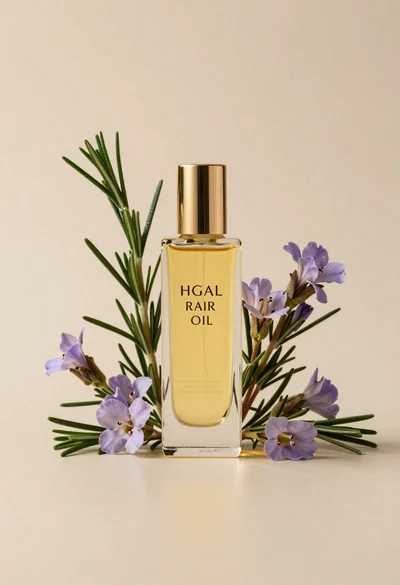
Glass bottle of oil with rosemary and purple flowers
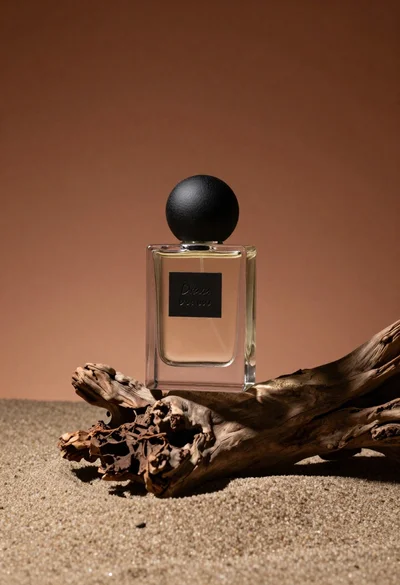
Minimalist perfume bottle on driftwood and sand
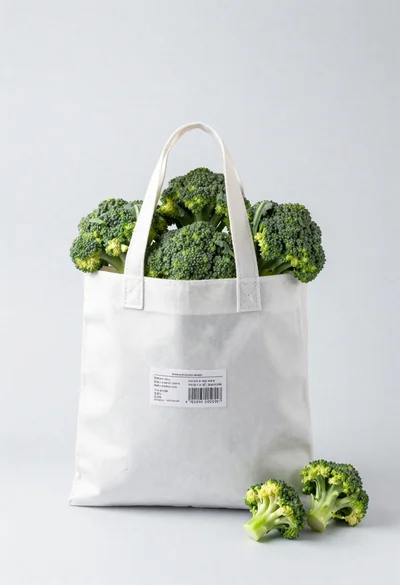
White shopping bag overflowing with fresh broccoli florets
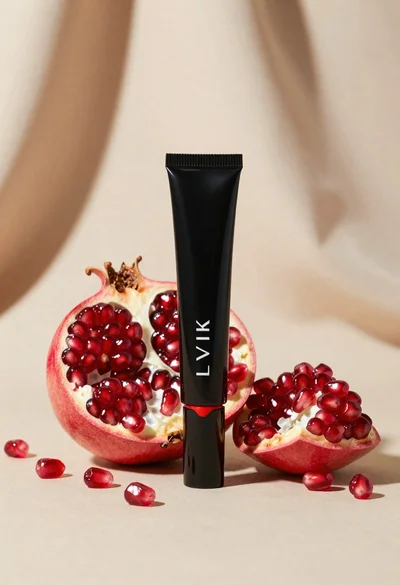
Black makeup tube next to open red pomegranate on beige background
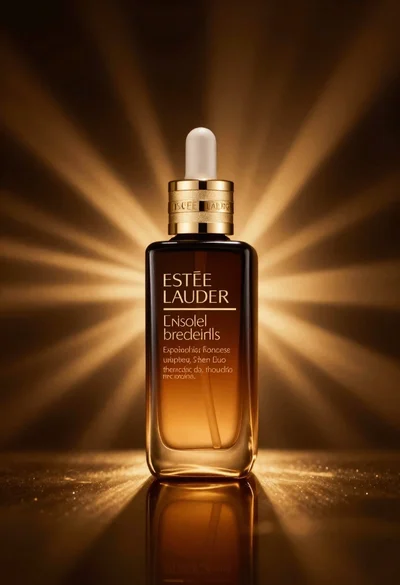
Amber glass bottle with gold pump under dramatic golden light
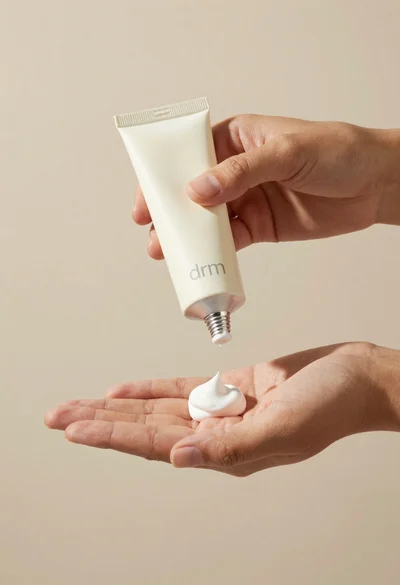
Hands dispensing white cream from a tube into a palm
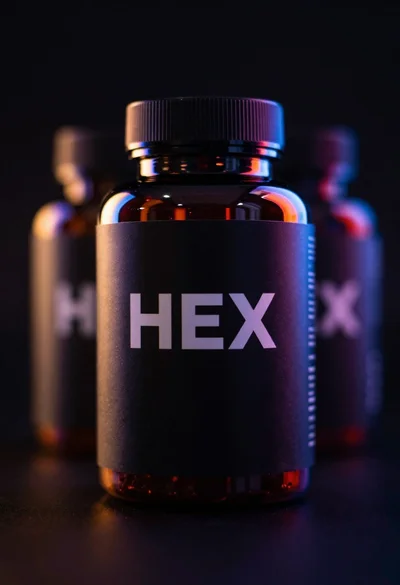
Black supplement bottle with chromatic aberration in void
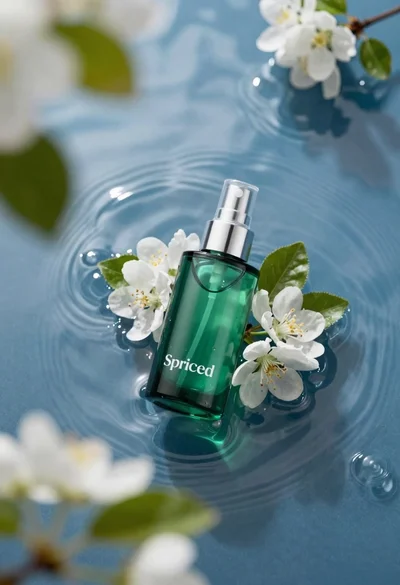
Green skincare bottle floating on rippling blue water
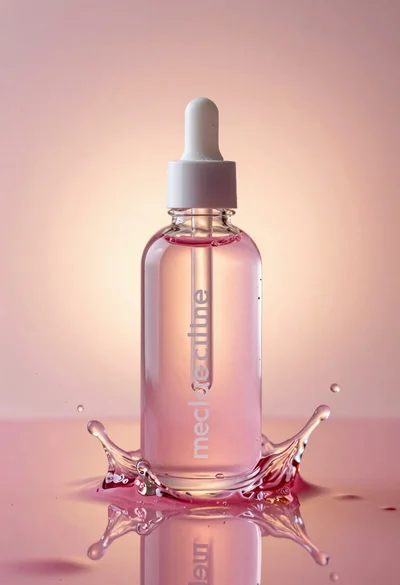
Glass bottle with liquid and water splash photography
Close up of luxury perfume bottle and black packaging box display