
Close up portrait of woman applying pink lipstick against red curtains
Prompt
A close-up portrait of a woman with long dark hair applying pink lipstick to her lips.

Subject: A woman with deep brown eyes and a fair complexion, looking directly at the camera with a neutral expression.

Clothing: She is bare-shouldered, revealing smooth skin on her neck and shoulder, wearing large gold rectangular hoop earrings.

Action: Her right hand holds a pink lipstick tube up to her mouth as she applies it, with black nail polish visible on her fingers.

Environment: The background features deep red curtains and the soft glow of a white lampshade on the left side.

Lighting: Soft, warm lighting illuminates her face from the front, creating gentle highlights on her skin and casting subtle shadows that define her facial structure.

Camera: A tight close-up shot with a shallow depth of field that keeps the subject in sharp focus while blurring the background elements.

Style Details: High-end commercial photography style with smooth skin texture, rich color grading, and a polished, elegant aesthetic.
Description
This prompt is useful for creating high-end beauty advertisements, cosmetic product campaigns, and editorial portraiture focusing on makeup application. The combination of 'soft, warm lighting' illuminating the face while using a 'shallow depth of field' ensures that the focus remains sharply on the action—the lipstick application—while the deep red curtains provide a rich, saturated backdrop that prevents the image from looking flat.
Suggestions
- Change 'pink lipstick' to 'nude pink lipstick' for a more versatile product shot.
- Swap 'deep brown eyes' for 'hazel eyes' to alter the overall color palette.
- Adjust 'soft, warm lighting' to 'dramatic side lighting' for higher contrast.
Category
Tags
Brown HairClose UpFair SkinFemaleRealisticStudio
Date added
June 19, 2026
Added by
PromptDexter Team
Related Prompts
More prompts with similar categories and tags.
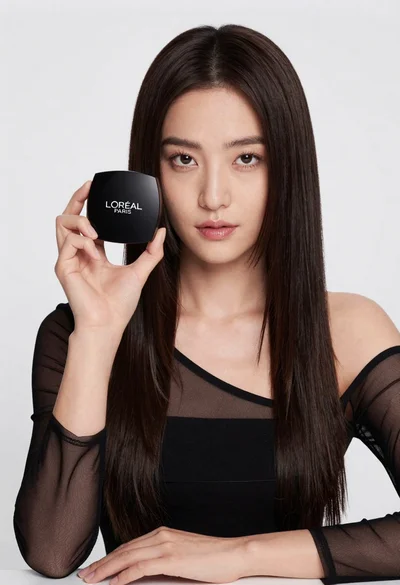
Medium close up portrait of woman holding makeup compact in studio

Woman leaning on silver sports car in showroom
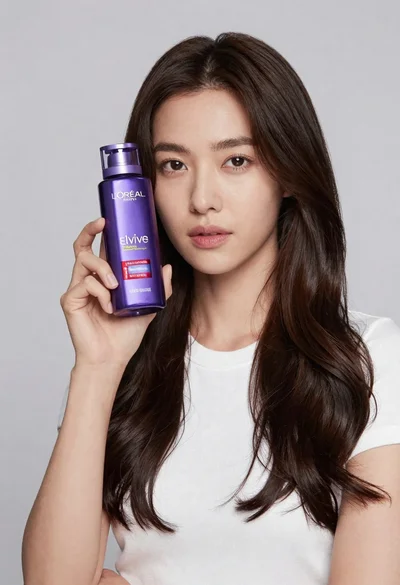
Woman holding purple hair product against cheek in studio setting
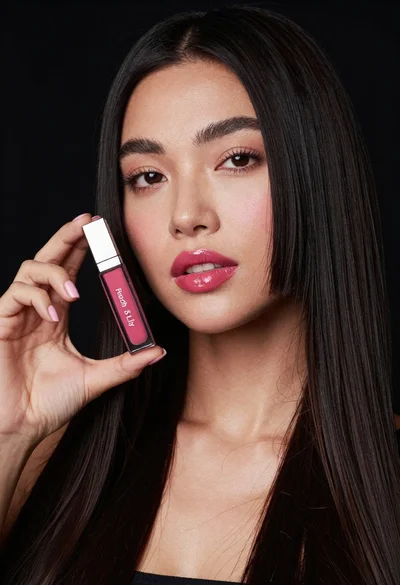
Woman holding lip gloss tube against black background in closeup
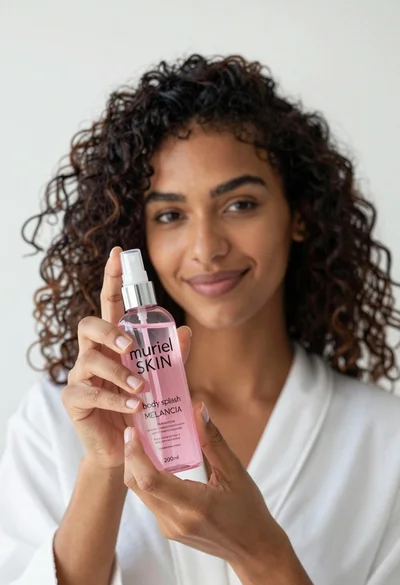
Close up of woman holding pink body splash bottle in bright white
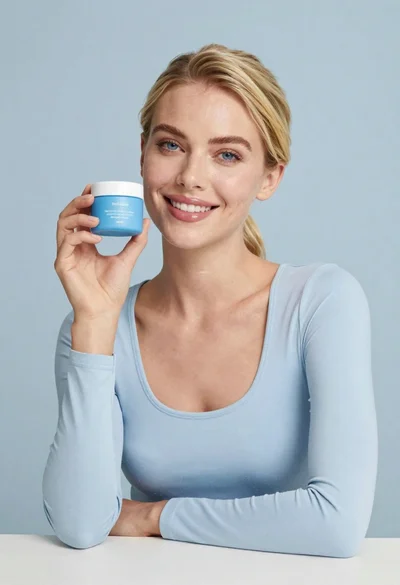
Smiling blonde woman holding a blue jar in a minimalist studio setting
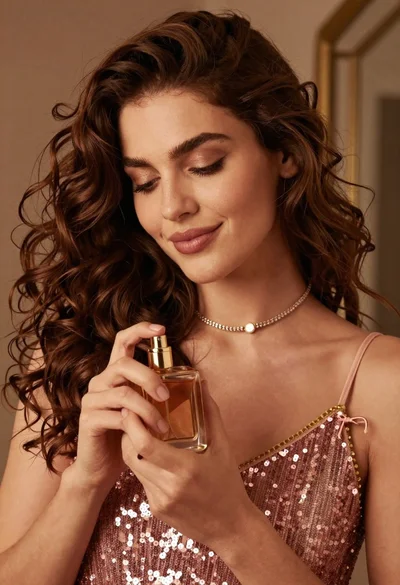
Portrait of woman holding perfume bottle in soft warm indoor light

Young woman in red sweatshirt holding pepperoni pizza box against collage background
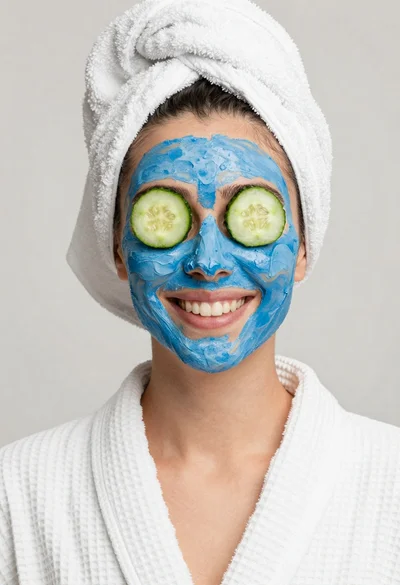
Smiling woman in white bathrobe with blue clay face mask and cucumber
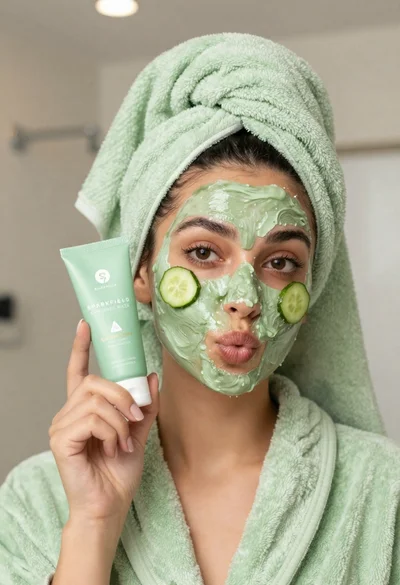
Woman in light green bathrobe holding cucumber face mask tube