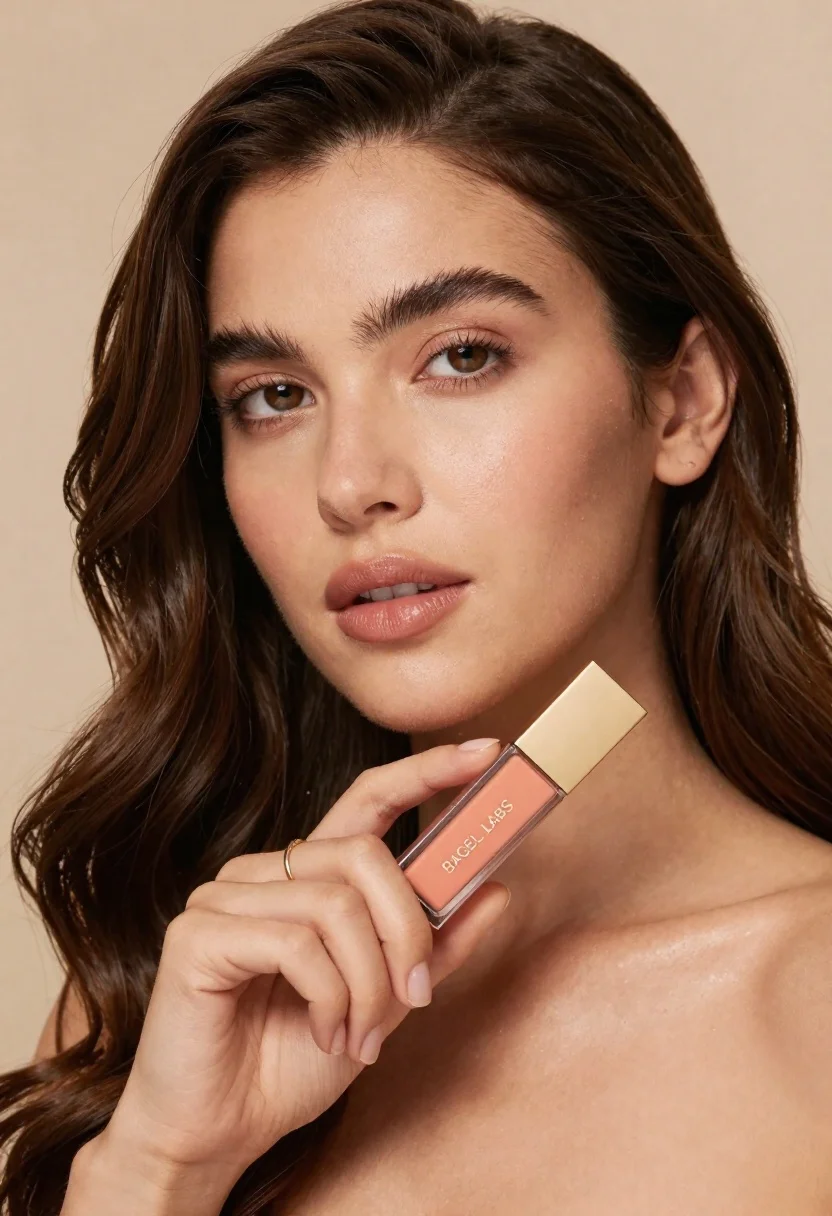
Woman holding cosmetic tube near face in closeup portrait shot
Prompt
A close-up portrait of a woman with long dark brown hair holding a cosmetic product near her face.

Subject: A woman with fair skin and long, wavy dark brown hair featuring soft highlights. She has well-defined eyebrows, large expressive brown eyes, and full lips. Her complexion is radiant with a visible sheen on the cheekbones indicating a glowing finish.

Clothing: The subject appears to be wearing a strapless top or is bare-shouldered, revealing her collarbone and neck. She wears a simple gold band ring on one finger.

Action: She holds a rectangular cosmetic tube in both hands near her chin, tilting it slightly towards the viewer. Her gaze is directed forward with a calm and confident expression.

Environment: The background is a solid, neutral beige tone that provides a soft contrast to the subject's skin and hair.

Camera: A tight close-up shot focusing on the face and upper chest, utilizing a shallow depth of field to blur the background slightly while keeping the eyes and product in sharp focus.

Lighting: Soft, warm studio lighting illuminates the face from the front, creating a gentle glow and highlighting the texture of the skin and makeup without harsh shadows.

Objects: A rectangular cosmetic tube with a peach-colored liquid inside and a gold cap is held by the subject; the text "BAGEL LABS" is printed on the side of the container.

Style Details: High-definition commercial photography style with smooth skin textures, warm color grading, and a polished aesthetic typical of beauty advertising.
Description
This prompt is useful for creating high-end beauty advertisements, e-commerce product showcases, and editorial makeup tutorials. The combination of 'soft, warm studio lighting' and the 'shallow depth of field' ensures that the viewer's attention remains locked onto both the subject's expressive eyes and the specific details of the cosmetic tube, preventing any visual distraction from the background.
Suggestions
- Change 'neutral beige tone' to 'muted terracotta' for a warmer backdrop.
- Swap 'peach-colored liquid' for 'emerald green' to create color contrast.
- Adjust 'soft, warm studio lighting' to 'rim light only' for more dramatic separation.
Category
Tags
Brown HairClose UpFair SkinFemaleOutdoorsPortrait ShotRealisticStudio
Date added
June 23, 2026
Added by
PromptDexter Team
Related Prompts
More prompts with similar categories and tags.
Woman holding purple hair product against cheek in studio setting
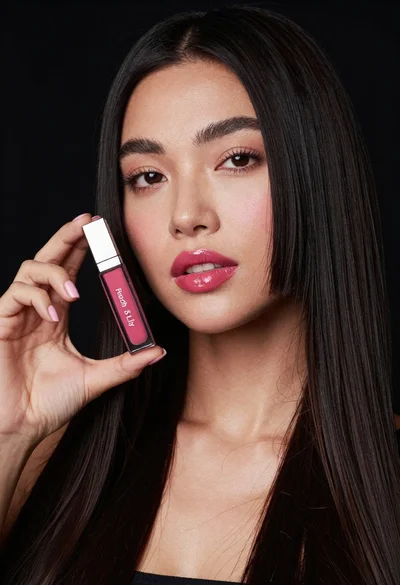
Woman holding lip gloss tube against black background in closeup
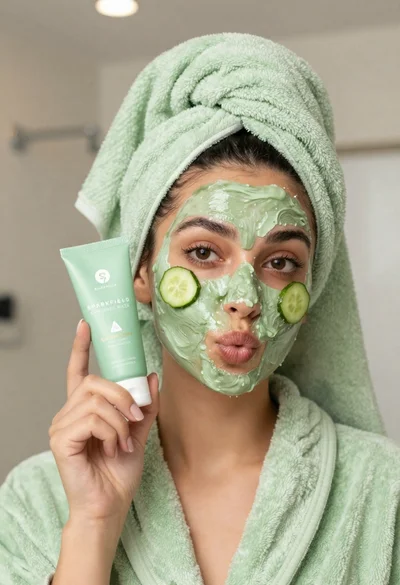
Woman in light green bathrobe holding cucumber face mask tube
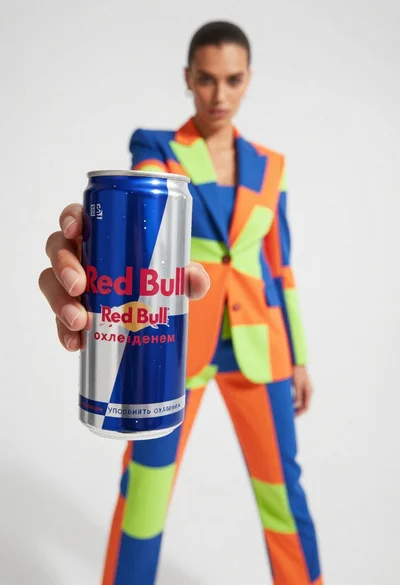
Closeup of red bull can held by hand with fashion model in
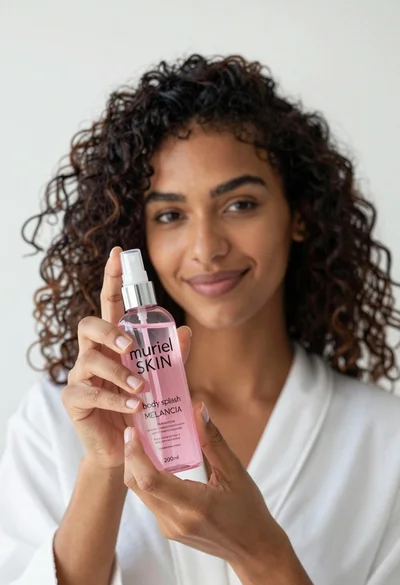
Close up of woman holding pink body splash bottle in bright white

Young woman holding energy drink can making kissy face in studio setting

Photorealistic portrait of woman in red gold armor holding shield studio shot
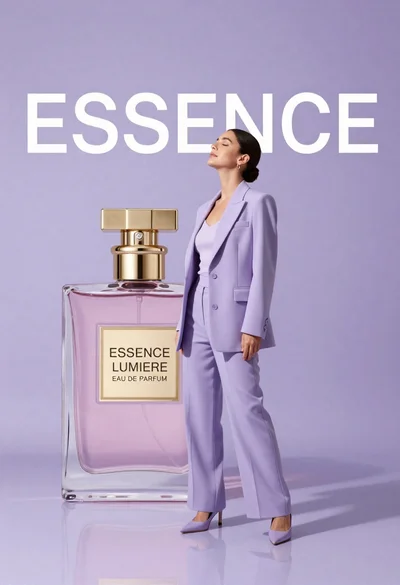
Woman in lavender suit standing beside giant perfume bottle in studio