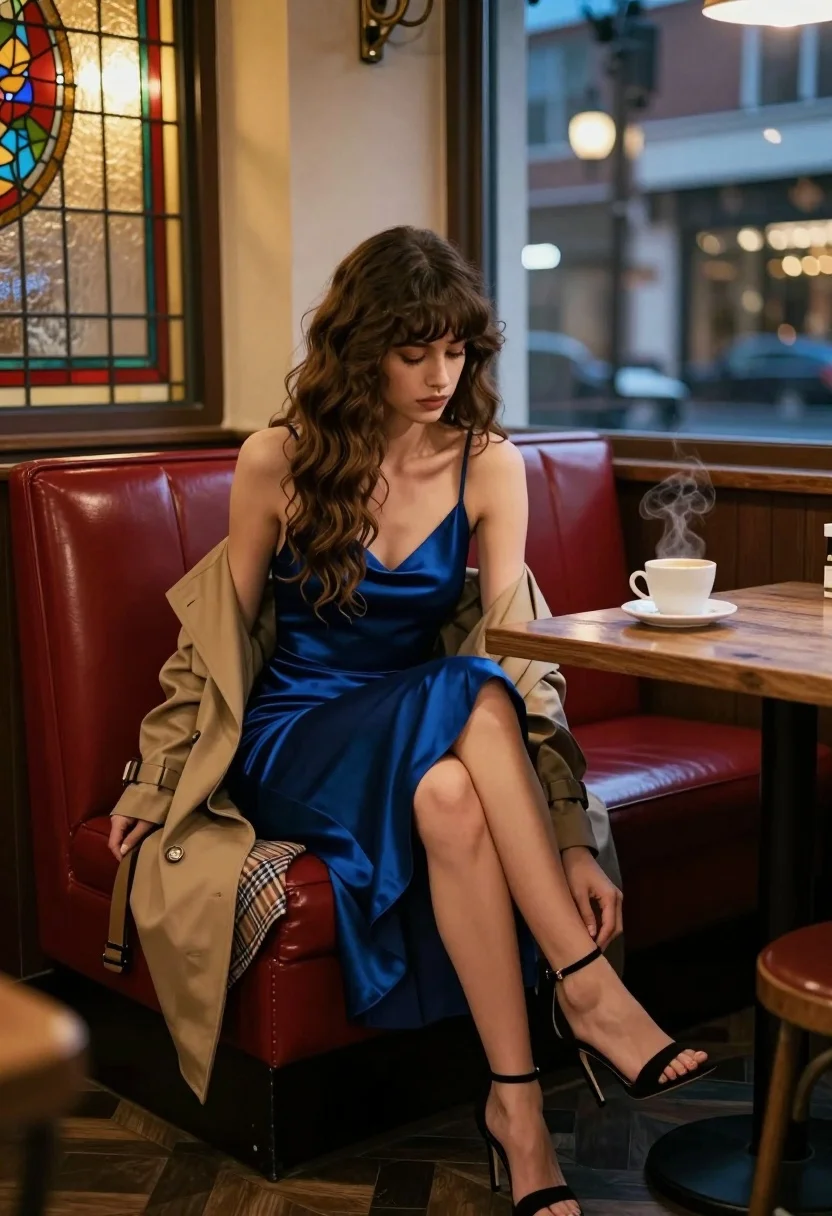
Woman in blue slip dress sitting in dimly lit cafe by stained
Prompt
A woman with long wavy brown hair sits on a red leather booth in a dimly lit cafe.

Subject: A young woman with long, voluminous wavy brown hair and bangs, looking down with a contemplative expression.

Clothing: She wears a deep blue satin slip dress with thin straps and a high slit, paired with black ankle-strap stiletto heels. A beige trench coat is draped over her lap, revealing a plaid pattern underneath.

Action: She is seated with one leg crossed over the other, reaching down to adjust the strap of her shoe on her right foot.

Environment: The setting is an intimate cafe interior featuring a red leather booth seat and a dark wood table. A stained glass window with warm yellow light is visible to the left, while a large window behind shows a blurred evening city street scene.

Objects: A white coffee cup sits steaming on the wooden table next to her.

Lighting: The scene is lit by warm ambient light from the interior fixtures and the glowing stained glass, contrasting with the cool blue tones of the evening outside.

Camera: Shot from a low angle looking up at the subject, utilizing a shallow depth of field to blur the background city lights.

Style Details: Cinematic photography style with rich color grading, soft focus on the background, and a moody, atmospheric aesthetic.
Description
This prompt is useful for creating cinematic character portraits, editorial mood shots for film promotion, and intimate lifestyle branding content. The combination of 'warm ambient light' from the stained glass contrasting with the 'cool blue tones' of the evening outside establishes a moody atmosphere that grounds the subject in a specific narrative moment, while the 'low angle looking up at the subject' emphasizes her contemplative presence against the blurred background.
Suggestions
- Change 'deep blue satin slip dress' to 'emerald velvet slip dress' for richer color saturation.
- Swap 'red leather booth' for 'dark forest green booth' to complement the blue tones.
- Adjust 'warm yellow light' to 'amber glow' for a more consistent vintage feel.
Category
Tags
Brown HairBrunetteCafeCasual WearFemaleIndoorsLow AngleMedium ShotPortrait ShotRealistic
Date added
August 5, 2026
Added by
PromptDexter Team
Related Prompts
More prompts with similar categories and tags.
Woman in fur coat holding handgun in luxurious interior setting
Fair blonde woman in red dress and floral jacket indoors
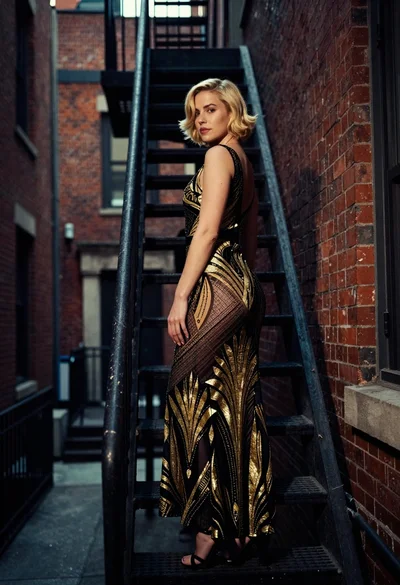
Woman in art deco gown on fire escape looking back over shoulder
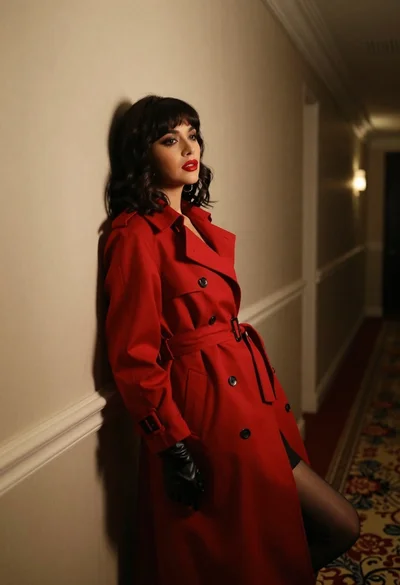
Woman in red trench coat leaning against hallway wall cinematic portrait
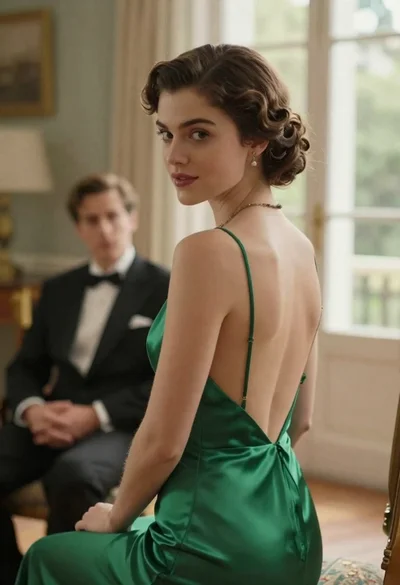
Woman in green dress looking over shoulder in bright ballroom setting

Woman in brown corduroy sitting in golden dry grass at sunset
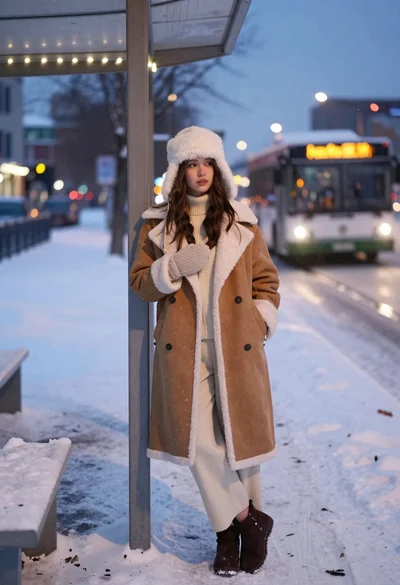
Young woman in shearling coat at snowy bus stop during twilight
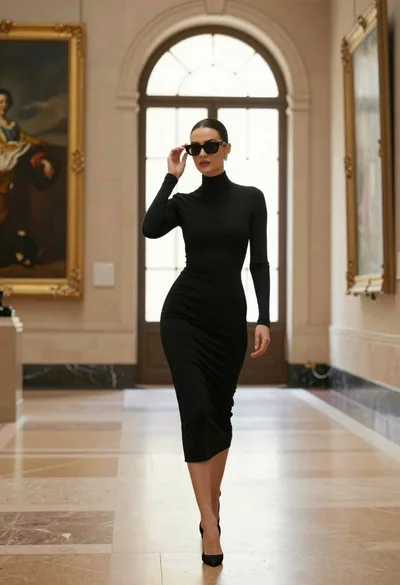
Confident woman in black dress walks through elegant museum hallway adjusting sunglasses
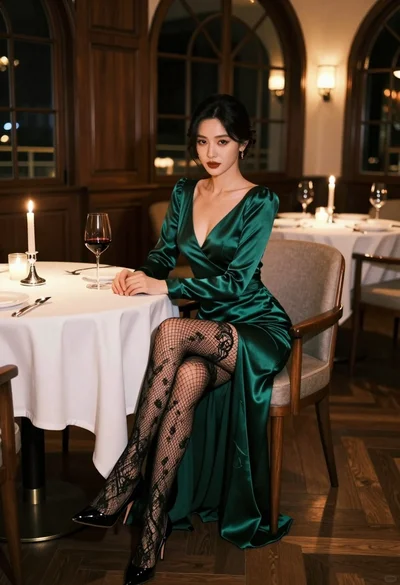
Glamorous woman in emerald gown seated at luxurious restaurant table setting
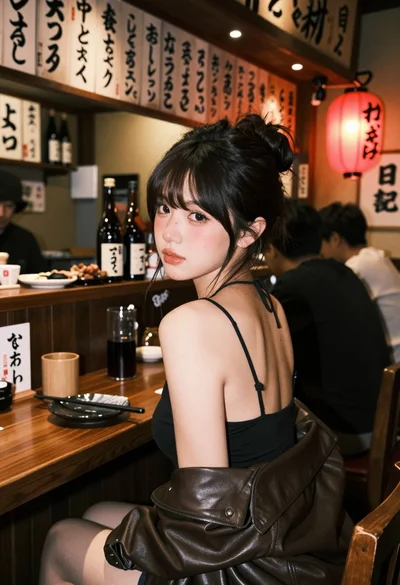
Young woman at wooden counter in dimly lit japanese izakaya bar setting