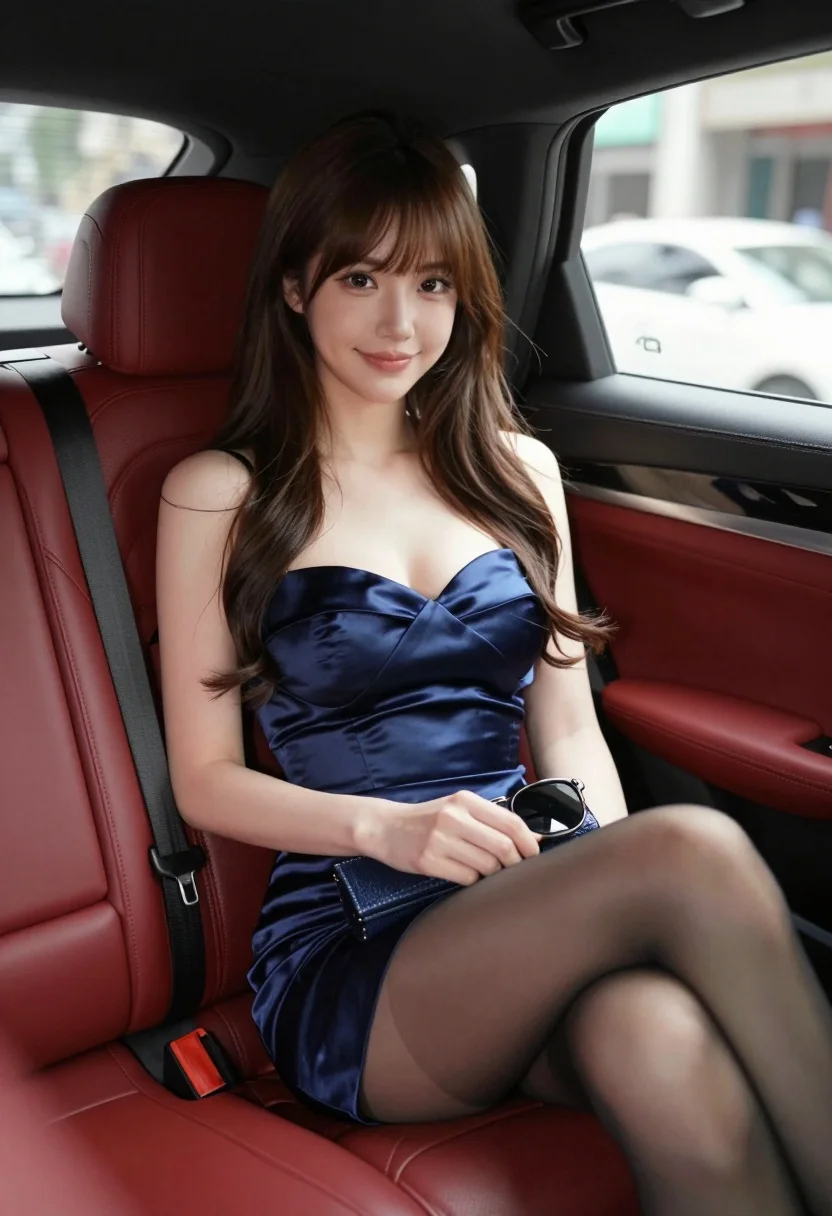
Glamorous woman in navy dress seated inside luxury car with red leather
Prompt
A glamorous woman sits elegantly in the back seat of a luxury car with red leather upholstery.

Subject: A young woman with long wavy brown hair and bangs, featuring a fair complexion and a soft, confident smile.

Clothing: She wears a deep navy blue satin strapless dress with a sweetheart neckline and black sheer stockings.

Action: She is seated with her legs crossed, holding a small dark blue clutch purse in her lap while resting a pair of sunglasses on top of it.

Environment: The interior of a high-end vehicle featuring plush red leather seats and black trim, with a blurred city street visible through the window.

Camera: Shot from a low angle inside the car looking up at the subject, utilizing a shallow depth of field to blur the background scenery.

Lighting: Soft natural daylight illuminates her face and hair, creating a warm and inviting atmosphere with gentle highlights on the satin fabric.

Style Details: Photorealistic image with high detail, smooth skin texture, and a cinematic color palette emphasizing the contrast between the red interior and blue dress.
Description
This prompt is useful for creating luxury advertisement campaigns, sophisticated character portraits, and editorial automotive features. The combination of 'low angle' perspective looking up at the subject enhances her perceived stature, while the 'cinematic color palette emphasizing the contrast between the red interior and blue dress' ensures the key elements pop against the blurred background scenery.
Suggestions
- Change 'deep navy blue satin strapless dress' to 'emerald velvet gown' for a richer texture.
- Adjust 'soft natural daylight' to 'dramatic sidelight' to add more shadow play.
- Replace 'small dark blue clutch purse' with 'gold minaudière' to match the luxury feel.
Category
Tags
Brown HairBrunetteFair SkinFemaleLow AnglePortrait ShotRealistic
Date added
August 5, 2026
Added by
PromptDexter Team
Related Prompts
More prompts with similar categories and tags.
Confident woman in red bodysuit posing at formula one race track low
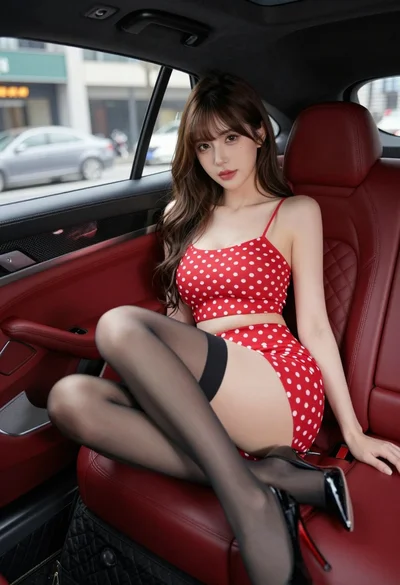
Young woman in red polka dot outfit seated inside luxury car cabin
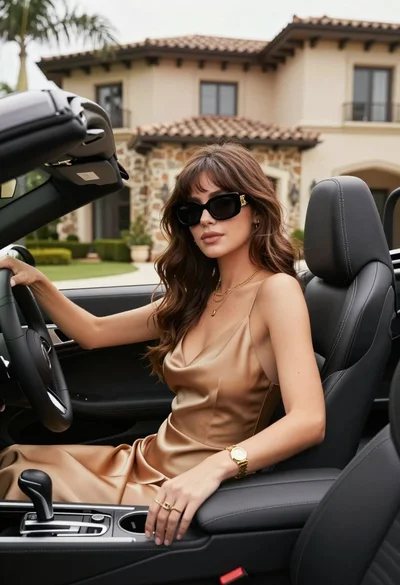
Stylish woman in satin slip dress driving convertible car outside luxury home
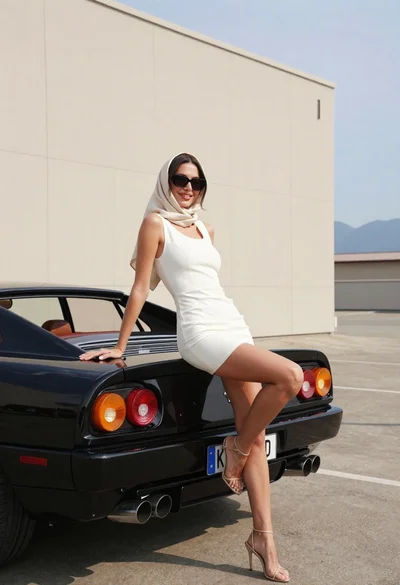
Woman in white dress leaning against classic black ferrari car outdoors
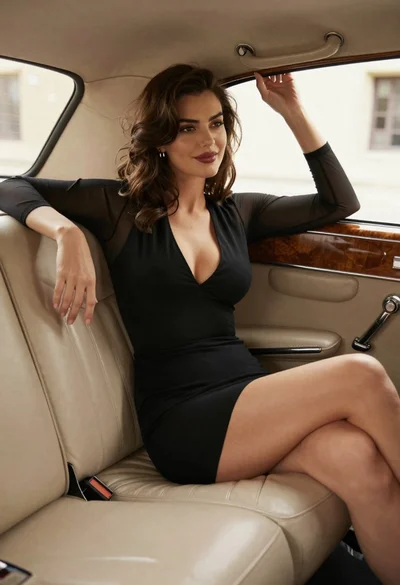
Woman in black dress sitting inside vintage car interior looking back
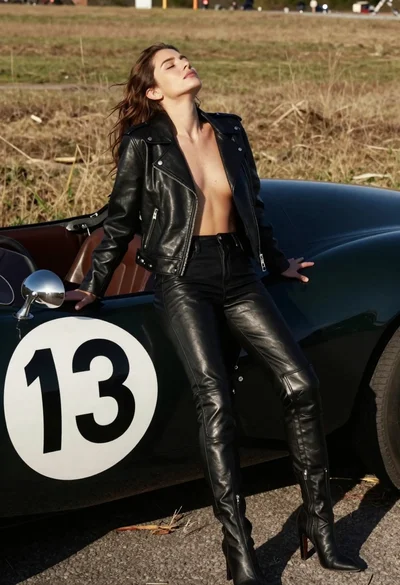
Woman leaning against vintage race car in dry grassy field
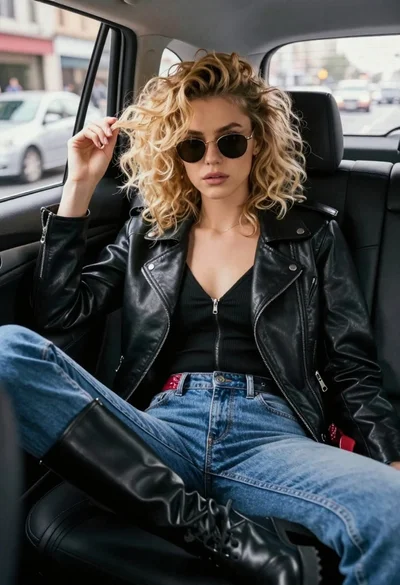
Young woman in black moto jacket sitting inside car looking at camera
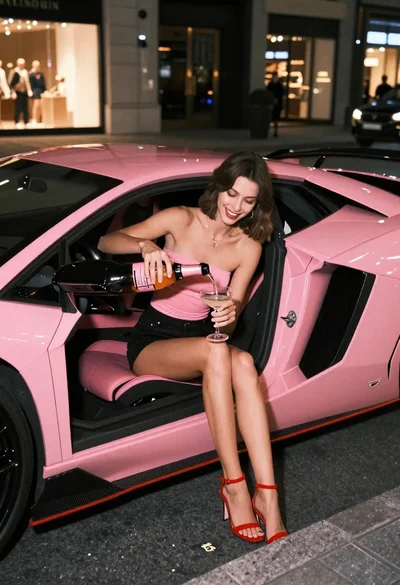
Young woman pouring champagne in pink lamborghini at night
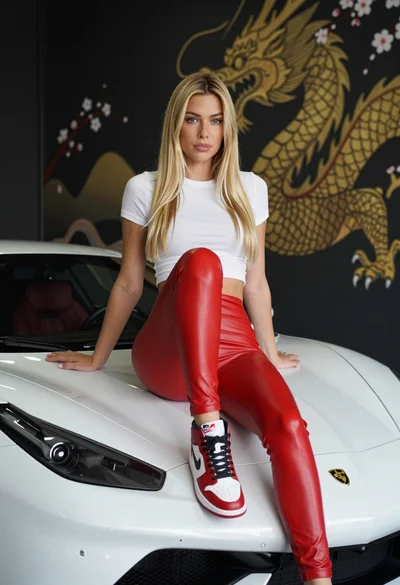
Blonde woman sitting on white sports car in studio with dragon mural
Young woman in swimsuit on black sports car against coastal sunset backdrop