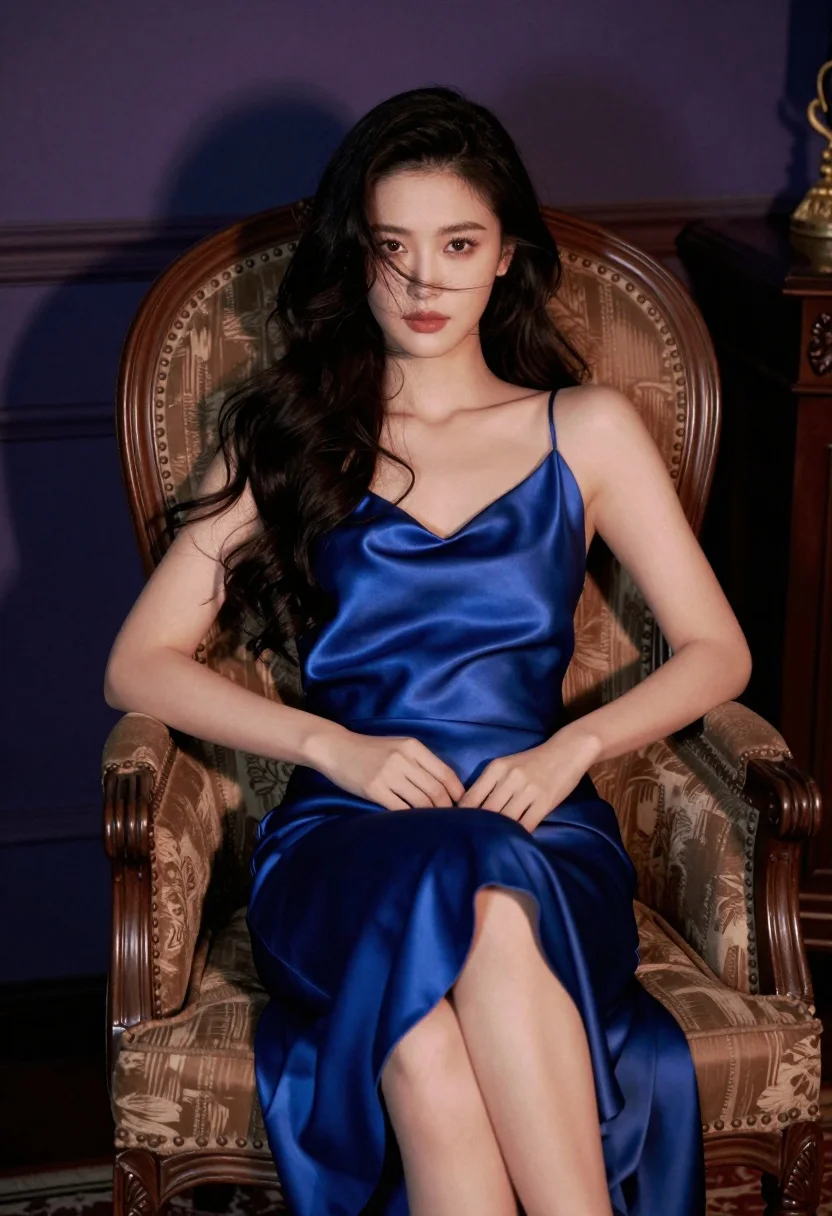
Woman with dark hair seated in vintage armchair wearing blue satin slip
Prompt
A woman with long dark hair sits in a high-backed vintage armchair wearing a deep blue satin slip dress.

Subject: A woman with long, wavy black hair and a soft, direct gaze looking at the camera.

Clothing: She wears a sleeveless, floor-length satin slip dress in a rich royal blue that reflects light softly on her skin.

Action: She is seated with one leg crossed over the other, her hands resting gently near her waist, and loose strands of hair blowing across her face.

Environment: The setting is an interior room featuring a dark wooden chair with ornate carvings and high wings against a dimly lit background with deep purple and blue tones.

Lighting: Soft, moody lighting highlights the subject from the front while casting gentle shadows in the corners to create a cinematic atmosphere.

Style Details: The image has a polished, editorial photography aesthetic with a slight film grain texture and warm color grading.
Description
This prompt is useful for creating vintage portraiture, luxury brand advertising campaigns, and moody character studies. The combination of 'deep blue satin slip dress' against the 'dark wooden chair' grounds the image in a specific opulent era, while the 'soft, direct gaze' ensures the subject connects intimately with the viewer despite the 'dimly lit background'.
Suggestions
- Change 'rich royal blue' to 'midnight navy' for a deeper tone.
- Add 'chiaroscuro lighting' to intensify the shadows.
- Swap 'film grain texture' for 'Kodak Portra 400' for a specific film emulation.
Category
Tags
Black HairBrunetteFemaleFull BodyIndoorsPortrait ShotRealistic
Date added
July 12, 2026
Added by
PromptDexter Team
Related Prompts
More prompts with similar categories and tags.

Glamorous woman in black sequined gown against a white studio background

Poised woman in black gown posing indoors with dramatic low key lighting
Confident woman in black and gold sequined mini dress indoors

Glamorous woman posing in black dress under blue ambient club lighting
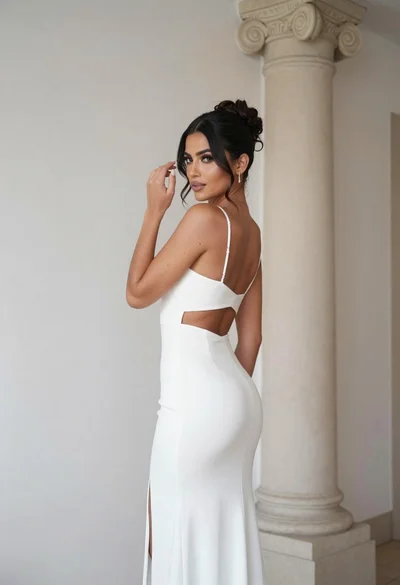
Woman in white gown posing near classical column interior setting
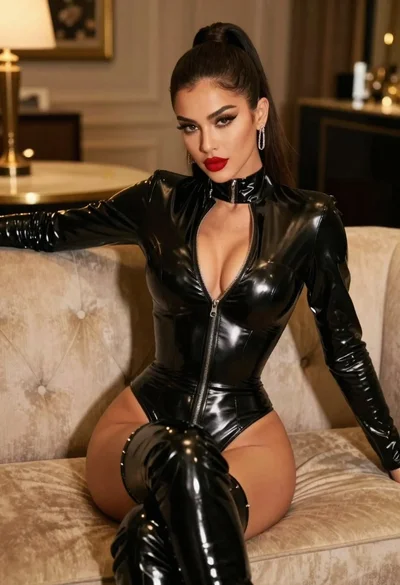
Glamorous model in black bodysuit sitting on beige sofa
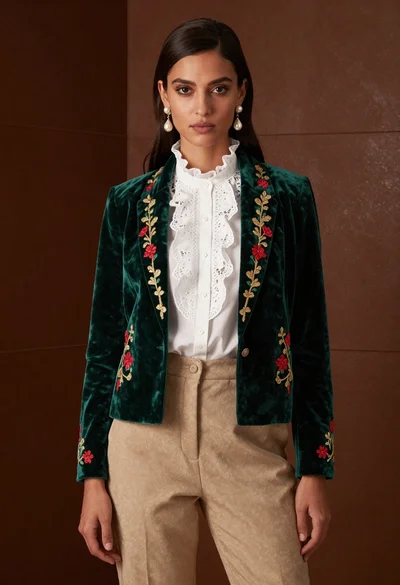
Woman in emerald jacket against deep brown backdrop
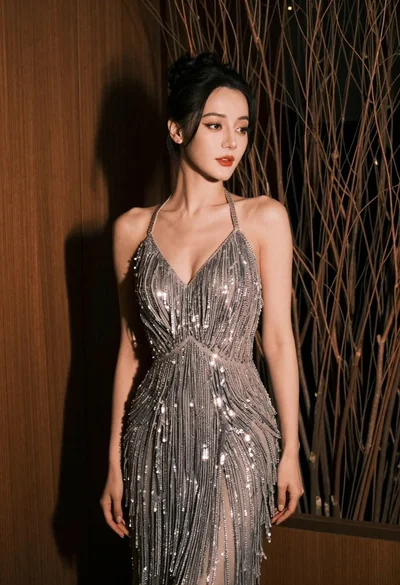
Glamorous woman in silver gown posing indoors with textured organic background
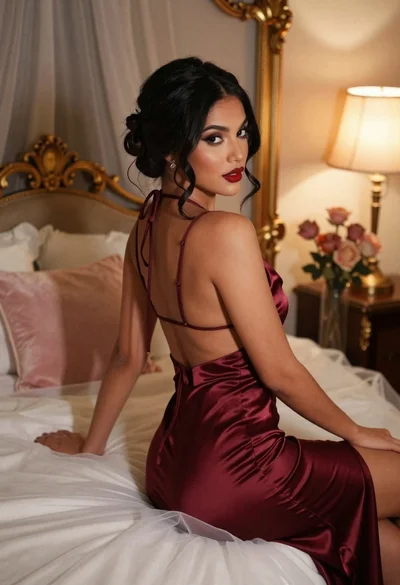
Woman in burgundy satin dress sitting on bed looking over shoulder
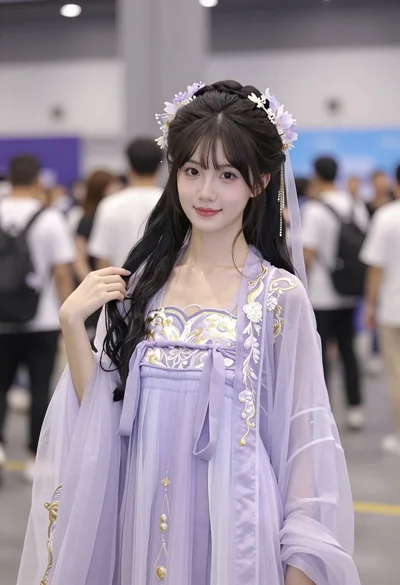
Young east asian woman in lavender hanfu costume at indoor convention hall