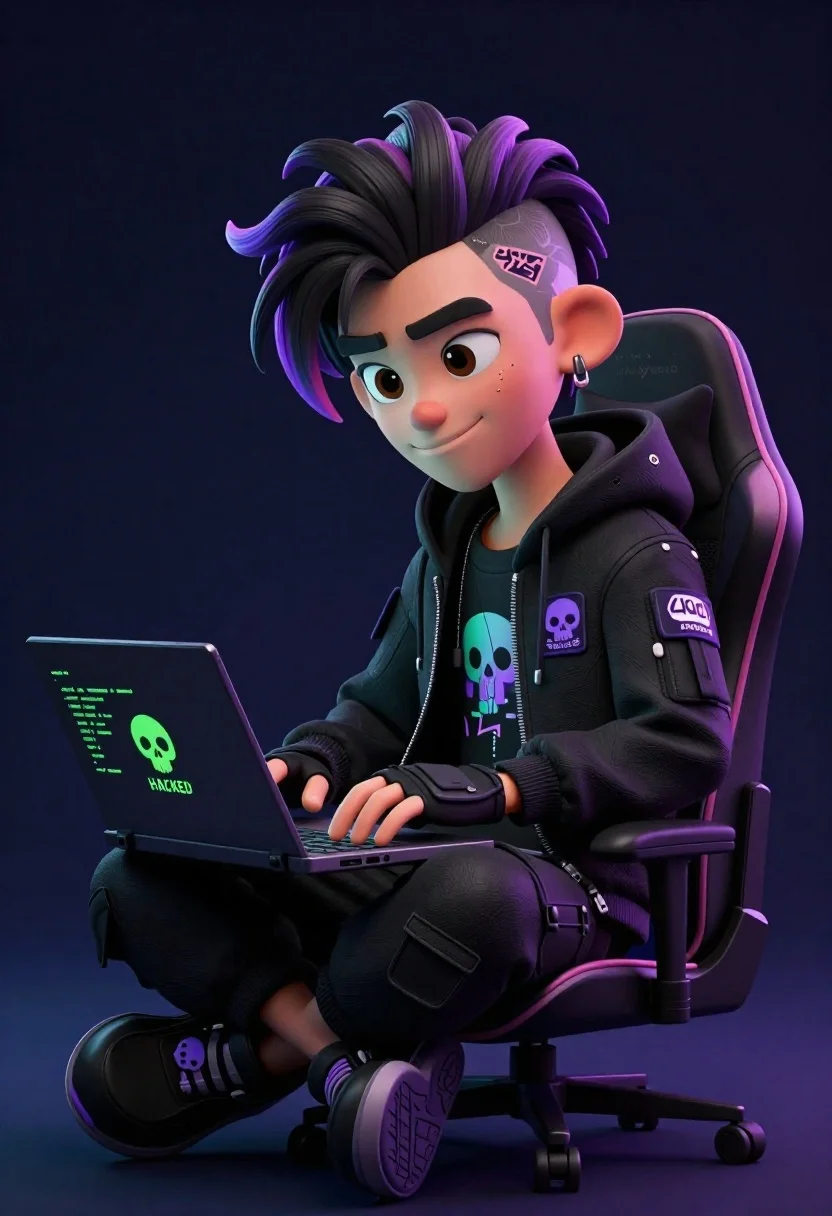
Young male hacker in black jacket typing on laptop in dark studio
Prompt
A stylized 3D animated character of a young male hacker sitting in a gaming chair while typing on a laptop.

Subject: A youthful male character with exaggerated cartoon features, large expressive eyes, thick eyebrows, and a confident smirk. He has dark hair styled in a messy undercut with purple highlights and a shaved design on the side of his head.

Clothing: He wears a black hooded jacket covered in patches, including a skull emblem and a patch reading "404 ACCESS DENIED." Underneath, a graphic tee is visible. He wears black cargo pants, fingerless gloves, and chunky black sneakers with purple accents and skull logos.

Action: The character sits cross-legged in a relaxed posture, leaning forward slightly to type on the laptop keyboard with both hands.

Environment: A dark, minimalist studio setting with a solid deep blue-black background that isolates the subject.

Camera: Medium shot capturing the character from the knees up, positioned at eye level with a slight downward angle to emphasize his seated position.

Lighting: Dramatic studio lighting with soft highlights on the face and hair, casting subtle shadows to define the 3D form against the dark backdrop.

Objects: A black laptop resting on his lap displaying green code text and a skull logo with the word "HACKED" on the lid.

Text/Graphics: Visible text includes "HACKED" in green on the laptop screen, "404 ACCESS DENIED" on the jacket patch, and Japanese characters on the inner collar.

Style Details: High-quality 3D render with a vibrant cyberpunk aesthetic, featuring neon purple and green accents against dark tones, smooth textures, and a polished digital art style.
Description
This prompt is useful for creating concept art for video game characters, album covers in the synthwave genre, and promotional material for tech-themed narratives. The combination of 'neon purple and green accents' against dark tones, coupled with the 'exaggerated cartoon features,' ensures the subject pops dramatically from the deep blue-black background, which is crucial for making the character feel integrated into a high-tech, stylized world rather than just placed in front of it.
Suggestions
- Change 'deep blue-black background' to 'rain-streaked neon alleyway' for more environmental context.
- Swap 'purple highlights' for 'electric cyan streaks' to shift the primary accent color palette.
- Adjust 'gaming chair' to 'industrial metal stool' to give a less overtly casual feel.
Category
Tags
3dCasual WearIndoorsMaleMedium Shot
Date added
June 26, 2026
Added by
PromptDexter Team
Related Prompts
More prompts with similar categories and tags.
Cheerful young boy in colorful puzzle sweater standing against blue background
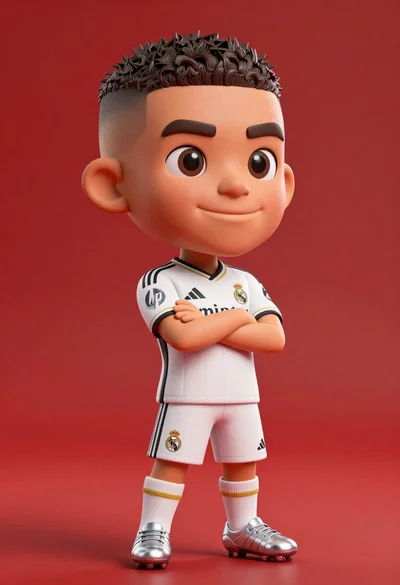
Full body shot of cartoonish bobblehead football player in real madrid kit
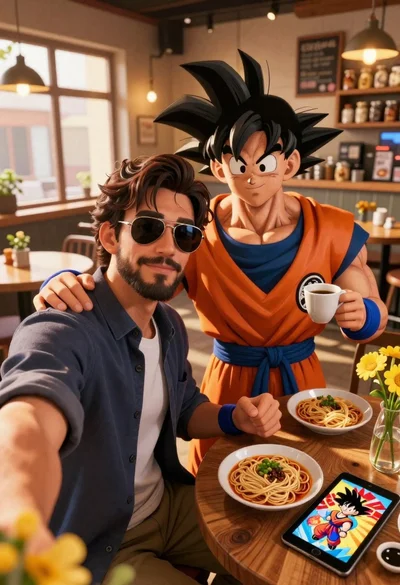
Handsome man taking a selfie with anime character goku in a cozy

Cheerful chibi pirate character standing on treasure chest in studio
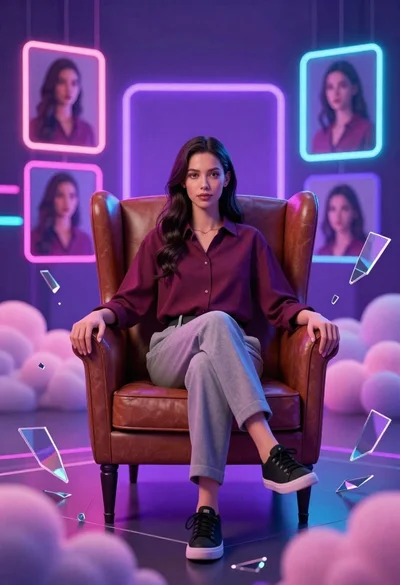
Confident young woman in maroon shirt sitting in brown leather chair with
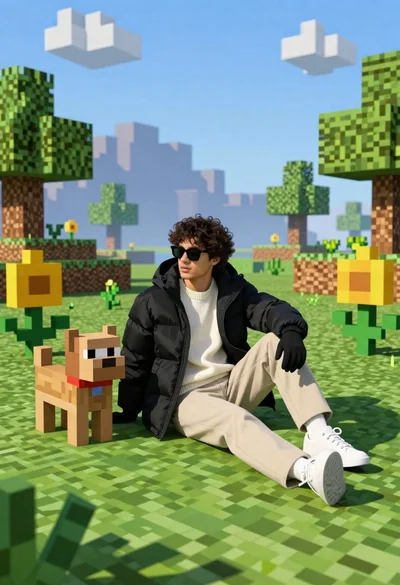
Young man in black puffer jacket sits on grass in minecraft style
Large headed cartoon caricature standing in front of real life man in
Young man in black tshirt against glowing red cyan neon frame