
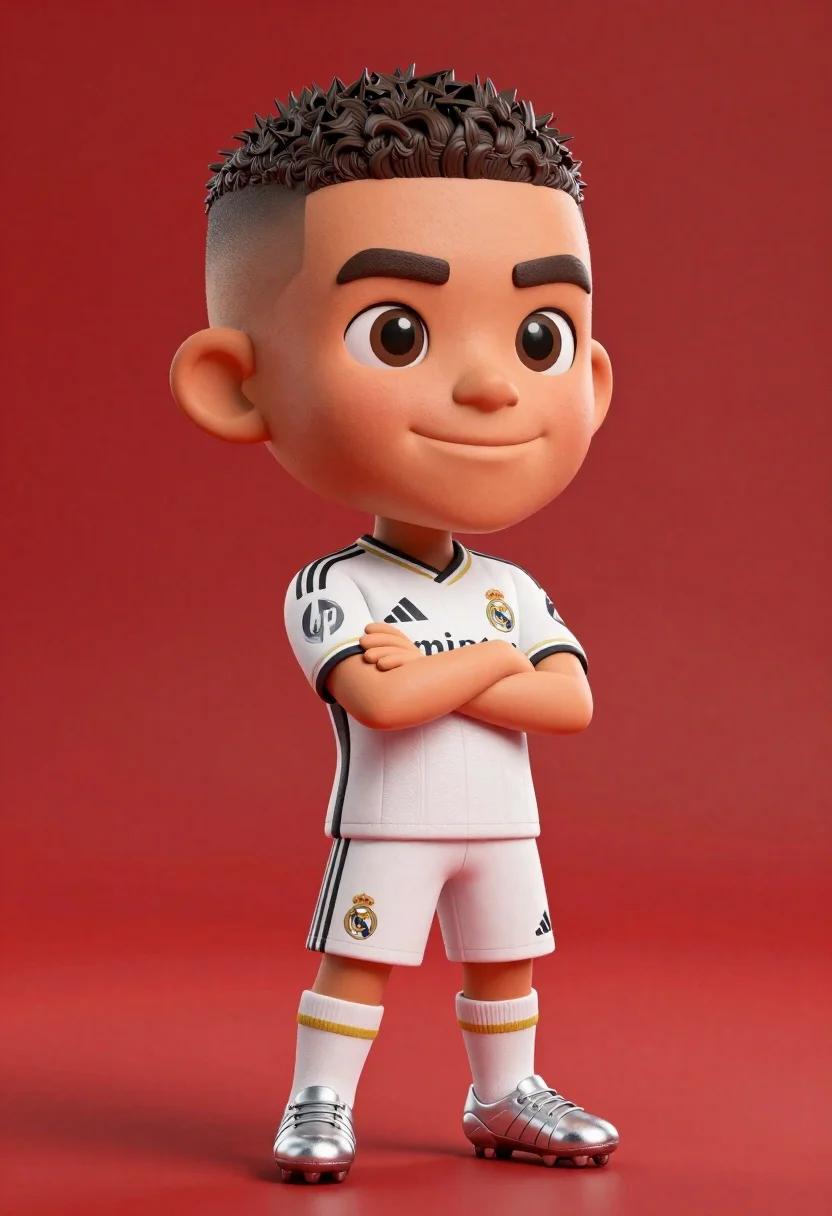
Full body shot of cartoonish bobblehead football player in real madrid kit
Prompt
A full-body shot of a stylized, cartoonish bobblehead figure resembling a young football player standing confidently against a solid red background.

Subject: A caricatured male figure with an oversized head and large expressive eyes, featuring short dark hair with a high fade haircut and a confident smirk.

Clothing: He wears a white Real Madrid home kit consisting of a jersey with black stripes on the shoulders, gold trim details, and sponsor logos including Emirates and HP, paired with matching shorts displaying the number 9 and club crest, along with white socks and silver football boots.

Action: The figure stands with arms crossed over his chest in a relaxed pose, looking slightly to the side with a calm expression.

Environment: A seamless, vibrant red studio backdrop that fills the entire background behind the subject.

Camera: A medium-full shot capturing the character from head to toe, utilizing a slight low angle to emphasize the bobblehead proportions and centered composition.

Lighting: Bright, even studio lighting illuminates the figure from the front, creating soft shadows and highlighting the glossy texture of the skin and fabric.

Style Details: The image features a 3D rendered aesthetic with smooth textures, vibrant colors, and a polished digital art style reminiscent of high-quality character design or toy photography.
Description
This prompt is useful for creating merchandise mockups, animated character concept sheets, and playful sports advertising visuals. The combination of 'cartoonish bobblehead figure' with 'bright, even studio lighting' ensures that every detail, from the 'gold trim details' on the kit to the glossy texture, remains clearly visible without harsh shadows, which is essential for product visualization.
Suggestions
- Change 'solid red background' to 'gradient red backdrop' for more visual interest.
- Swap 'cartoonish bobblehead figure' for 'vinyl toy sculpture' to adjust the material feel.
- Add 'octane render' to enhance the polished digital art style.
Category
Tags
3dCasual WearFull BodyLow AngleMaleMedium ShotStudio
Date added
June 23, 2026
Added by
PromptDexter Team
Related Prompts
More prompts with similar categories and tags.
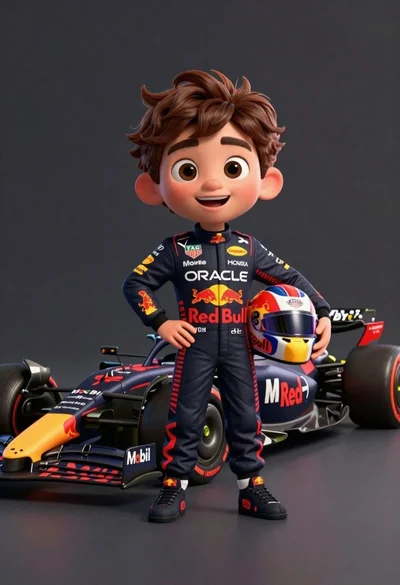
Cheerful cartoon boy in racing suit standing next to formula one car
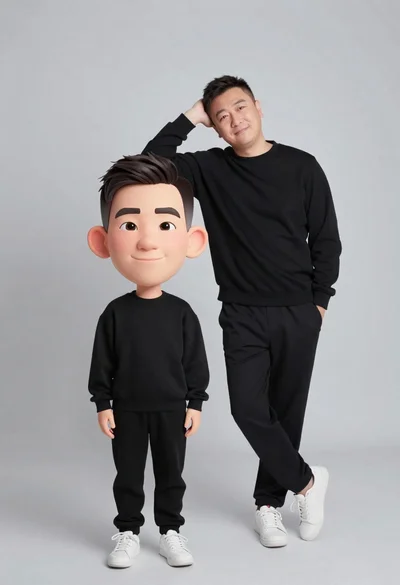
Large headed cartoon caricature standing in front of real life man in
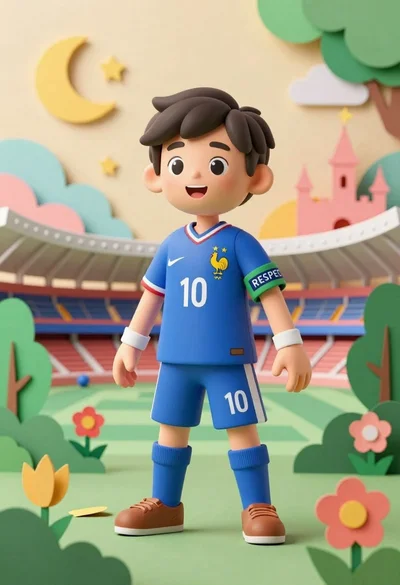
Cheerful young boy in blue france soccer jersey standing on a colorful
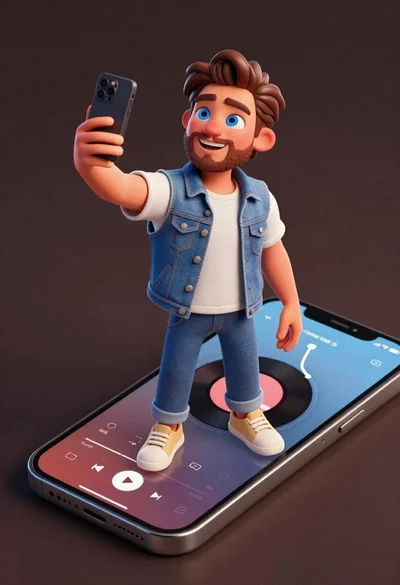
Cheerful young man taking selfie while standing on giant smartphone screen
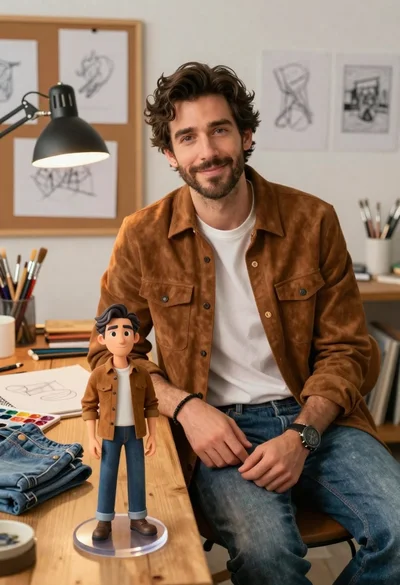
Handsome man in suede shirt sitting at desk in art studio
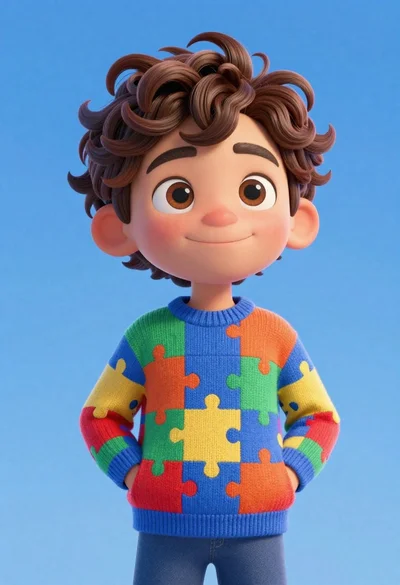
Cheerful young boy in colorful puzzle sweater standing against blue background
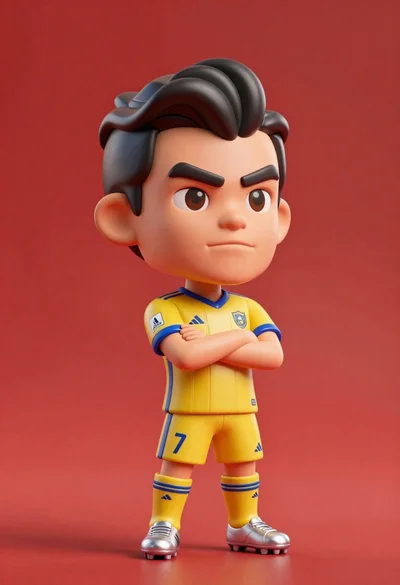
Stylized bobblehead soccer player in yellow jersey standing confidently against red background
Studio portrait of man in armchair against gray background
