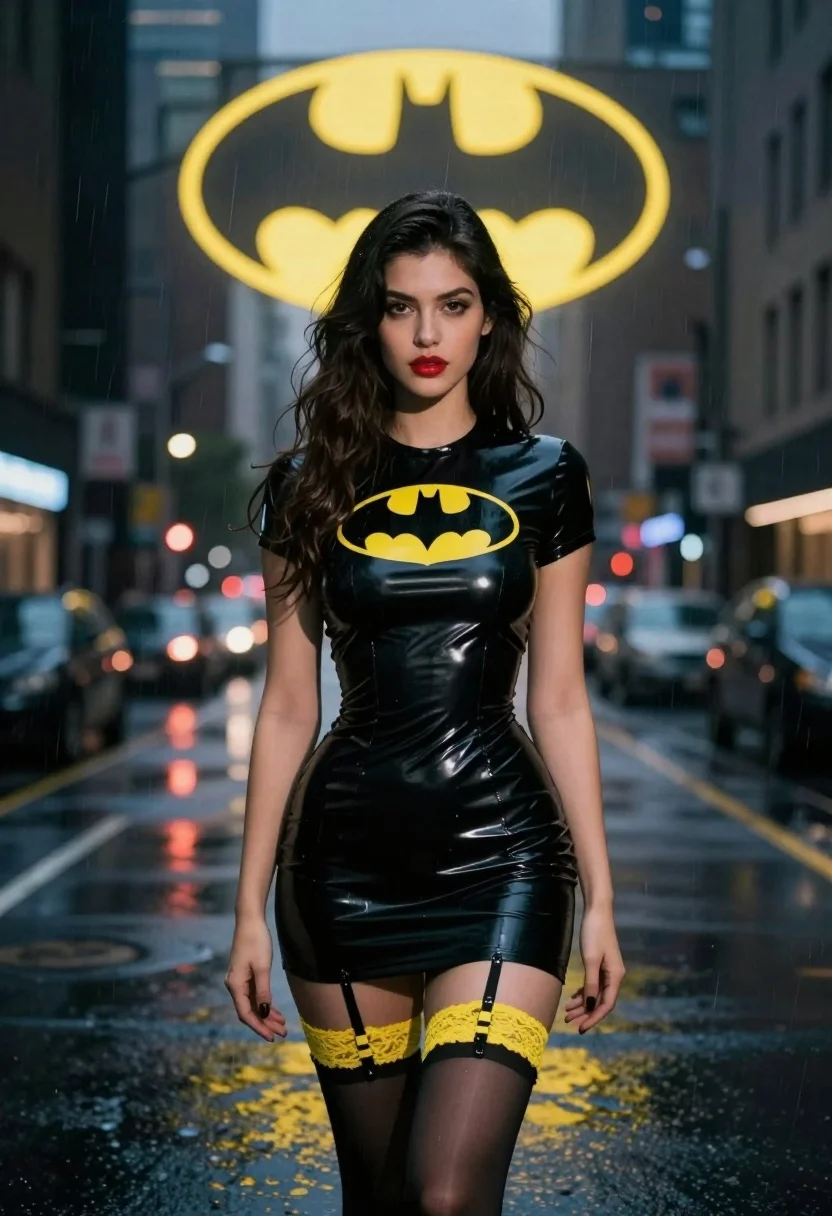
Woman in black latex dress standing on wet rainy city street at
Prompt
A woman with long dark hair stands in the center of a rainy city street at night.

Subject: A woman with long wavy dark brown hair, fair skin, and red lipstick looking directly at the camera.

Clothing: She wears a tight black latex mini dress featuring a large yellow Batman logo on the chest, paired with sheer black stockings and yellow lace garters.

Action: Standing still with arms hanging loosely by her sides in a neutral pose.

Environment: A dark urban street scene with wet pavement reflecting city lights, blurred buildings in the background, and a large glowing yellow Batman symbol projected into the sky behind her.

Lighting: Moody cinematic lighting with cool blue ambient tones from the night setting contrasted by warm yellow highlights from the logo projection and distant neon signs.

Camera: Medium shot capturing the subject from the thighs up, utilizing a shallow depth of field to blur the background city lights.

Style Details: Photorealistic digital art style with high contrast, glossy textures on the latex material, and atmospheric rain effects.
Description
This prompt is useful for creating cinematic character portraits, neo-noir fashion editorials, and stylized concept art for comic book adaptations. The combination of 'cool blue ambient tones' against 'warm yellow highlights' creates a dramatic visual tension that emphasizes the glossy texture of the latex material while the shallow depth of field isolates the subject from the busy background.
Suggestions
- Change 'yellow Batman logo' to 'red superhero emblem' for an alternative color pop.
- Add 'wet reflections on pavement' to enhance the ground detail.
- Adjust 'long wavy dark brown hair' to 'slicked back wet hair' for a different mood.
Category
Tags
Fair SkinFemaleMedium ShotRealisticStreetUrban
Date added
July 3, 2026
Added by
PromptDexter Team
Related Prompts
More prompts with similar categories and tags.
Young woman in red sweatshirt standing on blurred city street at night
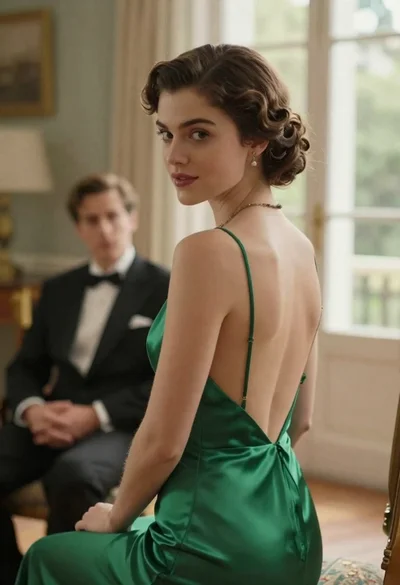
Woman in green dress looking over shoulder in bright ballroom setting
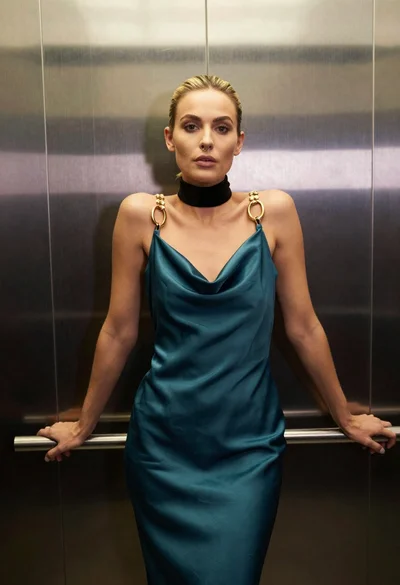
Blonde woman in teal slip dress leaning on elevator handrail

Woman in green satin slip dress standing in sunlit elegant interior room

Young man in leather jacket standing on wet city sidewalk at night
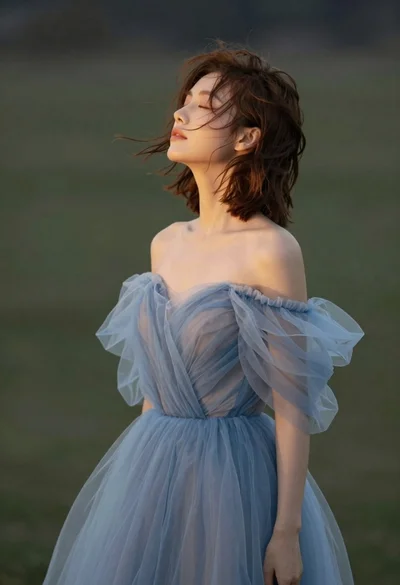
Young woman in blue tulle gown standing with eyes closed in wind
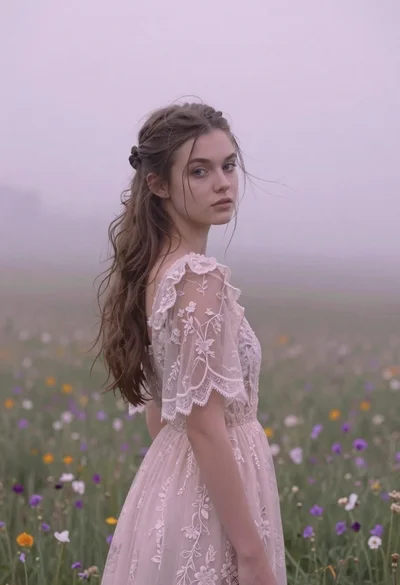
Young woman in pink lace gown standing in misty wildflower field
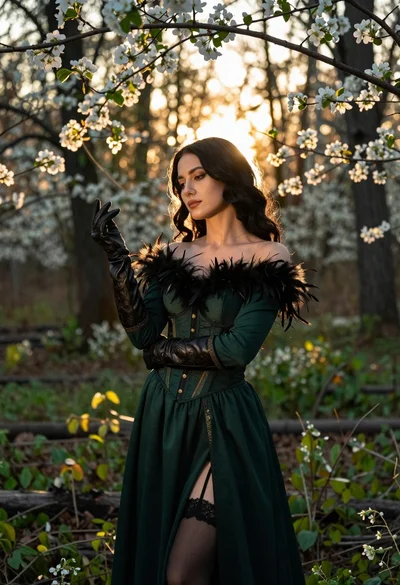
Woman in green gown stands in sunlit forest with blooming trees
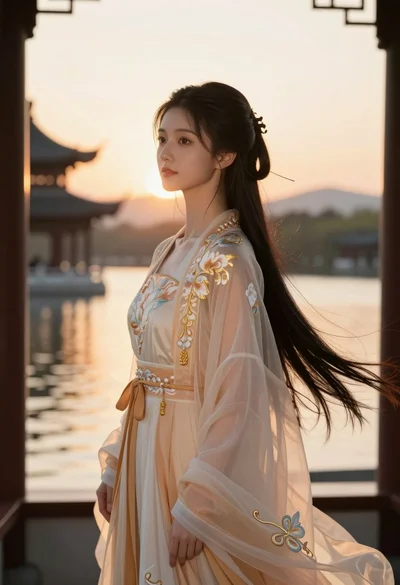
Young woman in traditional chinese gown on balcony at golden hour sunset
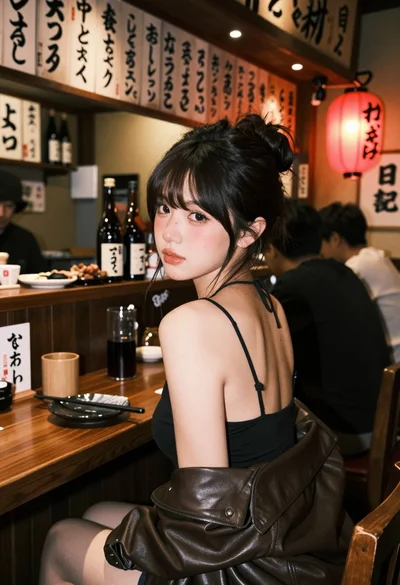
Young woman at wooden counter in dimly lit japanese izakaya bar setting