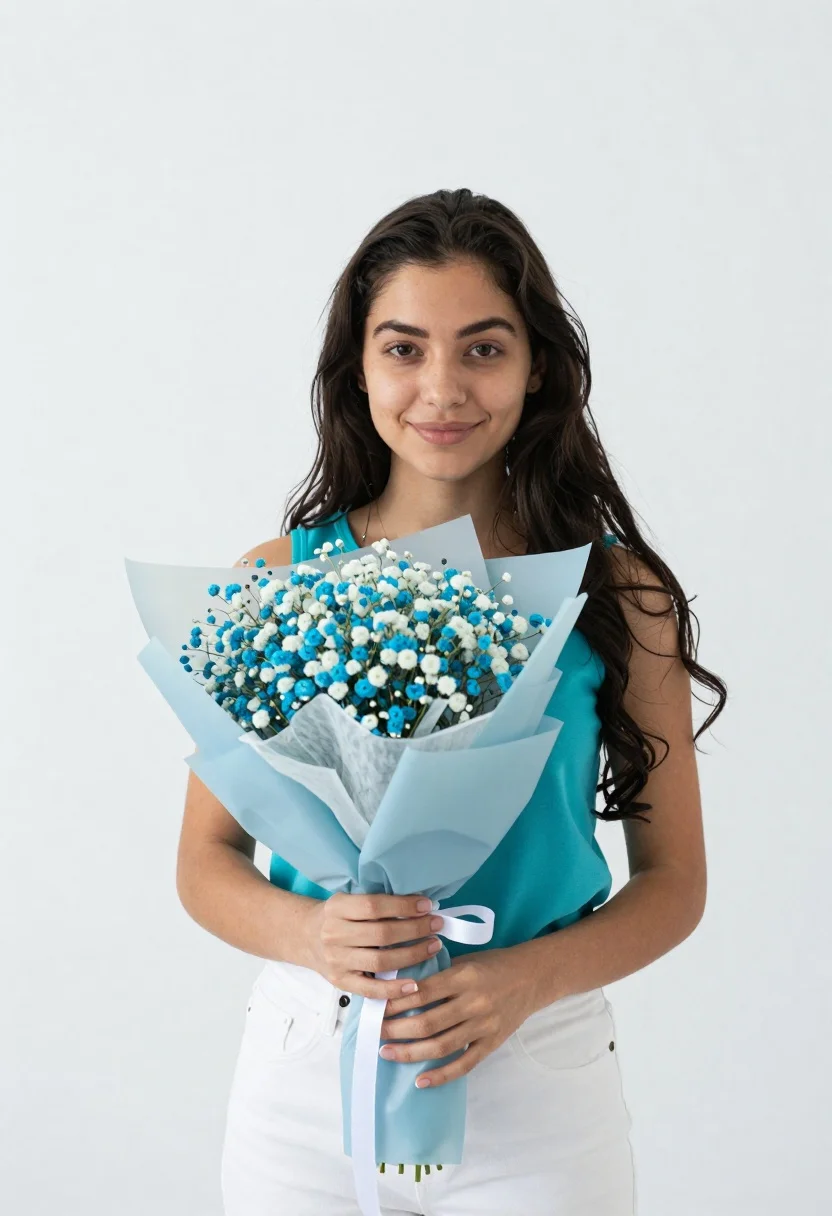
Young woman holding babys breath bouquet against a white studio background
Prompt
A young woman with long dark wavy hair stands against a plain white background holding a bouquet of baby's breath flowers wrapped in light blue paper.

Subject: A young woman with long dark wavy hair and a gentle smile looking directly at the camera.

Clothing: She wears a bright turquoise sleeveless top and white pants, with her hands gently clasping the flower stems.

Action: She holds a large bouquet of baby's breath flowers wrapped in light blue tissue paper with a white ribbon tied around the base.

Environment: The setting is a minimalist studio space with a seamless white background that provides no distractions.

Camera: The shot is framed as a medium close-up capturing her from the waist up, utilizing soft even lighting to highlight her features without harsh shadows.

Lighting: Soft diffused light illuminates the scene evenly creating a clean and airy atmosphere suitable for a portrait.

Style Details: High resolution photography with natural skin tones and vibrant colors emphasizing clarity and simplicity.
Description
This prompt is useful for creating e-commerce product shots, bridal stationery mockups, and lifestyle catalog imagery requiring clean focus on an object. The combination of 'soft diffused light' and a 'seamless white background' ensures that the delicate texture of the baby's breath and the vibrant color of the turquoise top remain crisp without any distracting shadows or environmental context.
Suggestions
- Change 'bright turquoise sleeveless top' to 'ivory knit top' for a more muted palette.
- Add 'shallow depth of field' to blur the background slightly.
- Swap 'medium close-up' for 'waist shot' to better display the pants.
Category
Tags
Brown HairCasual WearFair SkinFemaleMedium ShotRealisticStudio
Date added
June 19, 2026
Added by
PromptDexter Team
Related Prompts
More prompts with similar categories and tags.
Young woman with brown hair in purple cardigan against pink background
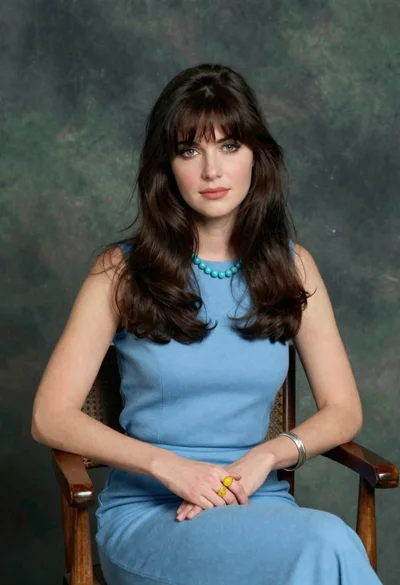
Woman with dark brown hair seated in wooden chair against green backdrop

Close up portrait of young woman making heart shape over chest
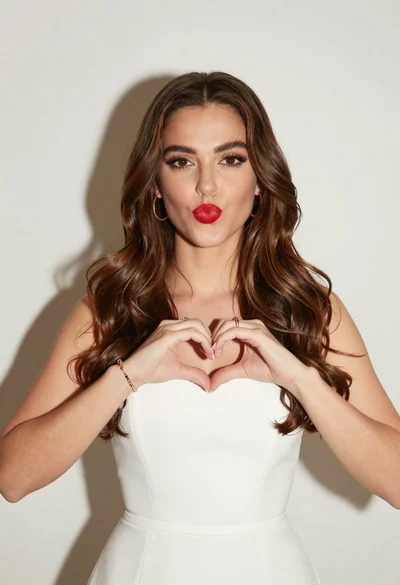
Woman with brown hair forming heart shape in white strapless dress
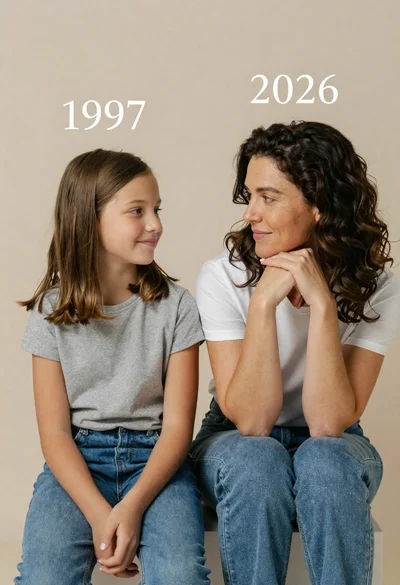
Portrait of mother and daughter sitting together against neutral studio background
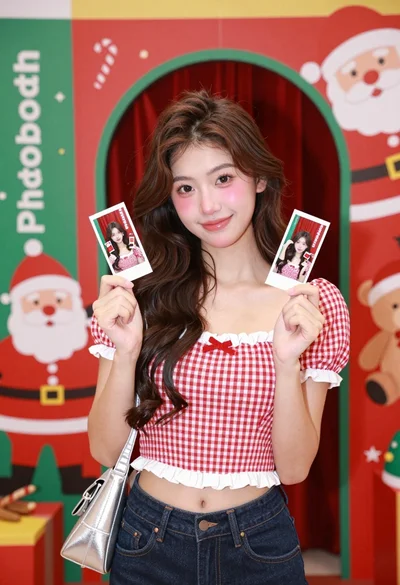
Young woman smiling in front of a festive christmas photobooth backdrop

Photorealistic portrait of woman in red gold armor holding shield studio shot

Smiling young woman in white ruffled dress between green topiary bushes
Young woman in light green embroidered dress leaning indoors

Young woman in pink camisole standing in sunlit rolling hills