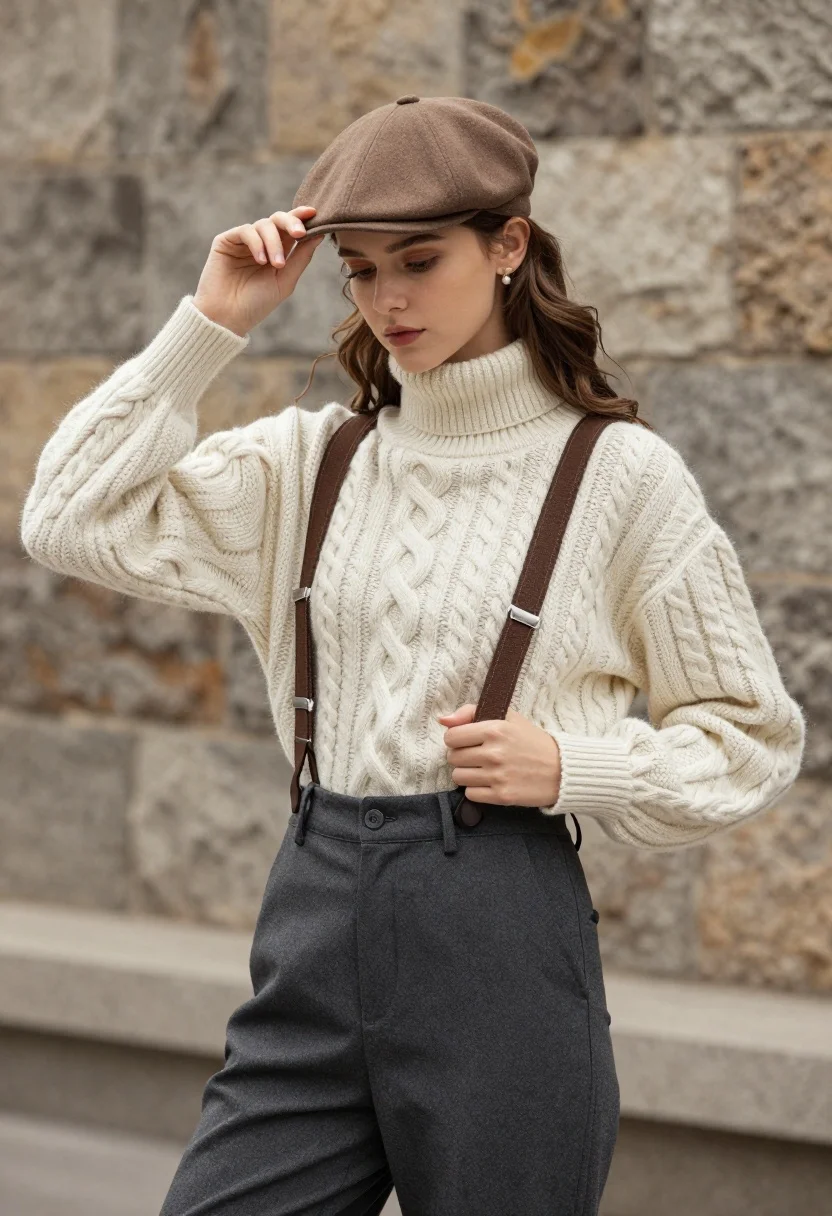
Young woman in cable knit sweater by blurred textured stone wall background
Prompt
A young woman stands in a three-quarter pose against a blurred stone wall background.

Subject: A young woman with long wavy brown hair and fair skin, wearing a brown flat cap that she is tipping with her right hand while looking slightly downward to the side.

Clothing: She wears a chunky cream-colored cable-knit turtleneck sweater with puffed sleeves, dark grey high-waisted trousers held up by brown suspenders, and small pearl stud earrings.

Action: Her right hand gently touches the brim of her cap while her left hand holds the strap of her suspender near her hip.

Environment: A textured stone wall serves as the background with a shallow depth of field that blurs the masonry details.

Lighting: Soft natural light illuminates the scene from the front, creating gentle shadows and highlighting the texture of the knitwear without harsh contrast.

Camera: Medium shot framing the subject from mid-thigh up with a shallow depth of field to emphasize the foreground figure against the stone backdrop.

Style Details: Photorealistic fashion photography style with high detail on fabric textures and natural skin tones.
Description
This prompt is useful for creating vintage lifestyle portraits, cozy seasonal catalog imagery, and editorial mood boards emphasizing tactile materials. The combination of 'chunky cream-colored cable-knit turtleneck sweater' against a 'blurred stone wall background' directs the focus entirely onto the subject's texture and pose, while 'soft natural light' prevents harsh shadows that would detract from the intended soft, nostalgic aesthetic.
Suggestions
- Change 'brown flat cap' to 'tweed newsboy cap' for a more period feel.
- Swap 'dark grey high-waisted trousers' for 'corduroy pants' to enhance the autumnal vibe.
- Adjust 'soft natural light' to 'overcast daylight' for a flatter, more diffused look.
Category
Tags
Brown HairFair SkinFemaleMedium ShotOutdoorsRealistic
Date added
August 5, 2026
Added by
PromptDexter Team
Related Prompts
More prompts with similar categories and tags.
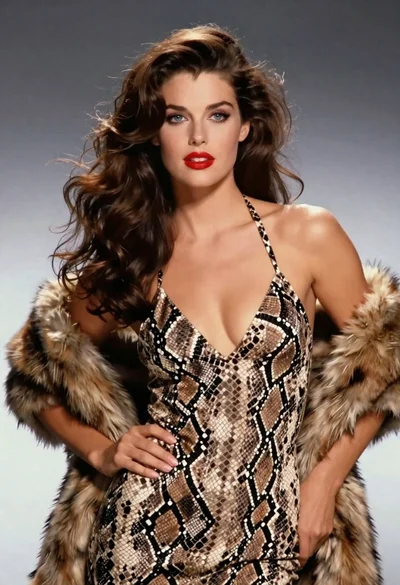
Glamorous woman in snakeskin dress with fur stole studio portrait
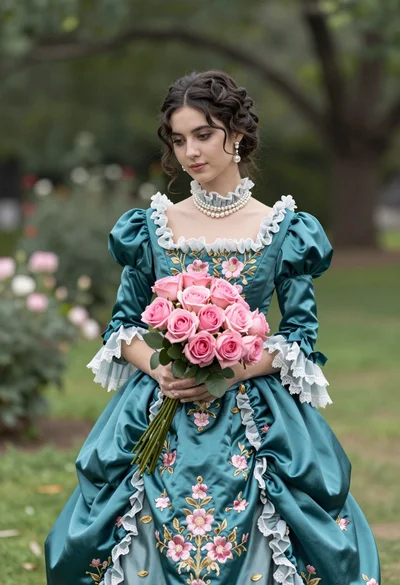
Young woman in teal victorian gown holding pink roses in lush garden

Blonde woman in silver gown with fur stole studio portrait

Blonde woman in victorian steampunk attire portrait
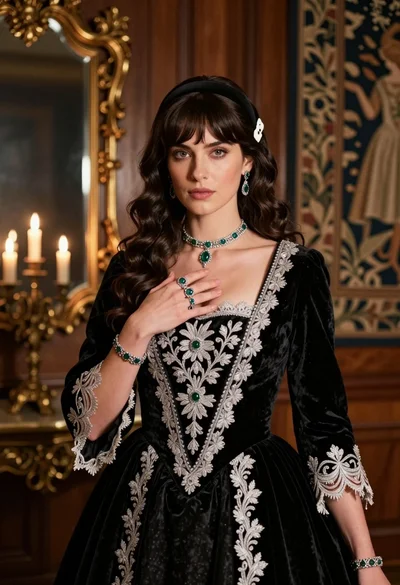
Fair skinned woman in black velvet gown inside luxurious room setting

Woman standing barefoot in dry autumn field at golden hour

Young woman in black and white patterned outfit on urban rooftop

Smiling blonde woman in sports bra sitting on outdoor lounge chair
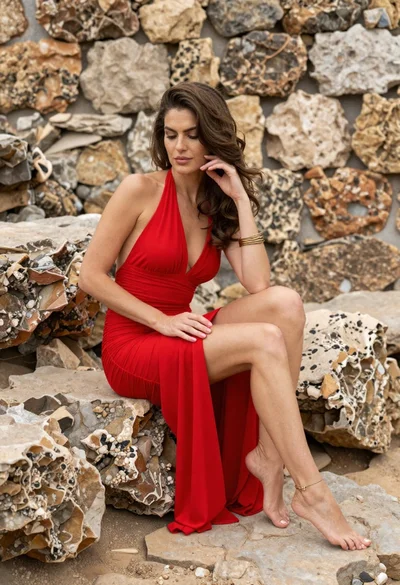
Woman in red halter dress sitting on stones against textured rock wall
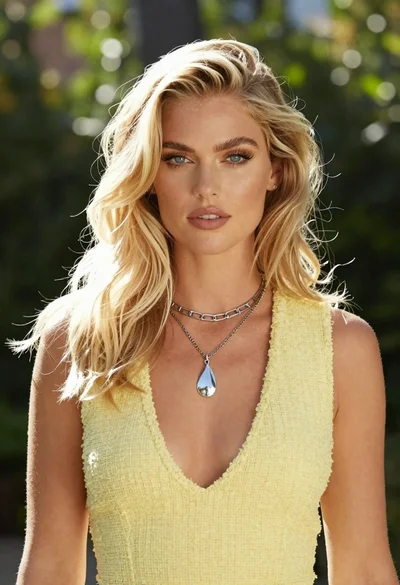
Medium close up portrait of blonde woman in yellow top outdoors
