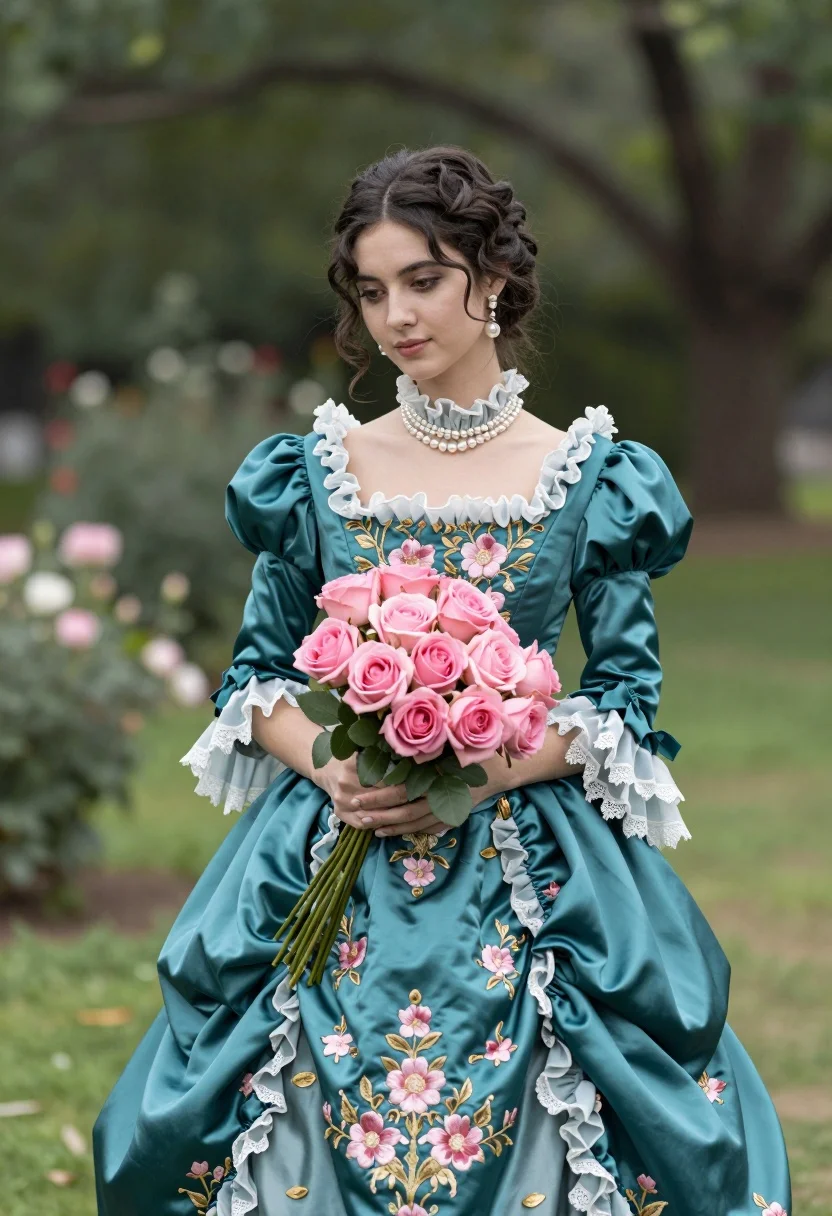
Young woman in teal victorian gown holding pink roses in lush garden
Prompt
A woman stands in a lush garden wearing an elaborate teal Victorian gown adorned with pink floral embroidery and holding a large bouquet of pink roses.

Subject: A young woman with dark hair styled in an updo, featuring soft brown eyes and a calm, contemplative expression.

Clothing: An ornate teal satin dress with puffed sleeves, a high ruffled collar, and intricate gold and pink floral embroidery across the bodice and skirt; she wears pearl drop earrings and a pearl necklace.

Action: She stands facing forward with a gentle gaze, holding a large bouquet of pink roses in front of her waist.

Environment: A soft-focus green garden setting with blurred trees and foliage in the background suggesting a peaceful outdoor location.

Camera: Medium shot capturing the subject from the thighs up, utilizing a shallow depth of field to blur the background and emphasize the subject.

Lighting: Soft natural daylight illuminating the scene evenly, creating gentle highlights on the satin fabric and soft shadows that enhance the romantic mood.

Objects: A large bouquet of pink roses held in her hands matching the floral motifs on her dress.

Style Details: High-resolution photorealistic portrait with a vintage aesthetic, rich color saturation, and smooth skin texture reminiscent of classic fashion photography.
Description
This prompt is useful for creating historical costume editorials, romantic fine art portraits, and period-inspired bridal lookbooks. The combination of 'teal satin dress' with 'pink floral embroidery' against a 'soft-focus green garden setting' directs the model to maintain rich color saturation while using the shallow depth of field to ensure the ornate gown remains the primary focus over distracting background details.
Suggestions
- Change 'teal satin dress' to 'deep emerald velvet gown' for a richer, darker tone.
- Add 'Victorian era portrait photography style' to enhance the vintage aesthetic.
- Swap 'pink roses' for 'white peonies' to contrast with the teal fabric.
Category
Tags
Brown HairBrunetteFemaleFormal WearMedium ShotOutdoorsRealistic
Date added
August 5, 2026
Added by
PromptDexter Team
Related Prompts
More prompts with similar categories and tags.
Glamorous woman in snakeskin dress with fur stole studio portrait
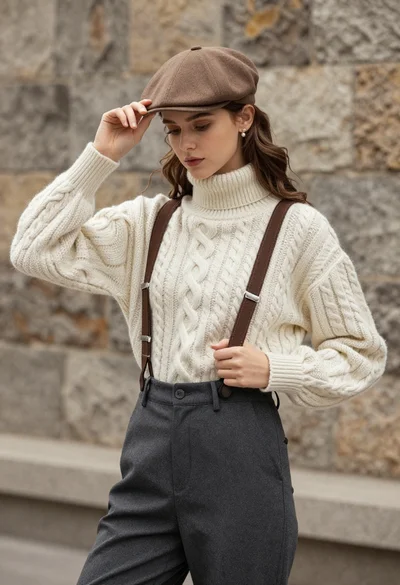
Young woman in cable knit sweater by blurred textured stone wall background

Blonde woman in victorian steampunk attire portrait
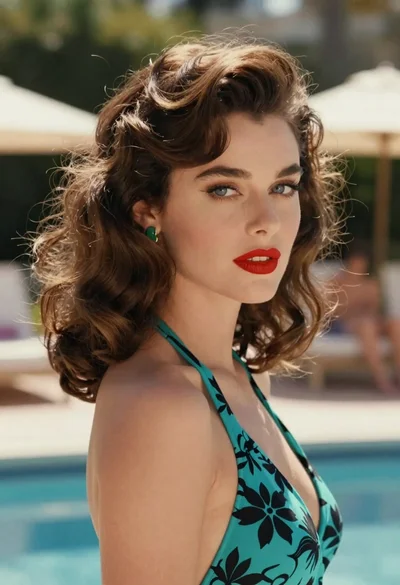
Woman in teal floral swimsuit looking away at poolside on bright day

Young woman in black and white patterned outfit on urban rooftop
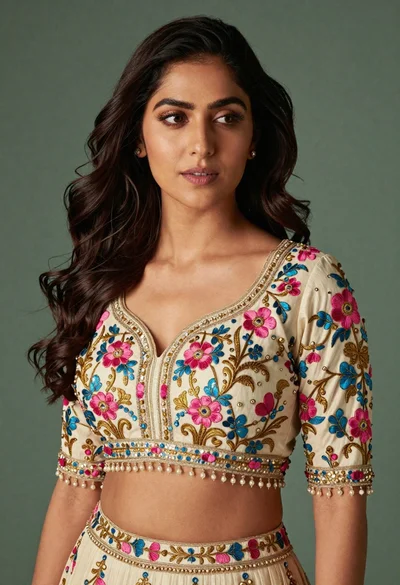
Medium close up portrait of woman in ornate cream lehenga choli
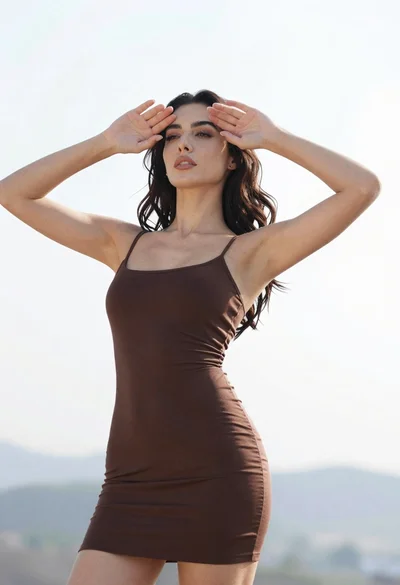
Woman in dark brown slip dress outdoors against bright white sky

Portrait of woman in elaborate red feathered gown against vivid blue background

Medium close up portrait of woman in red black beaded top
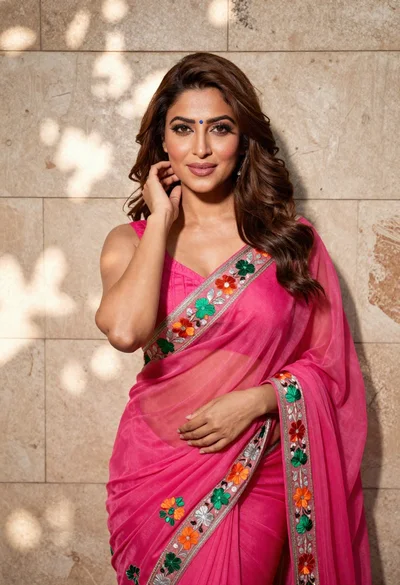
Woman in fuchsia saree posing against textured beige stone wall