
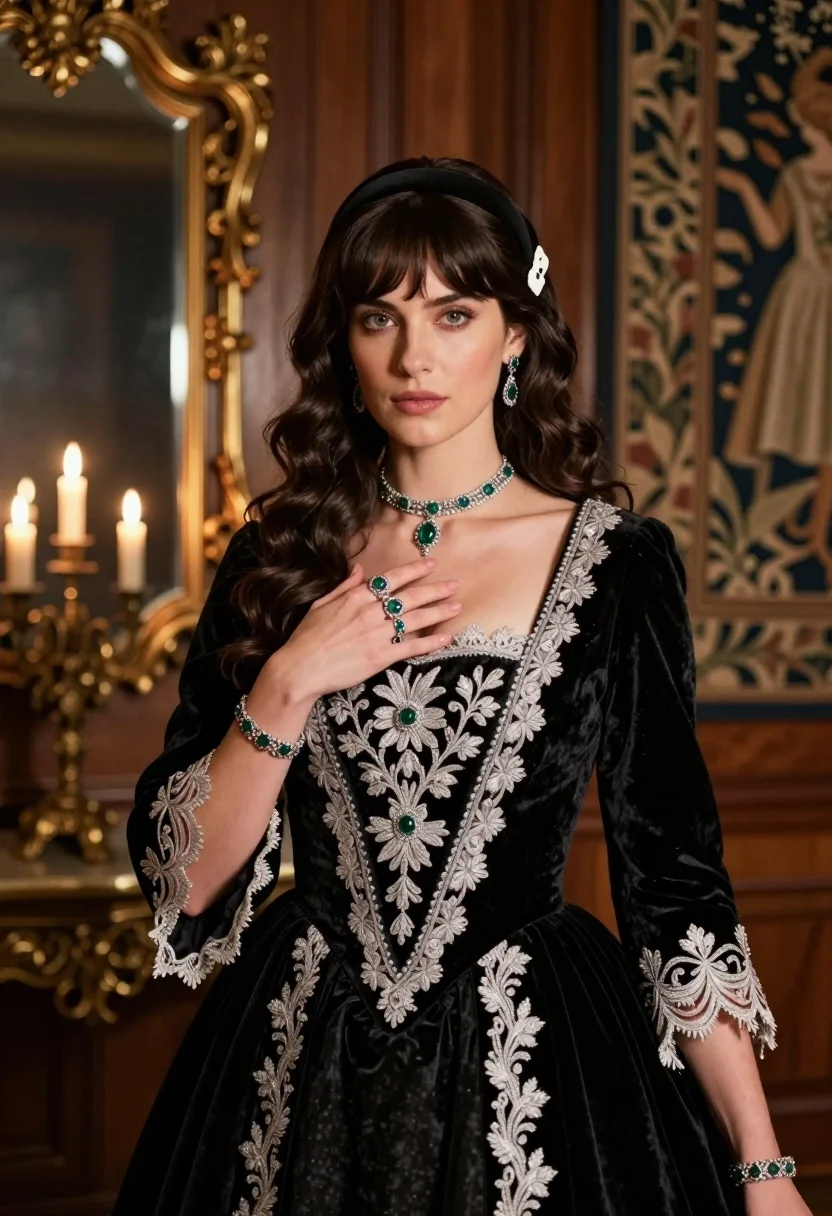
Fair skinned woman in black velvet gown inside luxurious room setting
Prompt
A woman with dark wavy hair and bangs stands in a richly decorated room, wearing an elaborate black velvet gown adorned with silver embroidery and lace.

Subject: A fair-skinned woman with dark wavy hair styled with a black headband and a white decorative clip, featuring light eyes and a neutral expression.

Clothing: An ornate black velvet dress with intricate silver floral embroidery along the edges, sheer lace sleeves, and a deep neckline.

Action: Her right hand is raised to her chest in a graceful gesture, while her left arm rests at her side; she gazes directly forward with a calm demeanor.

Environment: A luxurious interior with polished wooden paneling, a large ornate gold-framed mirror reflecting candlelight, and a tapestry hanging on the wall behind her.

Camera: Medium close-up shot with shallow depth of field, focusing sharply on the subject while softly blurring the background details.

Lighting: Warm ambient lighting from multiple candles in the background creates soft highlights on her face and jewelry, casting gentle shadows that enhance the texture of her clothing.

Objects: A silver choker necklace with emerald green gemstones, matching drop earrings, a ringed hand with multiple rings including emeralds, a bracelet on each wrist, and a small white decorative hair clip.

Style Details: High-fidelity photography with cinematic color grading, rich textures in velvet and lace, elegant composition reminiscent of historical portraiture, and subtle film grain for depth.
Description
This prompt is useful for creating vintage editorial portraits, costume design mood boards, and high-end jewelry advertisements. The combination of 'black velvet gown' with 'silver embroidery' and the 'warm ambient lighting from multiple candles' ensures that the rich textures are visible while the shallow depth of field keeps the focus tightly on the subject's face and accessories.
Suggestions
- Change 'black velvet gown' to 'deep emerald velvet gown' for a color pop.
- Add 'chiaroscuro lighting' to increase dramatic shadow contrast.
- Swap 'polished wooden paneling' for 'dark mahogany wood paneling' for a richer tone.
Category
Tags
Casual WearFair SkinFemaleIndoorsMedium ShotPortrait ShotRealistic
Date added
July 12, 2026
Added by
PromptDexter Team
Related Prompts
More prompts with similar categories and tags.
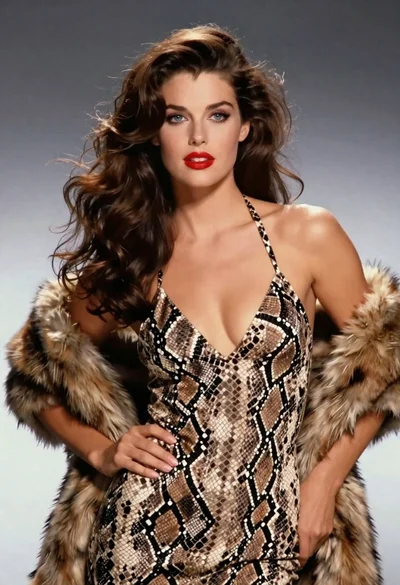
Glamorous woman in snakeskin dress with fur stole studio portrait

Young woman in white lace dress seated against soft floral backdrop

Young woman seated on grey sofa against pink wall fashion portrait

Smiling woman in floral kurta dress indoors with sheer dupatta drape

Blonde woman in striped swimsuit seated on sofa indoors studio shot

Young woman in zebra print dress indoors near wooden dresser

Young woman in navy jumpsuit posing indoors with soft expression

Young woman in black graphic tshirt against white paneled wall

Blonde woman in cream sweater sitting on beige couch
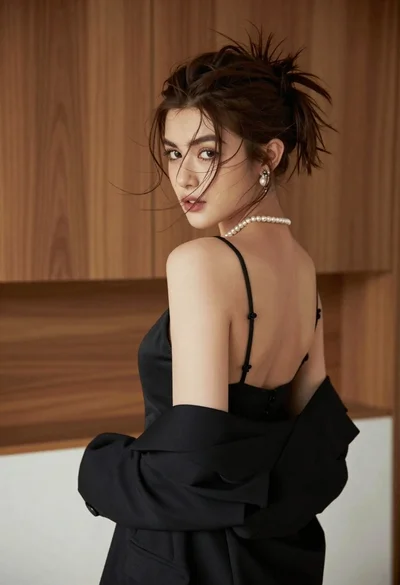
Young woman looking back over shoulder in black dress indoors
