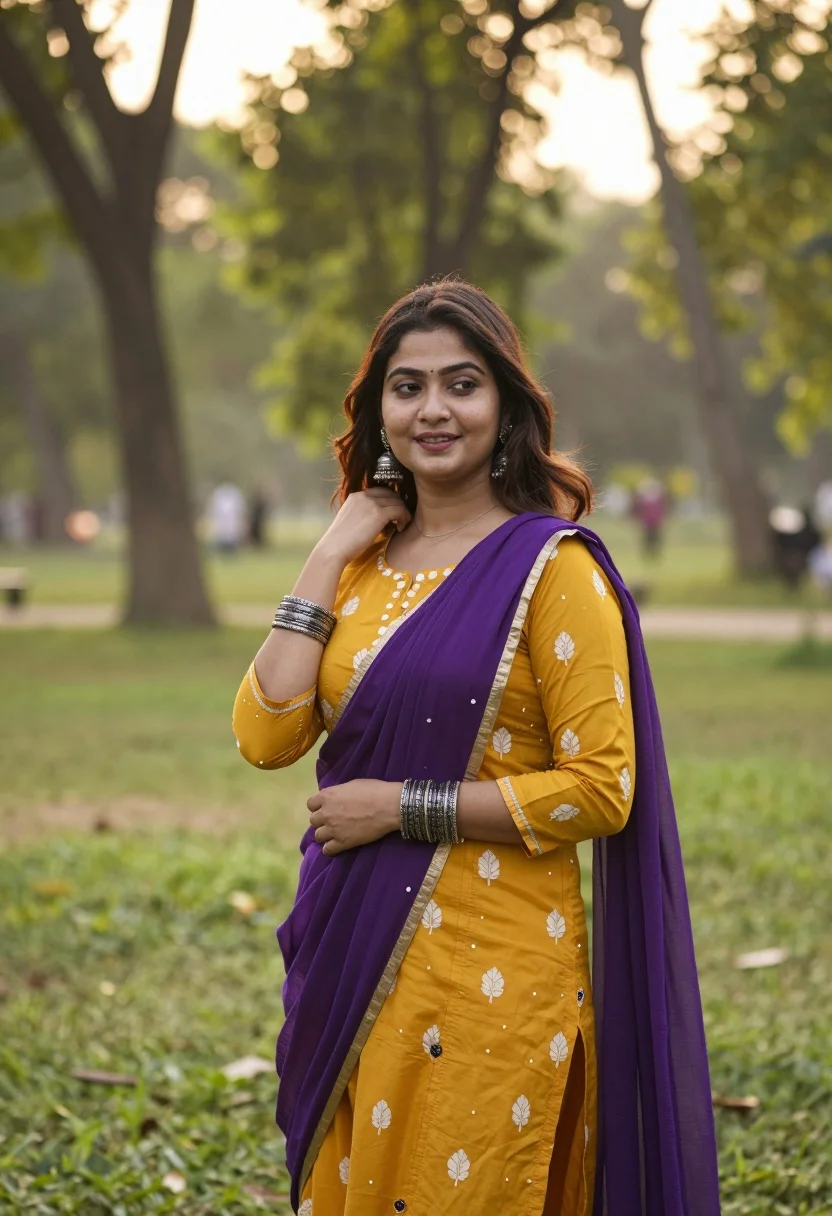
Young woman in mustard kurta standing in sunlit park with flowing dupatta
Prompt
A young woman stands in a sunlit park wearing traditional Indian attire.

Subject: A beautiful young woman with long wavy brown hair and fair skin, smiling gently while looking off to the side.

Clothing: She wears a mustard-yellow kurta with white floral patterns and a flowing purple dupatta draped over her shoulder, accessorized with large silver jhumka earrings, a silver bracelet on her wrist, and multiple silver bangles on her other arm.

Action: Her right hand is raised to touch her hair near her neck while her left hand rests gently against her waist.

Environment: A lush green park setting with tall trees in the background that are softly blurred into bokeh by the sunlight.

Lighting: Warm golden hour sunlight filters through the trees, creating a soft glow and highlighting the subject's features.

Camera: Medium shot with a shallow depth of field that keeps the woman sharp while blurring the background trees.

Style Details: Naturalistic photography style with vibrant colors and a dreamy, high-quality aesthetic.
Description
This prompt is useful for creating lifestyle editorial spreads, cultural portraiture for magazines, and e-commerce lookbooks featuring ethnic wear. The combination of 'mustard-yellow kurta' against the 'lush green park setting,' coupled with 'warm golden hour sunlight,' ensures that the vibrant colors pop while the shallow depth of field isolates the subject, preventing the background from distracting from the intricate details of the silver jewelry and flowing dupatta.
Suggestions
- Change 'mustard-yellow kurta' to 'deep emerald kurta' for a richer color contrast.
- Swap 'purple dupatta' for 'marigold dupatta' to match the warmth of the light.
- Add 'bokeh effect, creamy highlights' to enhance the background blur.
Category
Tags
Brown HairFair SkinFemaleMedium ShotOutdoorsRealisticTraditional Wear
Date added
August 5, 2026
Added by
PromptDexter Team
Related Prompts
More prompts with similar categories and tags.
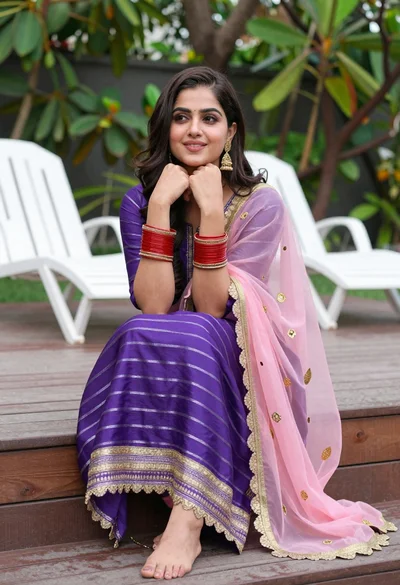
Young woman in purple salwar kameez on wooden garden deck
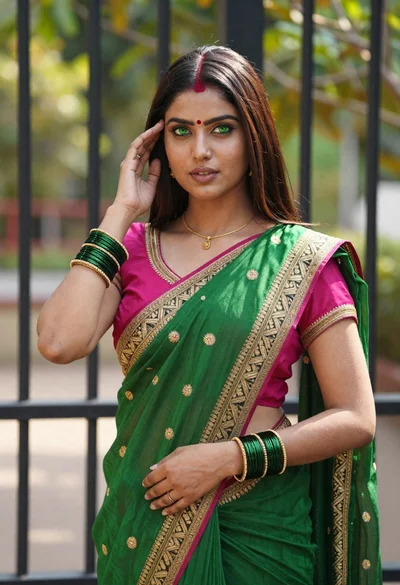
Young indian woman in green saree posing in front of garden
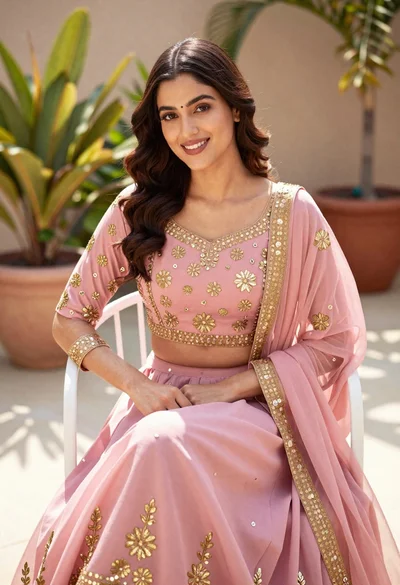
Young woman in pink traditional lehenga sitting on chair outdoors
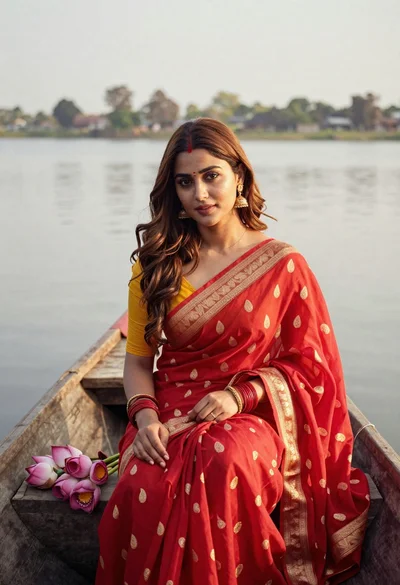
Young woman in red saree sitting in wooden boat on calm water
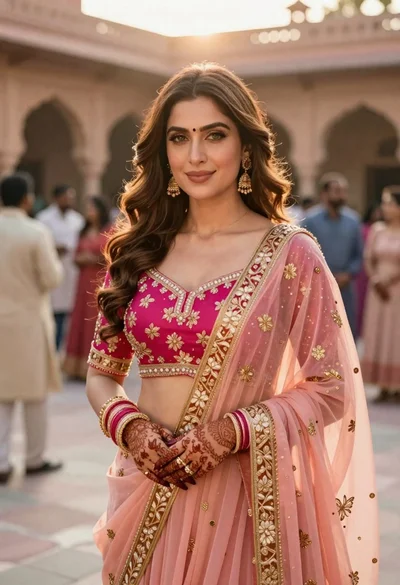
Indian woman in pink and peach traditional dress in sunlit courtyard
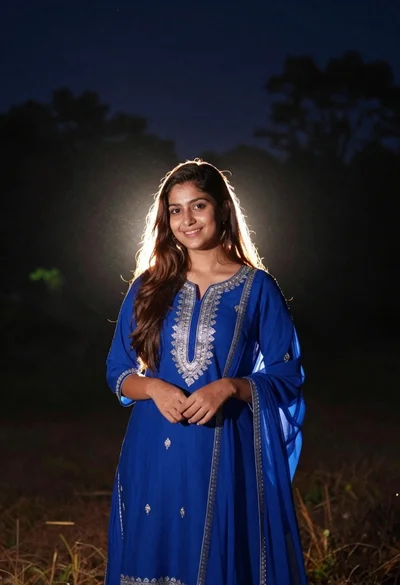
Young woman in royal blue traditional tunic standing outdoors at night with
Young woman in cream gown looking back over shoulder at wooden pavilion
Young woman in kebaya beside vintage car in sunlit architectural corridor

Woman standing barefoot in dry autumn field at golden hour

Young woman in black and white patterned outfit on urban rooftop
