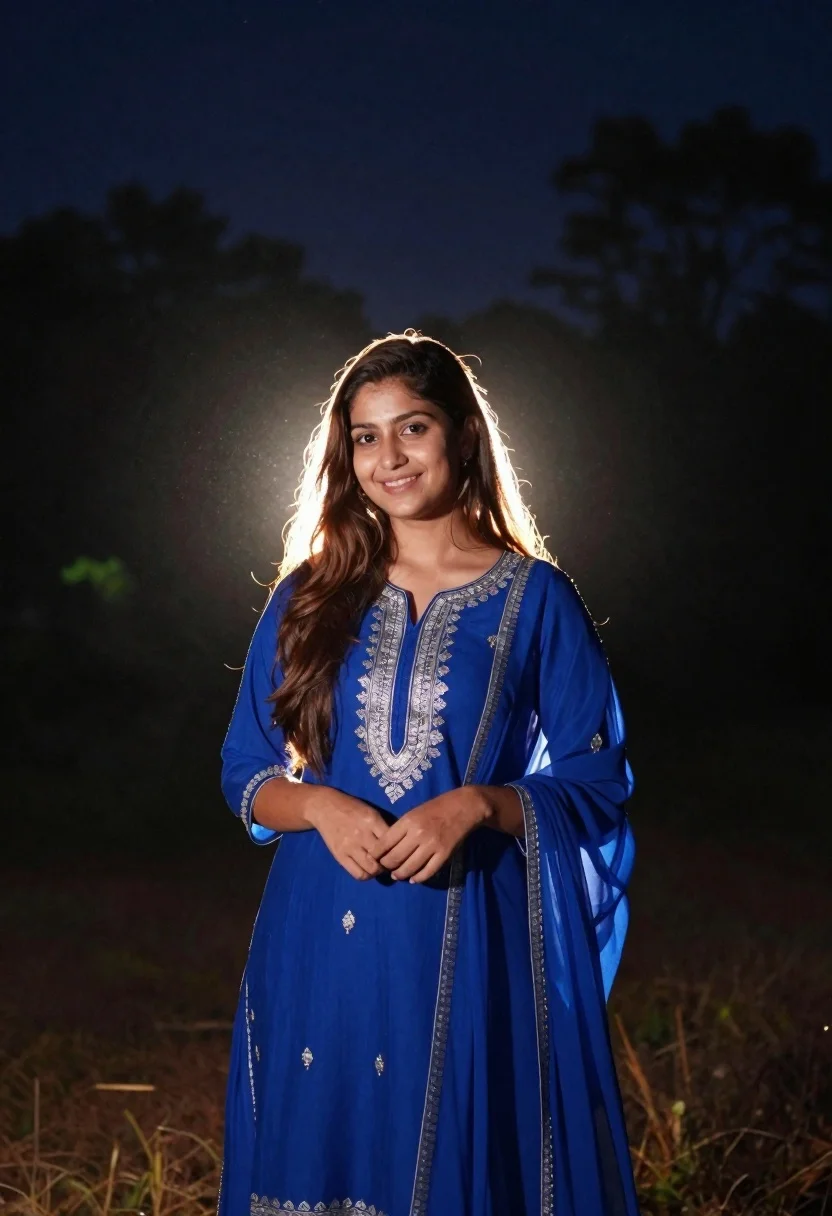
Young woman in royal blue traditional tunic standing outdoors at night with
Prompt
A young woman stands in a dark outdoor setting at night, illuminated by a bright backlight that creates a glowing halo effect around her hair and shoulders.

Subject: A smiling young woman with long brown hair, fair skin, and a gentle expression looking directly at the camera.

Clothing: She wears a vibrant royal blue traditional tunic with intricate silver embroidery along the neckline, sleeves, and hem, paired with a matching sheer blue dupatta draped over her shoulder.

Action: She stands in a relaxed pose with her hands gently clasped in front of her waist, smiling warmly.

Environment: The background consists of dark silhouettes of trees and foliage against a deep night sky, with faint stars visible above the backlight.

Lighting: A strong backlight shines from behind the subject, creating a dramatic rim light that highlights her hair and shoulders while leaving the foreground in soft shadow.

Camera: The shot is framed as a medium portrait with a shallow depth of field that blurs the background trees to emphasize the glowing subject.

Style Details: The image features a cinematic night photography aesthetic with high contrast between the bright backlight and dark surroundings, enhanced by a soft glow and subtle lens flare.
Description
This prompt is useful for creating dramatic cultural portraiture, editorial fashion spreads set at night, and atmospheric character concept art. The combination of 'vibrant royal blue traditional tunic' against 'dark silhouettes of trees' utilizes the strong backlight to carve out the subject's form, ensuring that the intricate silver embroidery remains visible despite the high contrast with the deep night sky.
Suggestions
- Change 'deep night sky' to 'moonlit indigo sky' for a cooler tone.
- Swap 'intricate silver embroidery' for 'gold zari work' to change the metallic highlight.
- Adjust 'medium portrait' to 'full body shot' to better showcase the tunic's hem.
Category
Tags
Brown HairFair SkinFemaleMedium ShotOutdoorsRealisticTraditional Wear
Date added
June 26, 2026
Added by
PromptDexter Team
Related Prompts
More prompts with similar categories and tags.
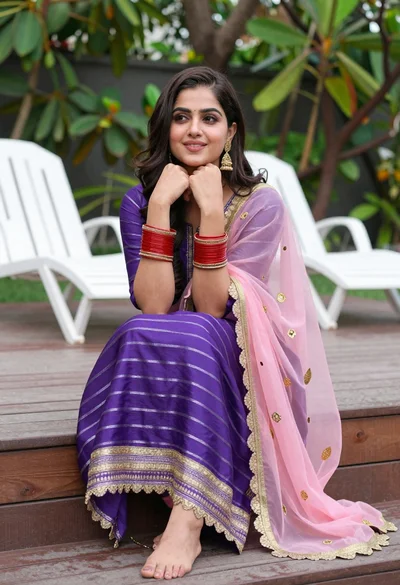
Young woman in purple salwar kameez on wooden garden deck
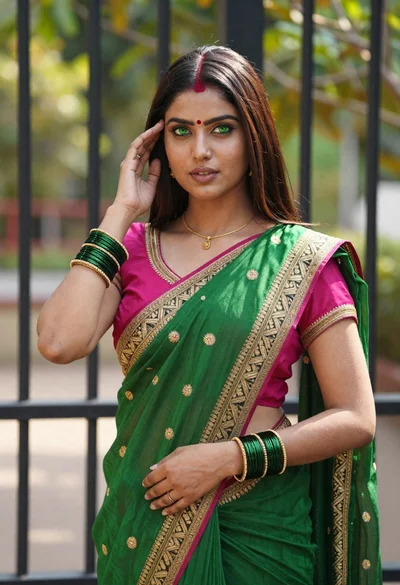
Young indian woman in green saree posing in front of garden
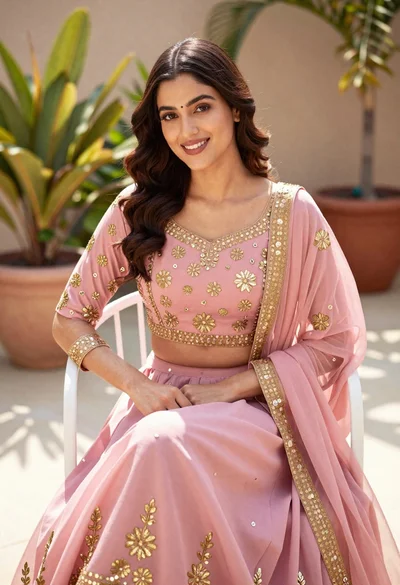
Young woman in pink traditional lehenga sitting on chair outdoors
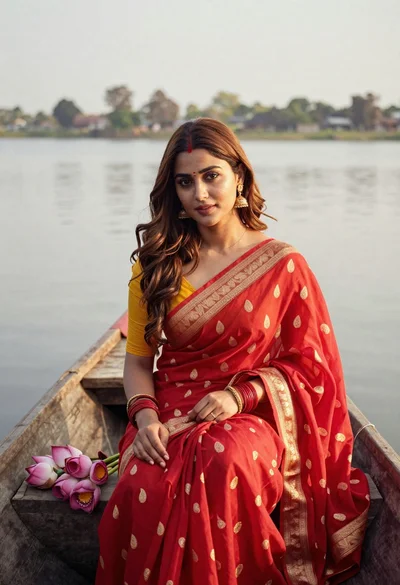
Young woman in red saree sitting in wooden boat on calm water
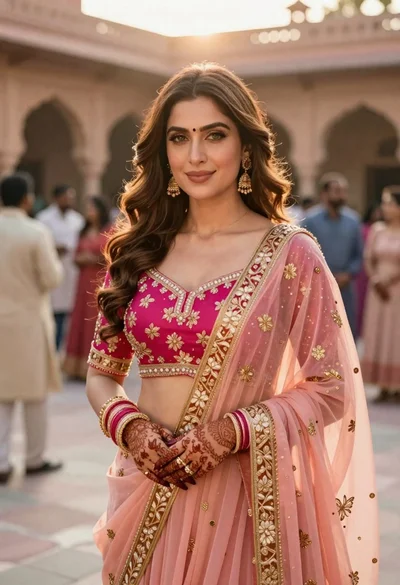
Indian woman in pink and peach traditional dress in sunlit courtyard
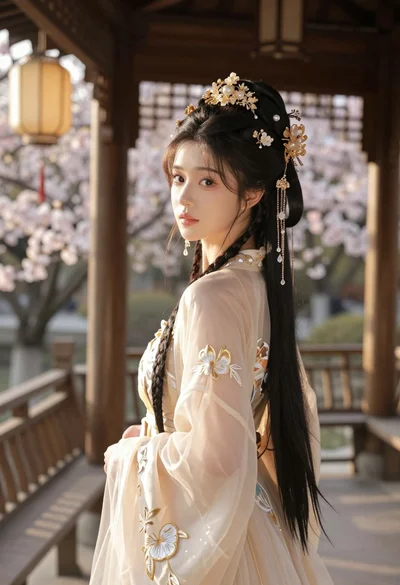
Young woman in cream gown looking back over shoulder at wooden pavilion
Young woman in kebaya beside vintage car in sunlit architectural corridor

Woman in gold sequin slip dress looking over shoulder in forest
