
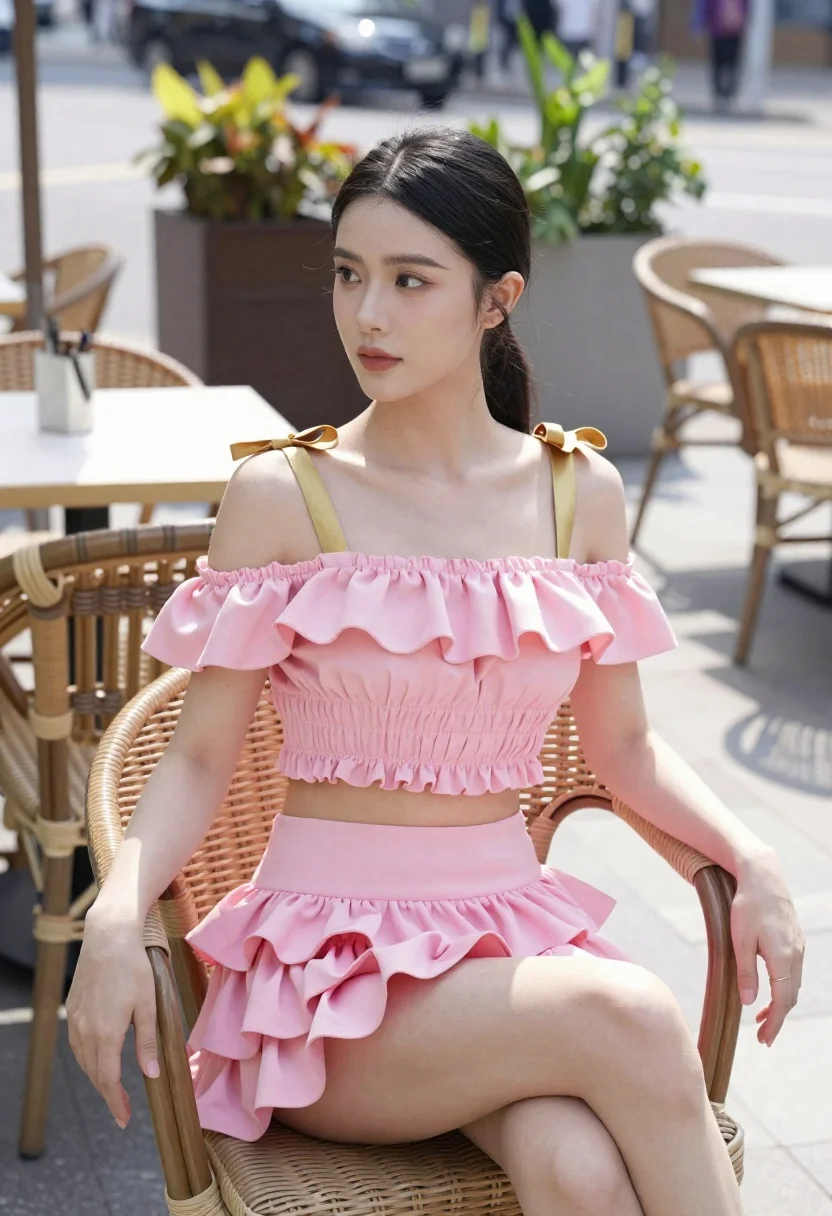
Young woman in pink ruffled outfit sitting at an outdoor cafe
Prompt
A young woman with dark hair pulled back sits elegantly on a wicker chair in an outdoor cafe setting.

Subject: A woman with dark hair tied back in a low ponytail, featuring a fair complexion and a calm, composed facial expression.

Clothing: She wears a matching pink two-piece outfit consisting of a ruffled off-the-shoulder crop top with gold bow straps and a tiered ruffled mini skirt.

Action: She is seated with her left arm resting on the back of the chair and her legs crossed at the knee, looking slightly upward and to the side.

Environment: The setting is a paved outdoor patio area with stone tiles, featuring blurred background elements including potted plants, tables, and chairs typical of a cafe or restaurant.

Camera: Shot from a medium close-up angle with a shallow depth of field that keeps the subject in sharp focus while softly blurring the background street scene.

Lighting: Bright natural daylight illuminates the scene from above, casting soft shadows and highlighting the texture of her clothing and skin.

Style Details: The image has a high-fashion editorial quality with vibrant colors and a clean, polished aesthetic.
Description
This prompt is useful for creating lifestyle magazine features, bridal fashion inspiration boards, and character concept art for romantic narratives. The combination of 'bright natural daylight' casting soft shadows against the 'wicker chair' grounds the high-fashion editorial quality by providing tangible texture to both the subject and the immediate environment, preventing the scene from feeling overly studio-lit.
Suggestions
- Change 'pink two-piece outfit' to 'dusty rose silk ensemble' for a more muted palette.
- Add 'bokeh effect' to enhance the background blur.
- Swap 'low ponytail' for 'loose waves' to soften the overall look.
Category
Tags
Black HairFair SkinFemaleMedium ShotOutdoorsPortrait ShotRealisticUrban
Date added
June 21, 2026
Added by
PromptDexter Team
Related Prompts
More prompts with similar categories and tags.
Young woman in white lace outfit standing by tropical leaves and flowers
Young woman in pink outfit holding flower basket near bougainvillea flowers
Young woman in fur hat at cozy outdoor cafe during christmas
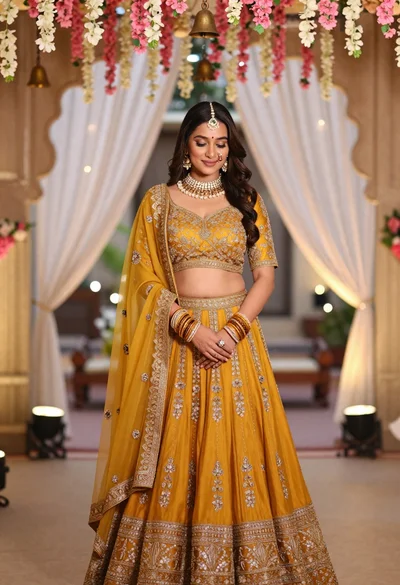
Young indian woman in mustard yellow lehenga standing under floral archway
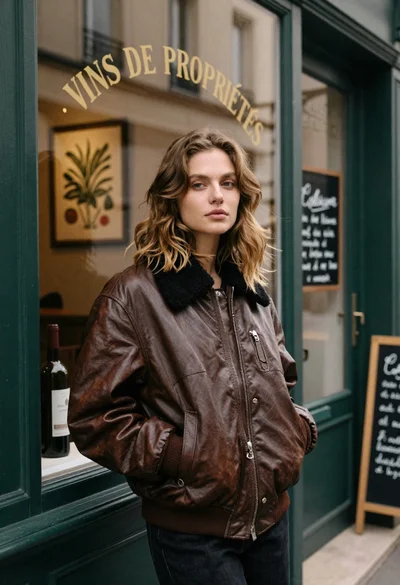
Fair skinned woman in brown leather jacket outside shop window
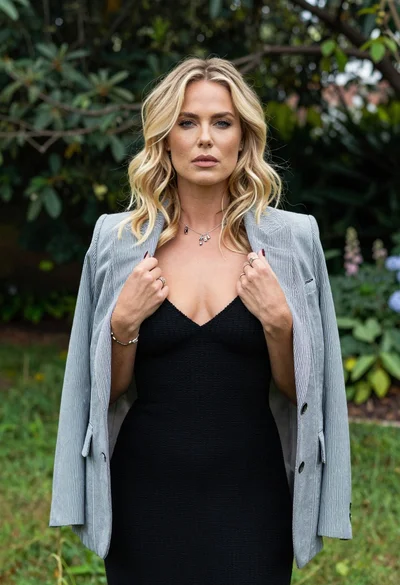
Blonde woman in striped blazer standing in lush green garden setting
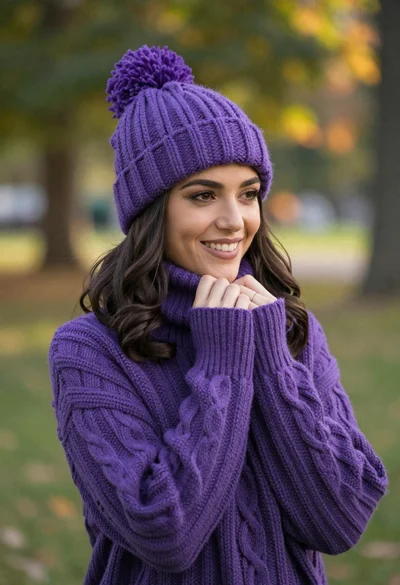
Smiling young woman in purple knit beanie and sweater in sunny park

Woman in black dress by window overlooking ocean at golden hour
