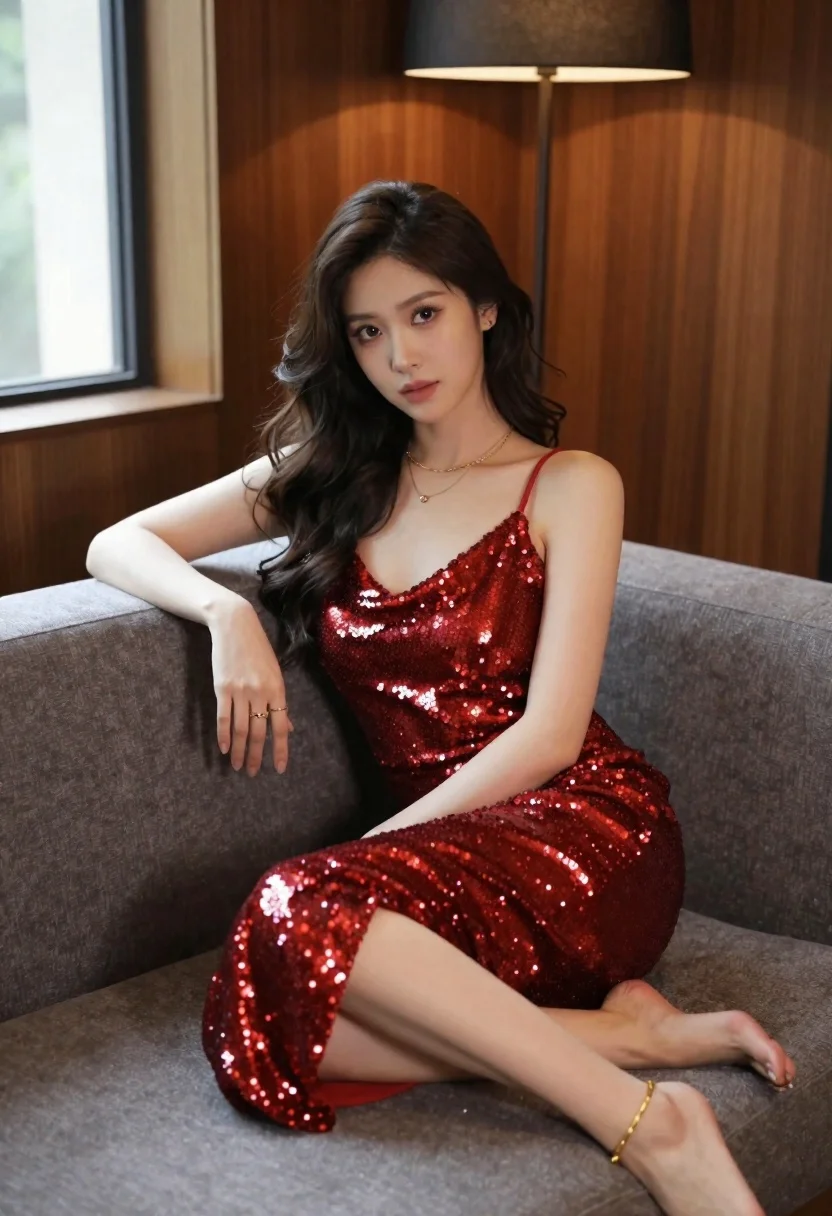
Young woman in red sequin dress sitting on plush grey sofa
Prompt
A woman with long wavy dark hair sits elegantly on a plush grey sofa wearing a shimmering red sequin slip dress.

Subject: A young woman with fair skin and long, voluminous dark brown wavy hair cascading over her shoulders. She has a soft, confident expression with direct eye contact and subtle makeup highlighting her features.

Clothing: She wears a floor-length red slip dress covered in dense sequins that catch the light, featuring thin spaghetti straps and a deep V-neckline. She is accessorized with layered delicate gold necklaces and multiple rings on her fingers, along with a thin gold anklet.

Action: She sits with one arm resting casually on the back of the sofa and her legs crossed at the knee, exuding a relaxed yet poised posture.

Environment: The setting is an interior room with dark wood paneling on the wall behind her. A modern floor lamp with a dark shade stands in the background near a window that lets in soft daylight.

Camera: Shot from a medium-full angle capturing the subject from head to toe, utilizing a shallow depth of field to blur the background slightly and emphasize the texture of the dress and sofa.

Lighting: The scene is lit by a mix of soft ambient light from the window and warm artificial light from the lamp, creating gentle highlights on the sequins and smooth skin tones with minimal harsh shadows.

Style Details: High-resolution photography with a polished, editorial aesthetic, rich color grading that emphasizes the deep reds and warm wood tones, and a clean composition focused on fashion and elegance.
Description
This prompt is useful for creating high-end magazine editorials, costume concept art, or luxury brand lookbooks featuring evening wear. The combination of 'shimmering red sequin slip dress' against the dark wood paneling and soft daylight ensures that the sequins catch light dramatically while the shallow depth of field keeps the focus tightly on the subject’s pose and the dress texture.
Suggestions
- Change 'plush grey sofa' to 'velvet emerald sofa' for a richer color contrast.
- Add 'rim lighting from the side' to enhance the sequin sparkle.
- Swap 'dark wood paneling' for 'onyx marble wall' for a more dramatic backdrop.
Category
Tags
Brown HairFair SkinFemaleFull BodyIndoorsMedium ShotPortrait ShotRealistic
Date added
June 21, 2026
Added by
PromptDexter Team
Related Prompts
More prompts with similar categories and tags.
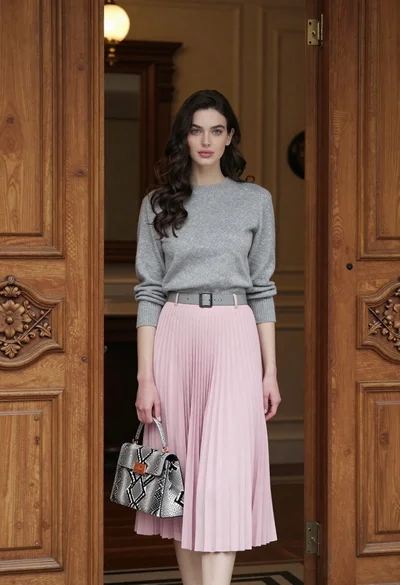
Young woman in grey sweater and pink skirt standing in ornate doorway
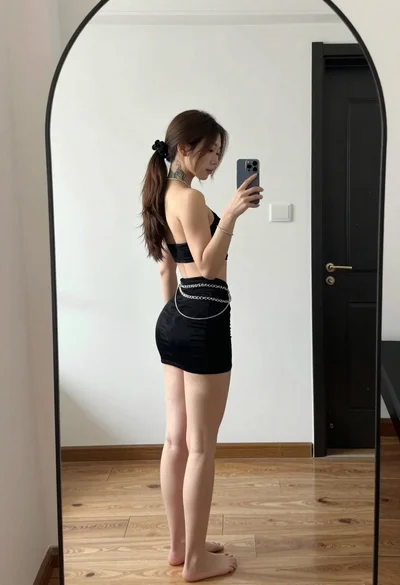
Young woman in black outfit taking mirror selfie in indoor room
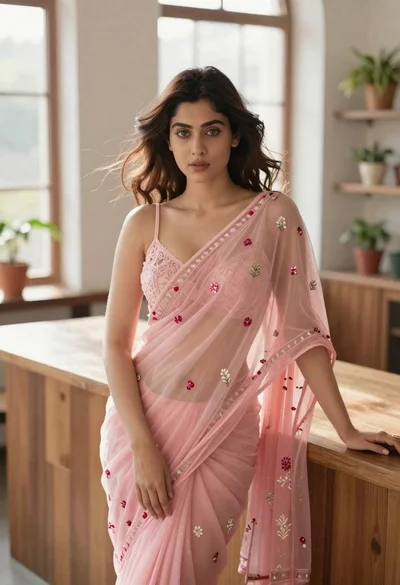
Young woman in pink saree leaning against counter in sunlit room
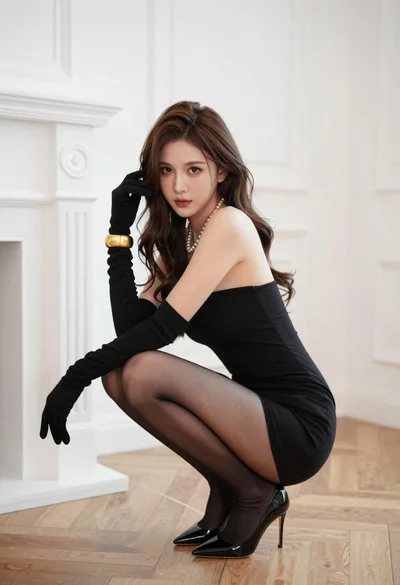
Woman in black strapless mini dress crouching in luxurious room

Young woman in white lace dress seated against soft floral backdrop
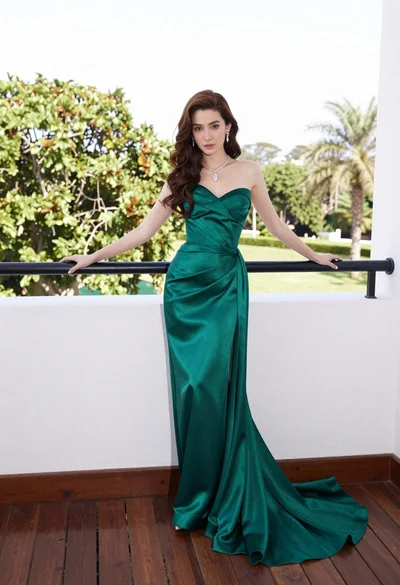
Woman in emerald green gown standing on an outdoor balcony overlooking trees

Young woman seated on grey sofa against pink wall fashion portrait

Fair skinned woman in black sequined outfit sitting elegantly indoors