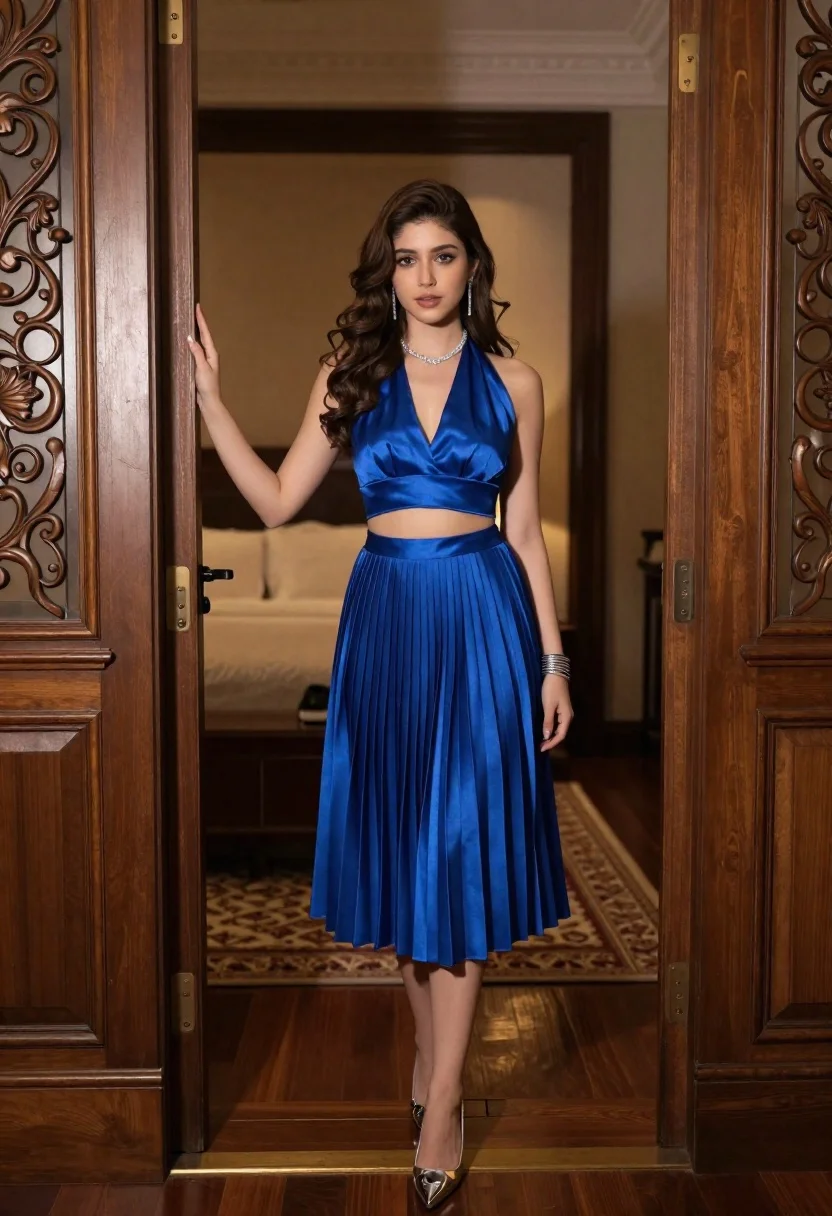
Young woman in royal blue outfit standing in an ornate wooden doorway
Prompt
A young woman with long wavy brown hair stands in a doorway wearing a royal blue two-piece outfit consisting of a halter crop top and a pleated midi skirt.

Subject: A young woman with long wavy dark brown hair, fair skin, and a neutral expression looking directly at the camera.

Clothing: She wears a vibrant royal blue satin halter crop top and a matching high-waisted pleated midi skirt that falls to mid-calf, accessorized with a sparkling diamond necklace, dangling earrings, a stack of silver bangles on her left wrist, and pointed-toe silver heels.

Action: She stands facing forward with her body slightly angled, her right hand resting against the edge of an open wooden door frame while her left arm hangs relaxed by her side.

Environment: The setting is a luxurious interior featuring dark polished wood floors, a patterned rug, and ornate carved wooden doors on either side of the entrance that reveal a softly lit bedroom with warm tones in the background.

Camera: Shot from a straight-on eye-level perspective using a medium full-body framing that captures the subject from head to toe within the architectural frame.

Lighting: The scene is illuminated by soft, warm ambient light coming from the interior room behind her, creating a gentle glow on her face and highlighting the sheen of her blue fabric while casting subtle shadows in the doorway.

Style Details: High-resolution digital photography with a cinematic color palette emphasizing deep blues and rich wood textures, featuring a shallow depth of field that keeps the subject sharp while blurring the background details.
Description
This prompt is useful for creating editorial fashion moodboards, luxury interior design visualizations, and character concept art for period dramas. The combination of 'royal blue satin' against 'dark polished wood floors' establishes a rich contrast that prevents the subject from looking pasted onto the background, while the 'shallow depth of field' ensures the viewer focuses on the intricate details of the outfit and jewelry.
Suggestions
- Change 'satin' to 'velvet' for a more matte texture.
- Swap 'ornate carved wooden doors' for 'minimalist concrete archway' for a modern contrast.
- Adjust 'soft, warm ambient light' to 'dramatic chiaroscuro lighting' for higher contrast.
Category
Tags
Brown HairFair SkinFemaleFull BodyIndoorsMedium ShotPortrait ShotRealistic
Date added
June 21, 2026
Added by
PromptDexter Team
Related Prompts
More prompts with similar categories and tags.
Young woman in black outfit taking mirror selfie in indoor room
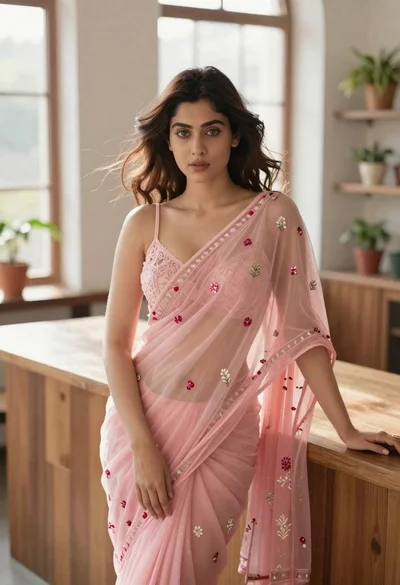
Young woman in pink saree leaning against counter in sunlit room
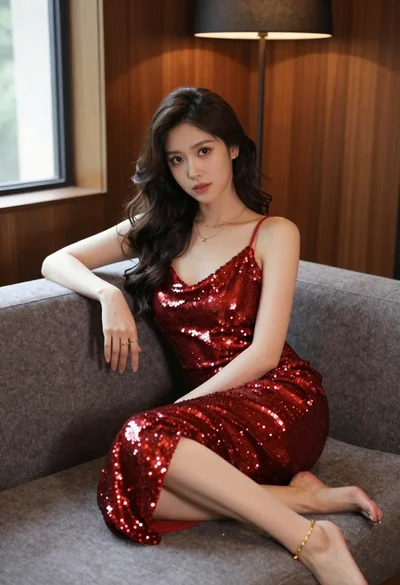
Young woman in red sequin dress sitting on plush grey sofa
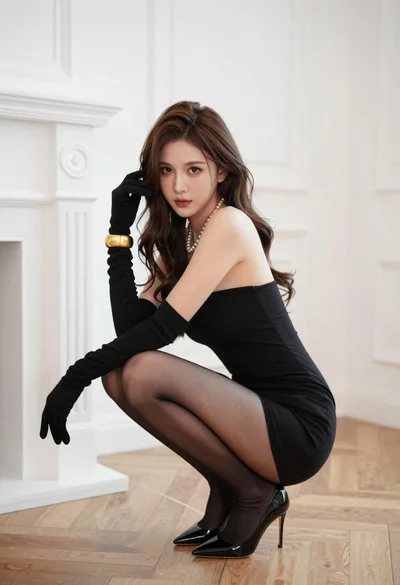
Woman in black strapless mini dress crouching in luxurious room

Young woman in white lace dress seated against soft floral backdrop
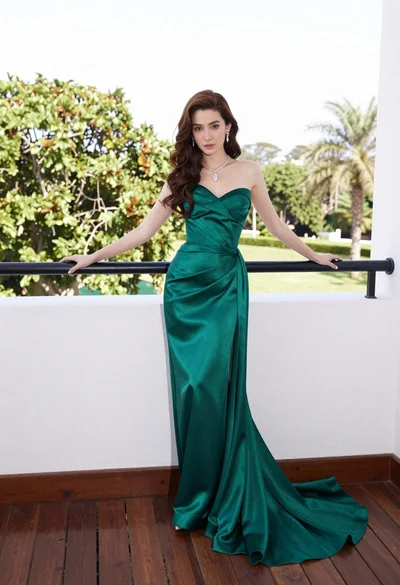
Woman in emerald green gown standing on an outdoor balcony overlooking trees

Young woman seated on grey sofa against pink wall fashion portrait

Fair skinned woman in black sequined outfit sitting elegantly indoors