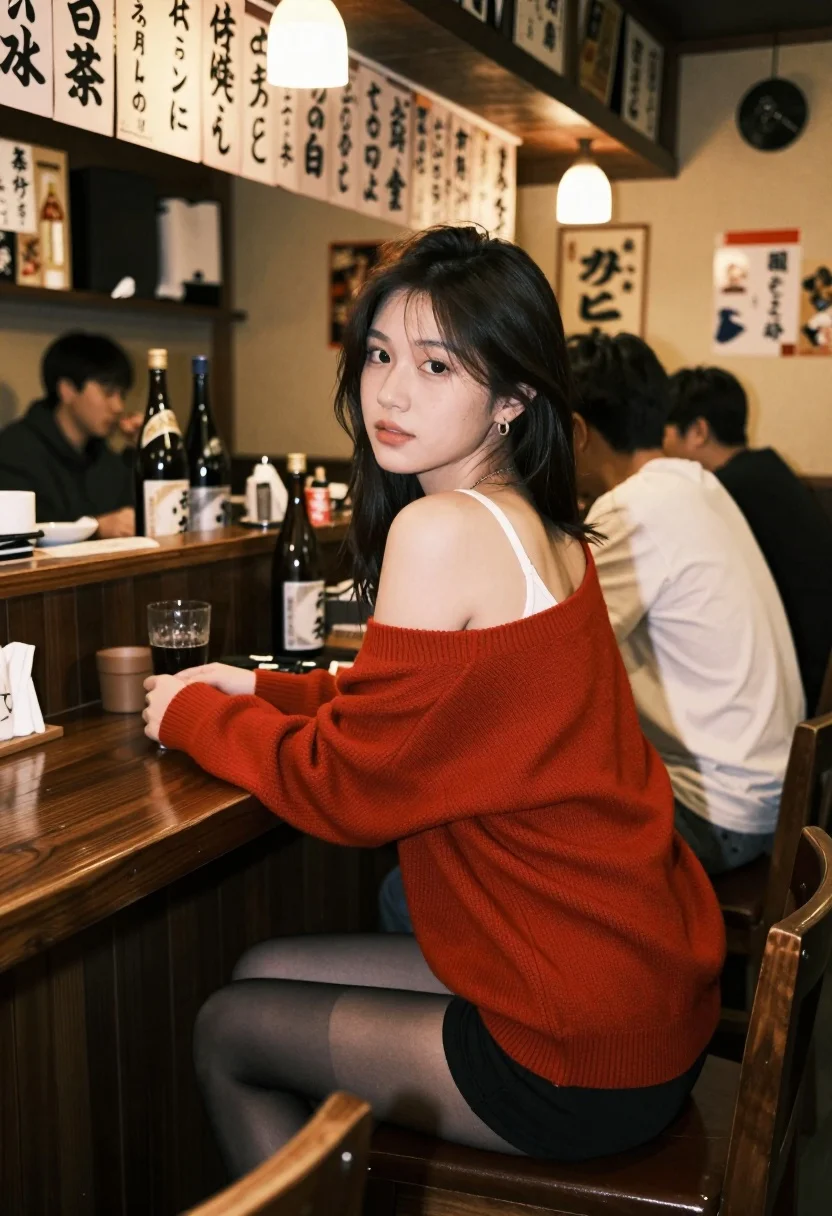
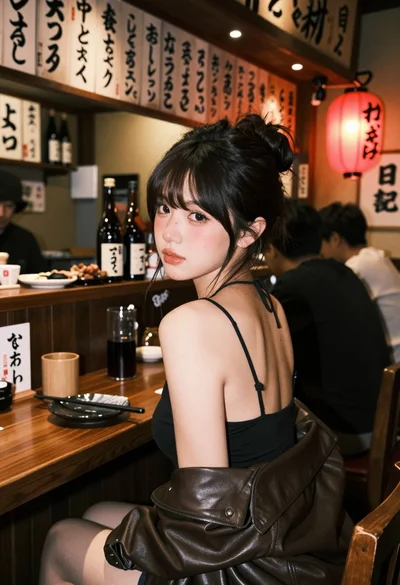
Young woman in red sweater at wooden bar counter in japanese izakaya
Prompt
A young woman with dark hair sits at a wooden bar counter in a dimly lit Japanese izakaya, looking back over her shoulder toward the camera with a soft expression.

Subject: A young woman with long dark hair and fair skin, wearing a white tank top under an oversized red sweater draped off one shoulder, paired with black shorts and sheer stockings.

Clothing: White tank top, red oversized knit sweater worn off-shoulder, black shorts, sheer black stockings, small hoop earrings, delicate necklace.

Action: Sitting on a wooden bar stool, turned slightly away from the camera but looking back over her left shoulder, relaxed posture with one arm resting on the counter.

Environment: Traditional Japanese izakaya interior with dark wood counters, paper menu boards with Japanese text and prices hanging on the wall, bottles of sake or beer on the counter, other patrons seated in the background including men in casual shirts.

Camera: Medium shot from slightly low angle, shallow depth of field keeping focus on the woman while softly blurring the background patrons and decor.

Lighting: Warm ambient lighting with a single overhead bulb casting soft highlights on her face and sweater, creating gentle shadows and a cozy nighttime atmosphere.

Style Details: Film photography aesthetic with grainy texture, muted color palette, natural skin tones, candid composition, reminiscent of 1980s–90s Japanese street or lifestyle photography.
Description
This prompt is useful for creating cinematic character portraits, atmospheric restaurant scene visualizations, and editorial mood boards evoking nostalgia. The combination of 'dimly lit Japanese izakaya' setting with 'warm ambient lighting' ensures that the focus remains tightly on the subject while the background elements—like the 'paper menu boards'—provide rich cultural context without distracting from her 'soft expression'.
Suggestions
- Change 'oversized red sweater' to 'cable-knit burgundy sweater' for a richer color.
- Add 'bokeh effect' to the camera section for more pronounced background blur.
- Swap '1980s–90s Japanese street or lifestyle photography' for 'Kodak Portra 400 film grain' for a specific film emulation.
Category
Tags
Fair SkinFemaleIndoorsLow AngleMedium ShotRealistic
Date added
July 3, 2026
Added by
PromptDexter Team
Related Prompts
More prompts with similar categories and tags.
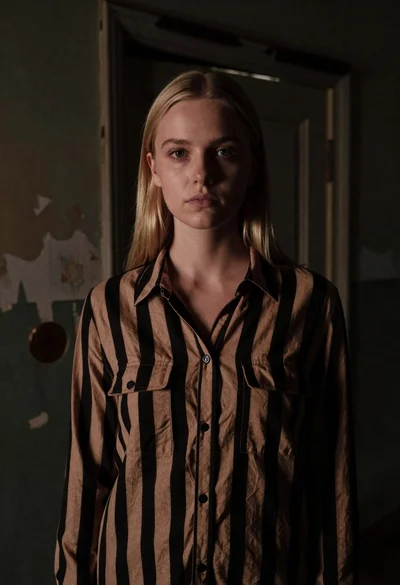
Fair skinned woman with straight blonde hair in striped shirt inside dimly
Young woman at wooden counter in dimly lit japanese izakaya bar setting
Young blonde woman in white lace dress standing in blue doorway
Young woman in school uniform looking back over shoulder down hallway

Young woman in white blouse leaning against beige wall near mirror
Woman in green dress looking over shoulder in bright ballroom setting
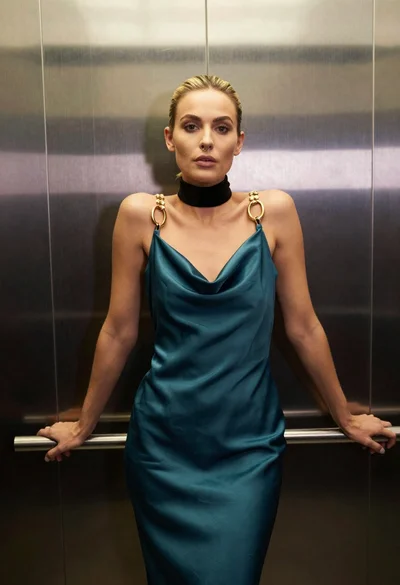
Blonde woman in teal slip dress leaning on elevator handrail
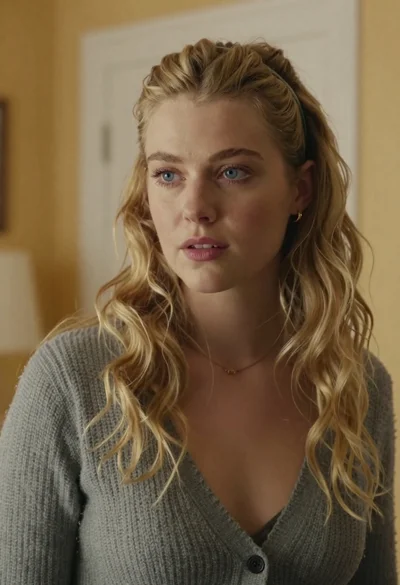
Medium close up portrait of blonde woman in grey cardigan indoors

Woman in green satin slip dress standing in sunlit elegant interior room
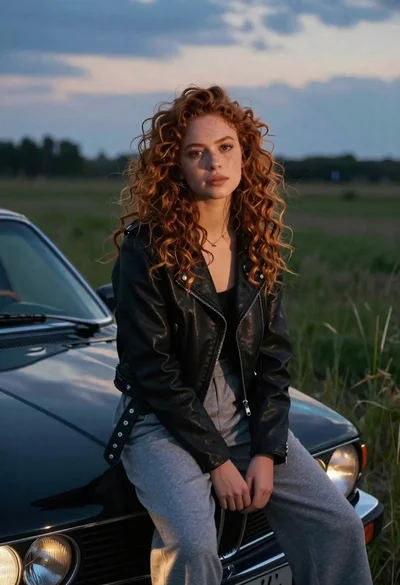
Young woman with curly hair sitting on a vintage car in a